Skip to content

abood299

Finding my way
  • Joined

  • Last visited

Everything posted by abood299

  1. I got it , thank you so much
  2. Hello , i have actived sport monitors and smart link using preh solution , And now i want to use navigation script , The unit now is blocked from any update till i do software update with same version then i can use any update or script for the unit .
  3. Hi , does anyone have this update : MOI3_EU_SKMQB_P1560P Software version : 156
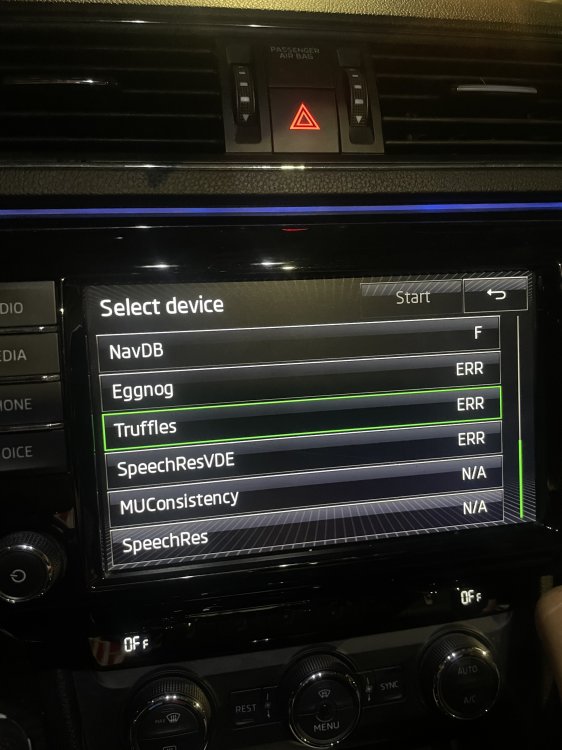
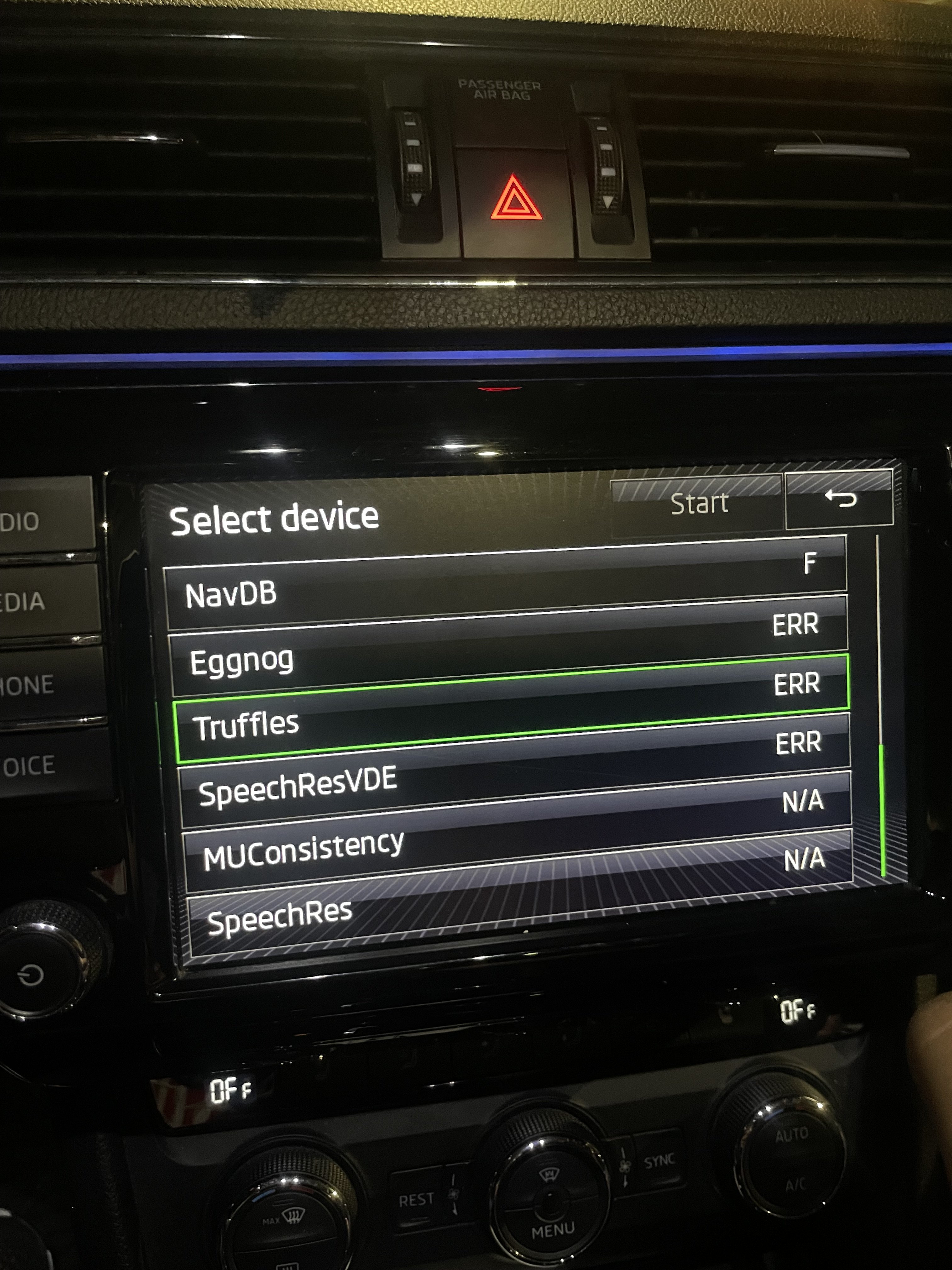
  4. my skoda has eu maps downloaded and i want to download ROW maps ipacthed the unit and delete eu maps from green engineering menu and changed the system region to ROW and navigation region to meast and thats the result : What should i do to solve this err and start download
  5. I saw there is 1233 1240 Then 1433 I have to download each one to reach 1433 ? Or there is specific process to do it ?
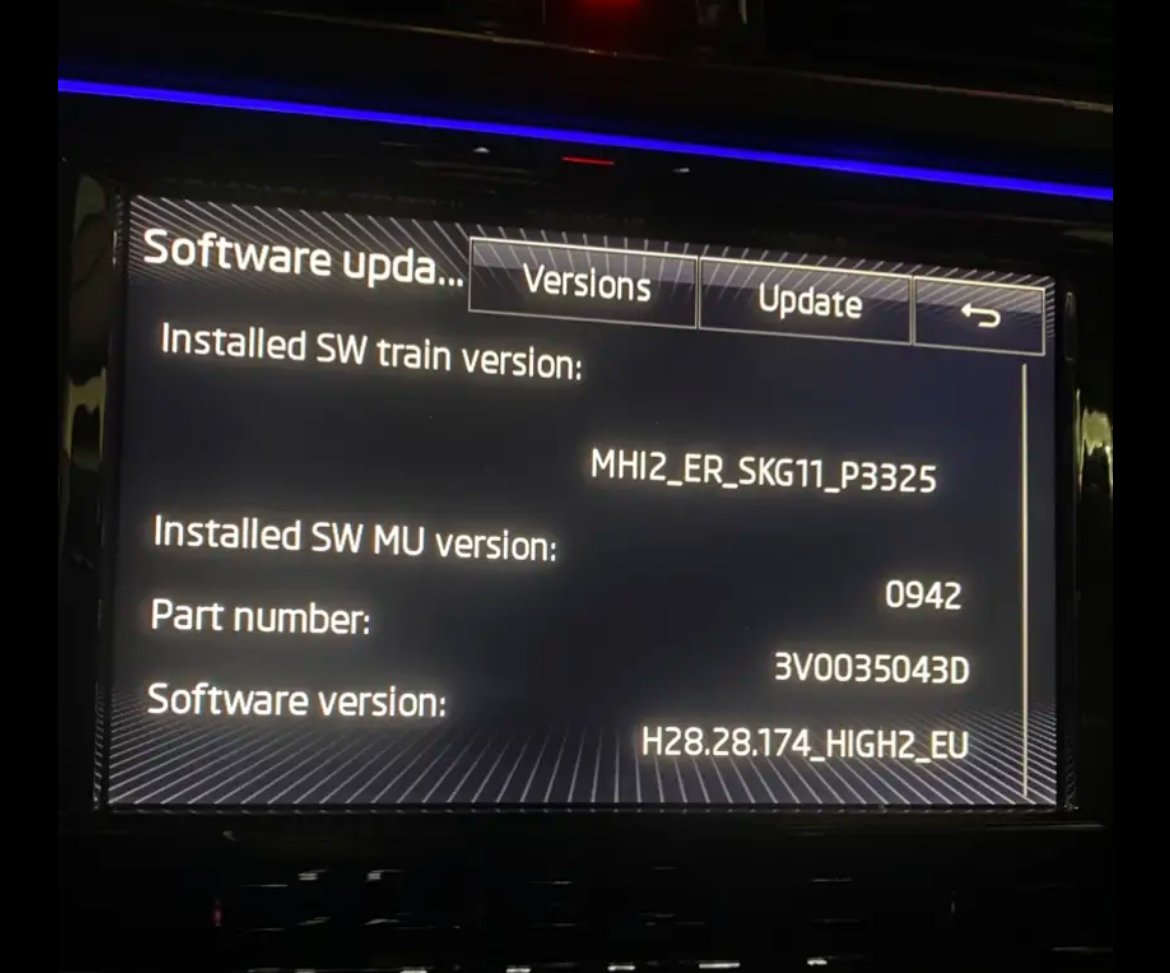
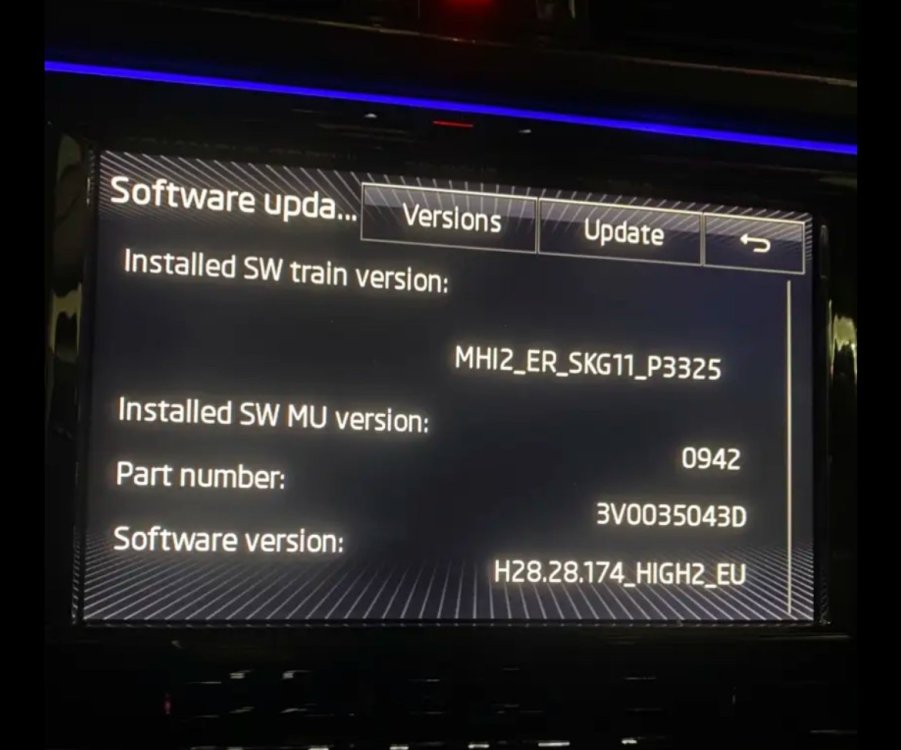
  6. Hi, iwant to update my skoda supereb screen from MHI2_ER_SKG11_ P3325_0942 to MHI2_ER_SKG11_K3343_1433 Is there any risk to do that as component protection or somthing ,it would be great if there is instruction files for this. And where can i get the files for this update , thanks alot.
Important Information

Welcome to BRISKODA. Please note the following important links Terms of Use. We have a comprehensive Privacy Policy. We have placed cookies on your device to help make this website better. You can adjust your cookie settings, otherwise we'll assume you're okay to continue.

Account

Navigation

Configure browser push notifications

Chrome (Android)
  1. Tap the lock icon next to the address bar.
  2. Tap Permissions → Notifications.
  3. Adjust your preference.
Chrome (Desktop)
  1. Click the padlock icon in the address bar.
  2. Select Site settings.
  3. Find Notifications and adjust your preference.