Zulu_Tango
New here
-
Joined
-
Last visited
Everything posted by Zulu_Tango
-
That's my fear - it must be something to do with pressure that's forcing oil out the filler cap. I didn't think it was possibly for oil to escape from here, due to the seal on the cap, but presumably this is path of least resistance.
-
Thanks T07; I saw this too (on a Briskoda thread) and got the new filler cap in April.
-
It's usually topped up between 250-500ml; dipstick checked after about 10 minutes of switching off the engine at operating temperature (90 degrees)
-
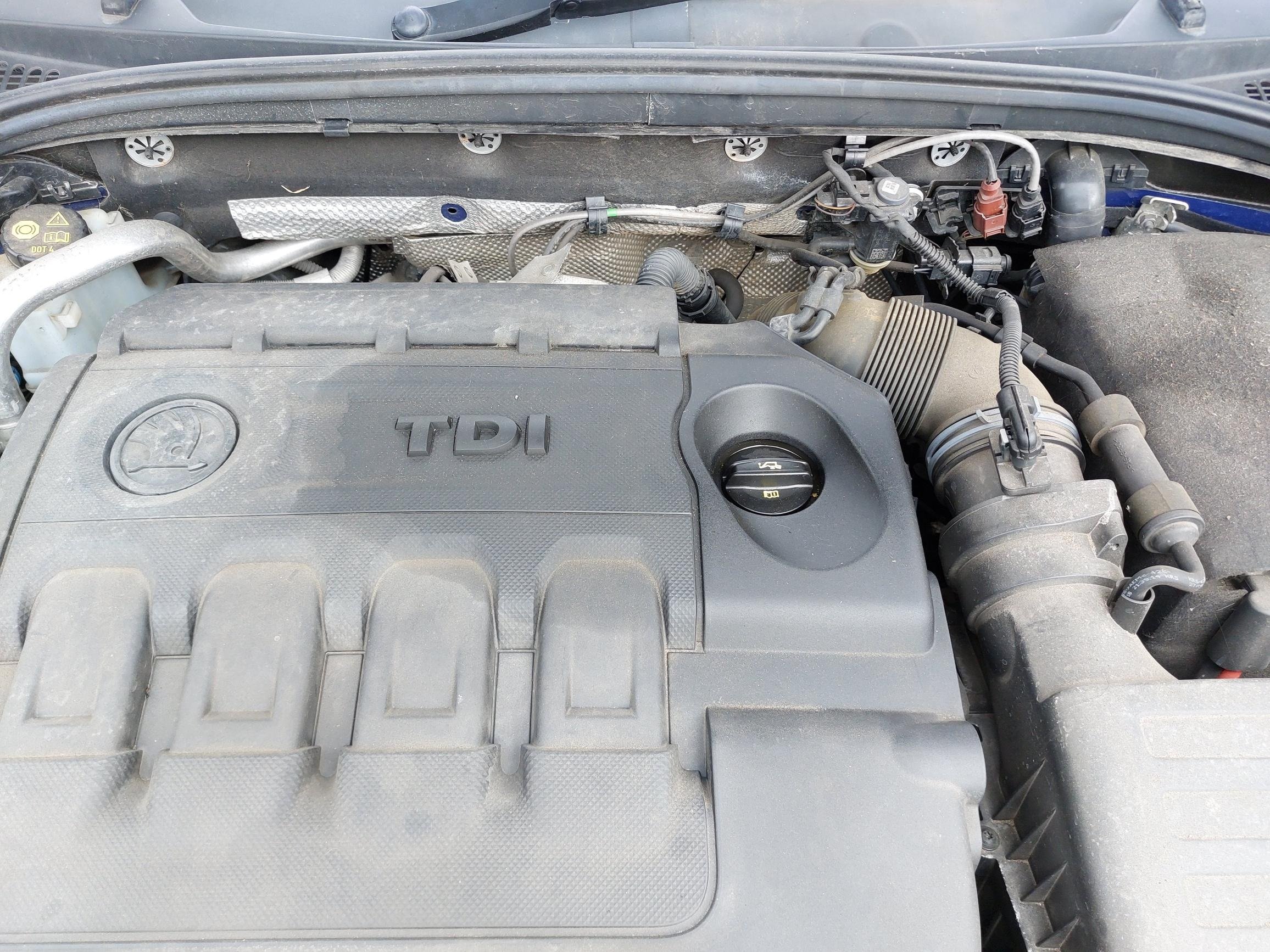
Hi all, I've been experiencing an oil issue over the past few months. I'm curious to see if anyone else has experienced the same, and have any ideas what it could be? Whilst driving, I'll receive the 'check oil level' warning. Upon inspection, there's a large oily stain on the engine cover, which appears to originate from the filler cap. After waiting for the oil to settle, the dipstick will show a low level. I figured it might be the filler cap seal, so I replaced this with the newest compatible version in April. The issue didn't occur again until last weekend (early August) and so far hasn't occurred since then. It appears to occur during journeys lasting more than an hour. They're not spirited drives by any means, mostly motorways so sitting at 70mph / ~2000rpm. No weird noises, no white smoke out the exhaust (that I can see). This has occurred about 4-5 times since January. Image from last weekend for reference - you can see the outlines of the stains from previous events. It's been into my local VAG specialist a couple of times to look at it; unfortunately, both times they've advised they can't find anything. Next step would be taking the engine apart 😬 Vehicle: 2015 2.0 tdi vRS Revo remap added at about 45k miles 96k miles total