Kempweek12
New here
-
Joined
-
Last visited
Everything posted by Kempweek12
-
Hi I need to remove the outer trim on my windscreen A panel due to damage. Understand to do this I need to remove some torx bolts on the inside of the A Panel. It looks like the inner is a a white plastic trim to remove but do I just tug at it from the top ? or is there a preferred way to remove it. Thank you
-
thank you it is proving hard to get out so I will spray some silicone in the gap and leave to soak in.
-
Thanks still cannot remove it. Do I pull the scuttle forwards into the engine bay (or upwards) ? the male lip is a plastic lip on the rear of the scuttle pannel which is just pushed into a female slot in a rubber section which is bonded onto the bottom of the windscreen? is that correct. I almost wonder if I have removed everything I need to but I cannot see any bolt and clips, the only thing I removed was the weather strip in the engine bay which sort of secured the front of the scuttle. thank you
-
Hi I need to remove the scuttle panel within the engine bay below the windscreen please. Once the wiper blades are removed and the weather strip in the engine bay which clips the forward edge of the scuttle is lifted away the scuttle itself still seems firm where it meets the lower edge of the windscreen. Has anyone already removed this can can advise please? thanks
-
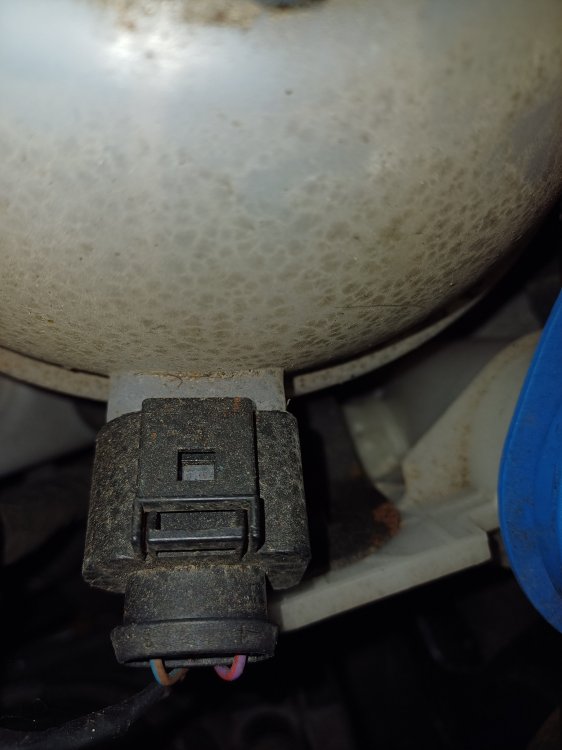
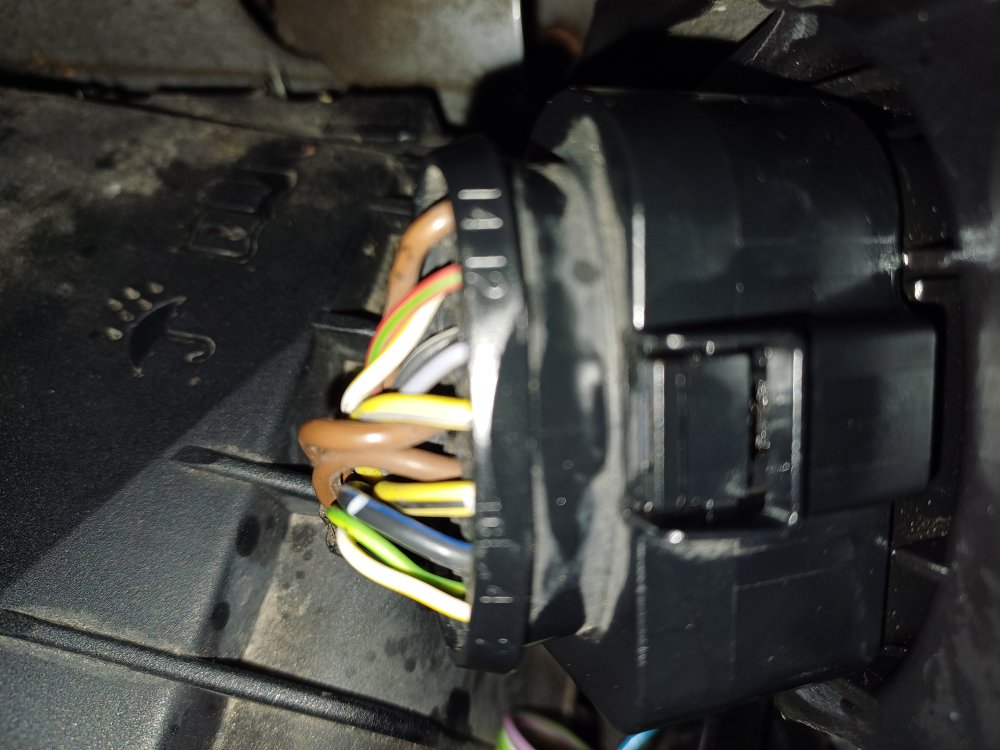
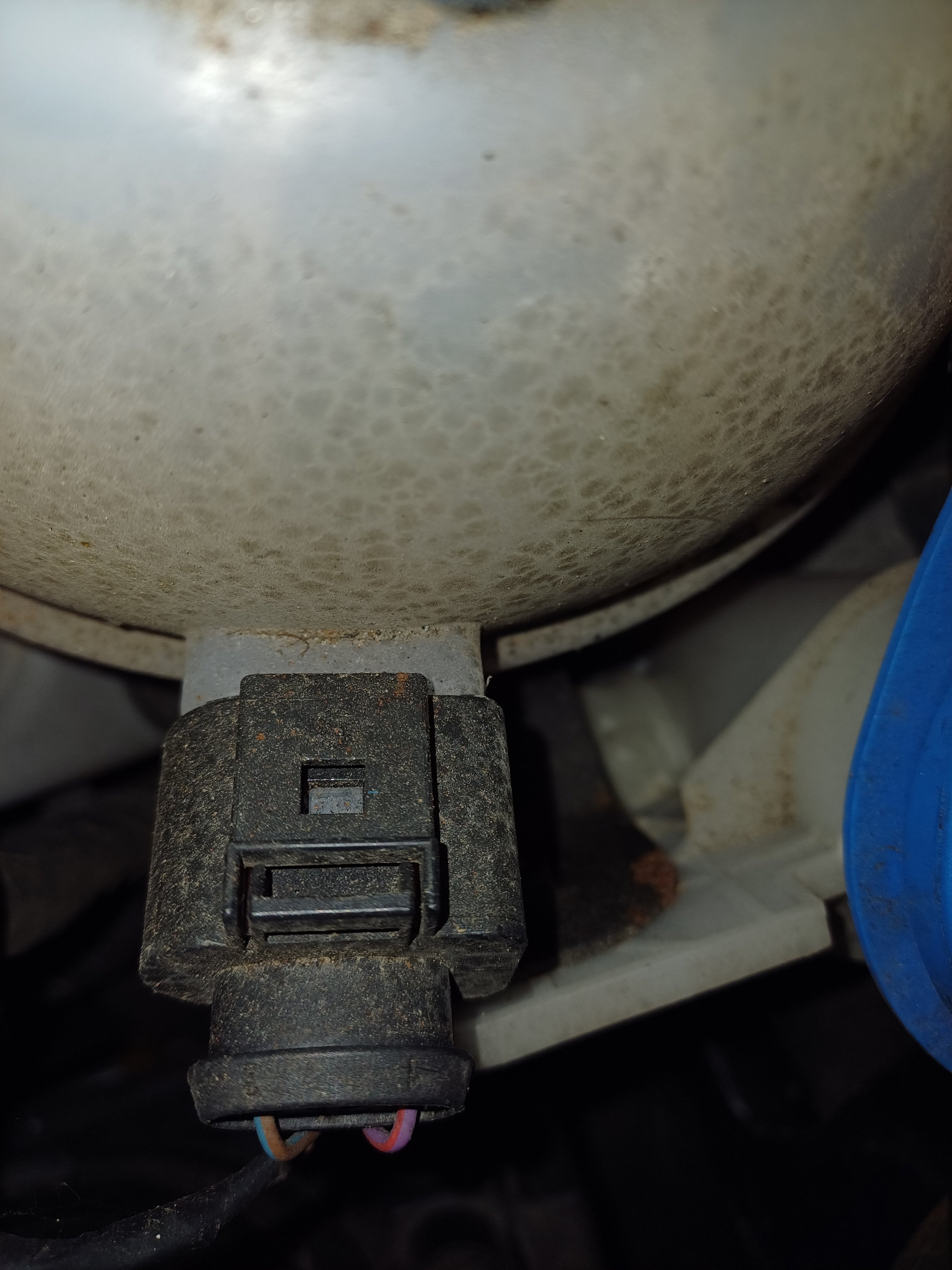
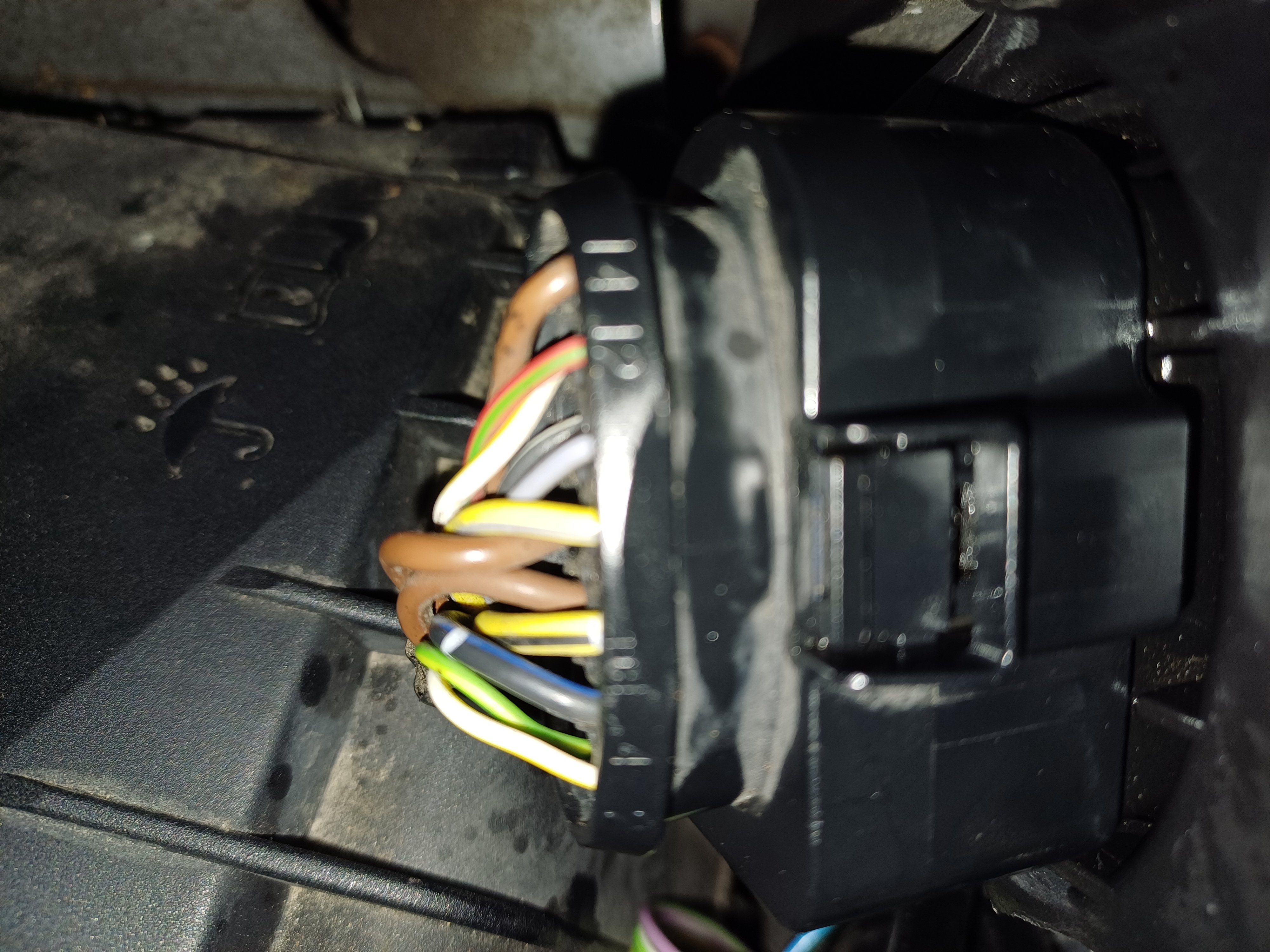
Hi can anyone help me please disconnect the Xenon headight connector on the back of the unit to replace a broken headlight. It is not the same as the other dclips for example on the coolant expansion tank where I push it in a bit pull back the tab and then extract. At first I thought the clip was broken but then I see a number of these types of clip round the engine bay and they are different to the dclips I am used to. Thought best to ask before I damage something. Picture attached of the standard type of dclip and then one of the 'other' type, has anyone experience of these and can advise please. thank you