



Skip to content

AlexandruM2000

New here
  • Joined

  • Last visited

  1. I measured it against the positive side of battery. Also I found the problem. It was something very specific to my situation. I have some parasitic draw on my battery and pulled some fuses. After I put them back together I noticed the both right side doors did not work. I tried first to disconnect the battery, but nothing happened. What worked was to left the battery disconnected for about an hour. I believe some errors code were generated when I pulled the fuses out and blocked the functionality of the doors. Thank you all for the help provided.
  2. I also tested a negative wire in the passenger door, the one from the window rocker button. The negative wire has continuity to the earthing point, but no power from a positive wire.
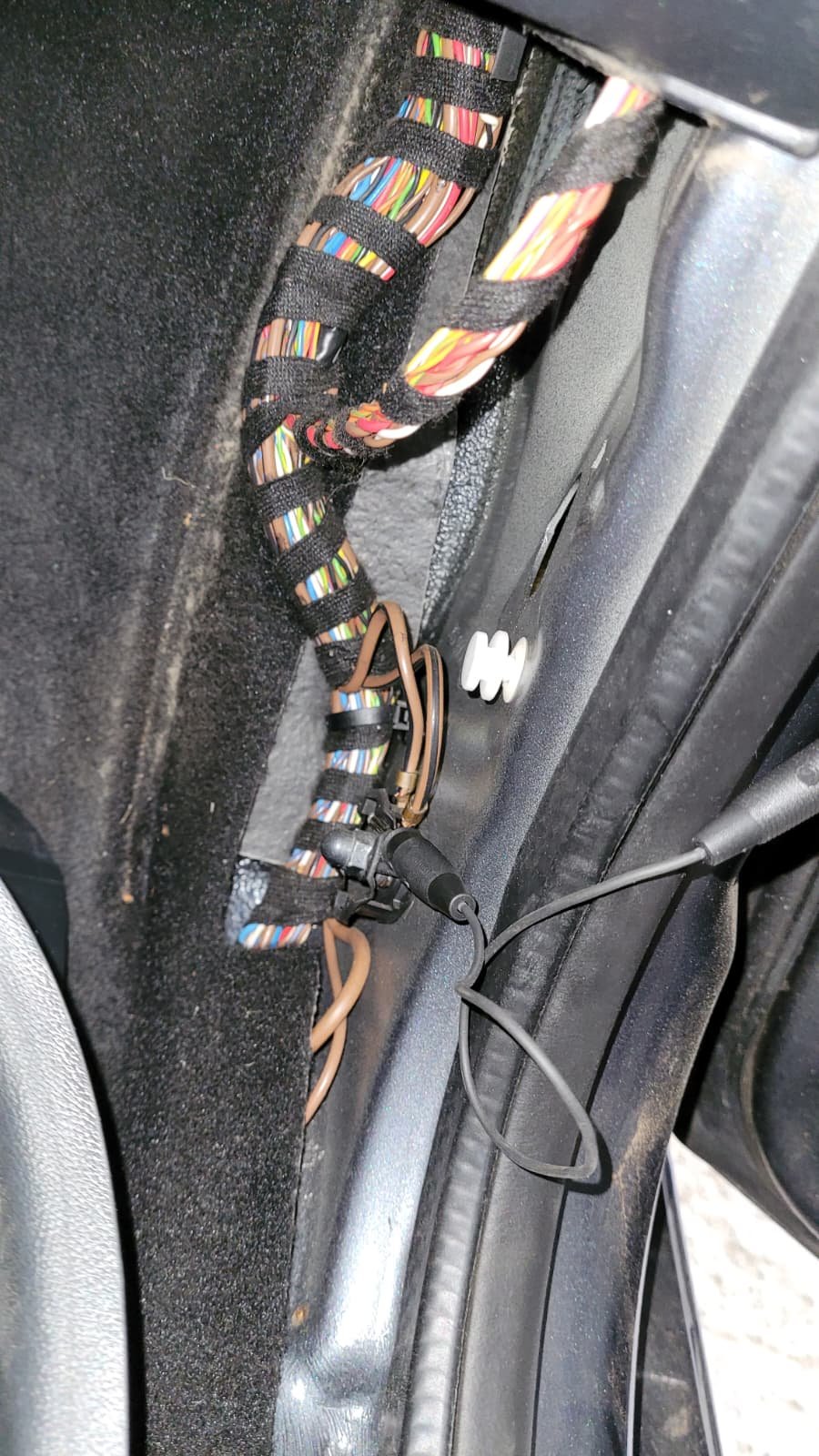
  3. Thanks for the help. I measured the grounding point E4 (the one next to the passenger side) and it is ok, 12.4V (same as battery) The upper right cable from my picture is going in the car door, so this should not be a issue i think. It is something else that I could check?
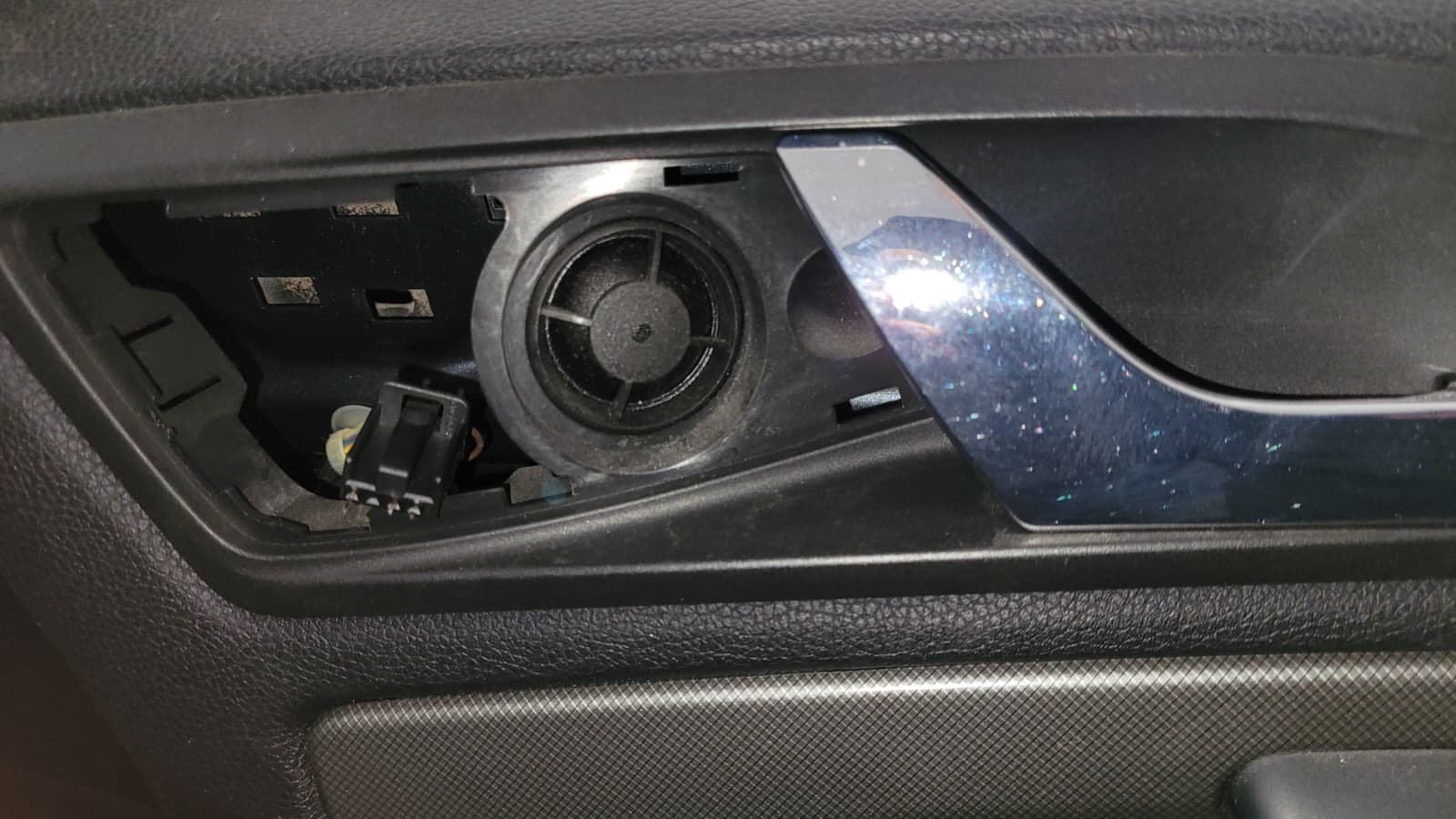
  4. Hello, I have a 2007 Skoda Octavia. The passenger side doors don't have power, anything related to electric side doesn't work, electric windows, central locking, light and so on. I checked all the fuses (from the driver door fuse box and the fuse box next to the car battery), all seems to be fine. What else could I check? The driver side doors are working fine. Thanks for any advice
Important Information

Welcome to BRISKODA. Please note the following important links Terms of Use. We have a comprehensive Privacy Policy. We have placed cookies on your device to help make this website better. You can adjust your cookie settings, otherwise we'll assume you're okay to continue.

Account

Navigation

Configure browser push notifications

Chrome (Android)
  1. Tap the lock icon next to the address bar.
  2. Tap Permissions → Notifications.
  3. Adjust your preference.
Chrome (Desktop)
  1. Click the padlock icon in the address bar.
  2. Select Site settings.
  3. Find Notifications and adjust your preference.