KnightRider2000
New here
-
Joined
-
Last visited
Everything posted by KnightRider2000
-
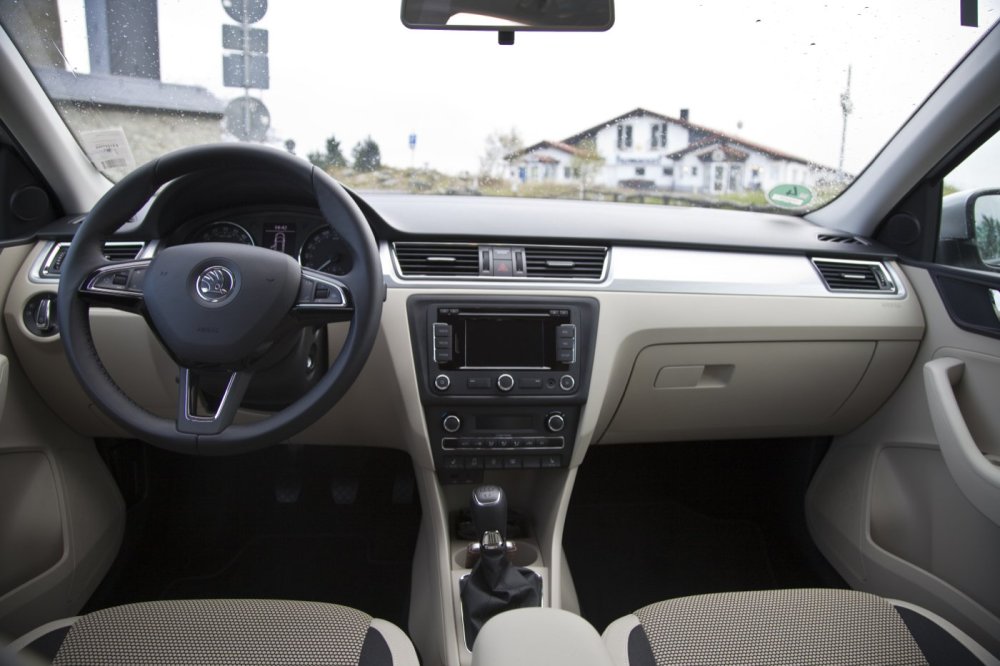
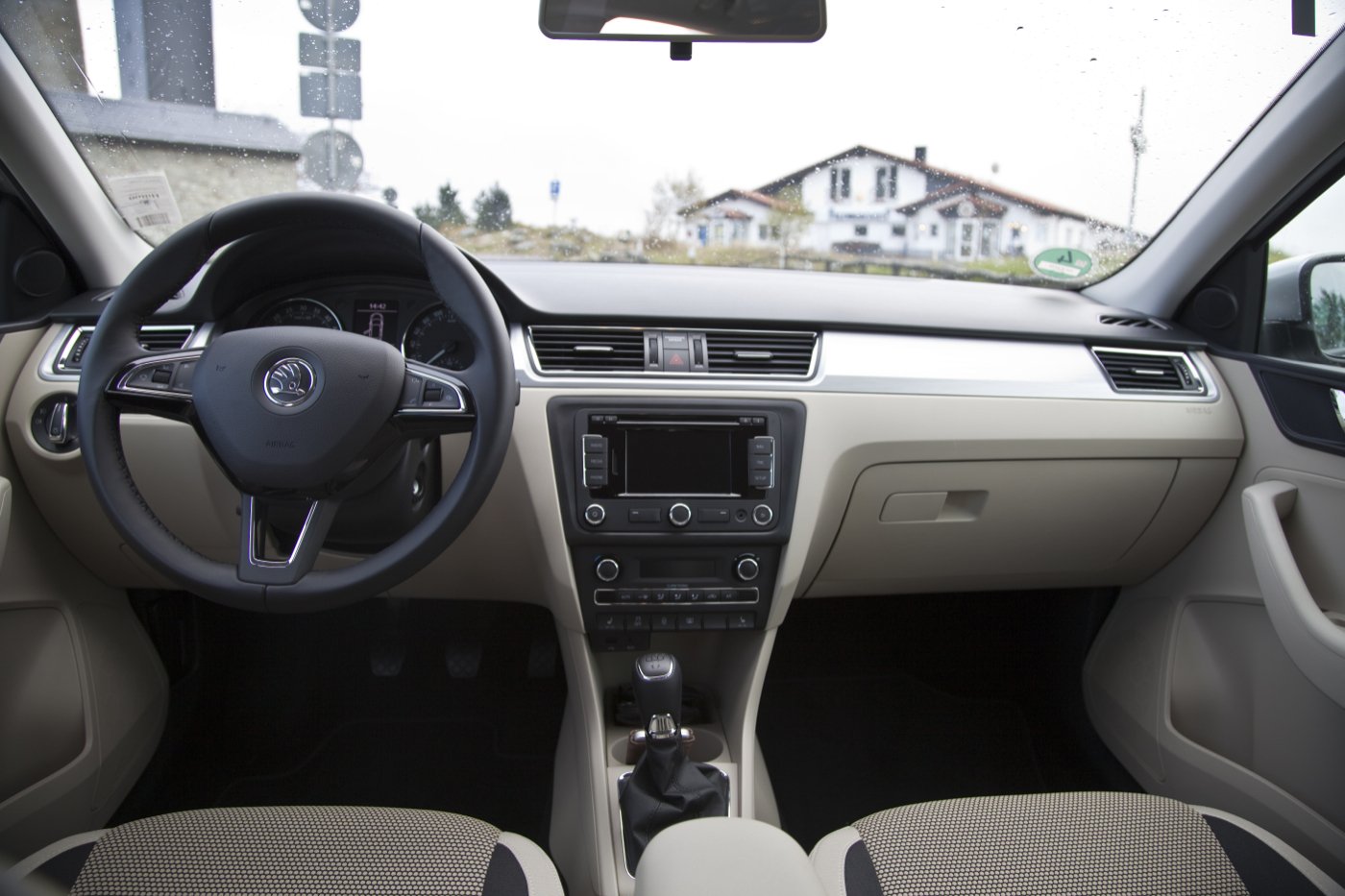
Hi everyone, I’m looking to upgrade the RNS 315 unit in my 2014 Skoda Rapid Spaceback to a VW/Skoda MIB2 STD PQ/Nav unit – the single-piece version designed specifically for PQ platform cars like the Rapid, Fabia, etc. I’ve seen a few threads about this but wanted to check a few things before diving in. Here’s what I’m hoping to understand: Compatibility & Fitment – Since the MIB2 STD PQ/Nav is made for PQ platform cars, is it a direct swap with the RNS 315? Are there any wiring changes or adapters I’ll need to make it work smoothly? Component Protection – I know MIB2 units usually come with CP (Component Protection). What’s the best way to get this removed? Is dealer activation required, or are there trusted specialists who can do it? USB & AUX Integration – How do I get the external USB and AUX ports working like they did with the RNS 315? Do I need new modules or cables for the MIB2 to recognise them properly? Functionality Retention – Will features like the rear parking sensor display, steering wheel controls, DAB, and Bluetooth still work after the upgrade? Coding & Setup – I don’t have VCDS, so wondering what kind of coding is needed for the retrofit and whether I’ll need to go to someone with ODIS or another specialist tool. Maxi DOT display – I have the highline instrument cluster with the Maxi DOT display – will this still show navigation turn-by-turn directions with the MIB2 like it does with the RNS 315? If anyone’s done this upgrade (or something similar), I’d really appreciate any tips, wiring diagrams, or even part numbers that could help. Photos or guides would be a huge bonus too! Thanks in advance for your help!