dacn
Finding my way
-
Joined
-
Last visited
Everything posted by dacn
-
Thanks - double checked. My LV policy covers lost or stolen keys. Just need to be careful. I have a hefty excess on theft - so if that applies to keys, its probably not worth it. D
-
Thanks. Will check my insurance policy. Your comments about the platform tie in with what I was reading this afternoon after the second failure. David
-
And just had a quote from the local dealership for £516 (inc VAT). And payment up front just so that they can source the key!!!
-
We lost a key. Went to a reputable independent local locksmith that specialises in car keys. Tried twice to get a new key working: First time with a third party fob Second time with a genuine Skoda fob Failed both times to generate a fully working key fob. Sounds like I will have to try the dealers. Anyone else had similar problems David
-
To be honest, have never used the SD card for music. I only ever found the SD card slot for the first time when I was looking for the infotainment upgrade. So, sorry - can't help on that.
-
Mugwump Thanks. You inspired me to try again. Took my 32Gb card and formatted it to less than 16Gb with the rest as unused space. Put the files back on it, and inserted it into the slot. Low and behold, the upgrade completed! So, my infotainment is back. Lets hope the Android Auto is improved. Going for a 3 hour drive north to Inverness this evening. That will give it a good workout.
-
Thanks - that is a really good point. I had originally used a 64Gb card, but then got a 32Gb card because I read about size limits. And it hasn't made a difference ☹️
-
@pab567 Sorry for delay between messages - death in the family :-( Rather than trying to fix the EMMC chip (reformatting or replacing). Am I correct that you do updated units that fit behind the front display. If so, and I went down this route: can you supply would they be more up to date that I can get with fixing the EMCC chip issues, and the current software update what would it cost Regards David
-
Sorry for the delay in the response - I live near Stirling
-
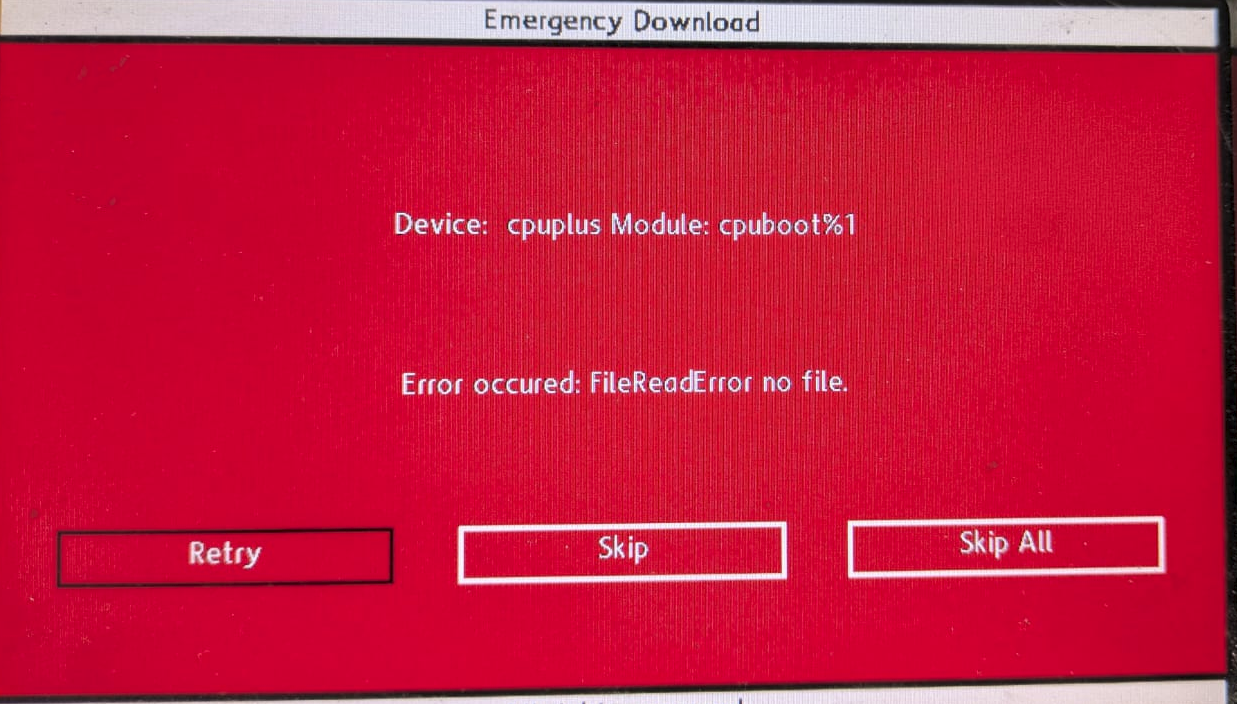
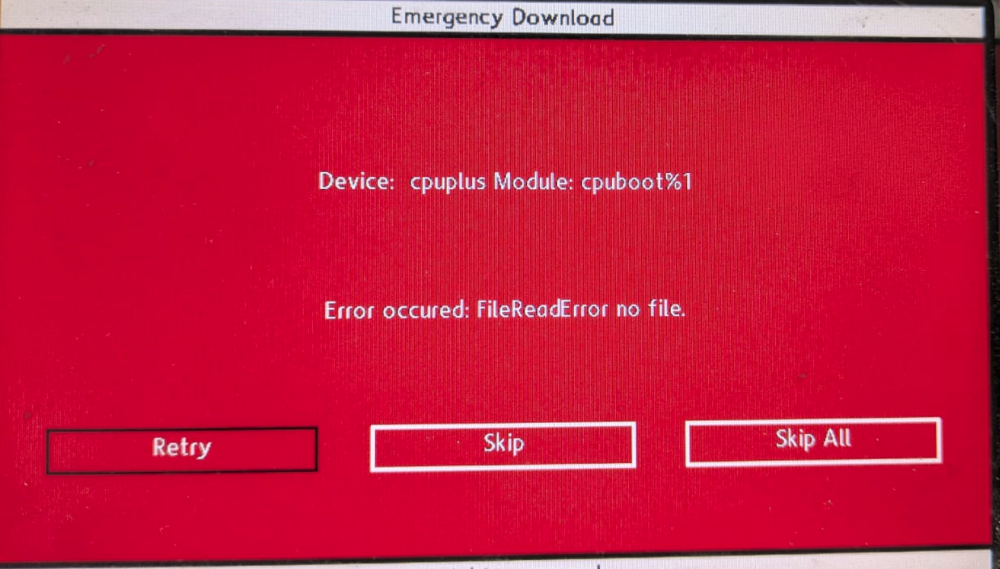
Managed to get the update started via a long press on the Menu button, rather than through the settings. BUT I now get this screen. I can cycle between Retry, Skip and Skip all - but whichever I choose it keeps coming back here. I have double checked that the contents of the file MST2_EU_SK_ZR_P0369T.7z were downloaded correctly, unpacked correctly, and completely copied onto the SD card. So, for now - whilst not completely bricked - it is stuck in a very bad loop David
-
After: (i) buying a new SD card; and (ii) locating the SD card slot in the passenger storage compartment (glove compartment) I put in the SD card with the file into the slot in the storage compartment, but when I try the update from the settings menu I get the message Error: no data available. Please insert a source with software update data or check the source. I have tried both: (i) putting the file MST2_EU_SK_ZR_P0369T.7z as you sent it on the card; and (ii) extracting the contents of the file and putting them on the card But I get the same message both times. Any thoughts? David
-
Thank-you for your help David
-
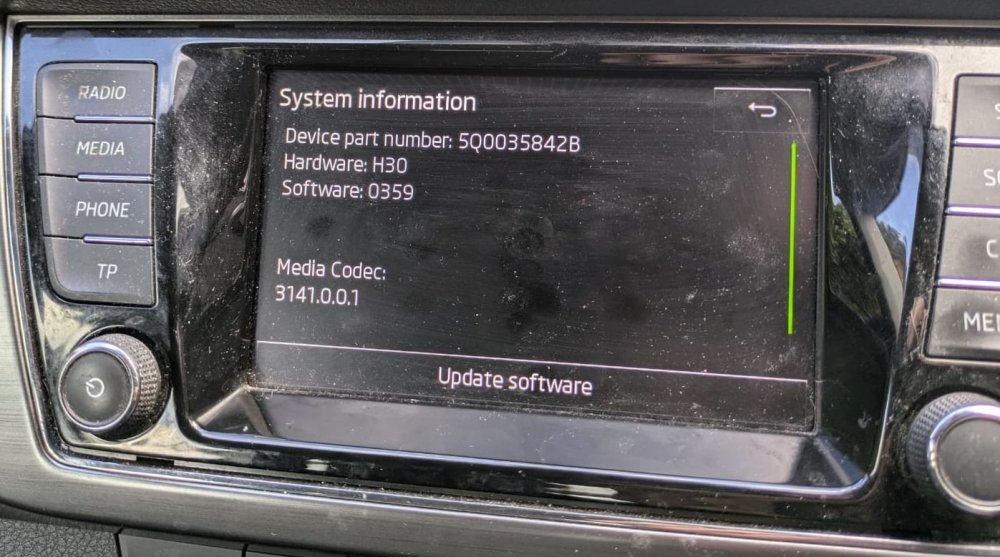
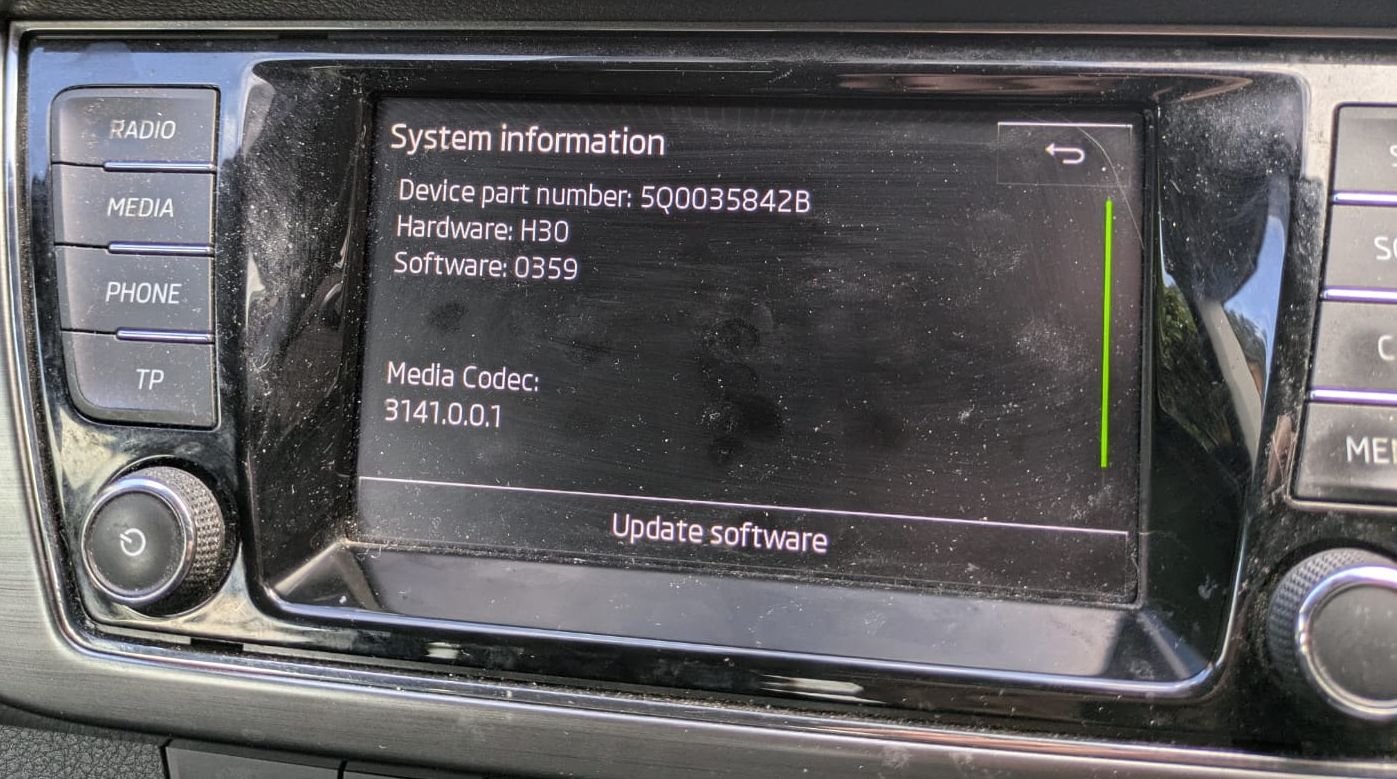
I have a Skoda Fabia 2016 - with the attached infotainment system. Is that a Swing MIB2 (5Q0 035 842B) with hardware H30 and software 0359. But the Android auto is temper-mental. It connects / disconnects repeatedly from my phone. Is there a firmware update for it which might give better App-Connect? Though I understand I may have to find the "train version". Not managed to get into the menu system to find that yet? David