wolfr4ge
Finding my way
-
Joined
-
Last visited
Everything posted by wolfr4ge
-
-
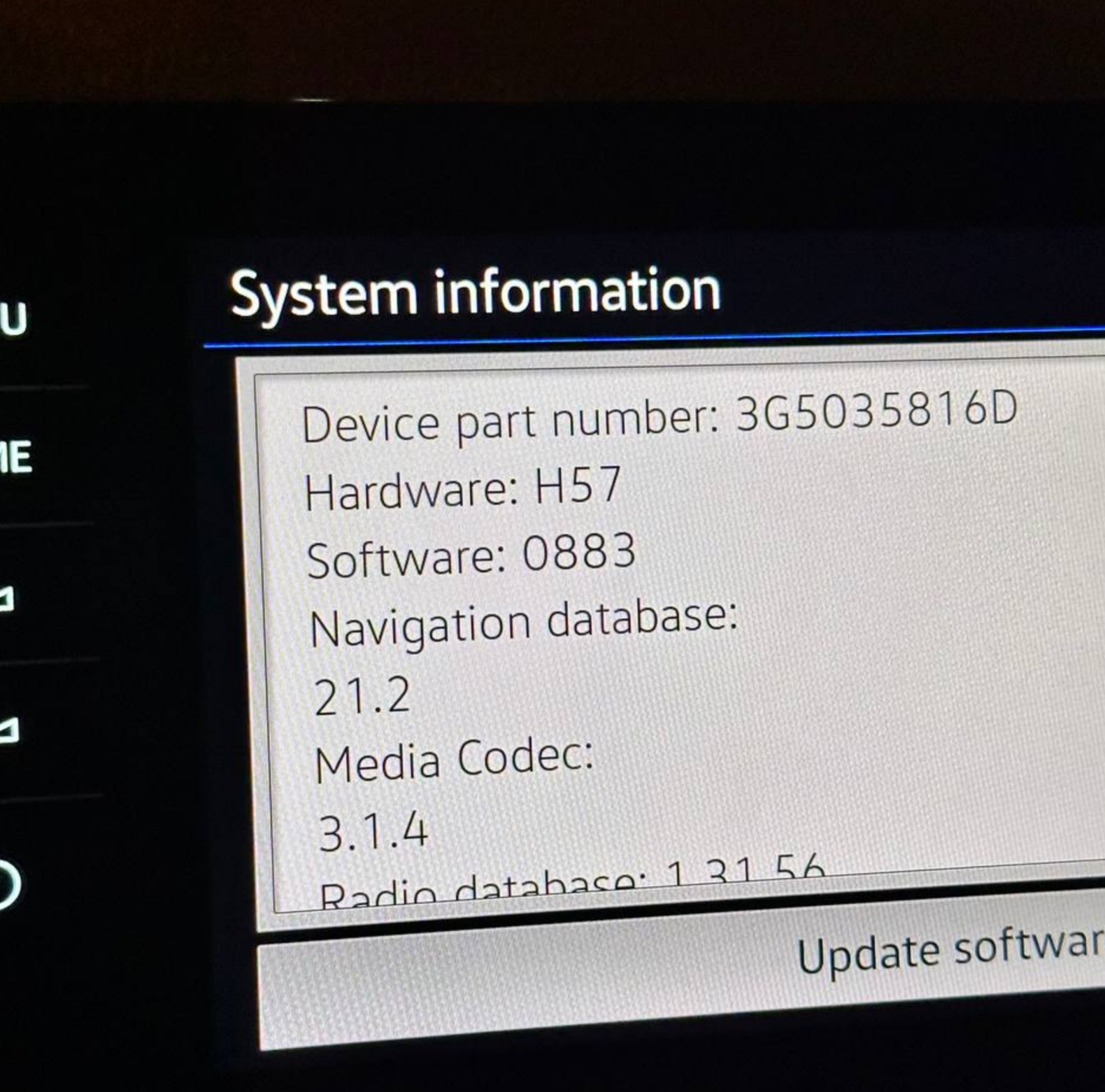
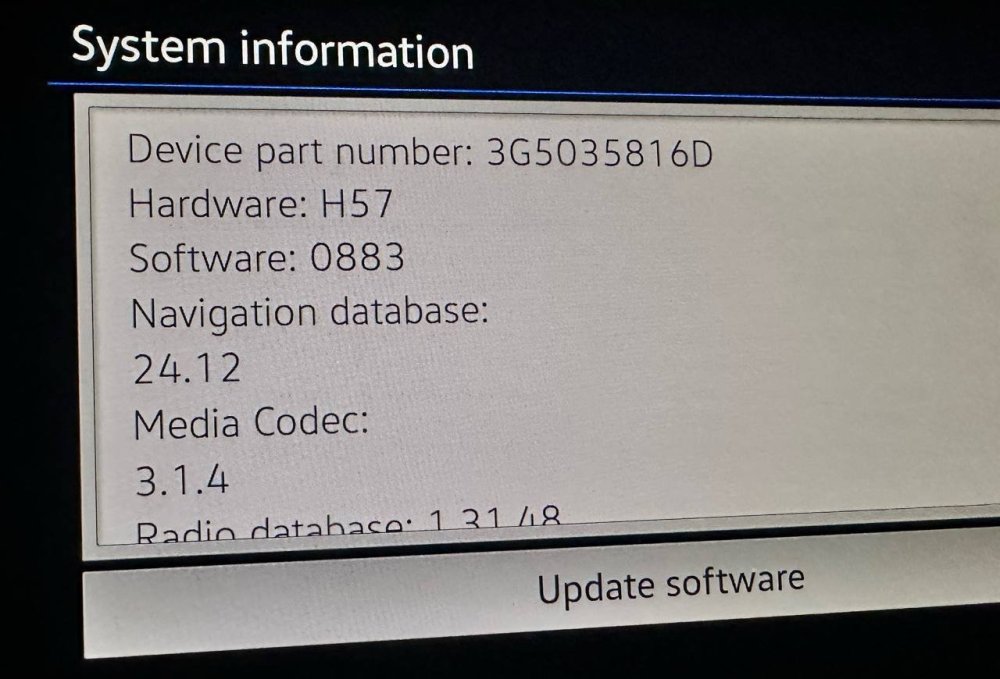
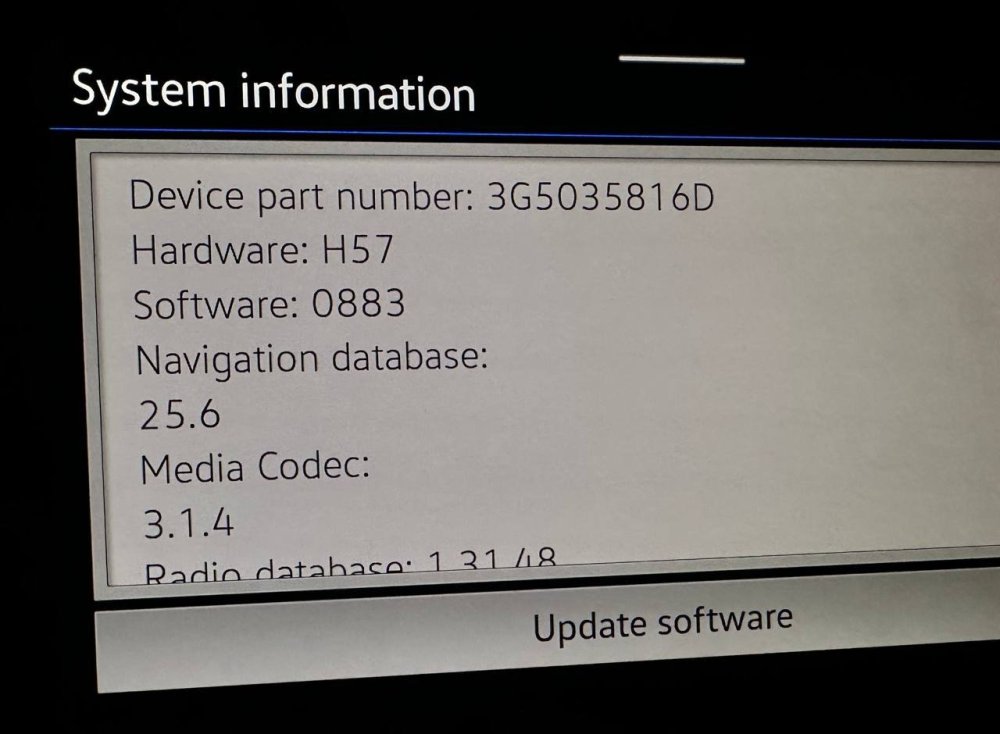
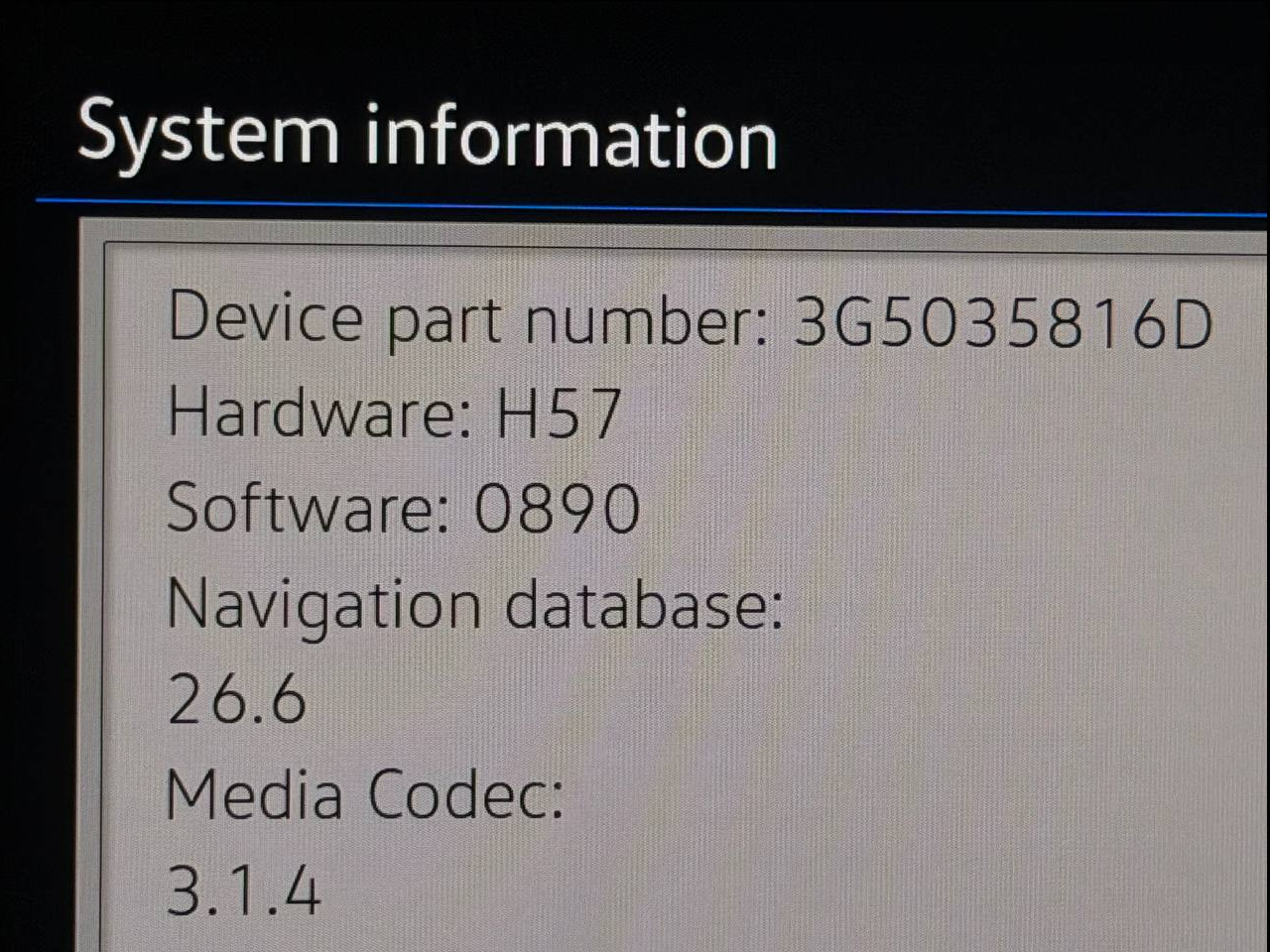
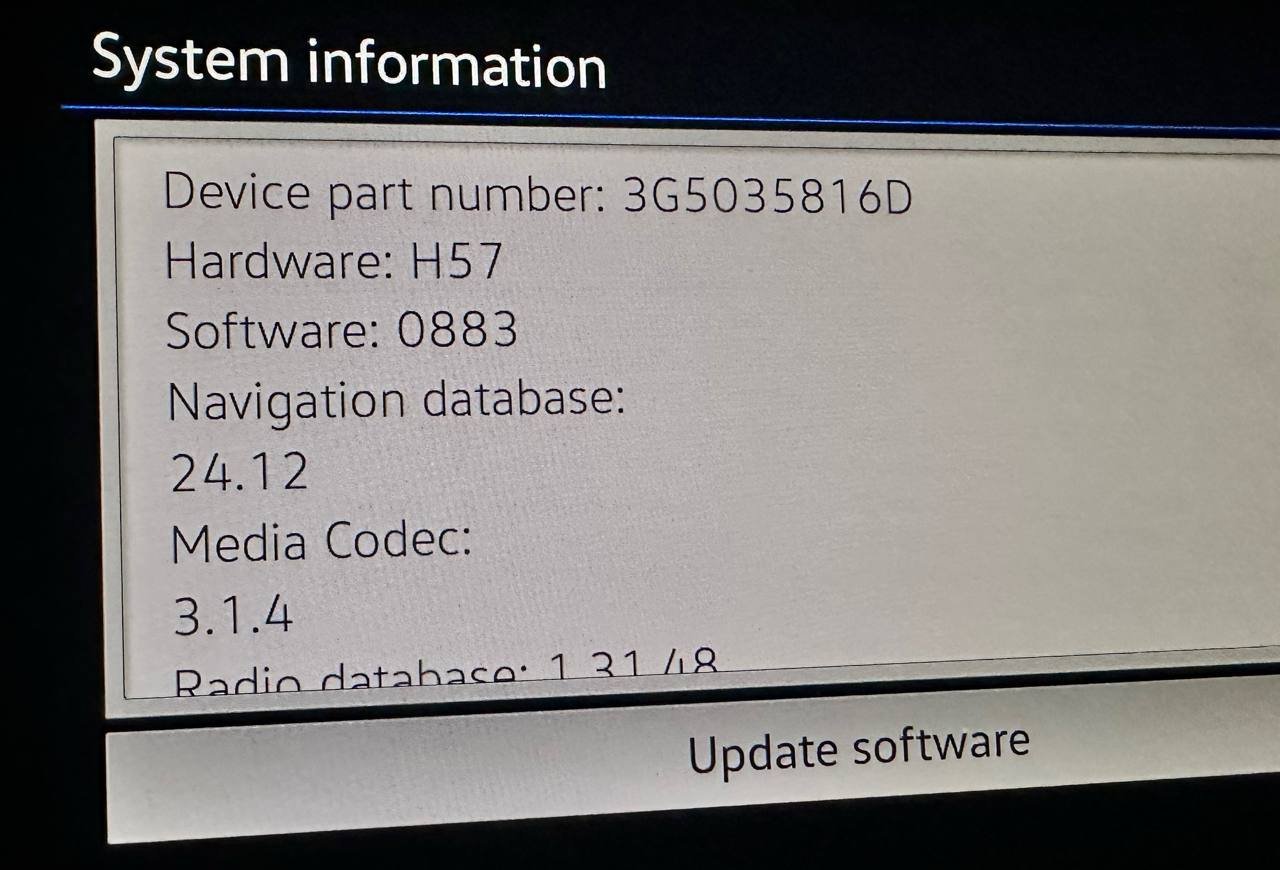
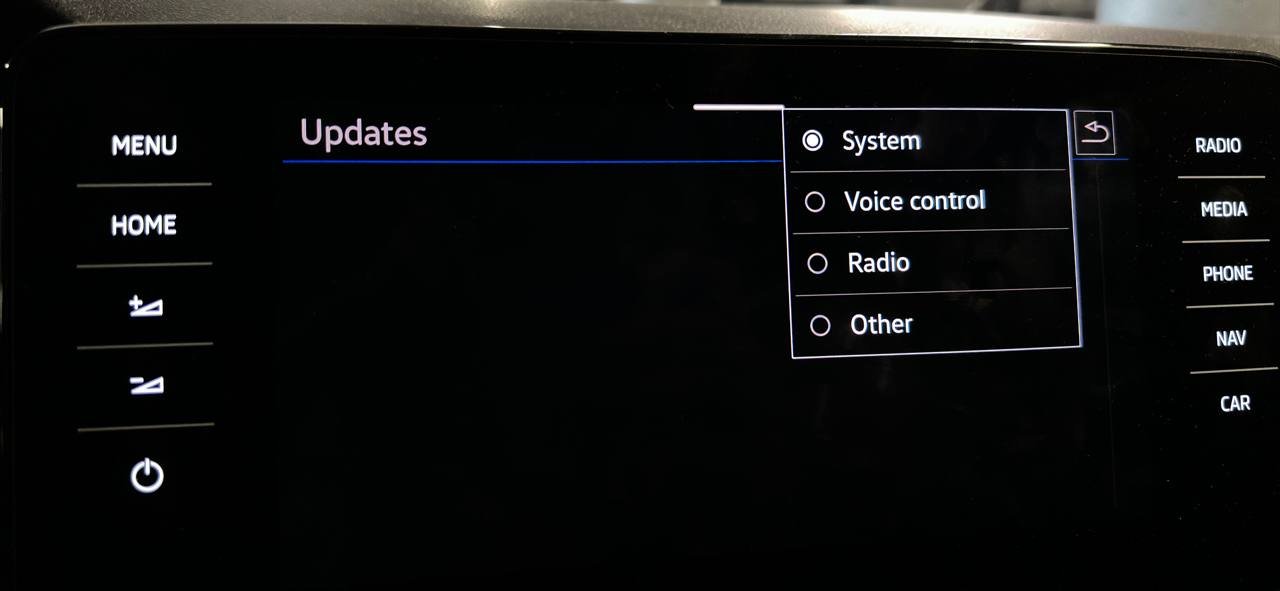
I tried using SWDL, but it turned out to be useless and didn’t work. I still ran the update with the same software that’s currently installed. From the whole update, only the postscript part was executed, and as I understand it, that was the key step. After that, I found out that Seat and Cupra had also updated the maps on their website and released version P141 24.12. I copied it to a USB stick, formatted in NTFS with a GPT partition scheme, and tried updating - and it worked. Then I uploaded the latest version, P154 25.6, and it was successfully installed as well. Hopefully this will be useful for someone. P.s. after "reapplying" the software update, the radio database version changed from 1.31.56 to 1.31.48, so I think that’s what helped the maps install, by resetting something in the MIB versions.
-
-
-
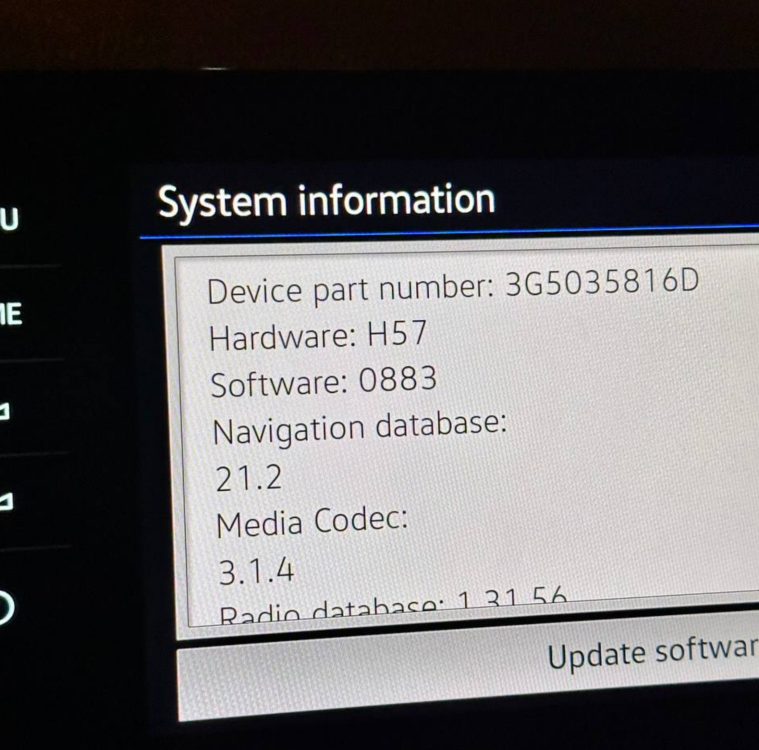
My friend’s maps got messed up after OTA update. The dealer advised him to install those REM 21.2 maps first, and then the latest maps were delivered via OTA. I think the OTA update content matches the offline one, just with a different number of regions, since OTA mainly loads the region where the car is driven most often. In any case, I’ll wait for the 25.12 maps, which should be released by the end of the year, and I’ll try with those. My software is the latest one for my unit, released in 2024.
-
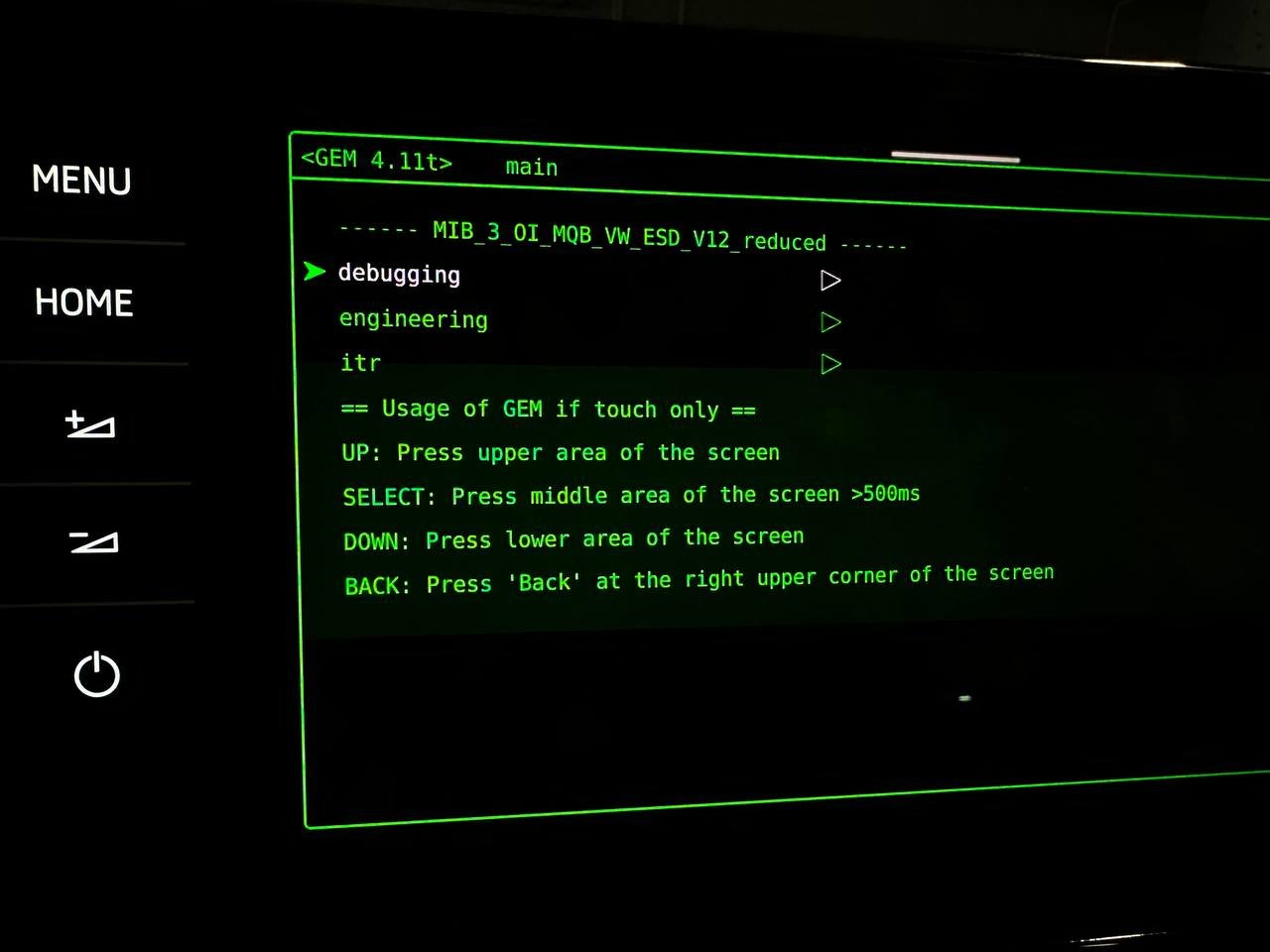
I’ll go even further. I reset the navigation database through the basic ODIS setup (internal memory erase), then uploaded the REM 21.2 maps, and after that the MIB refuses to update to any newer maps that I tried to install. I tested 23.12, 24.6, and two different 25.6 versions. Normally, it takes me about 30–40 minutes to update, then I do a hard reset of the MIB, and the new version shows up. But this time - no way. I tried exFAT and NTFS, and even switched between MBR and GPT structures. The USB drive shows up in the MIB as a MirrorLink device; the files are visible there through the image viewer, and even screenshots get saved onto it, but the MIB just won’t start the update. I assume that MIB still recorded somewhere around version 25.6, and newer maps are needed.
-
-



.jpg.41e4b091d3b7f6e5e9f4975fcc319ca9.jpg)