Oma___
New here
-
Joined
-
Last visited
Everything posted by Oma___
-
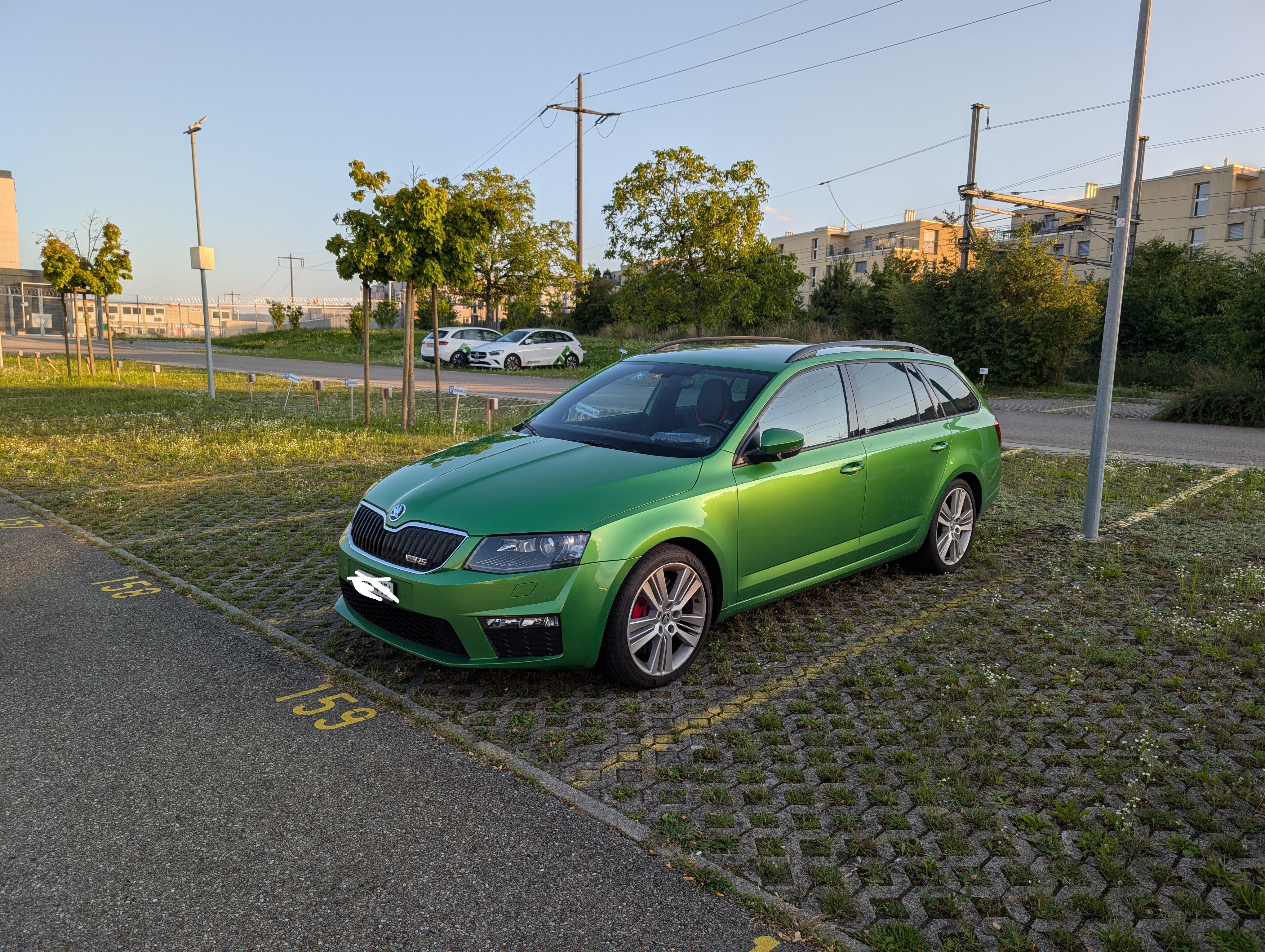
Hi All, I drive an Octavia mk3 RS Diesel, love the car to bits, love the economy, love the looks and especially love the color. However the car does have an annoying issue with the center display/head unit. The Infotainment does not turn on with the ignition, i have to drive like 15 - 20 minutes until i am able to manually turn it on, usually via a soft reset holding the power button. I've replaced the Bolero display itself, thinking that might be the problem, however still the same. The USB Port below the HVAC controls also does not work until the display turns on. Another thing i've noticed, with the glovebox open, when i press the power button, the SD Card slot glows red for about 15 seconds and nothing happens after that. No clue if the head unit is a goner since everything does turn on after a while of driving. The car got a new starter battery a month ago, i've changed the Display and Radio fuses (both were fine, just slight oxidation on the legs) and the Display as previously mentioned. Anyone got an idea what the issue might be?
-
-