Scouse_Skoda
New here
-
Joined
-
Last visited
Everything posted by Scouse_Skoda
-
Thanks for all your help. I've no idea what has changed, but using the same leads and the same Apple phone as earlier on in the week and everything is working now! I can connect the phone using the USB lead and it charges. When plugged in to the USB, Google maps prompts are broadcast over the car radio speakers, and Spotify works in a similar way. When disconnecting the lead, sound is lost confirming that the USB is performing the sound connection (as you would expect). Switching to the Bluetooth connection from the media interface on teh radio then reconnects the phone via Bluetooth
-
I've had mixed success! My daughter is an Apple phone user. The car has the "Swing" radio with the colour screen. We can connect her iOS phone to the radio via Bluetooth and she can listen to Spotify via Bluetooth and get navigation prompts from Google Maps However, when we plug the USB lead in to charge/power her phone, the Swing radio advises that the Bluetooth connection is going to be lost and all sound is lost. What are we doing wrong? None of this happens with my Android phone!
-
Thank you! This explains why I could only see early model (pre 2016) Garmin devices but no obvious way of mechanically connecting them to a 2018 vehicle cradle! From digging around in Up! forums and browsing in the Android app store, I see that the Skoda "Move & Fun" app has been discontinued, but the VW version is still available. Would you know if this VW app will work with the Citigo? Is it worth investing any time into getting it to work or should we just focus our attention on iOS CarPlay and Android Auto?
-
-
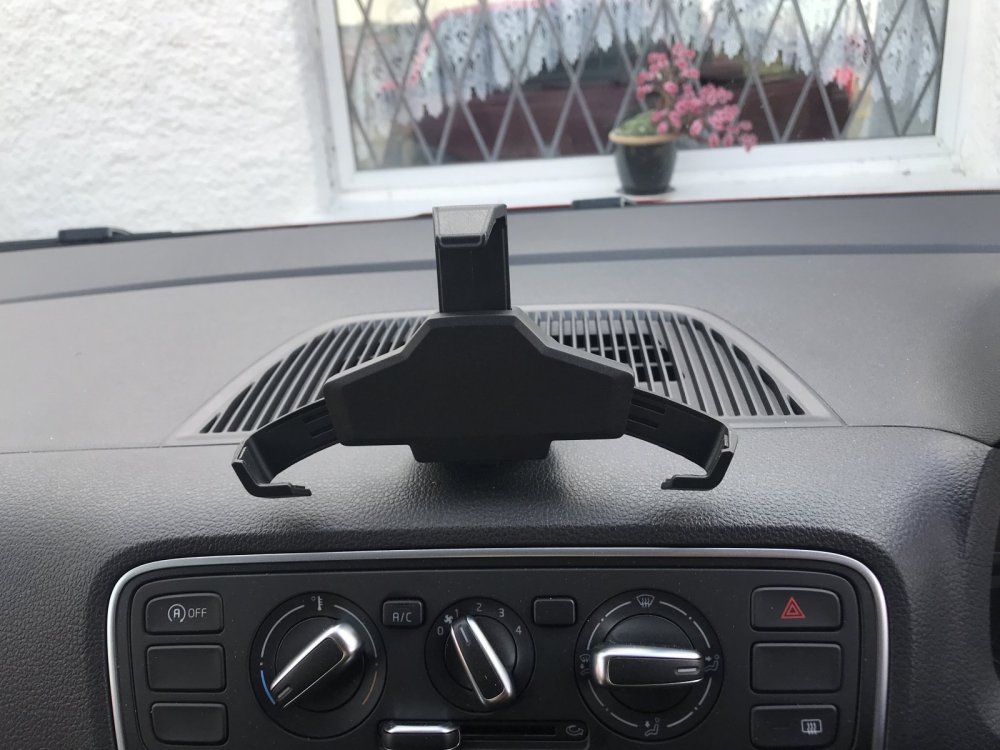
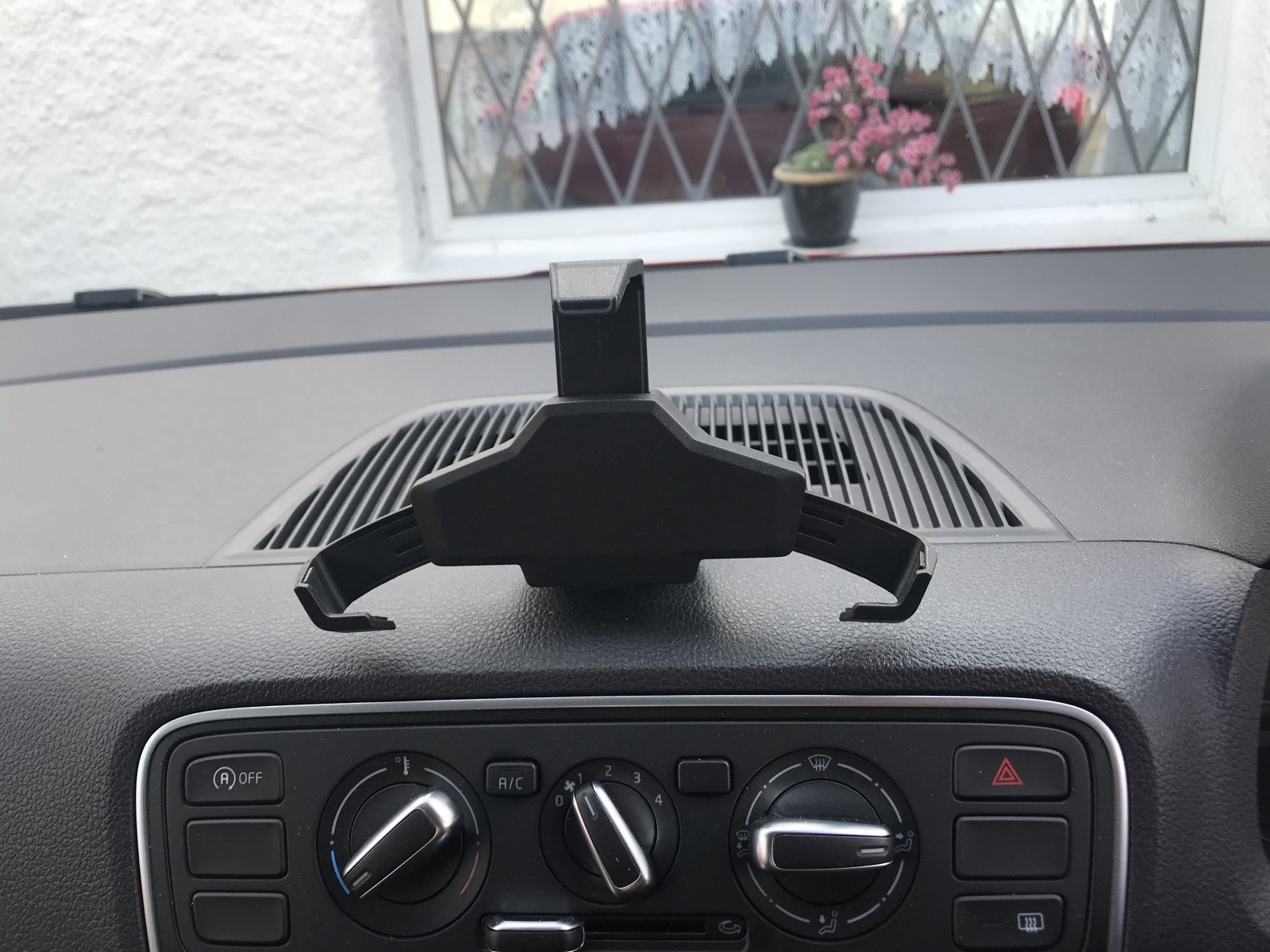
My daughter has just bought her first a car - a 2018 model UK registered 5 door Citigo. It was supplied with some kind of dash mounted adjustable cradle that looks factory fitted. The dealer that sold us the car advised that this was for a SatNav unit but the device wasn't included in the sale. Can somebody please advise as to what this cradle is for and details of the device that fits into it............