kasparesky
New here
-
Joined
-
Last visited
-
Yeah, contacted a different Skoda local partner and they sent me this ordered the parts, so should be good after installation. Thanks for the feedback :)
-
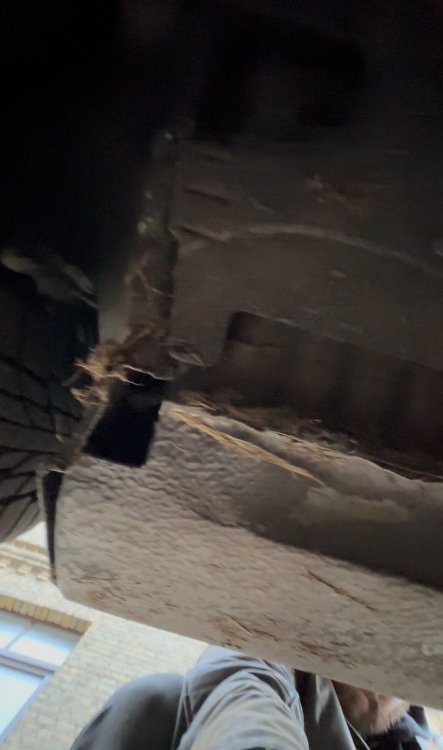
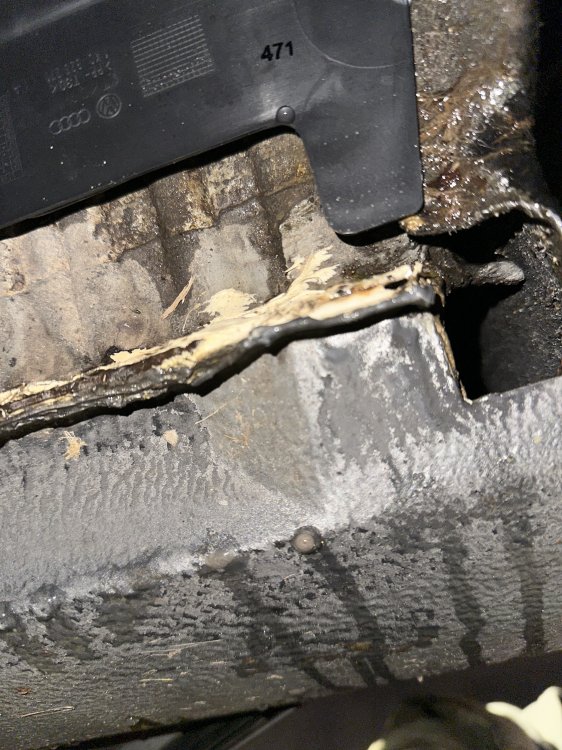
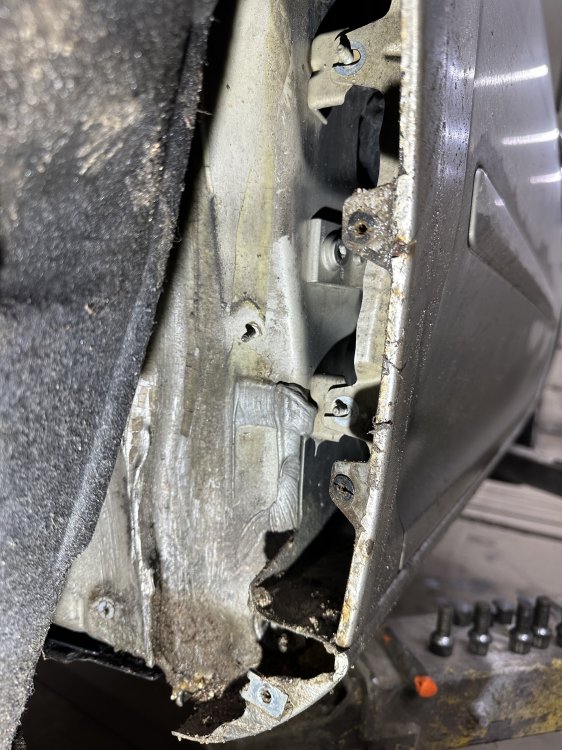
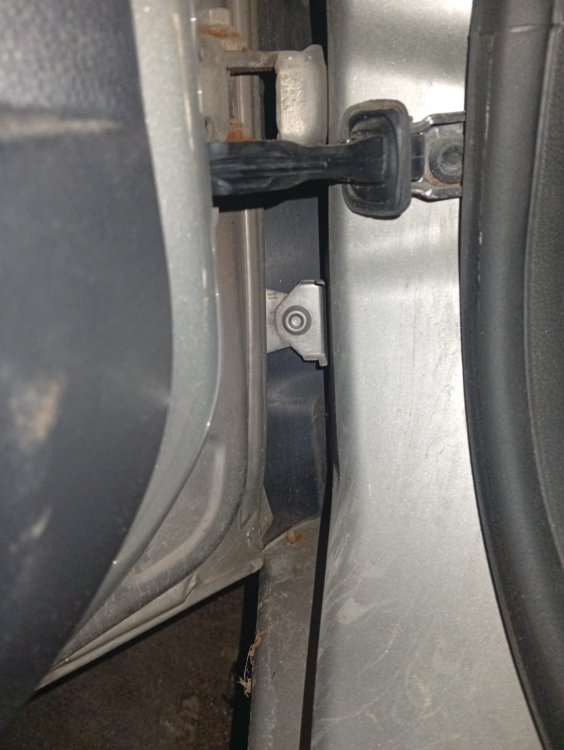
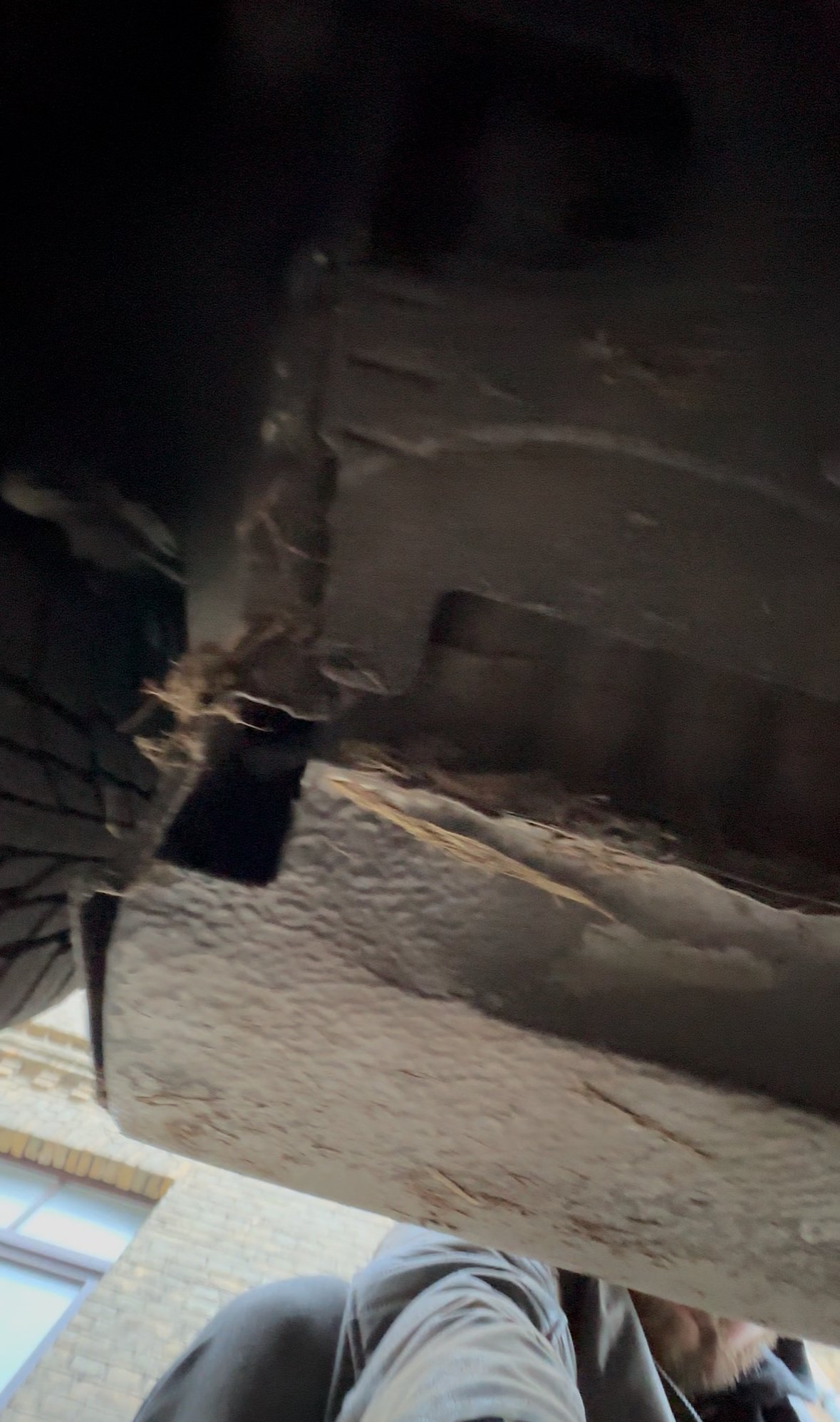
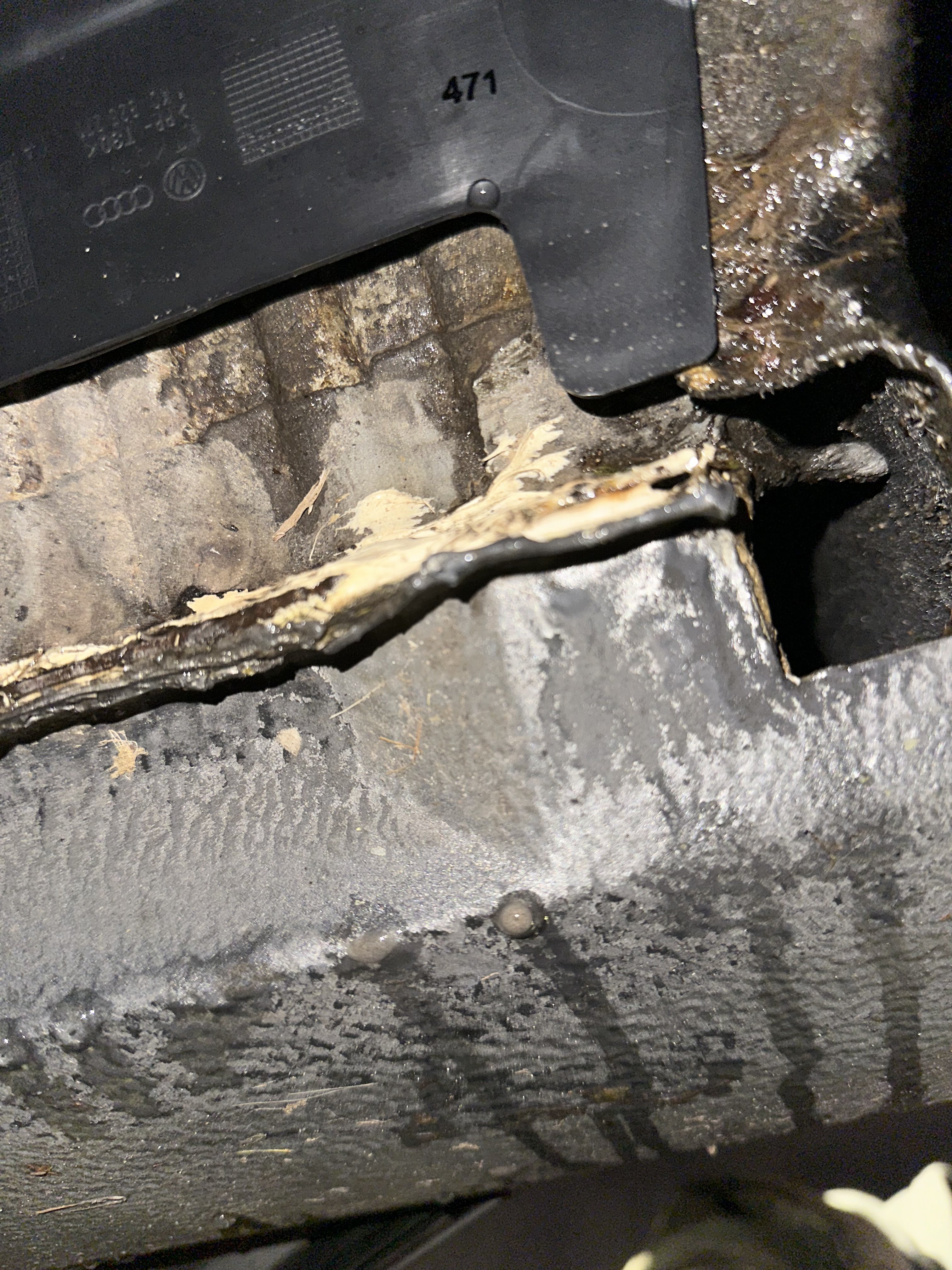
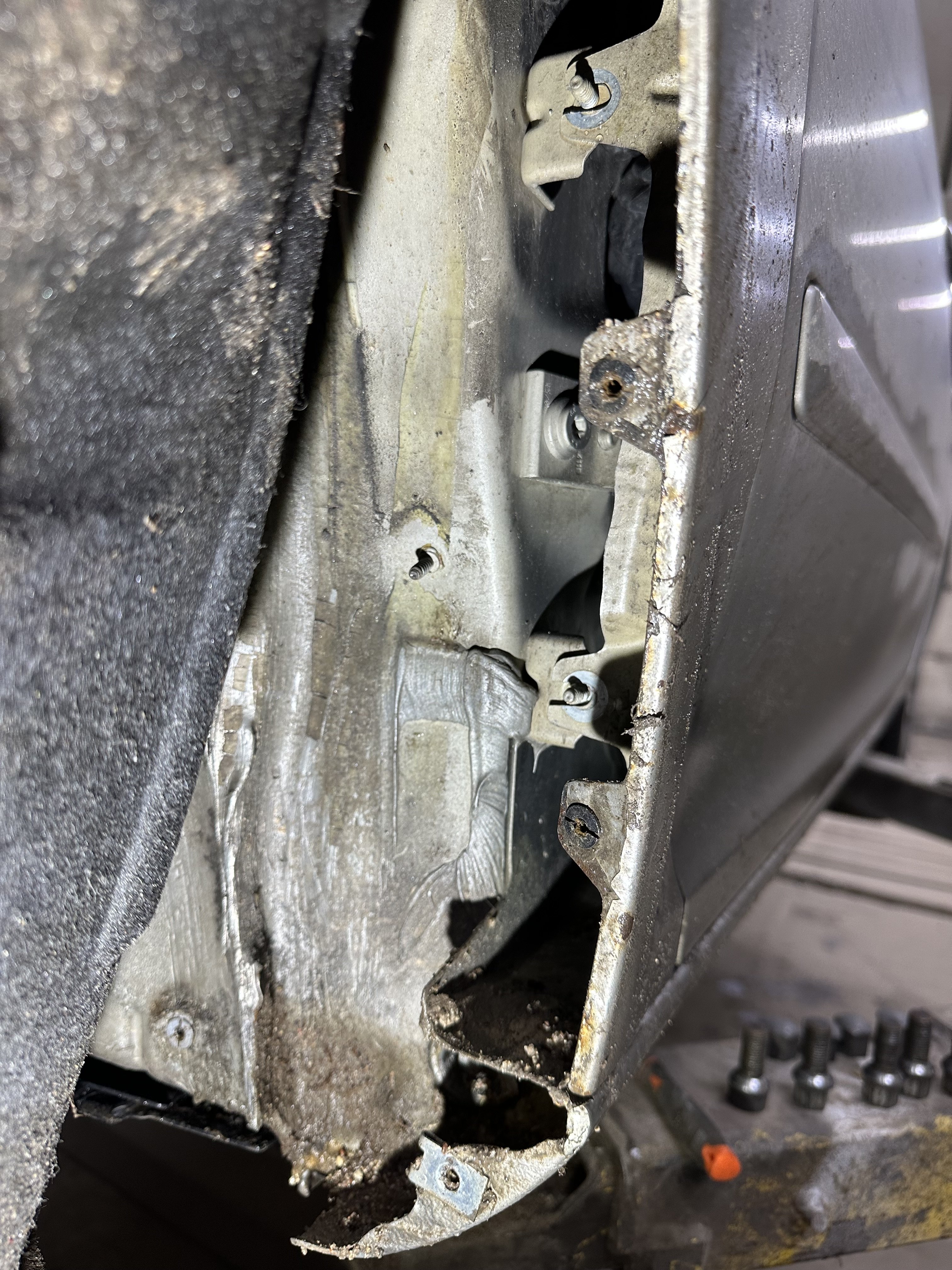
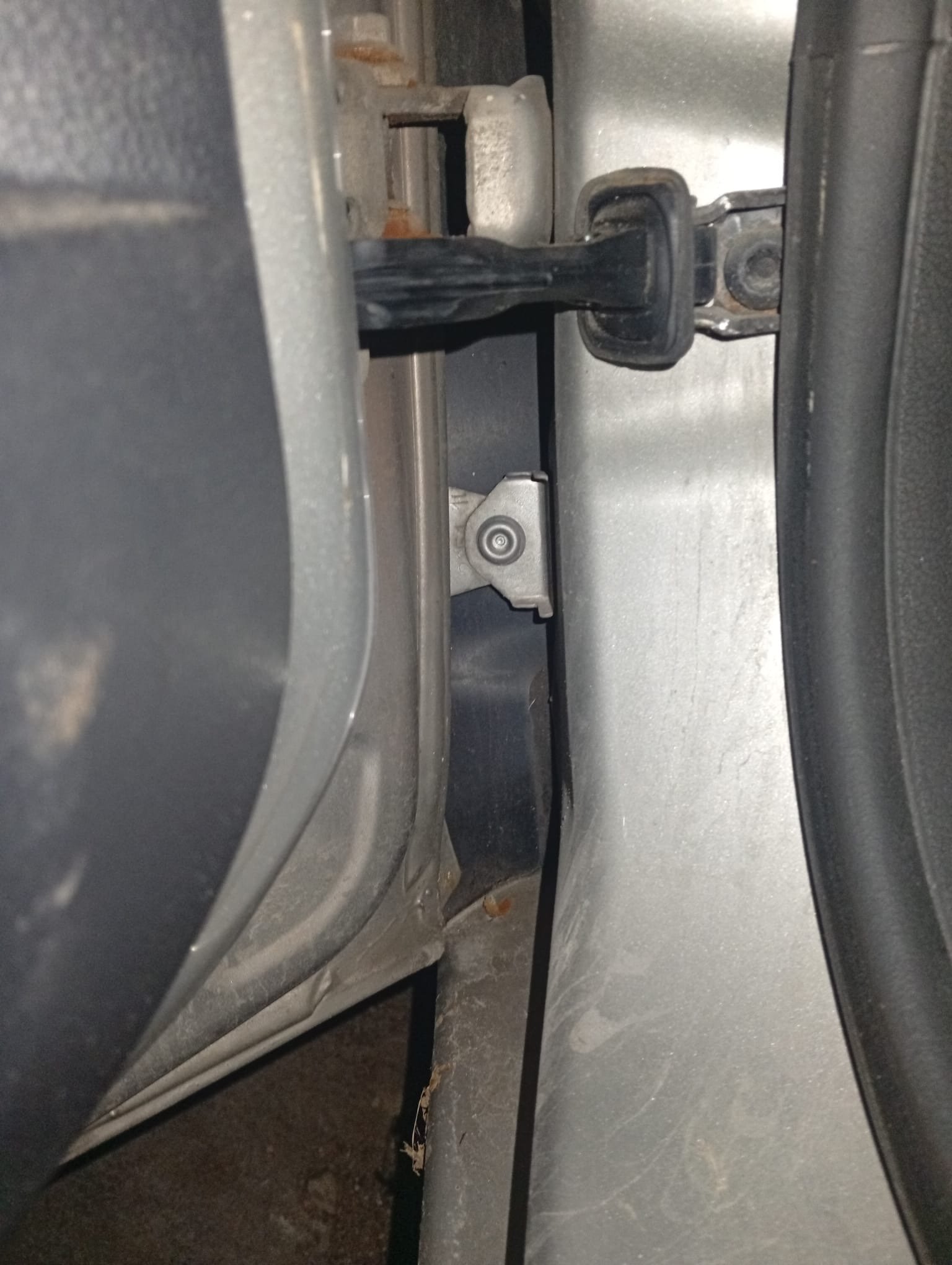
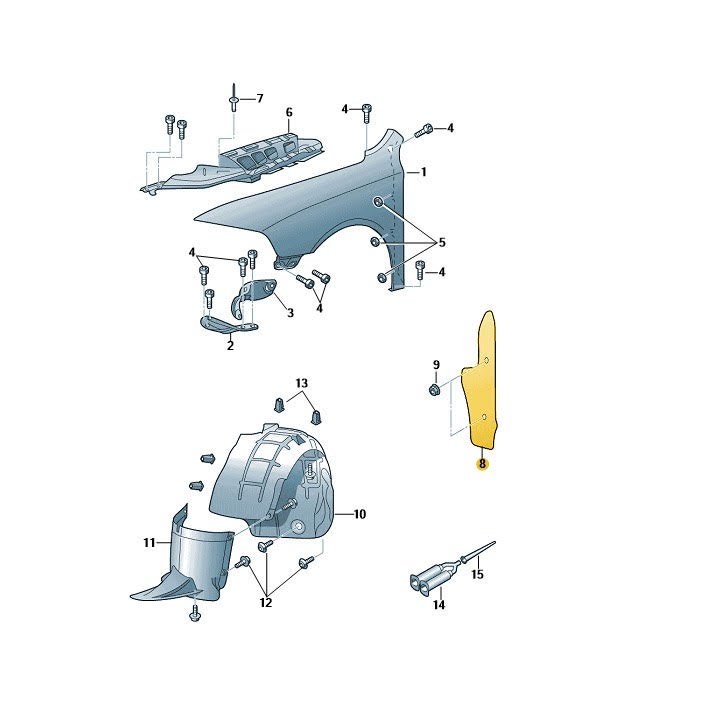
Hello, I have a rather interesting issue with my 2009 Mk2 Octavia. So the sills started to rust away so I decided to hire a welder, everything went fairly okey or so I thought. Had the car back from welder in summer, everything seemed fine, but now autumn is here and I started to notice dust, debris and leaves building on top of the sill when the doors are open. To my surprise there are rectangular holes on both sides At first I thought that maybe the welder has forgotten to put back some part, oh well, decided to contact a local Skoda certified service, showed them the picture, at first they had no clue what's supposed to go there but after a short while, they confirmed that they now what part is missing. Great, ordered it and had it installed. you have to kidding me right? Went back fairly irritated and asked them what's the deal? Long story short they told me that such a hole should not be there... cool thanks for telling me now after I've paid you for a part I did not actually need replacing.. anyway, contacted the welder and scheduled a meeting, raised the car up and he says the hole is supposed to be there for drainage and the issue I'm having is because the dude who did the paint job after the welding was done has forgotten to put back a part which goes between the fender and the frame, just behind the hinges of the doors it should look something like this but for me it looks like this https://imgur.com/xUI1j7c (10mb limit, had to use image hosting site) Of course the dude who did the paintjob says he did everything right and refuses to communicate further... So, basically my questing is, who is lying to me? Is the hole supposed to be there and just the plastic part is missing? Or did the welder botch the job or something? I'm lost currently on what to do and how to resolve this. Any help at all would be much appreciated! Thanks :)