Mitchg98
New here
-
Joined
-
Last visited
Everything posted by Mitchg98
-
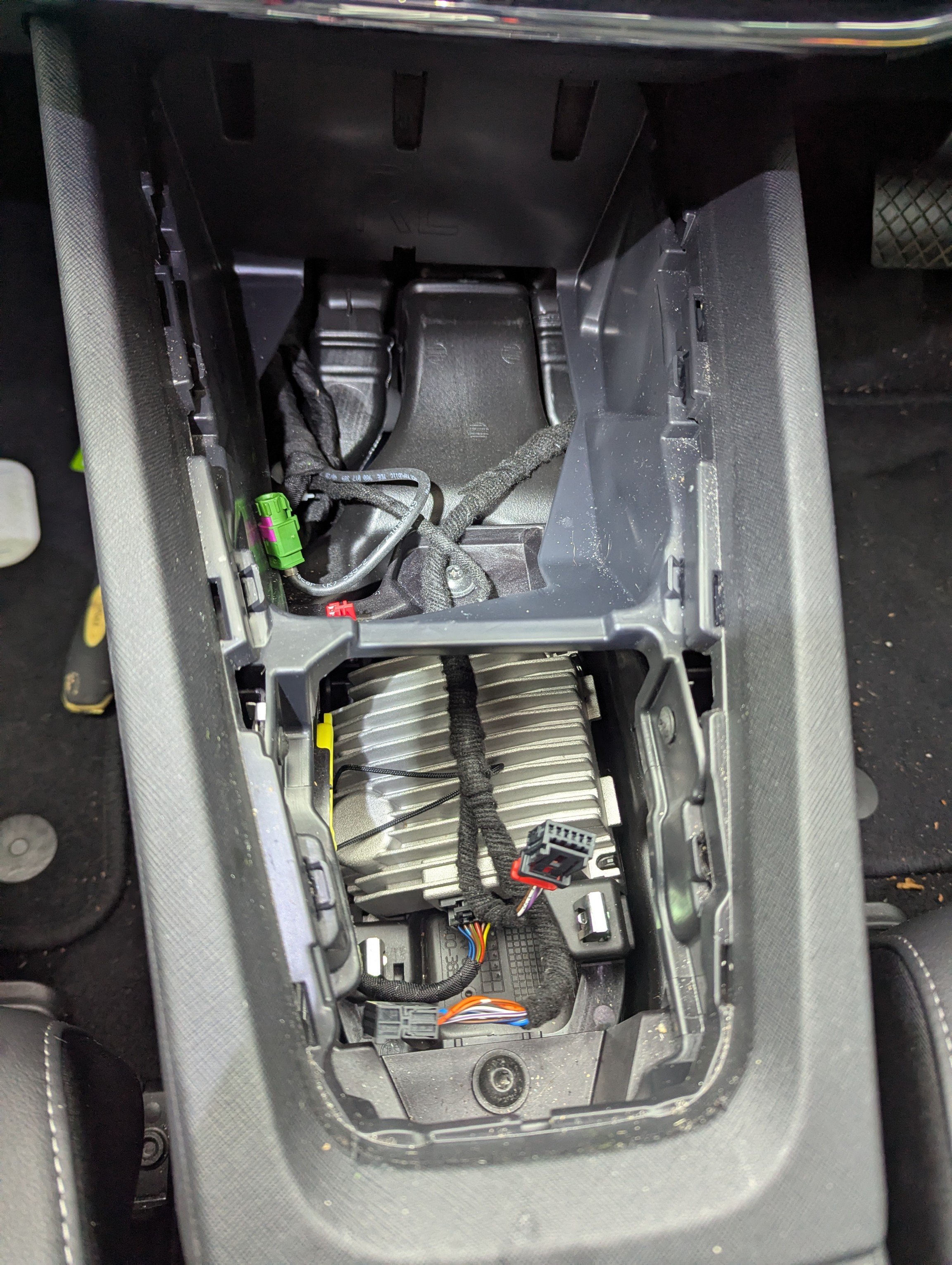
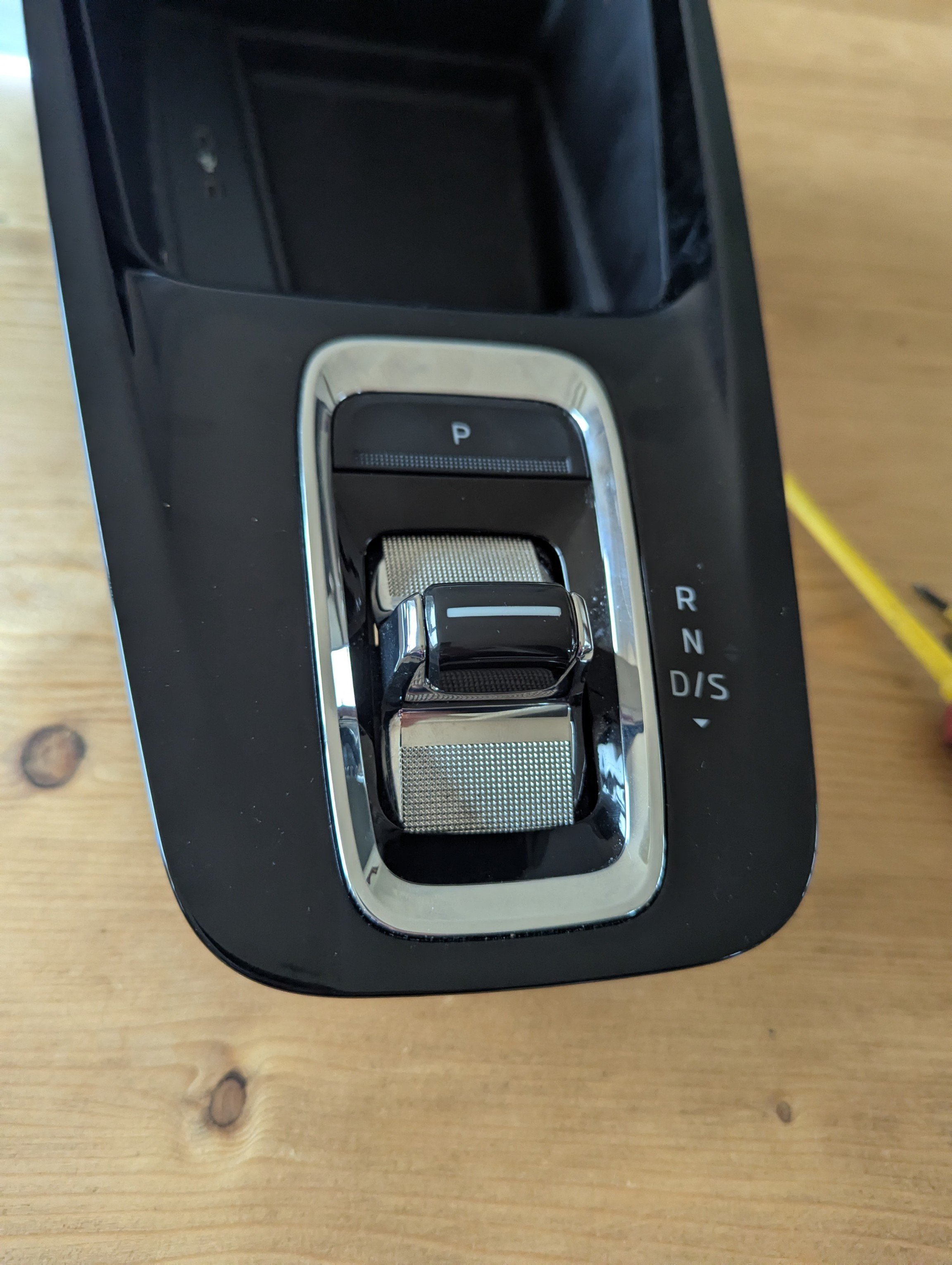
Mine is a Octavia IV (petrol electric) SEL estate 21 plate, unsure on month (second hand purchase) but should be first half of the year. I believe it's NX5 also. Yes I agree they're annoying but not serious. It was relatively easy to lift it up using plastic to lift & separate it. I suspect in the lever, one of the microswitches is stuck, meaning the car knows what position it's in from the others that are triggered but is still hi lighting a problem. I popped into a dealer today and the parts guy said the selector lever module comes fitted with the trim, (at a substantial cost as previously mentioned earlier in the thred). He did say he'd ask his technical department to get back to me if they know of a way of separating it. I Will let you know if I hear anything. Please let us know if you're able to separate out the module yourself 👍
-
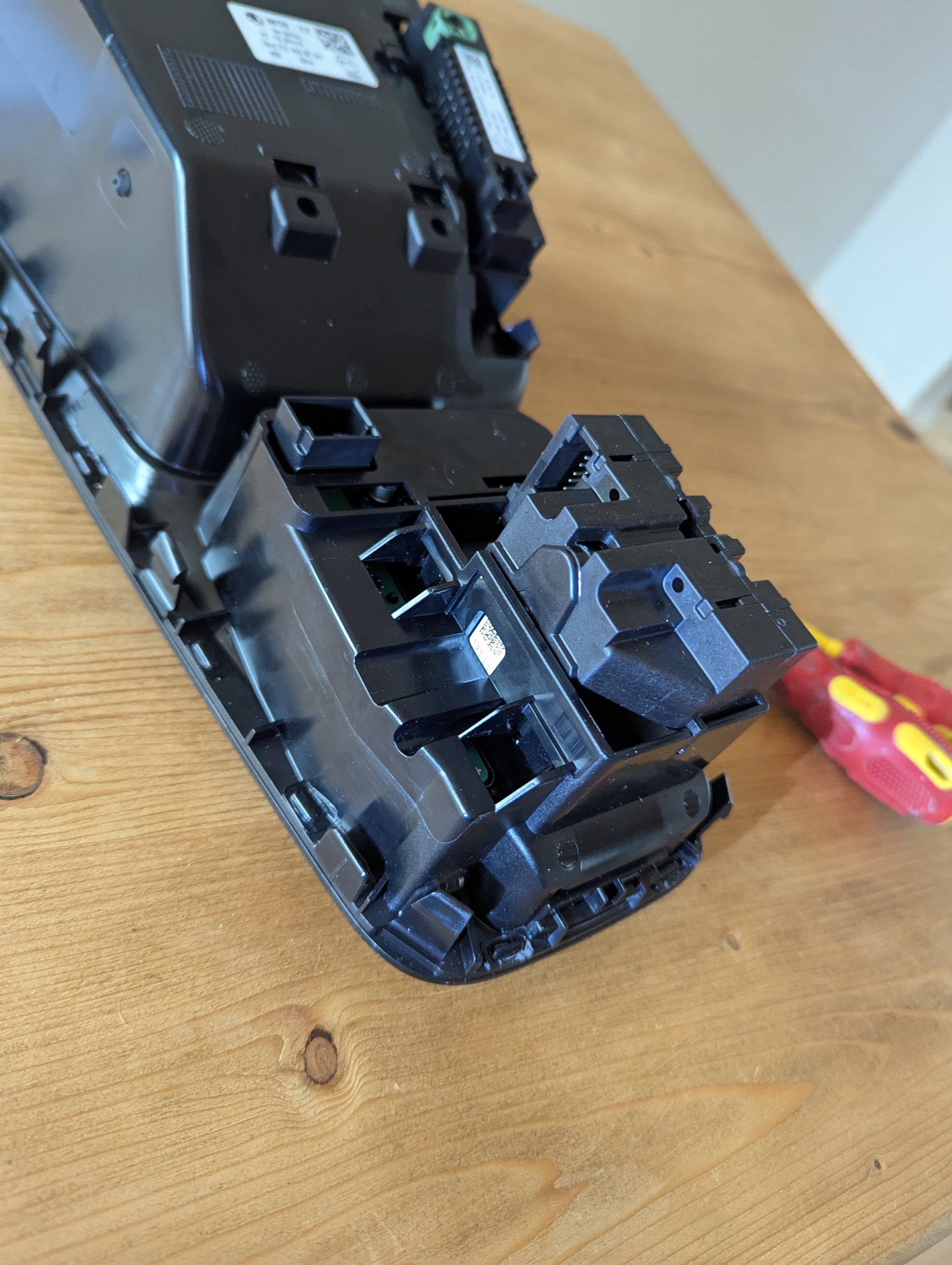
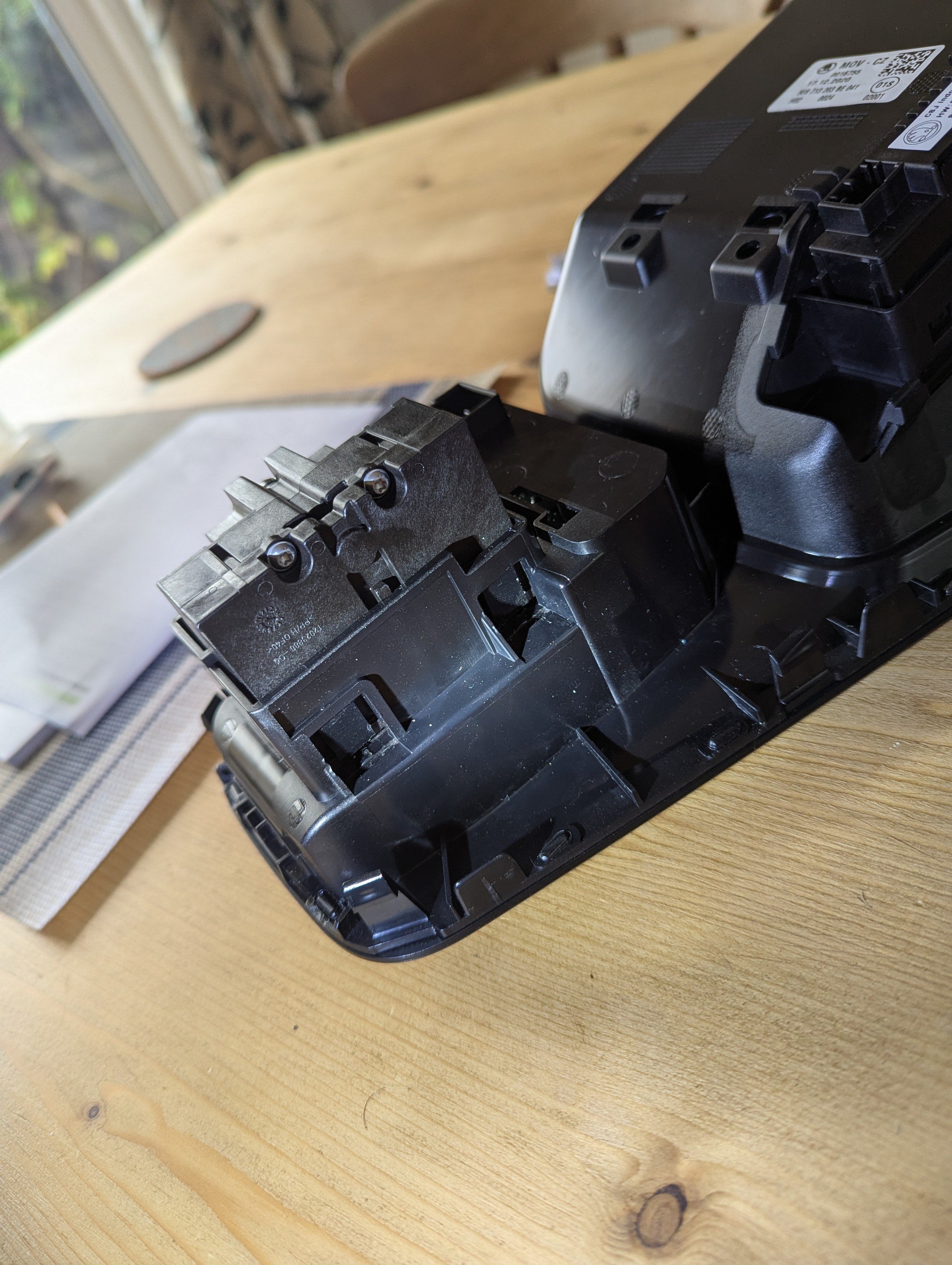
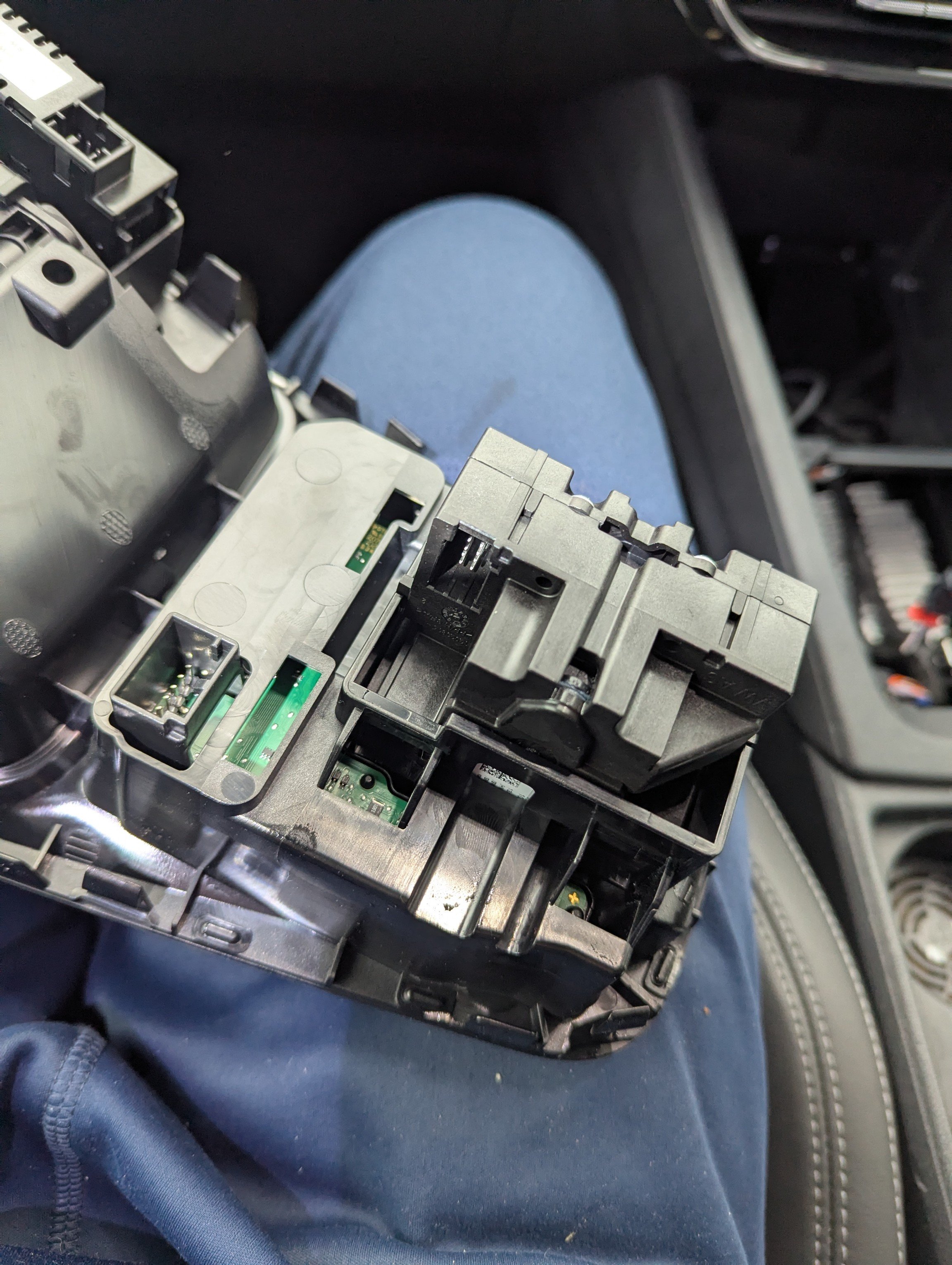
Hi, so I've taken the centre plate out, and unfortunately it's different underneath than what was posted before. I've unplugged the cables and removed the combined trim / selector module, I want to see the selector part number as its obscured. As that's likely the problem part. I've released the 4x plastic tabs on the side, so it wiggles, but it won't fully release from the plastic housing. It feels like there's something else retaining it, but obviously don't want to force it. Any suggestions / instructions somone can point me towards please? Thanks in advance
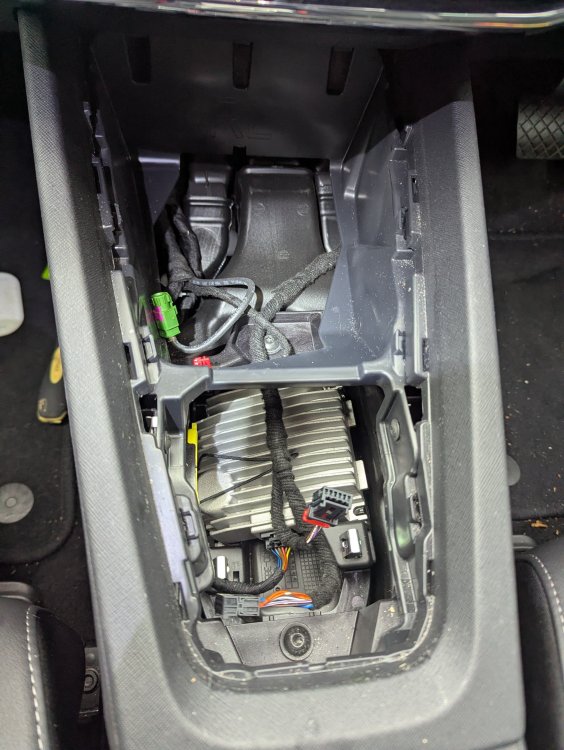
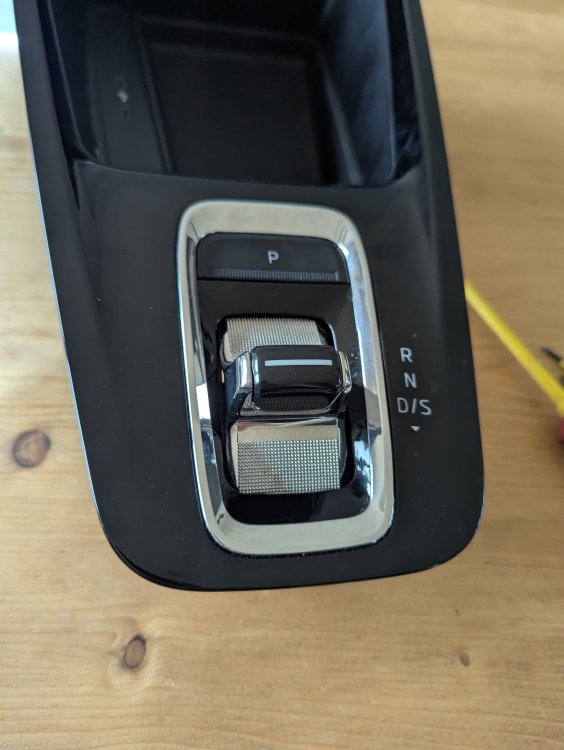
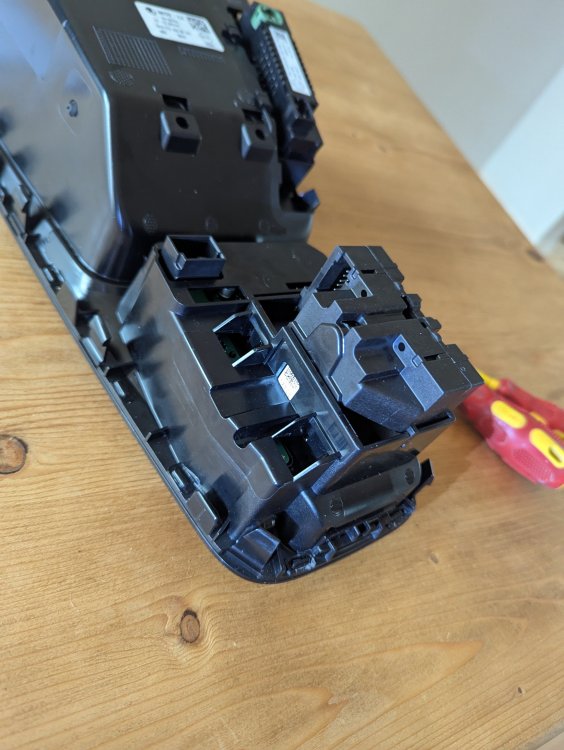
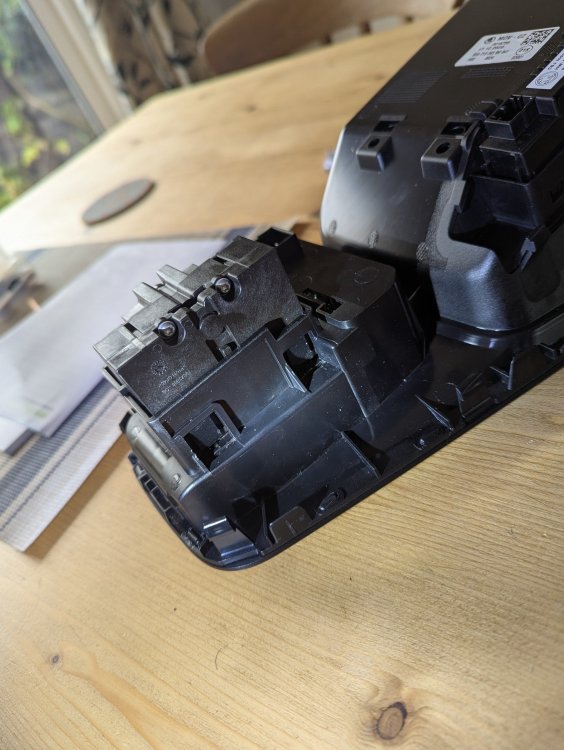
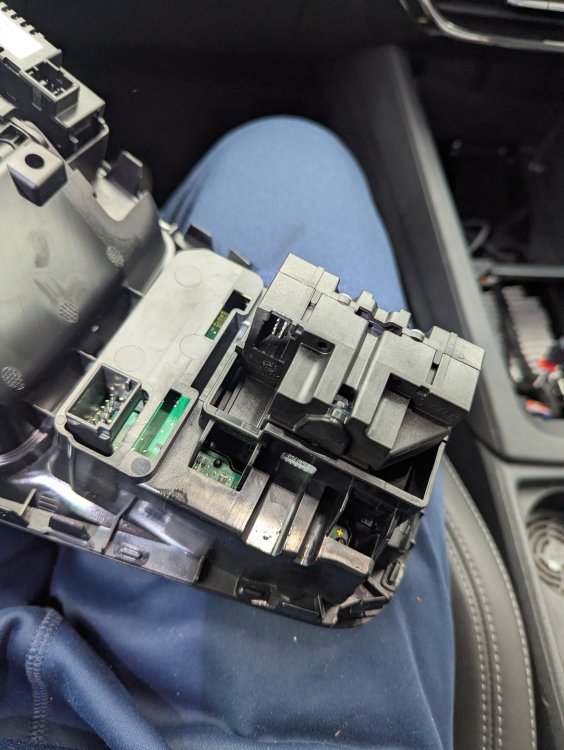
-
Hi All, I have a identical issue to @Scubajorgen with my 21 plate Octavia IV that, whilst occasionally before, has cropped up more consistently in the last few days (suspect colder weather has had an effect) Thanks for detailed post and step by steps, I'll follow the above steps this weekend and feedback how I get on. 👍 Cheers