OctoParrot
New here
-
Joined
-
Last visited
-
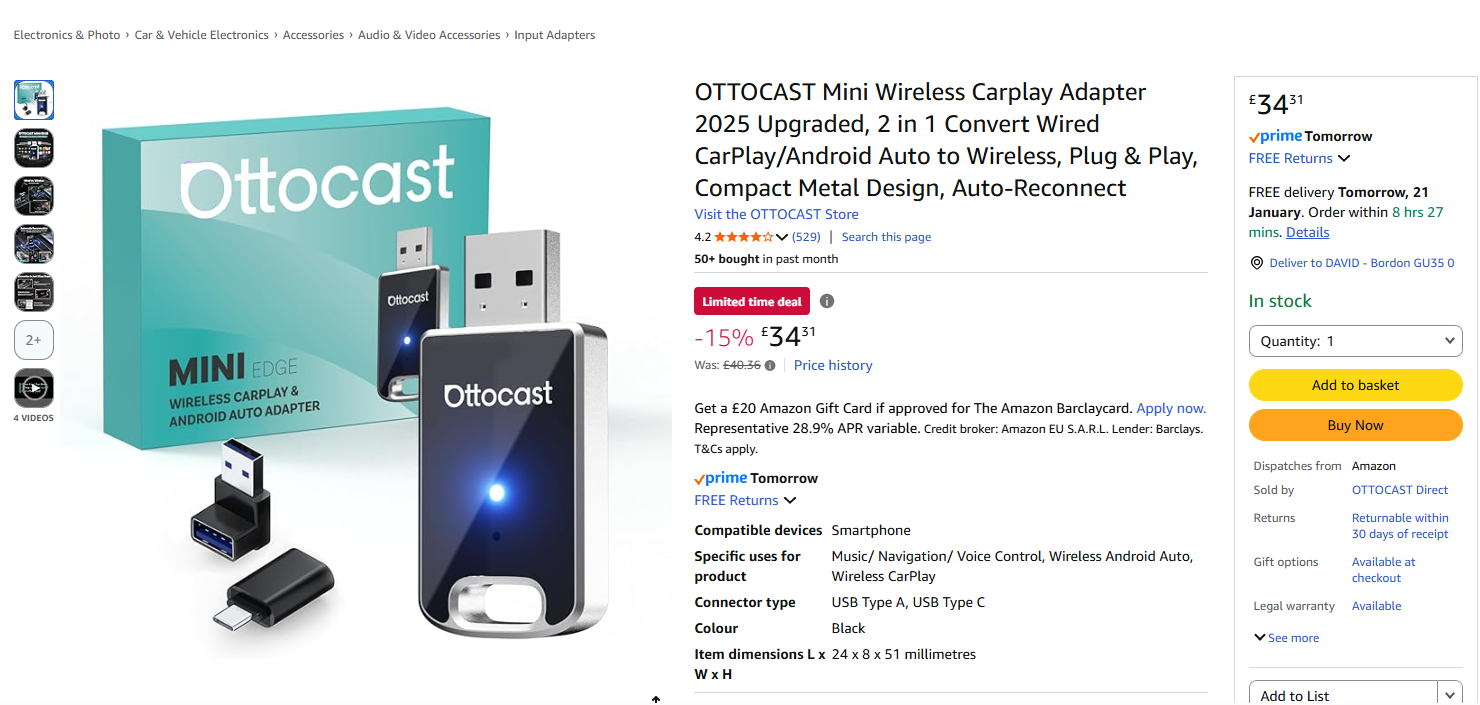
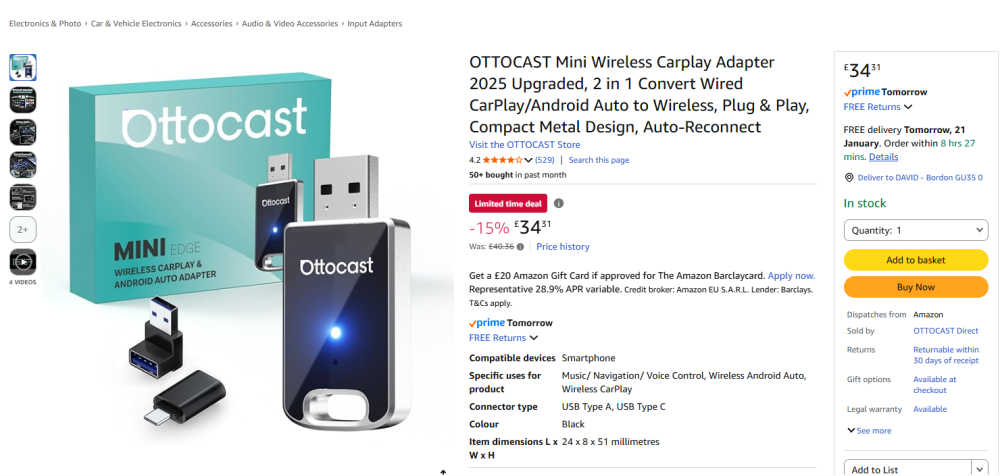
I've got one of these and it's working perfectly with my Samsung A56 and Amundsen head unit.
-
As stated newbie member with a few questions. Sorry if these are all old hat. Car is an 19 plate Octavia hatch 2.0TSI SE L 7 speed DSG. 58,000 miles 1). No under bonnet sound deadening. Should it have some? 2). Rear washer not working but wiper is. Seems like a commonish problem, is there a how to guide to getting it working? 3). What oil grade to use? Seems like only 0-20W LL is recommended for this engine, this seems a bit overkill when I always change my oil every year regardless and only average around 7000 miles a year. Is there a better or more suitable alternative? 4). I usually use super unleaded (mainly Esso), is this pointless when it only recommends 95 RON? 5). I'm planning on getting the DSG oil and filter changed at 60k and then every 40k afterwards, does this seem sensible? 6). What mileage intervals should the spark plugs be changed at? 7). Has anyone with the same engine had their car re-mapped, if so would you recommend it? What problems could it cause with the reliability of the DSG box? 8). Any recommended online suppliers of genuine parts? Massive thanks for any help on all or any of this. Cheers
-
Hello all fellow Skoda owners, new member here. 48yo male living in Hampshire UK. I've recently bought my first Skoda a 19 plate Octavia Hatch 2.0tsi SE L DSG in silver. Unfortunately it was a bit of a distress purchase as my previous car (Golf GTI mk5) was written off in an accident so I'm not new to the VAG world just the Skoda part of it! Anyway I've a few questions that I'll try to post in the correct place. Safe driving, thanks.