ceomobile
Finding my way
-
Joined
-
Last visited
Everything posted by ceomobile
-
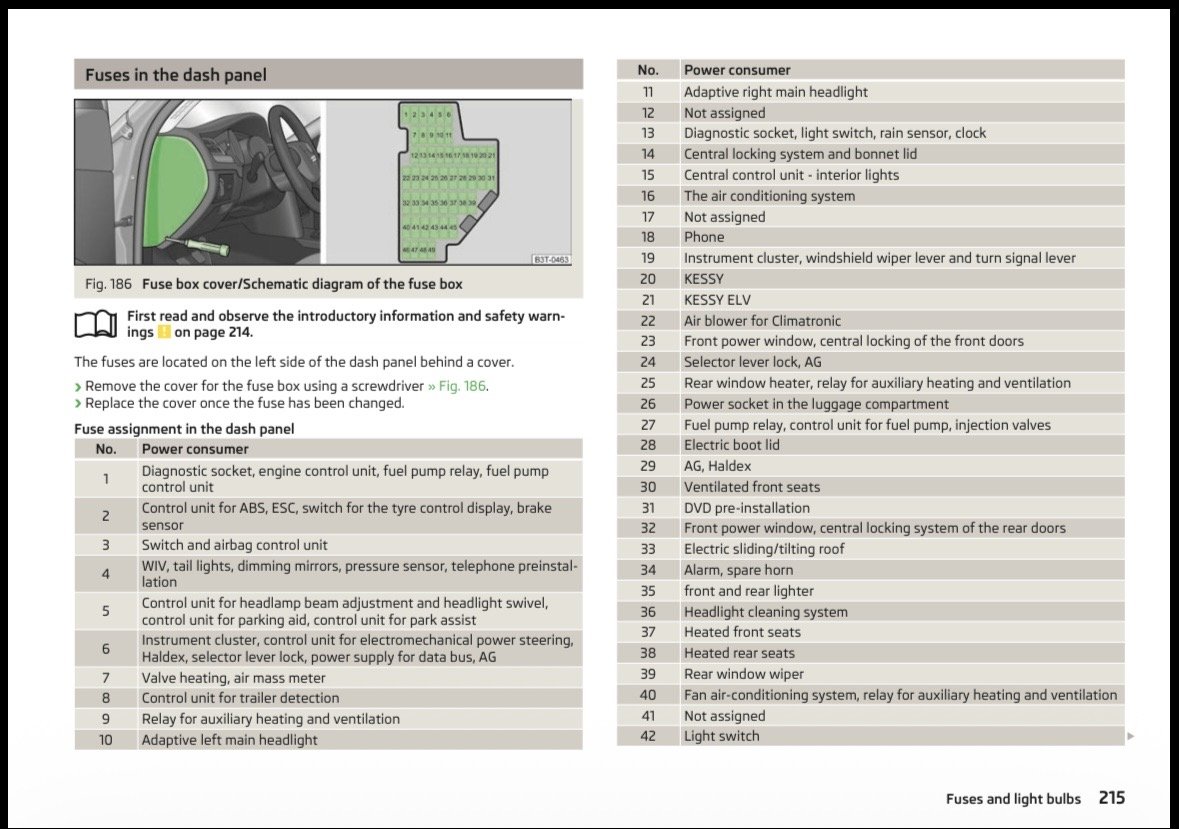
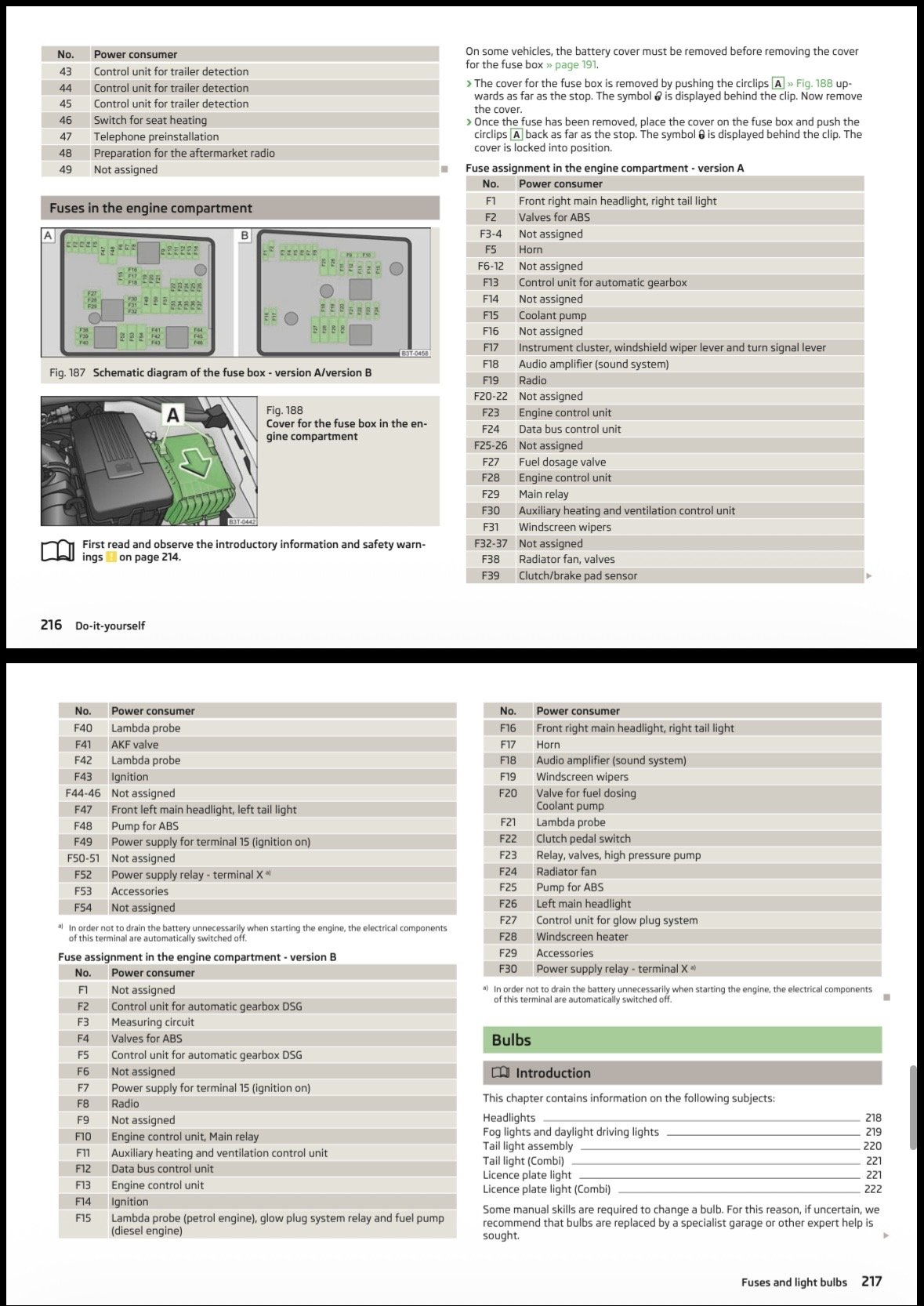
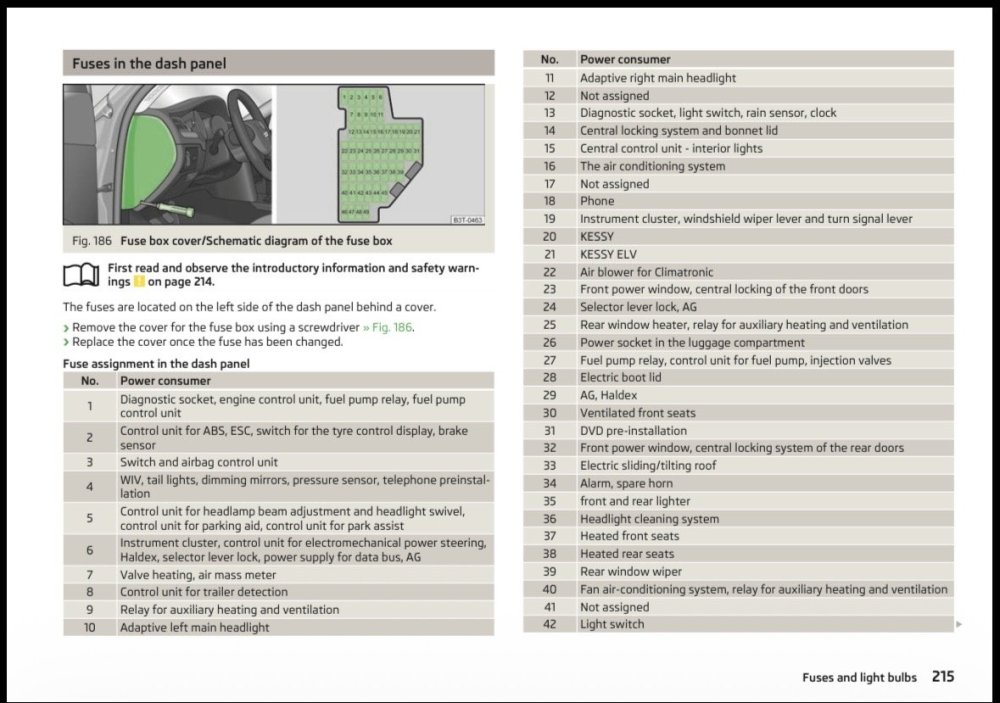
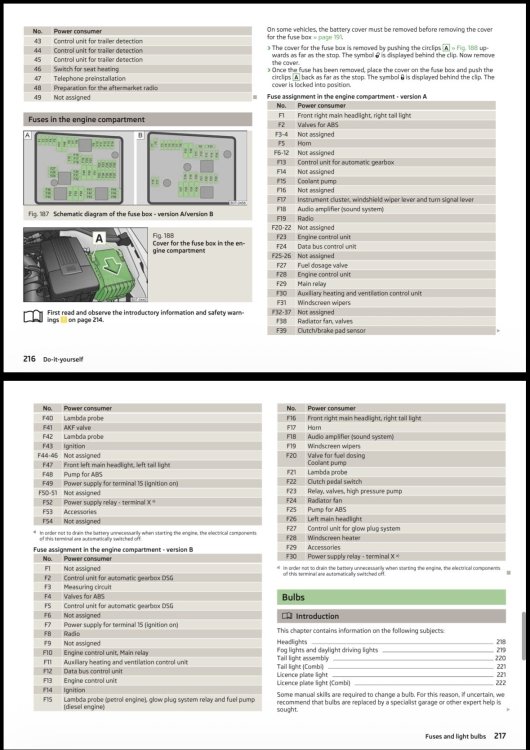
Thanks ! I’ll have a look. I don’t get it with the fuse, that’s the first I checked, but ont the drawing of the fuse box I’ve no one related to those lights. Do you know something about it ?
-
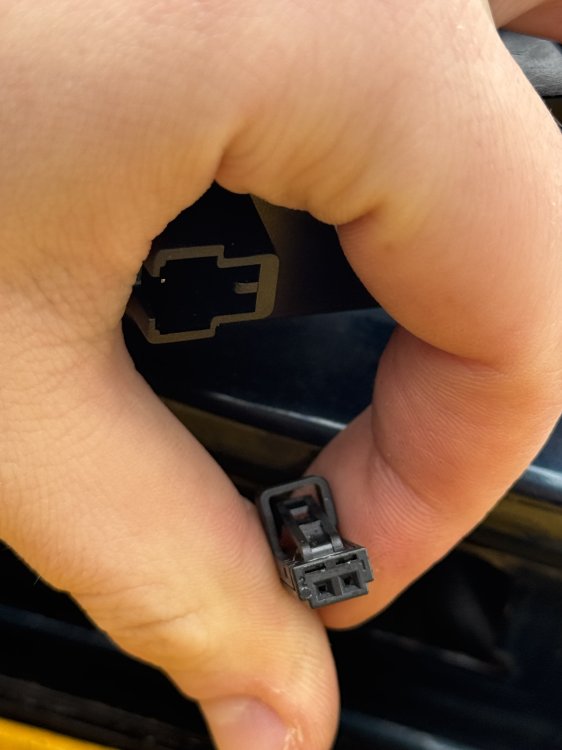
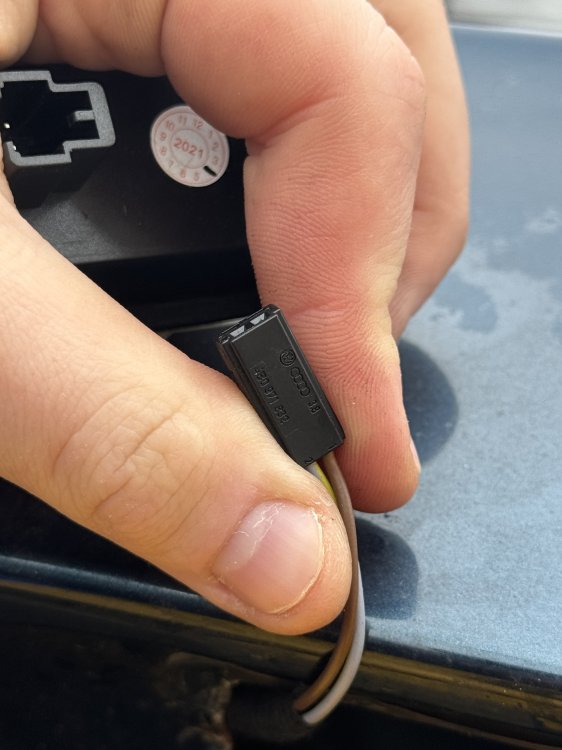
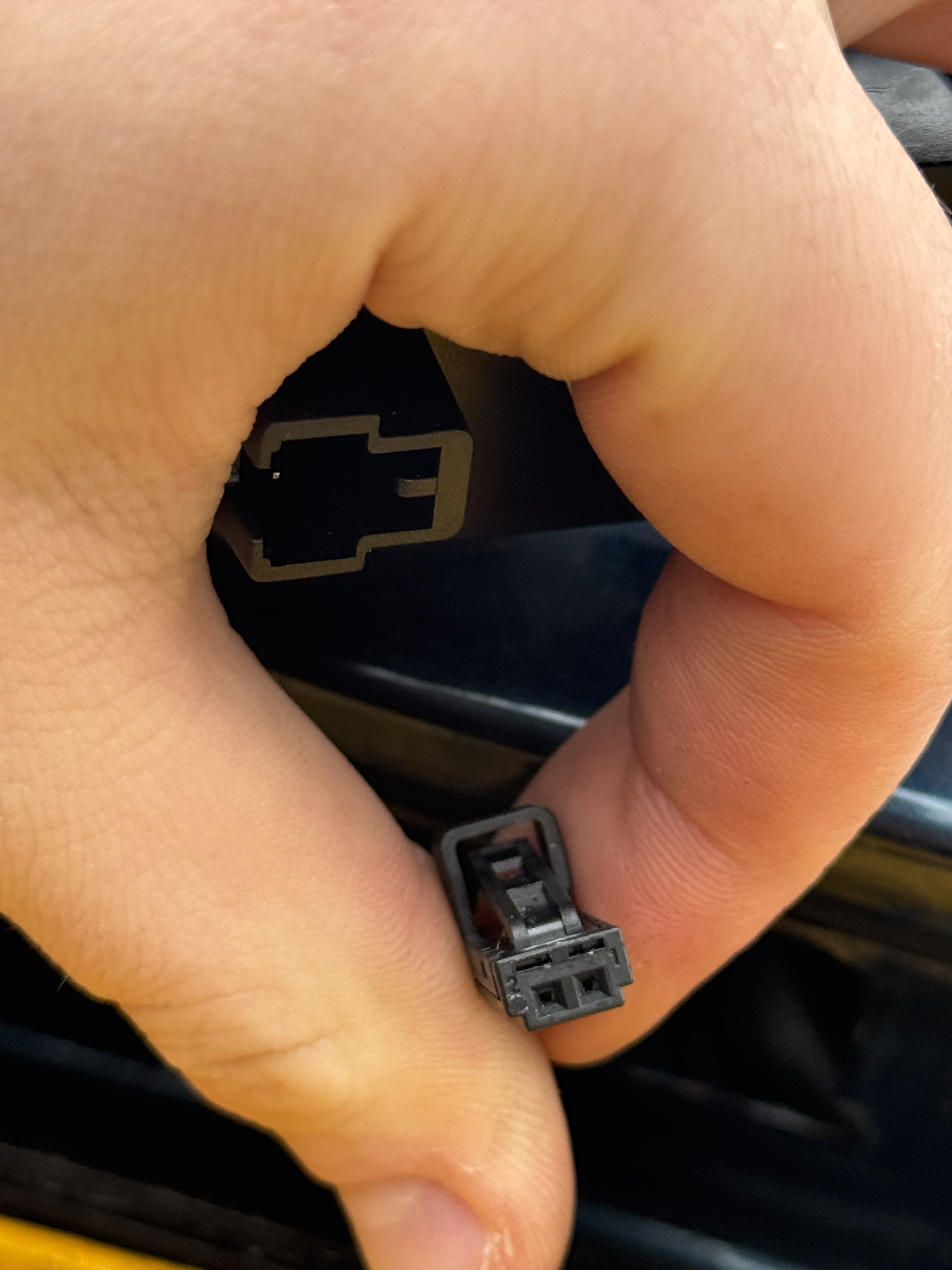
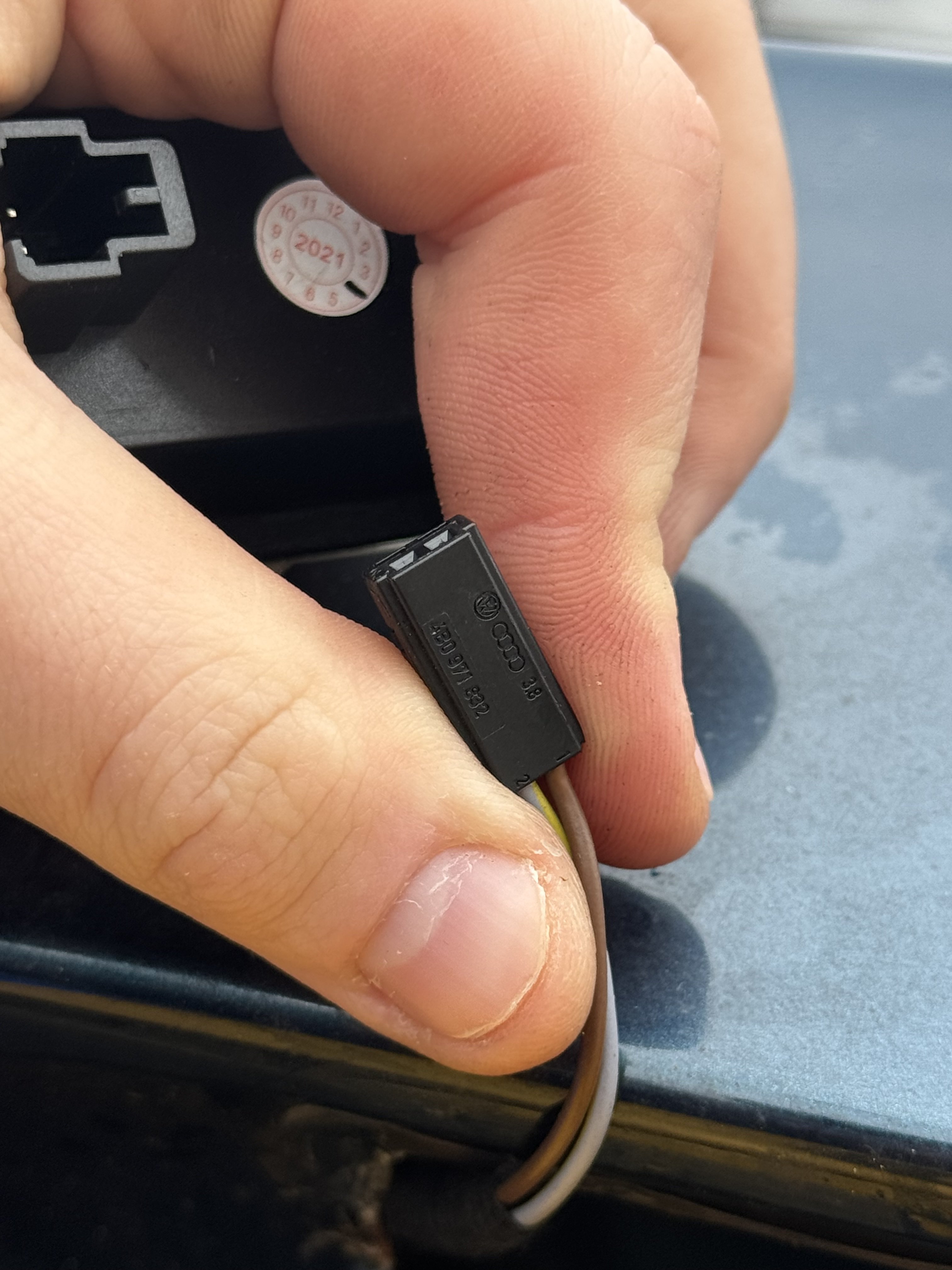
Hello everyone, I have a 2014 Škoda Superb Estate Mk2. The previous owner had installed aftermarket LED license plate lights, which I didn’t really like, so I bought a pair with standard bulbs instead. When I installed them, nothing happened. I first thought the bulbs that came with them were incorrect, so I replaced them — but they still didn’t work. I then realized they weren’t the correct model, so I reinstalled the original LED ones. However, now even the LED lights don’t work anymore, and the warning light flashes when I start the car. I ran a diagnostic with Carly, and it shows the following error: Power cut / short circuit to positive (01504) Does anyone know what I can do? Thank you guys!
-
-
-
-
Hello everybody! I recently bought a 2014 Škoda Superb Estate Mk2. The previous owner had installed some aftermarket LED plate lights that I didn’t really like, so I bought a pair with regular bulbs. When I tried to put them on, nothing happened, so I thought the included bulbs were wrong. I replaced them, but it still wasn’t working. I then figured out it wasn’t the right reference and put the LED ones back. But now even the LED lights don’t work anymore, and the check light blinks when I start the vehicle. Does anyone have a clue, please? Thank you, guys