k2c
New here
-
Joined
-
Last visited
-
-
Will I need to replace the whole infotainment or is it possible to just replace the bluetooth module? I checked with a few local Skoda dealers but some have no availability for investigations till March'26 or charging £250 just to have a look. I'm from London, please let me know if there's anything I can do to fix this in reasonable time and cost.
-
-
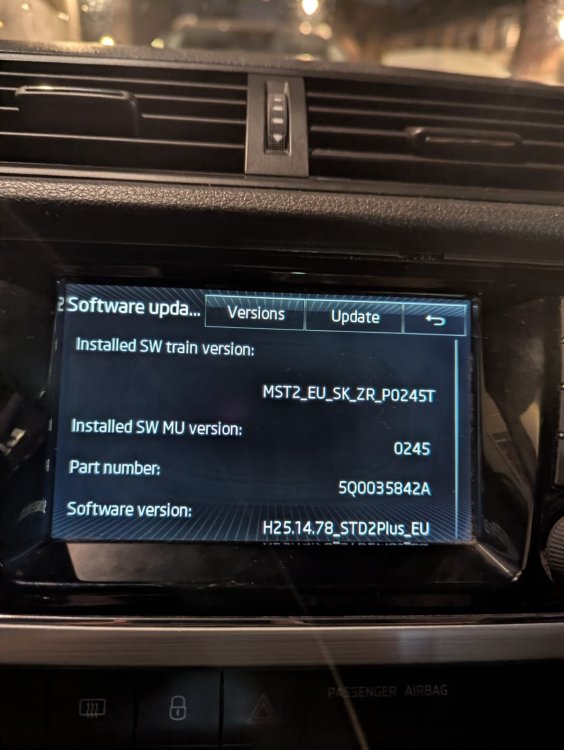
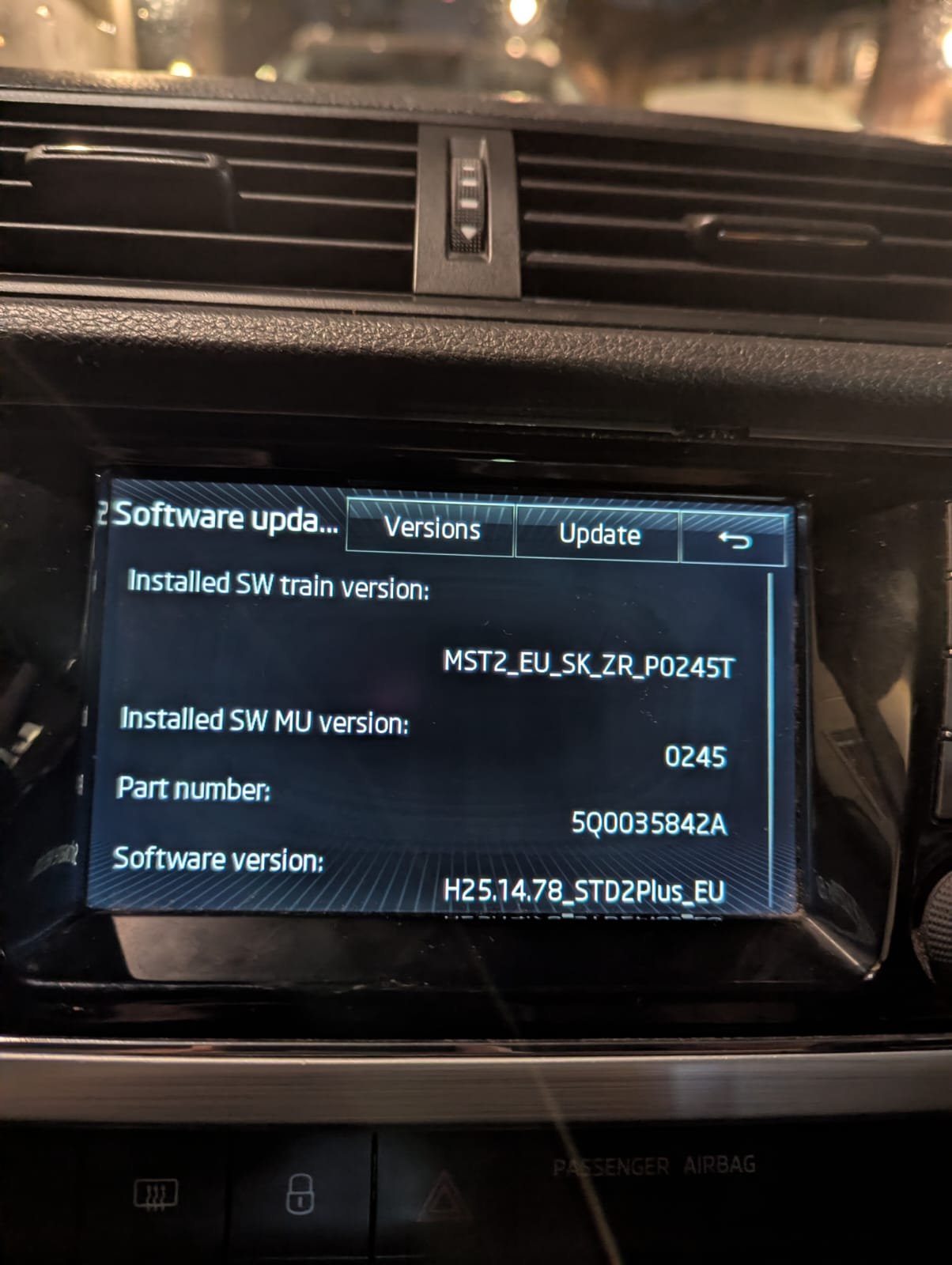
Hi all, I recently got a Skoda Fabia MK3 2016 1.2 TSI SE with a Bolero infotainment system, however I can't connect my phone to the infotainment system. I believe all SE models should come with Bluetooth. There is even a 'BT Audio' option in the Sound Menu, however, there is no way to enable bluetooth. There is no bluetooth option in the Settings and therefore, no way of turning it on. There is also a 'Phone' button and steering wheel controls, however, when I click on it, it says 'Telephone not available'. The car should also have come with SmartLink and there is a button for this on the console as well, however it is not enabled within the car and a few Skoda garages that I spoke to said that my car was registered a month before the SmartLink actually became available. It seems odd that the options are all there but there's no way to enable them? I'm currently not able to connect my phone to the car in any way apart from via AUX cable. I'm fine with not having SmartLink but want to at least have Bluetooth connectivity. It's my first car and I really want to be able to use the infotainment system properly. Have attached an image of current software/hardware part number