mikka631
Finding my way
-
Joined
-
Last visited
-
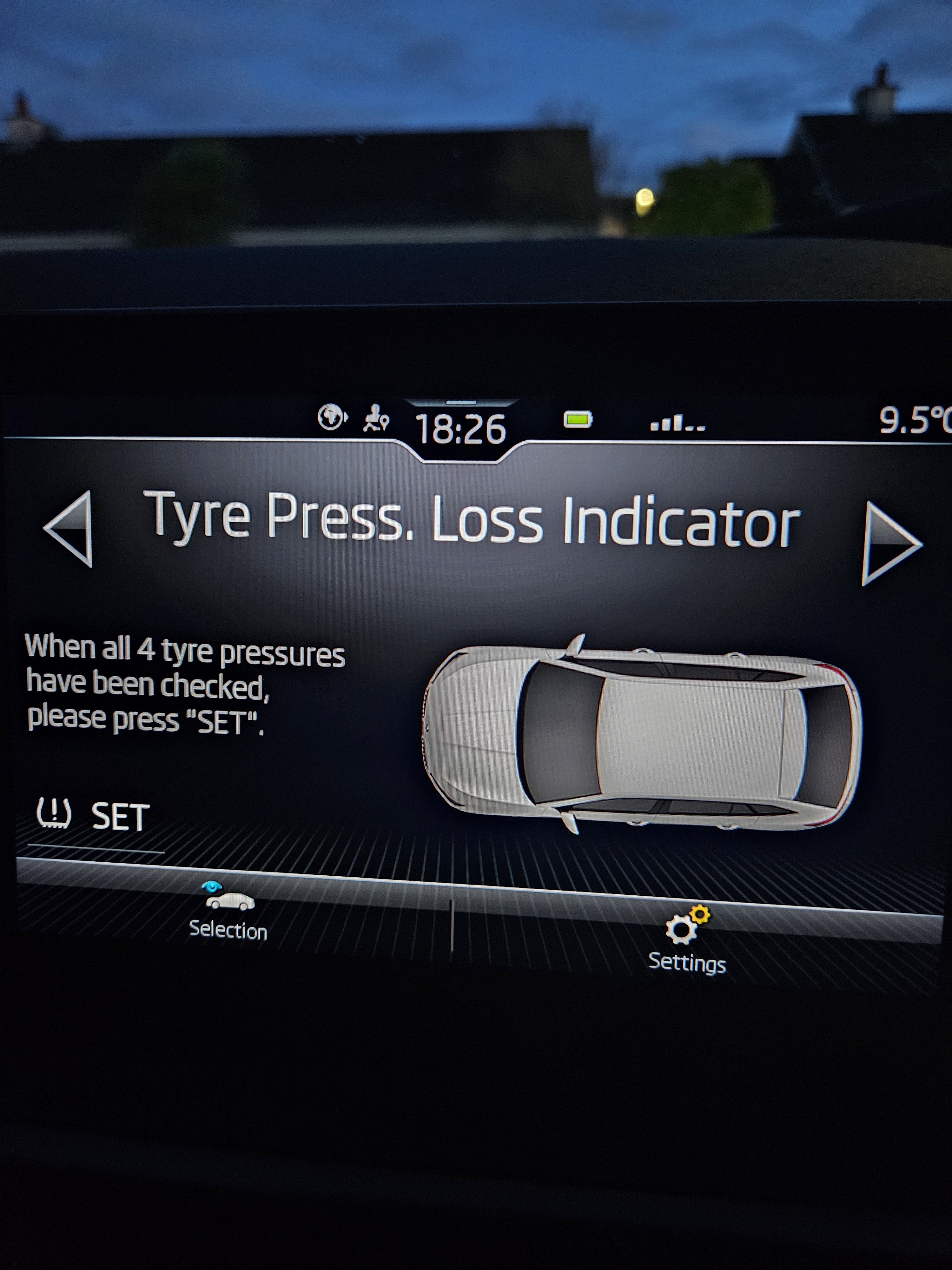
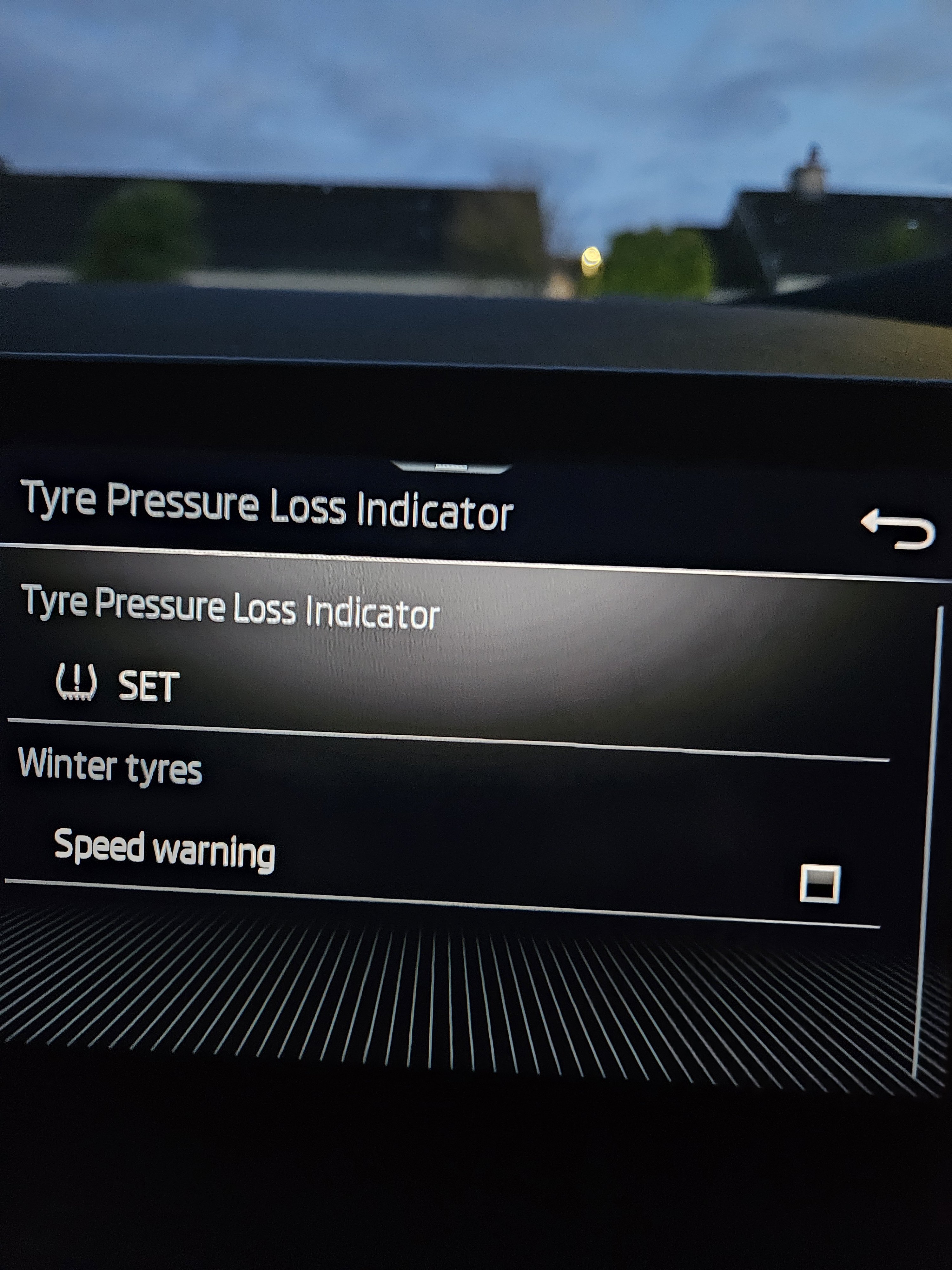
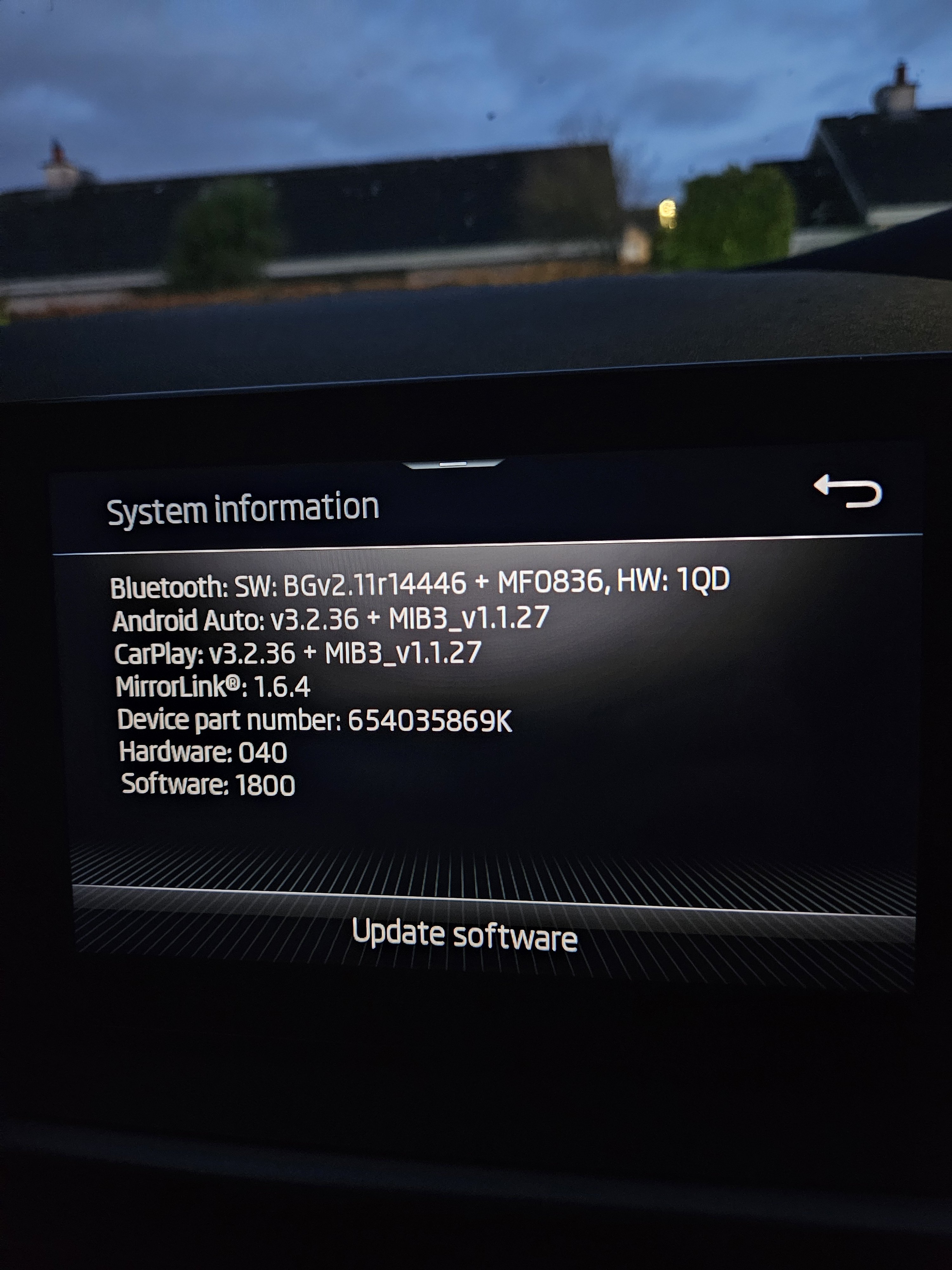
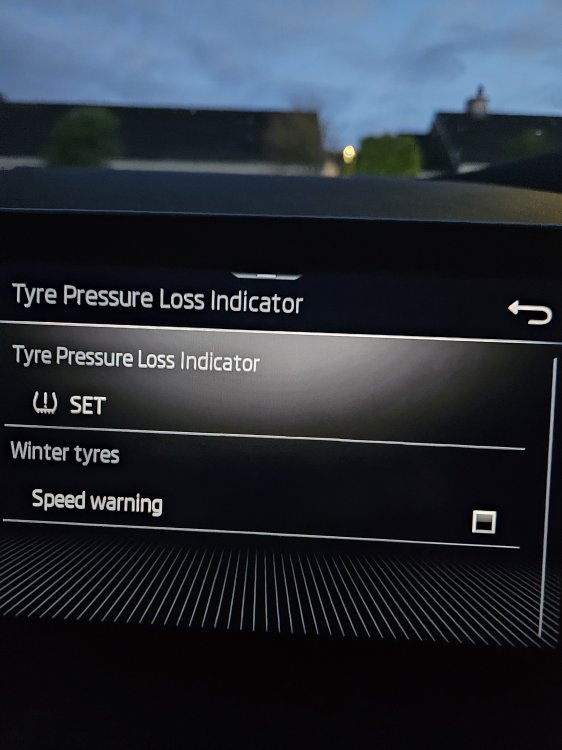
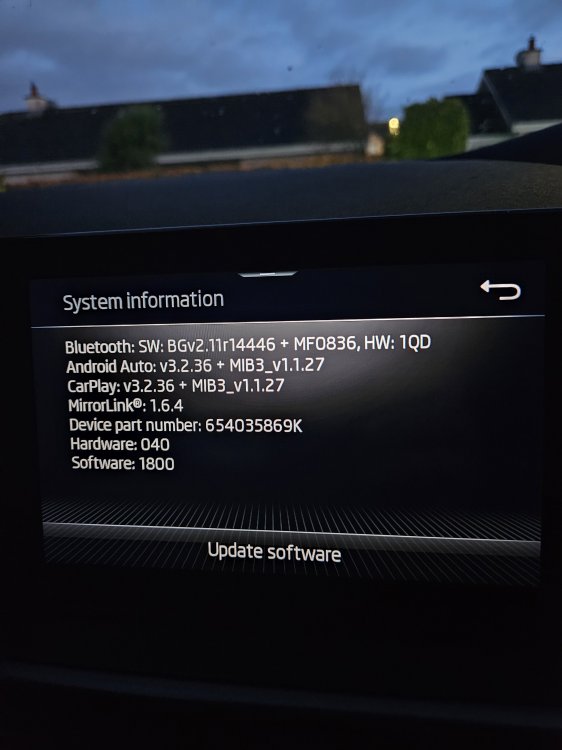
Hi All, OK Now I understand a bit better. Apparently the Skoda Scala has Indirect TPMS which does not show the actual tyre pressure values for each individual wheel. This is what I found It uses an indirect Tyre Pressure Monitoring System (TPMS), which functions as follows Warning-Based System: It uses the ABS wheel speed sensors to detect if a tyre's circumference changes due to low pressure. No Individual Readings: It does not provide specific PSI/BAR data. Instead, it will display a warning light on the dashboard if one or more tyres are under-inflated, and it may identify which wheel is affected (e.g., "Check front left tyre"). Calibration: After adjusting your tyres to the correct pressures, you must "set" or calibrate the TPMS through the infotainment system (Car > Settings > Tyres) to establish the new baseline. Now I am a bit more confident that my software upgrade was successful. I have been through all the menus and settings and all seems to be OK Regards Michael
-
Hi Cairus, What do you mean by Active System and pressure HMI? My Scala is the Style version. Regards, Michael
-
Hi All, OK so it has not disappeared as such, it just does not show any info. If I check in the Vehicle Info it shows the graphic but no data. Also when I go to settings and select Tyres it also shows no data. Some screenshots below, maybe I need to drive the car for a bit according to AI
-
Hi All, After reading this I checked mine and I also do not have the TPMS menu, damn. Is there a procedure that I missed when doing the upgrade? Regards, Michael
-
Hi All, OK so I was able to perform the software update to 1800 and can confirm that Android Auto with my Galaxy S23 now works. !!!!!!! Like others have advised, you do this at your own risk !!!!!!!!!!!!!!! I downloaded the software file from https://disk.yandex.ru/d/1V1uBTc8ssc3zA I formatted the USB stick FAT32 (Make sure it is 32GB or smaller otherwise it wont format FAT32) I unzipped the software and made sure it was the only software on the stick. Ensure that it only contains the folder MEN3_EU_SK370_P3355L MU1800 and in there the two sub folders Data and Meta. I followed the instructions provided by others and it was like this Connected the USB stick Switched off the engine Press and hold the Menu button for 10 seconds Selected the Software Update and download from USB It went through the process of downloading and updating with a couple of reboots After this my S23 now works with Android Auto Regards Michael
-
@Cairus Many Thanks, I was able to download the 1805 software but not the 1800 software as I need a decryption Key. Could you PM it to me? I will give it a go with the update and post the results here. Best Regards Michael
-
Hello All, I am in the same boat as others with the Galaxy S23 and Android Auto in my 2023 Scala. My Software Train is MEN3_EU_SK370_P2295L and MU SW is 1780 Can you help with software download and upgrade guide? Can I go directly to SW 1800? Thanks In Advance, Michael