Ripper13
New here
-
Joined
-
Last visited
-
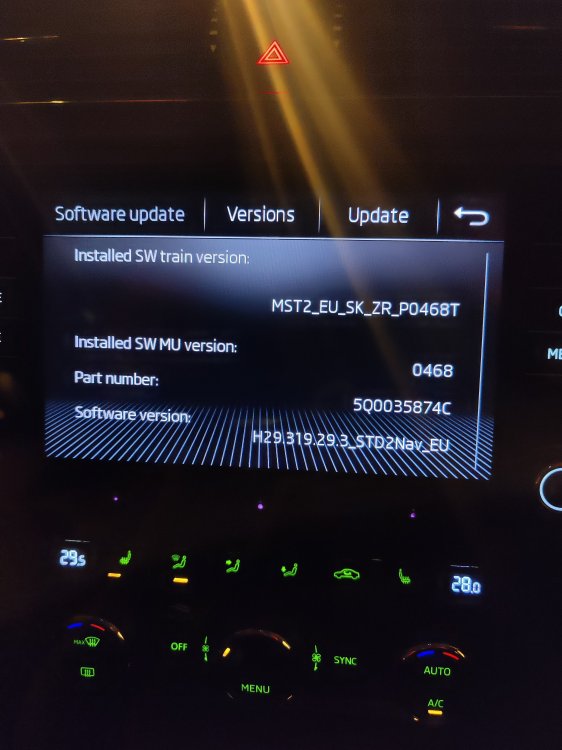
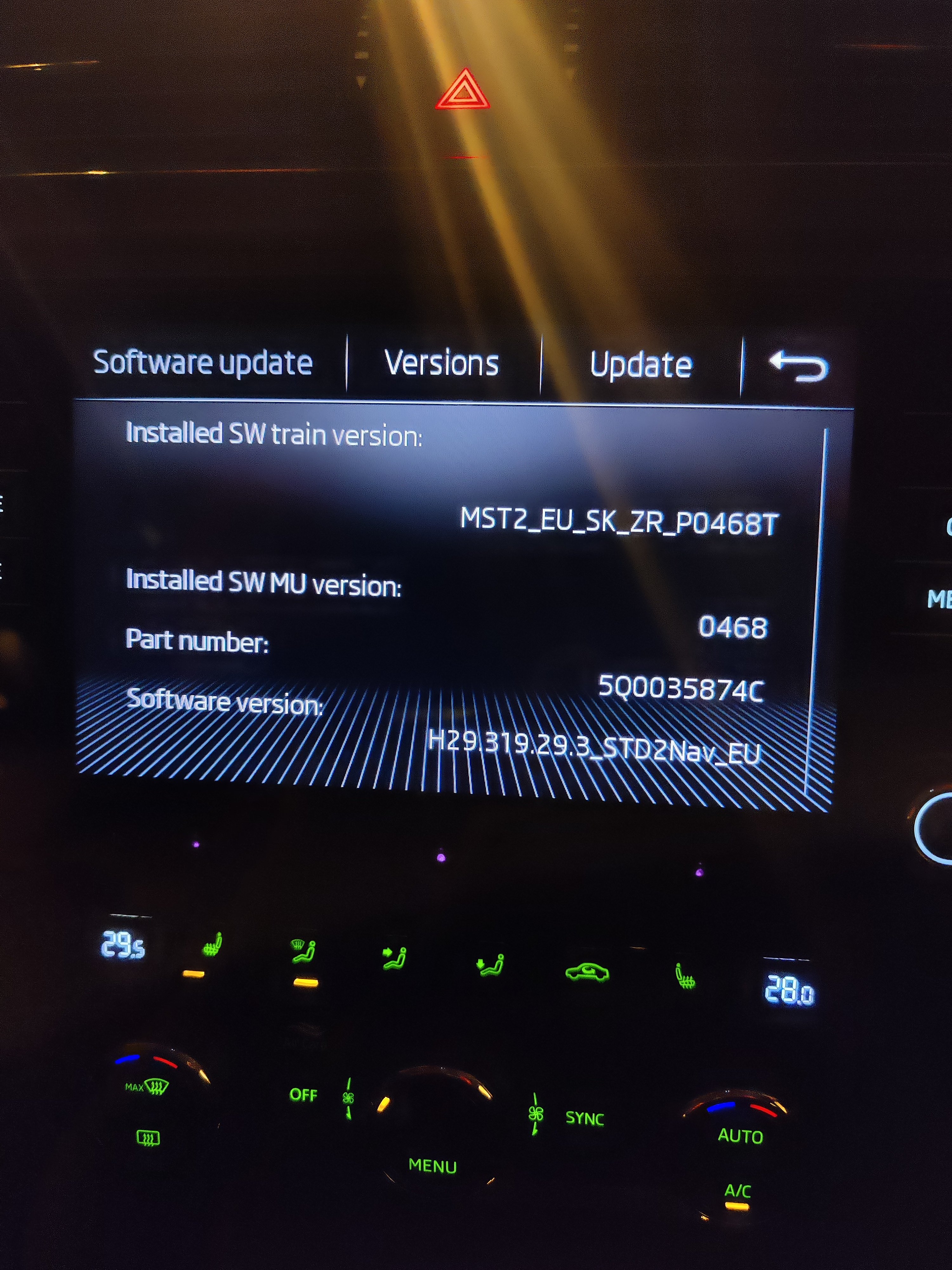
yeah I'm going to get it booked into the dealership and get it updated I would try myself but don't wanna risk bricking it
-
Used this cable https://amzn.eu/d/0aom5k5d OnePlus 8 pro running android 13 Yeah Smart link is active I have the option even when I click into it it says Android auto car play and mirrorlink but when plugging the phone in nothing comes up. Could it be due to the software not being updated to work with Android 14
-
Hi everyone new here I've recently bought a Skoda Octavia MK3 67 plate. I have a MIG2 Amundsen So I'm having a few issues getting my android auto to work on my infotainment system. Tried multiple data transfer cables still no luck. Tried changing settings on the phone nothing. It seems it only wants to charge my phone. Could my infotainment need updating to a newer version. Also will a OTA update happen if I connect it to WLAN or will it have to be a manual update. SmartLink is enabled also. Just frustrating that it's not working any help or guidance would be greatly appreciated. If anyone has updated their system manually how easy was it. The car had 1 previous owner which was an elderly gentleman so I don't think anything got updated even the maps is out of date, I should be able to update the navigation