Skip to content

Patacrepe

Finding my way
  • Joined

  • Last visited

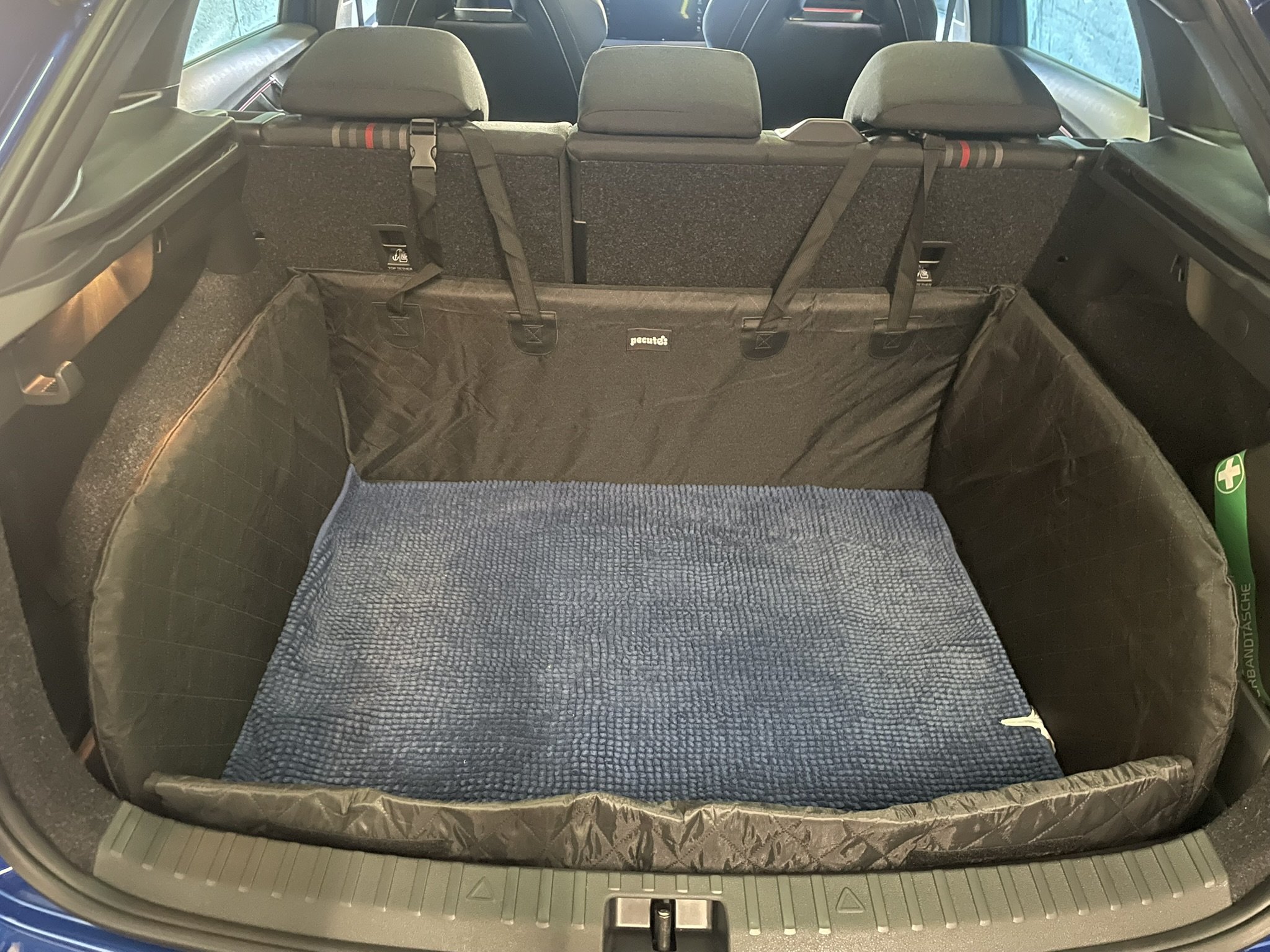
  1. So I went with this https://www.amazon.fr/dp/B0DK8K31P1 It fits perfectly
  2. Hi all, I'm picking up a Scala soon and I have a dog, so I'm looking for the best boot protection to keep things clean — mainly to protect the side panels and rear seat backs from dog hair, scratches and muddy paws. On my current Volvo V40, I had a brilliant OEM liner (https://www.caraccessoriesplus.co.uk/cdn/shop/products/O31305874_12ae4777-b52e-4be8-8080-dec52fbc9d6a.jpg?v=1752771380 that clipped in using press-fit studs (screwed into side panels)) and also hooked onto the cargo lashing rings — it felt completely integrated and didn't move at all. I don't find something similar as a genuine accessory for the Scala.. Has anyone found a good aftermarket alternative that covers the sides properly (not just the floor) ? The Karoq "foldable boot protection" can fit you think ? (https://catalog.skoda-auto.com/eu/eu/en/foldable-boot-protection-karoq/p/57A061164) Or a generic (https://www.amazon.fr/dp/B07XQ5WGMH) Thanks in advance!
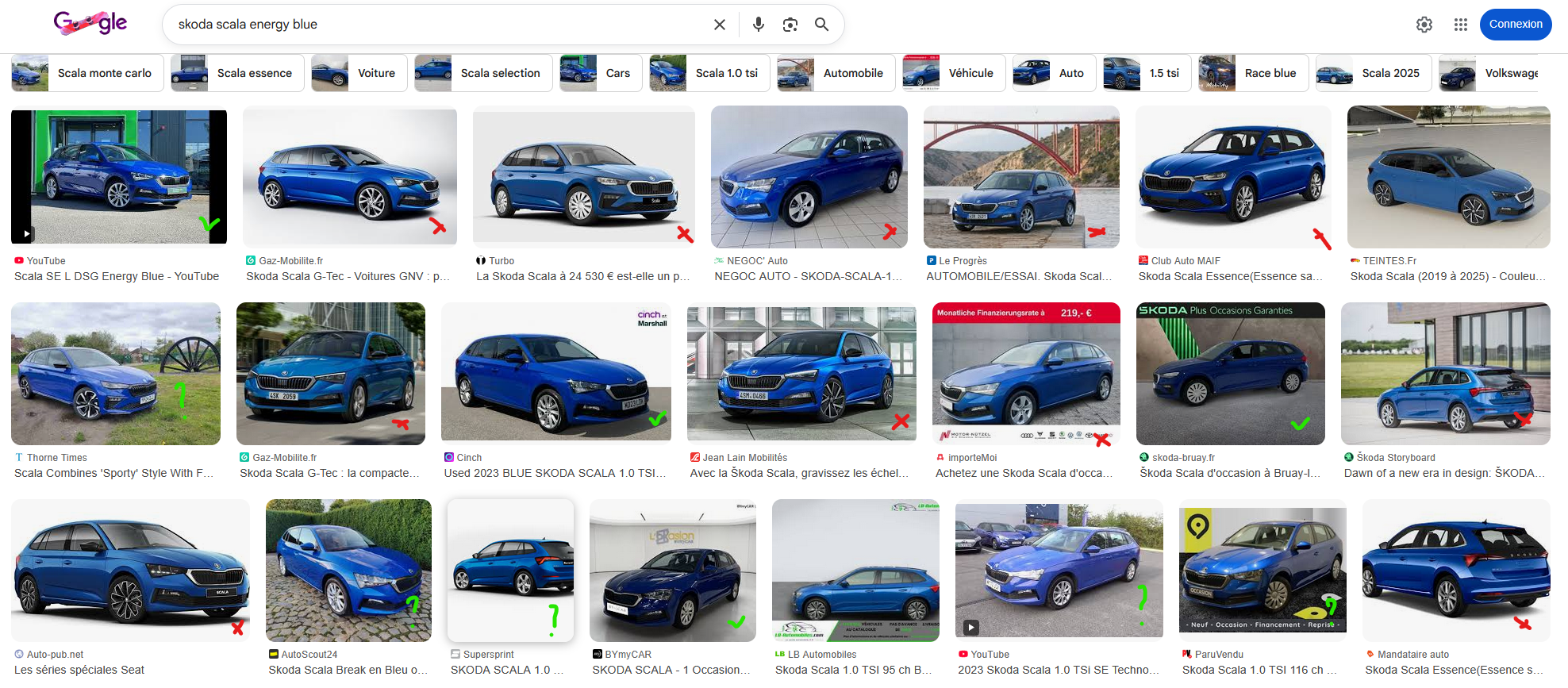
  3. Also I have checked , results seems bad on my side 😅 On your results, the "Thorne Times" one is realy a energy blue ? Its seems a lot metalic for me
  4. Hello @Evolution13 ! Thanks for your message Lot of "ernergy blue" on Google Images , reddit, youtube, etc. are in reality "racing blue", so I seek real energy blue owner ;)
  5. Thanks ! Can you send me here or MP some other photos ?
  6. Hello! I just ordered a Skoda Scala 1.5 TSI 150 DSG7 Monte Carlo in Energy Blue... Does anyone here have the same model or at least some photos of a Scala in Energy Blue by any chance? I only found Racing Blue online / youtube :-(

Important Information

Welcome to BRISKODA. Please note the following important links Terms of Use. We have a comprehensive Privacy Policy. We have placed cookies on your device to help make this website better. You can adjust your cookie settings, otherwise we'll assume you're okay to continue.

Account

Navigation

Configure browser push notifications

Chrome (Android)
  1. Tap the lock icon next to the address bar.
  2. Tap Permissions → Notifications.
  3. Adjust your preference.
Chrome (Desktop)
  1. Click the padlock icon in the address bar.
  2. Select Site settings.
  3. Find Notifications and adjust your preference.