TobyBridle
New here
-
Joined
-
Last visited
-
I don't recall having any traces of water there when I removed it. I've attached a video showing the condition of the sunroof from what you can see inside. Today, even though there was rain, I didn't get splashed on at all. Really perplexed about this issue and it's irritating because I will not put the headliner back on until I've sorted it The video is hosted on my own domain (which has a completely different purpose). That'll be why it doesn't seem like a familiar file host https://bbboom.co.uk/assets/leak-video.mp4
-
Had some issues with the image upload - sorry.
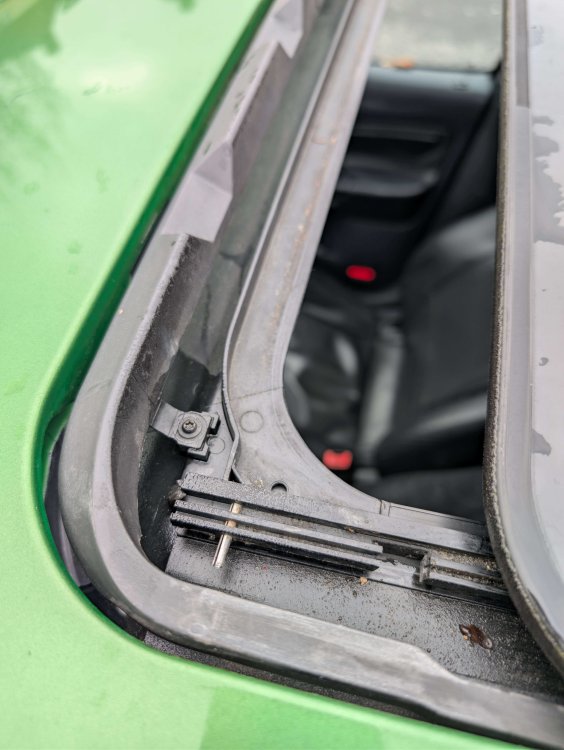
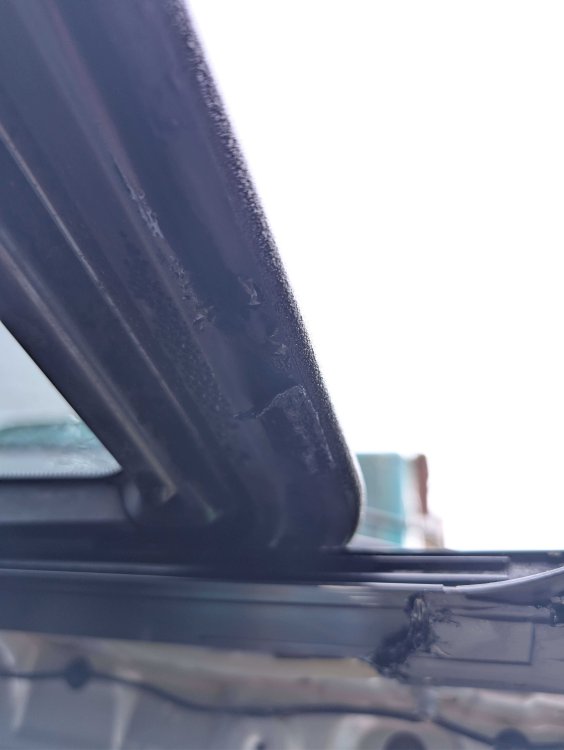
-
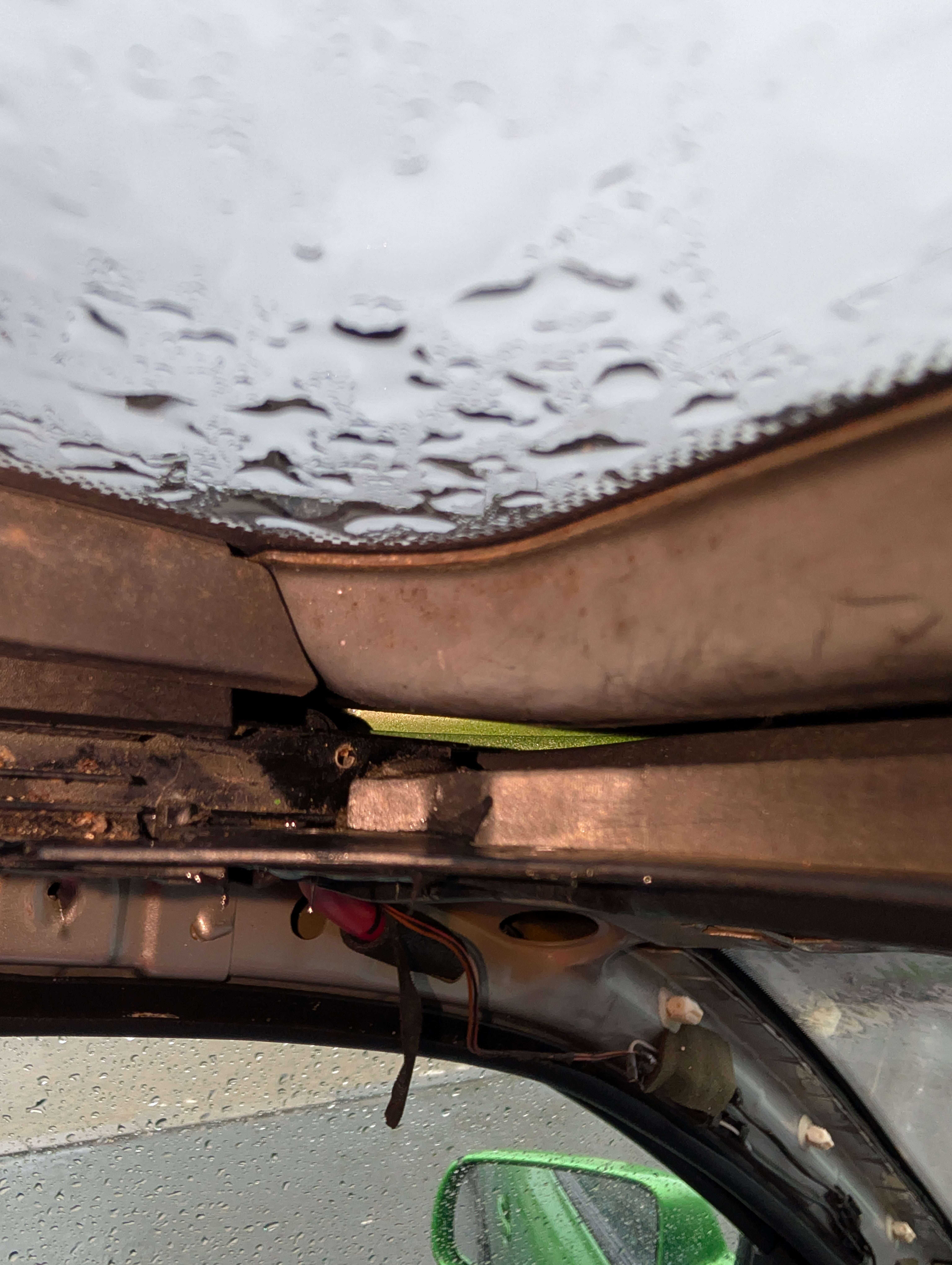
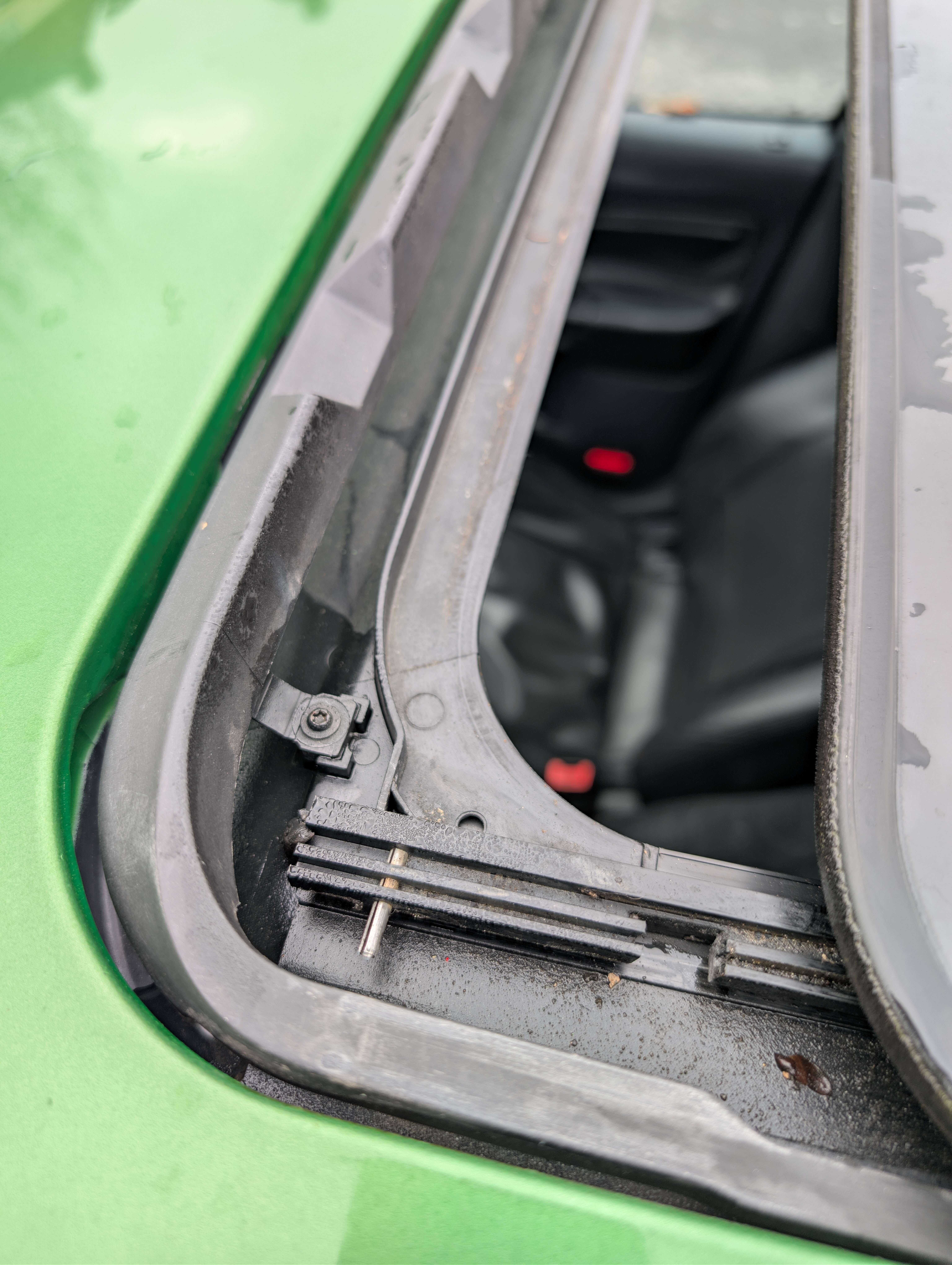
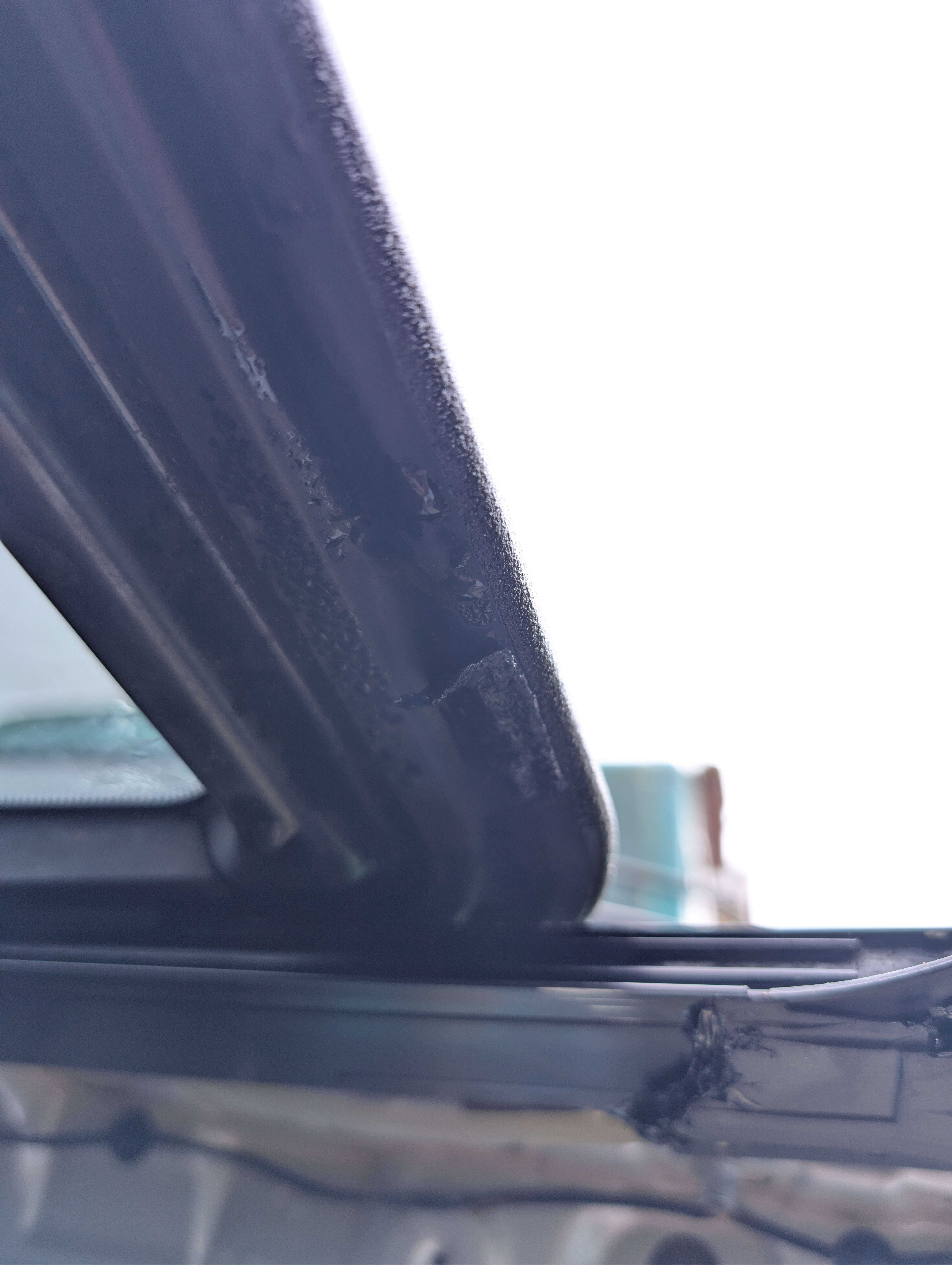
First post here! I've been reading a lot of the old posts regarding leaky sunroofs. With the headliner down, no leak goes unnoticed. The [sunroof] drains were backing up and spilling water over onto the passenger seat - FIXED. Water was seeping through tiny gaps in the plastic underneath the sunroof - FIXED (tiger seal). Now, whilst stationary, the sunroof doesn't show any signs of leaking; however, once you turn a corner, a stream of water ****es all over your head - or, if you're lucky, it'll hit the passenger. I'm wondering if there's some sort of seal that is missing on mine/deteriorated? The drains aren't clogged at all, I can pour any amount of water and watch it flush down nicely. It seems the water is flowing somewhere else and then sitting there until it can slosh over during a drive. I've tried to take as many pictures as I can, from various angles. Thank you in advance!