




Onnp
New here
-
Joined
-
Last visited
Everything posted by Onnp
-
Hello, I found a little light in the tunnel. The old owner had given me another odometer that had a broken display and I remembered it, I found it, installed it and voila, the miracle happened. The car has no problems, now the question comes because I saw that the display of the old one is not LSD and has a separate lamp for an open door, and the new one is LSD and the indications for an open door are visualized on the display, on the one that is causing the problem (with the LSD display) I looked at the coding through vcds and all the functions were marked for pinch comfort and etc. What can I do and whether the bug in question can be fixed at all in the one with LSD that is causing me the problem with the windows. Upper one with yellow sticker is the problematic one, second one with 06.11.08 date is working one original from the car.
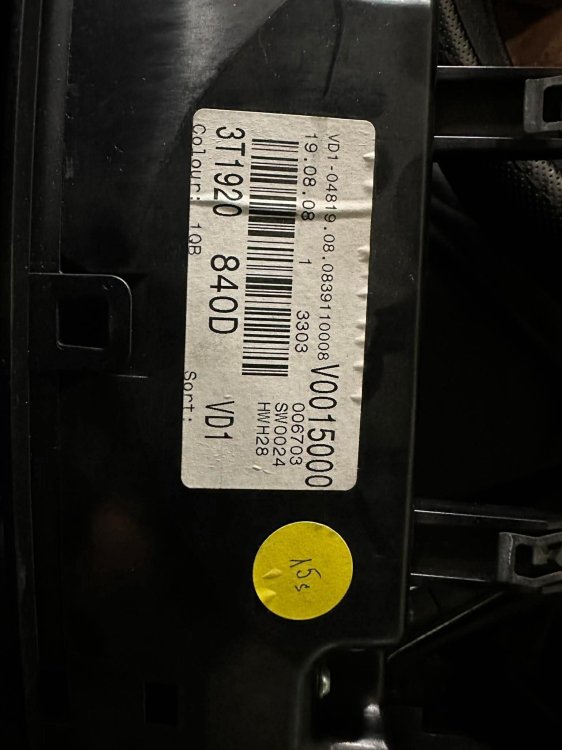
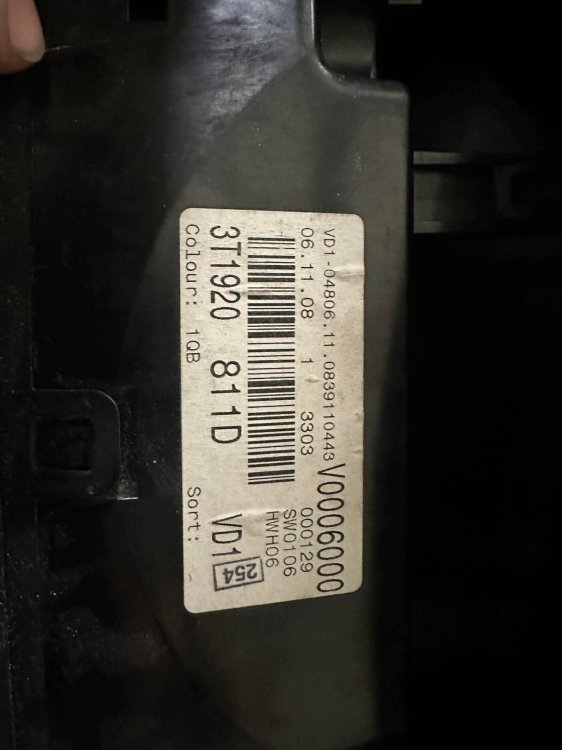
-
Hello guys , I have super strange problem with my car Superb Mk 2 2008y 2.0tdi The problem is with the power windows, when I unlock the car put the ignition On try to open or close they move correct from the buttons inside,after open the one door (they make it with all of them ) the button function is “blocked I think” they not work after open and close the door. I stop the ignition remove the key , put it back and same mystery think the windows are work all of them from all the buttons , after open and close door they stop work from buttons. I have Vcds and check the positions from the buttons and the change status , check the terminal 30 signal (ok), check terminal 15 (ok), no errors in the 09- central electronic or in the 42,52,62,72 all 4doors . What I miss to resolve this issue . From the key when I put the unlock button and hold they go all 4 down, after that put the lock button all 4 go up . Thanks advice.
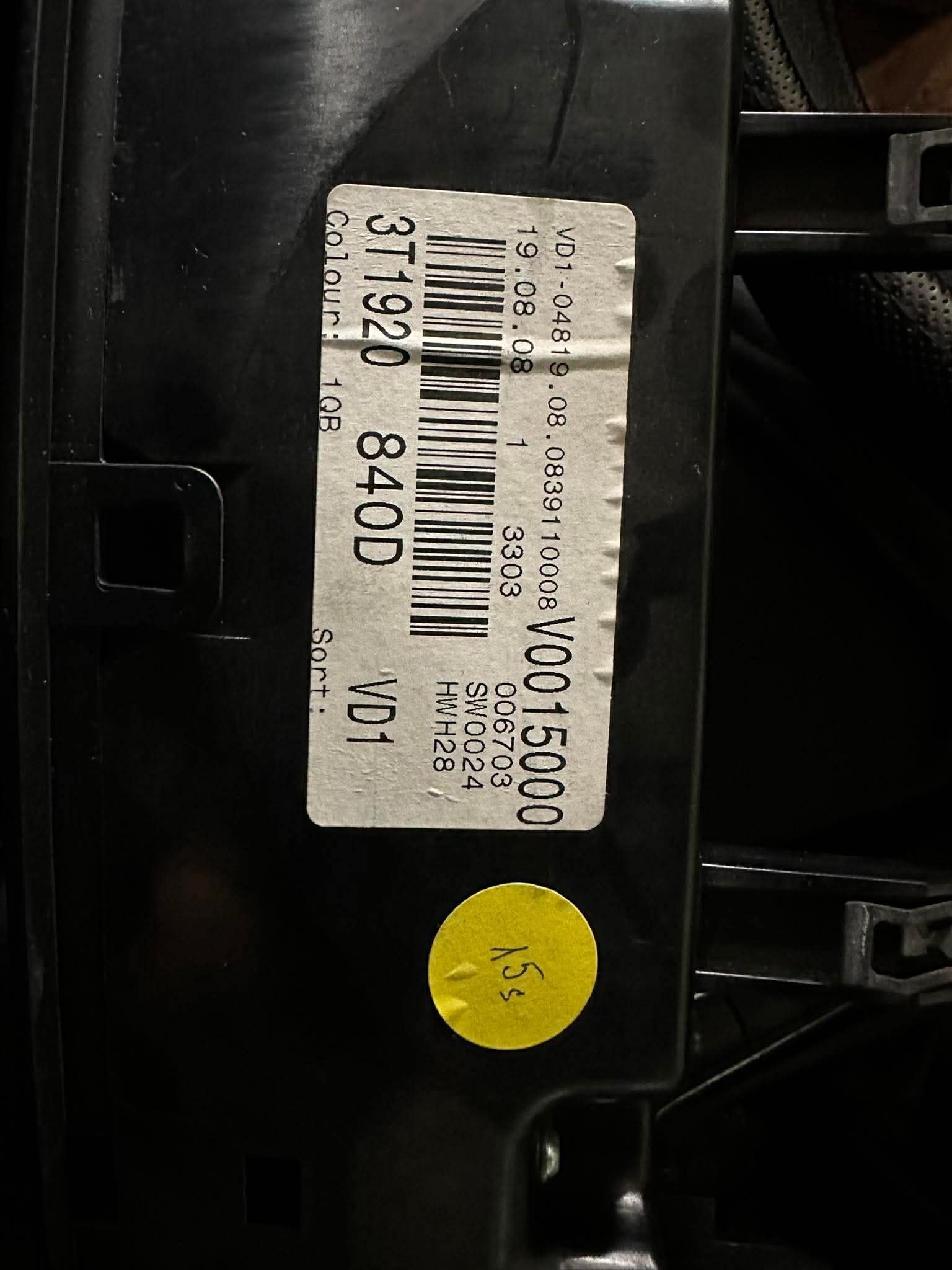
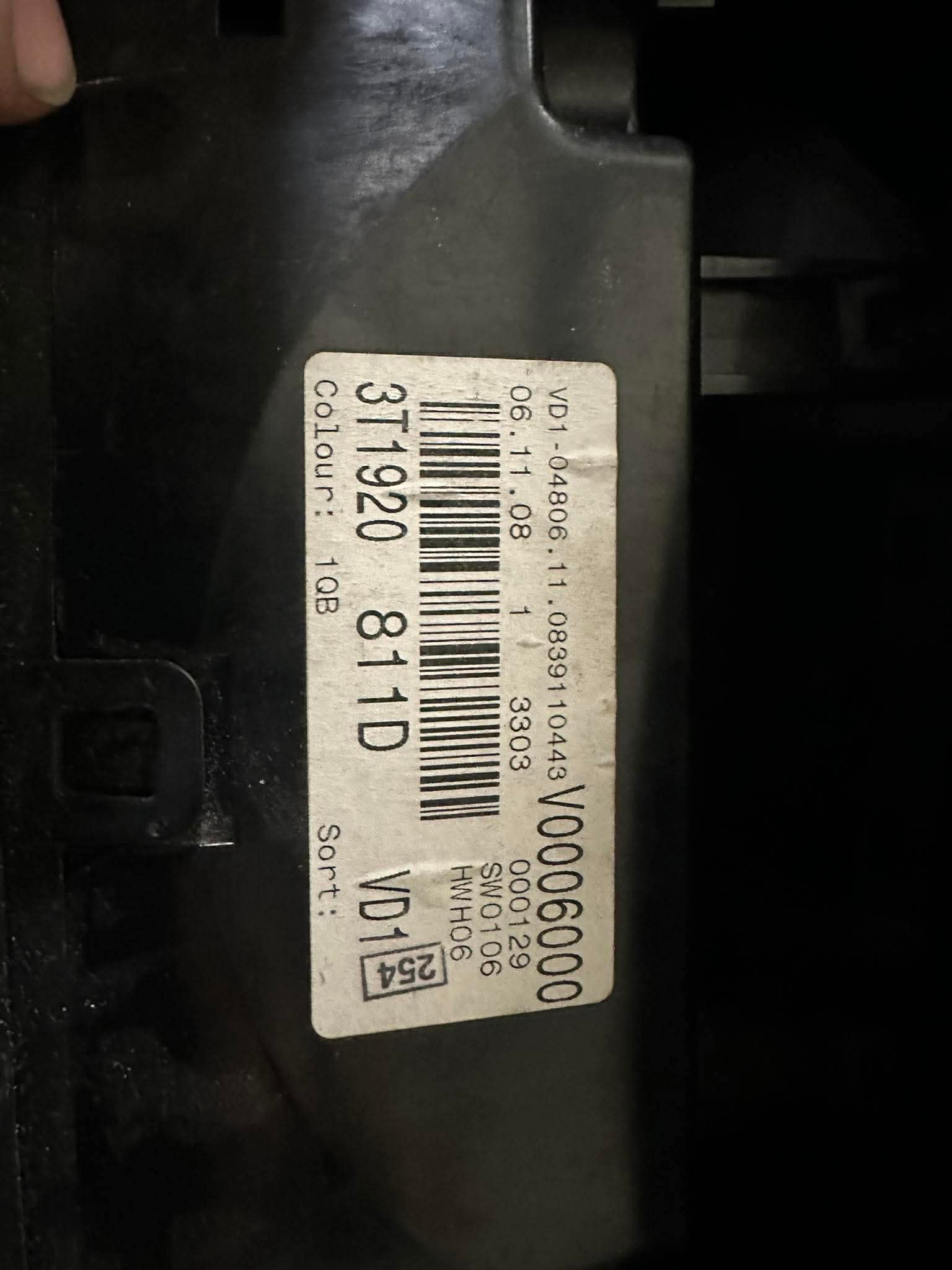
Important Information
Welcome to BRISKODA. Please note the following important links Terms of Use. We have a comprehensive Privacy Policy. We have placed cookies on your device to help make this website better. You can adjust your cookie settings, otherwise we'll assume you're okay to continue.