Shebby
Finding my way
-
Joined
-
Last visited
-
Hi not sure which my speakers are. But for an update, removed door card, can’t see any split cables. Connected a new speaker and still the same issues. 90% of the time doesn’t work and rear speaker is also intermittent. Any suggestions as going crazy
-
Yes they were the first generation ones. I do have one spare speaker so I was planning on taking the drivers door card off tomorrow and connecting the spare speaker.
-
Hi so recently purchased a 2016 superb 2.0 tdi 190. Absolutely love it but I’ve got an annoying issue with my speakers. So when purchased, 3 of the 4 main door speakers didn’t work which I replaced (brought speakers from local breakers). All worked fine for a few weeks untill the 2 rear ones stopped working. And then the driver side stopped working. So was going to use this opportunity to upgrade all speakers to pioneer however, I drove the car a few days ago I noticed a crackle sound from the driver side speaker and driver side rear. And I can just about hear some sound from it as if it was trying to play - then stopped. As I was driving, the speakers started working for 5/6 miles and then stopped working. Today had the same issue but the driver side speaking were noticeably quieter than the passengers. And then stopped working. Any help on what I need to look for? I can’t see any visible cut in the look between drivers door and body. Please help.
-
Yes I did. Under the bonnet, near the wipers, there was the secondary alarm. Need to remove the wiper trim and it’s in the middle with one bolt. Disconnected it and the all works fine. I need to replace the part - which is around £30 for a used one but not had any time.
-
Yes wasn’t too bad. See picture
-
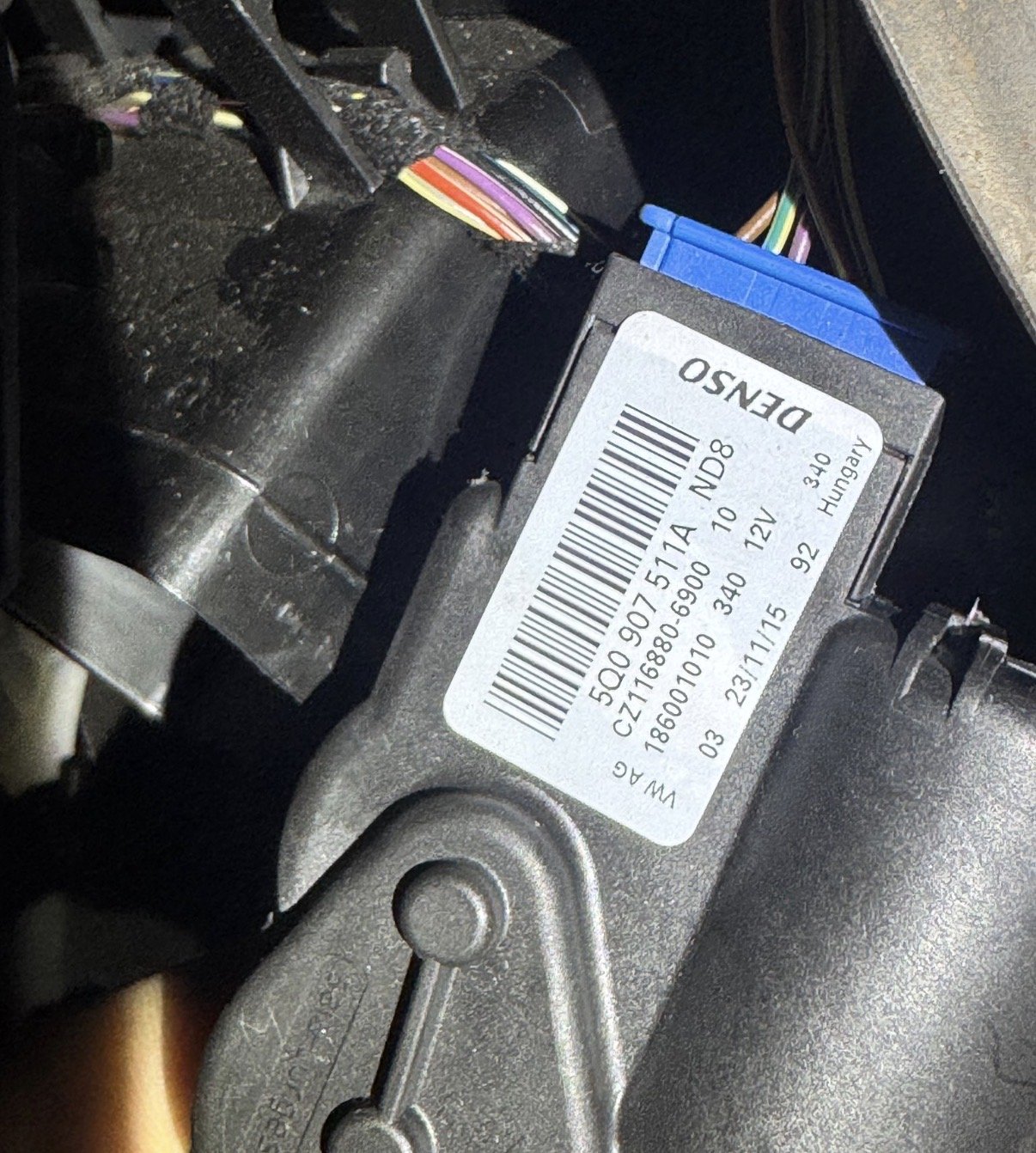
Thanks to Binx1310 , I found the actuator, cost me £15 from breakers. Had to calibrate it a few times and now works spot on! Thank you all
-
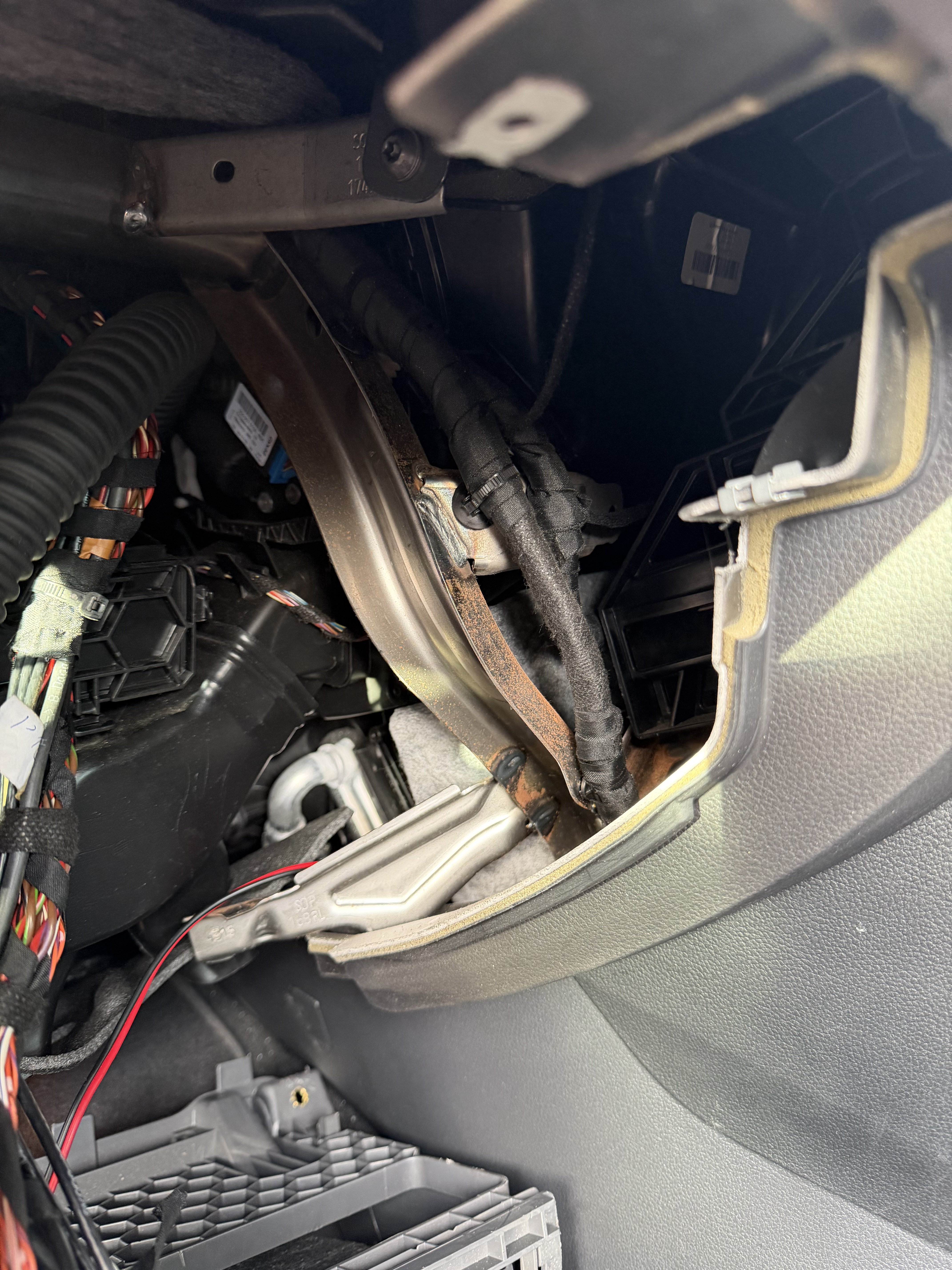
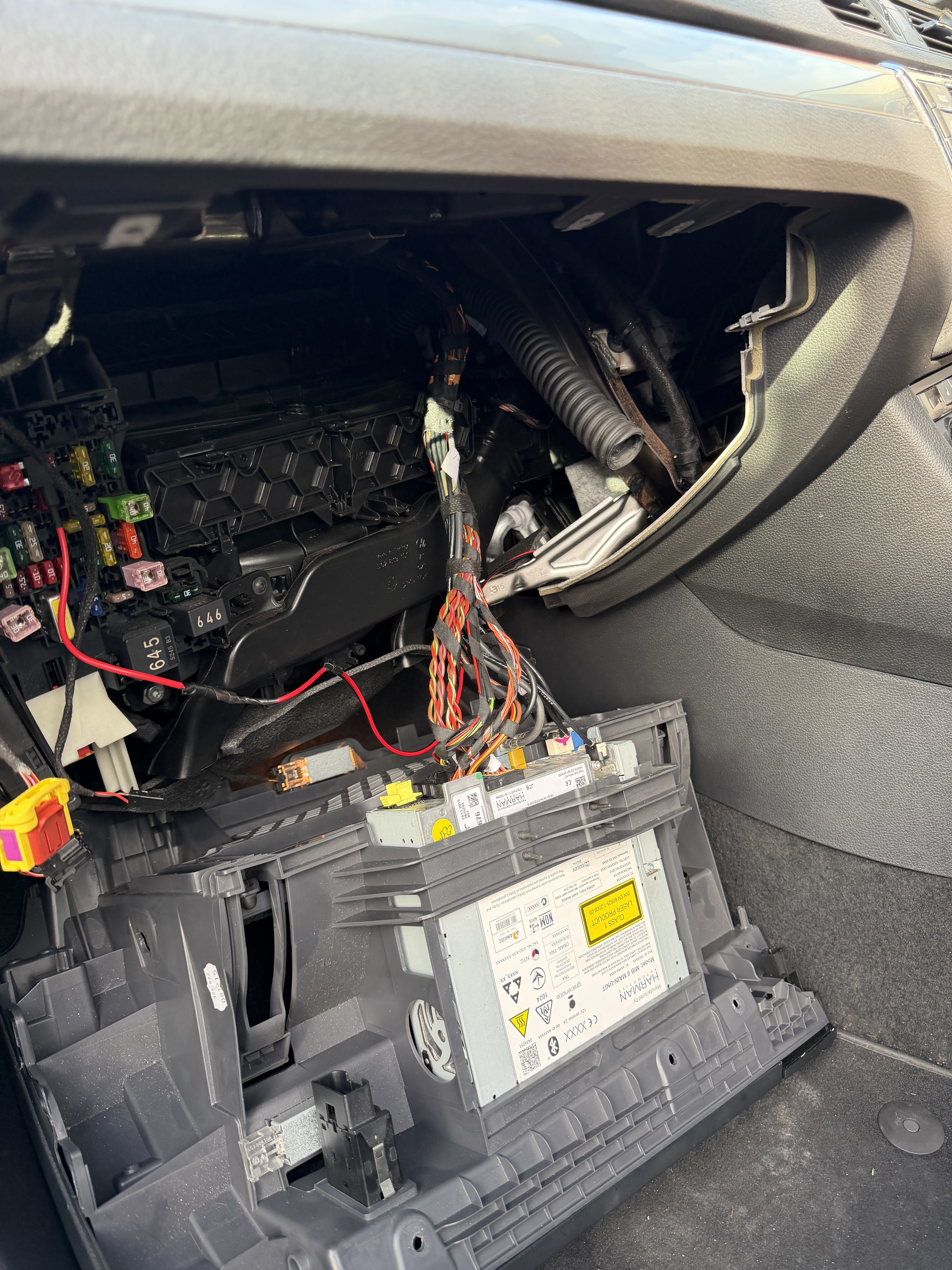
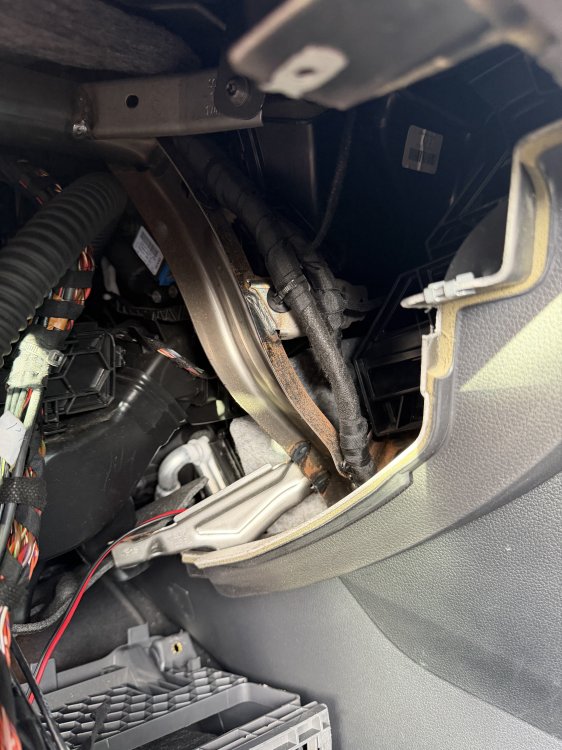
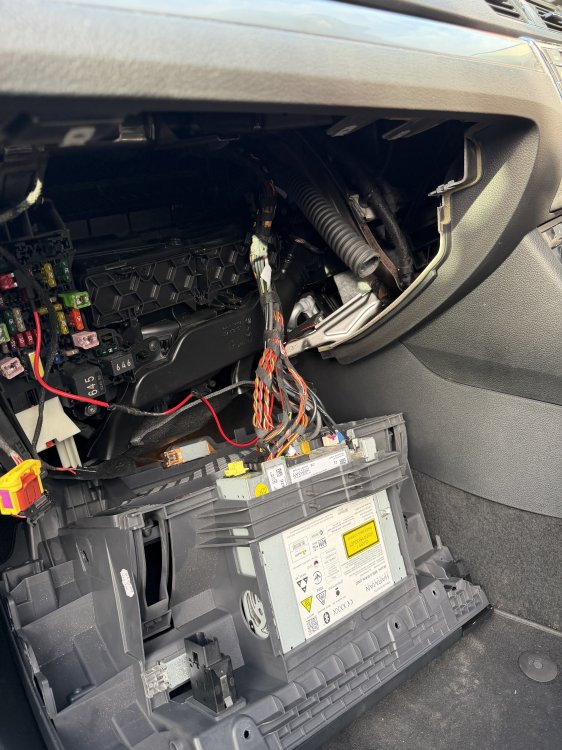
So I took the dash apart but couldn’t see it See bro
-
Yes auto is off
-
Hi all So got a weird fault, I don’t have any air coming from my centre flaps or foot flaps on both sides. I’ve tried the reset but still not working. I’ve been told there’s a few actuator on driver side and passenger side - what should I be looking at? I have a 2016 super tdi dual climate control.
-
So after leaving it parked up for 12 hours. I tested the battery with my multimeter and it read just over 12v. On crank it dropped to 10v for a split second but then above 12 so the battery seems to be fine. The battery was replaced by the previous seller, so it’s only a few months old. It’s from euro car parts.
-
Nope. Everything is original on the car.
-
Hi all. I’m a proud owner of a 2016 Škoda superb 190 2.0 tdi. Absolutely love it but I have an issue, my alarm keeps being triggered after locking the doors, usually within 3/4 mins of locking it. I’ve connected it to VAG and nothing happening. No errors. No lash errors. I’ve disabled the internal sensor yet still happening. I’ve heard about the secondary alarm battery dying and also about the bonnet latches. However, the car doesn’t say the bonnet is opened, could it still be the latch? Please need some urgent help!