Byrstr
Finding my way
-
Joined
-
Last visited
-
-
-
@Trickiejohn thing is when Hazards are on all the indicator lights work so that to me rules out any loose wires doing some digging apparently the indicators run through the hazard switch on a relay so maybe it’s just a coincidence they stopped working when the wing mirror was hit. More digging required I suppose.
-
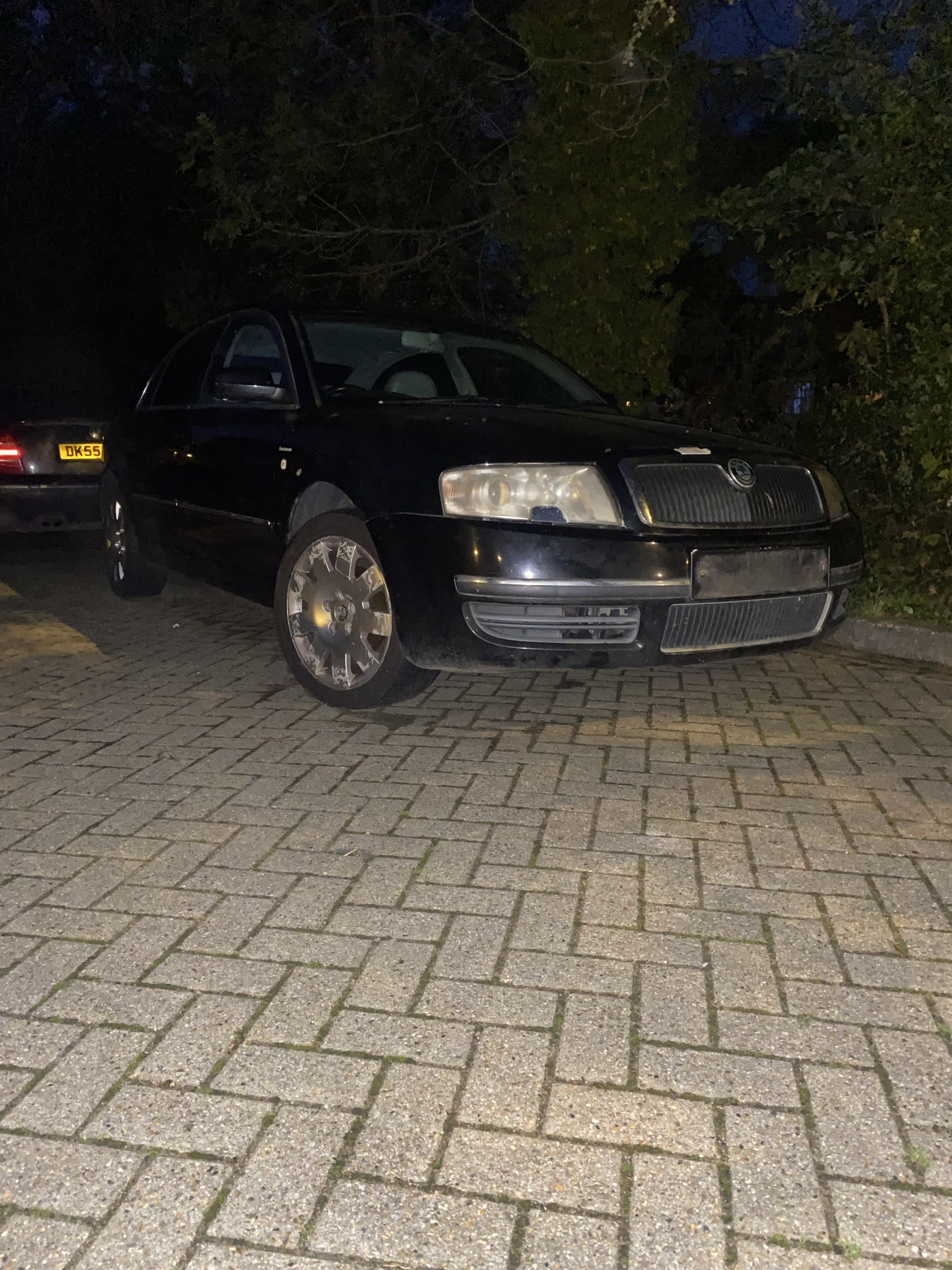
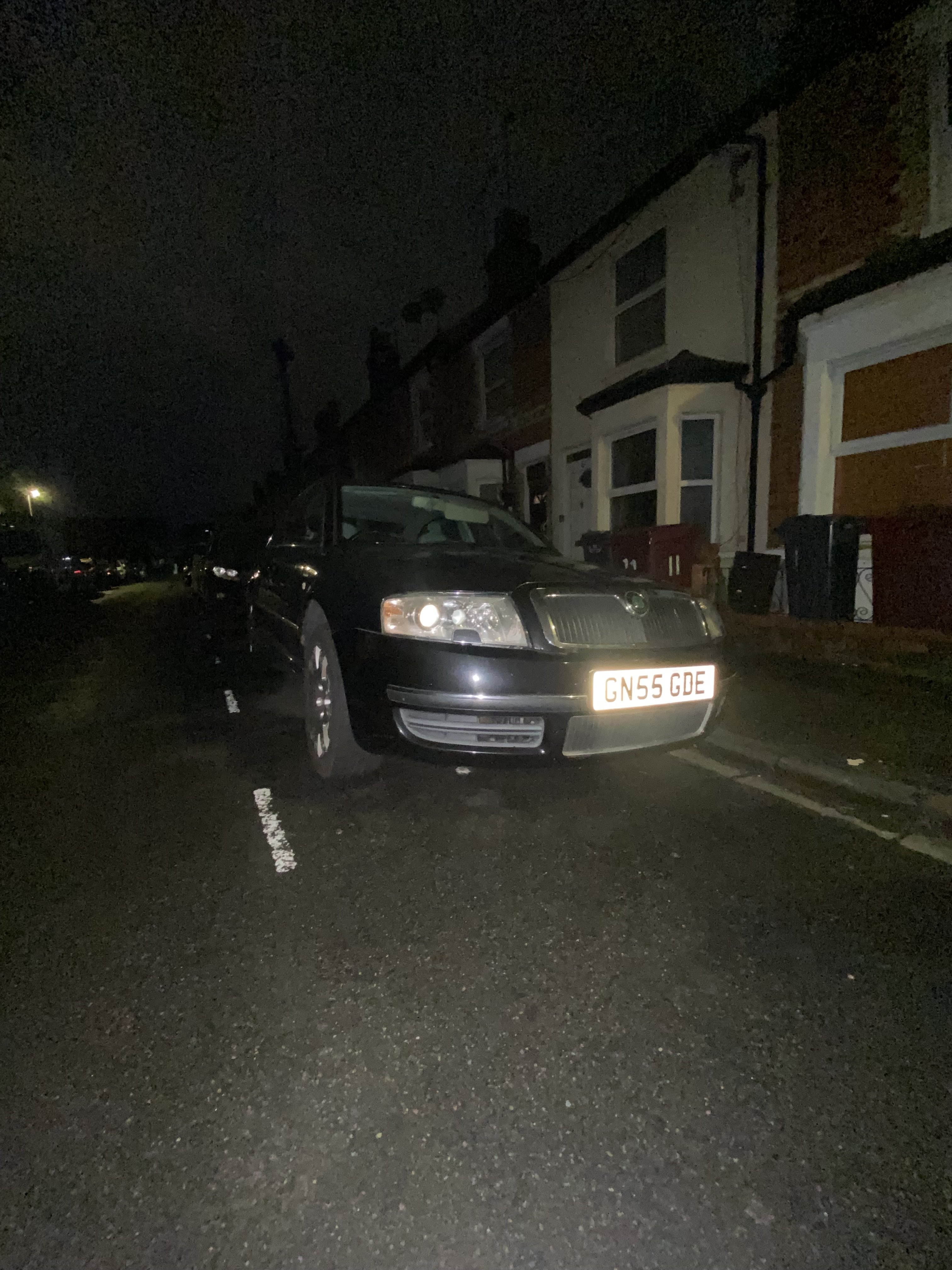
New to the group with a very rare Superb I thought I’d share my new daily. My other daily, An A8 D2, is an amazing car but the maintenance, fuel costs, and parts hunting can get a bit much 😂 so I wanted something easier to live with. Luckily, I found something similar in feel but far cheaper to run, and my dream spec: a Skoda Superb Edition 100 with the 1.9 PD130 and a manual gearbox. It is sitting at around 180k miles and needed a bit of love. The bodywork was rough, but I found a donor car in the same colour and swapped over a lot of the panels along with some interior bits. Mechanically it feels solid for the mileage, although the camshaft was definitely past its best. I’m now giving the top end a full rebuild plus a new timing belt, water pump, and a few other jobs to future proof it for plenty of European trips. After all that work, injector 4 snapped on me, which was deflating. But, it's back up and running fine now (touch wood). Then, while driving on Friday, someone smashed my wing mirror 😢. Now, for some odd reason, the indicators don’t work. Being an ’05 model, it doesn't have the indicator in the wing mirror; they're in the wing. The fuses are fine and the hazard switch works to turn them all on. Any ideas why they aren't working?
-
-
Did you figure this problem out? Cheers, James