



Skip to content

kbyvrs

Finding my way
  • Joined

  • Last visited

  1. temp gauge on dash is spot on usually
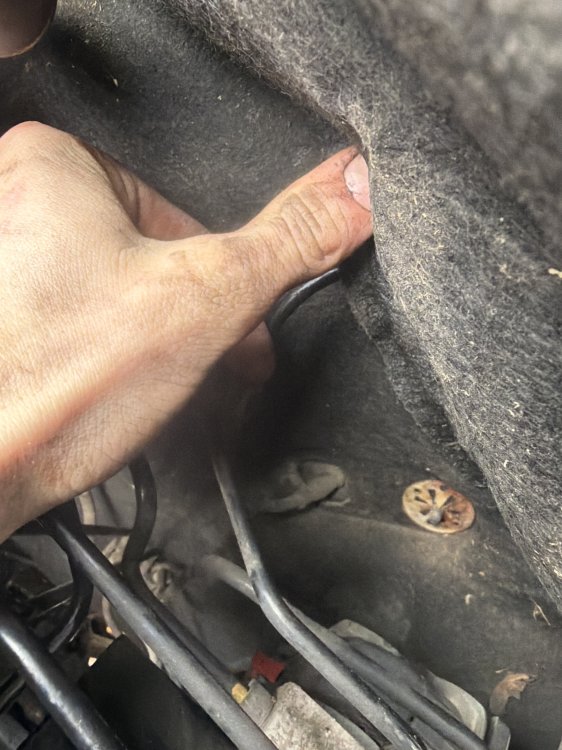
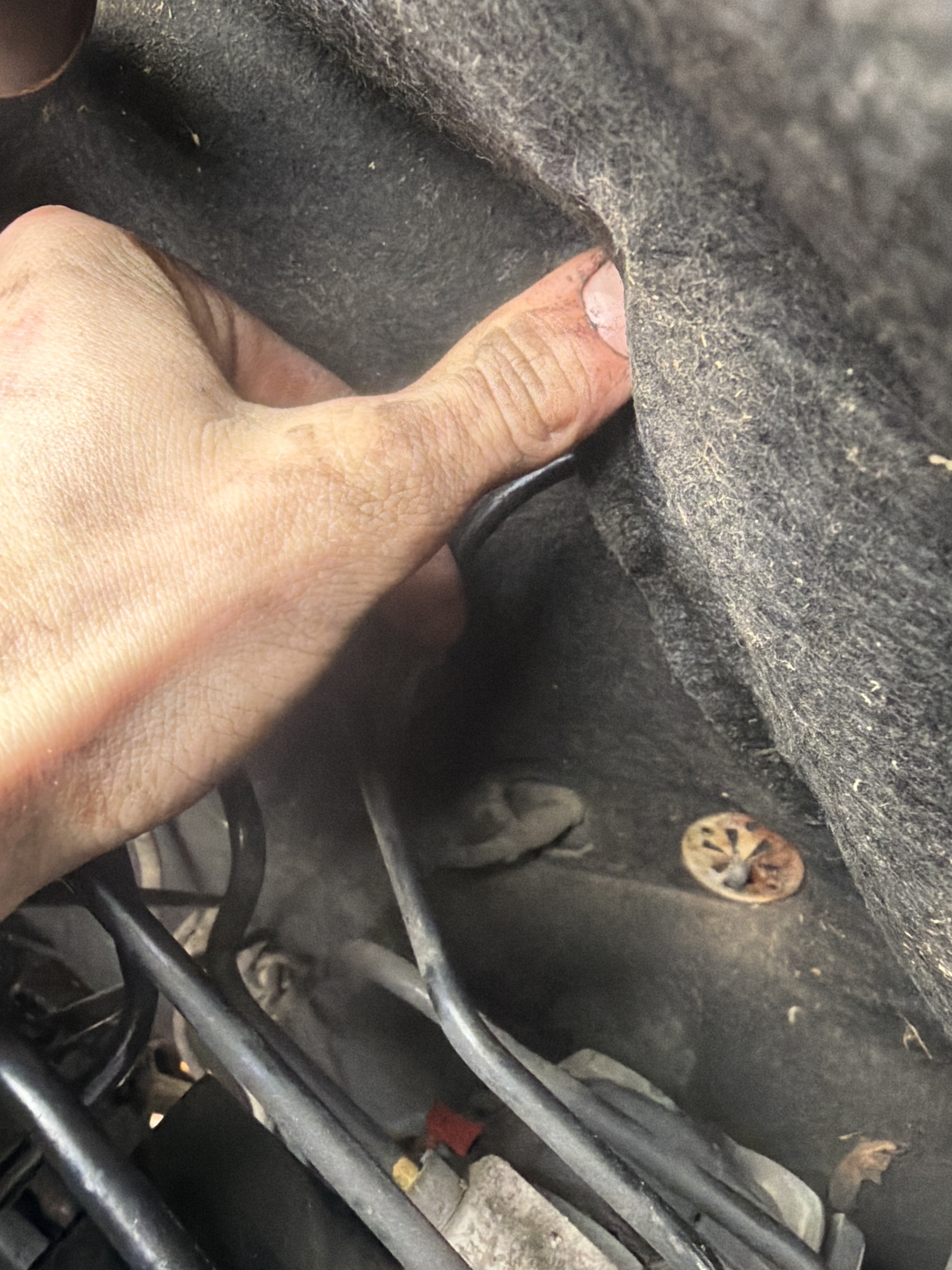
  2. hose where both ends go thru the firewall , just above abs pump
  3. i’m 99% sure it’s not imo as ecu is de-immobilized my freinds does a similar thing , and he combats it by holding the starter , until the turbo spools on idle which takes him about 3-5 seconds , mines more like 10-15 and if i try that i will just burn the starter out
  4. as for the low cranking speed or cam/crank pos sensor , would it make a difference when i say the car actually fires up just won’t hold idle , after 2-3 seconds it just shuts off
  5. for battery, the battery light will come on and then go off as normal when you start , i have checked the grounds as i know its a common fault, pulled the starter and it’s working fine , i can check both crank and cam pos sensors and i’ll have a look at the oil pressure switch , the only other thing i can think of is the fact that asz’s have oil level sensors and i dont have one , however thought that light was pressure not level , thanks guys
  6. tis tdi mate , i will check oil pressure manually and make sure the plug is okay , as for the warm start i’m just a little confused as its intermittent when it’s hot and as for a cold starts it’s absolutely fine , just confuses me
  7. hello everyone , recently i have done a BLT to Asz conversion on my mk1 vrs se due to blt failing , ever since the swap i have experienced, a flashing red oil light , and warm start issues , sometimes when the car is warm it won’t start again , it will crank and fire but won’t hold an idle . on the swap i have used asz engine loom&ecu , any help is much appreciated and can answer any questions thanks:)

Important Information

Welcome to BRISKODA. Please note the following important links Terms of Use. We have a comprehensive Privacy Policy. We have placed cookies on your device to help make this website better. You can adjust your cookie settings, otherwise we'll assume you're okay to continue.

Account

Navigation

Configure browser push notifications

Chrome (Android)
  1. Tap the lock icon next to the address bar.
  2. Tap Permissions → Notifications.
  3. Adjust your preference.
Chrome (Desktop)
  1. Click the padlock icon in the address bar.
  2. Select Site settings.
  3. Find Notifications and adjust your preference.