ehr95
New here
-
Joined
-
Last visited
-
Thanks for the replies! @bigwillywilson1 I might take you up on that! I'll see what I manage to get done this weekend and keep you posted. @chrisgreen Thanks for the advice. I didn't know they stopped doing updates but makes sense to EoL them at some point! I'll be sure to check out Euro Car Parts too. In a slight change of plans I'm actually leaning a bit more towards fitting the single din Sony unit, as I'm weighing up cost / value / faff of getting a double din unit working with the pre-facelift 2009 fabia, and my brother has said that he's not too fussed about CarPlay particularly as he can have his phone in a holder. I also think that the Sony unit has an 'auto off' feature, which would hopefully mitigate some of the battery drain issues (if they appear). On the reversing camera front, I was looking at various options that either replace the rear view mirror, or a separate screen located somewhere in the cabin. My aim this weekend is to get something working so that he can at least drive around without risking a flattened battery and look at upgrading bits in the future! To be continued....
-
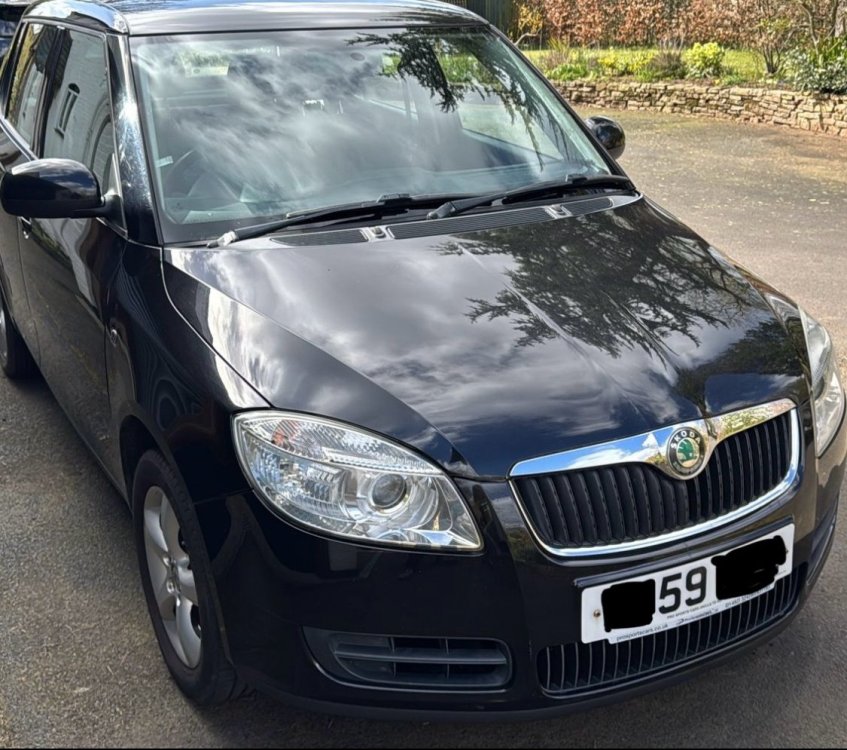
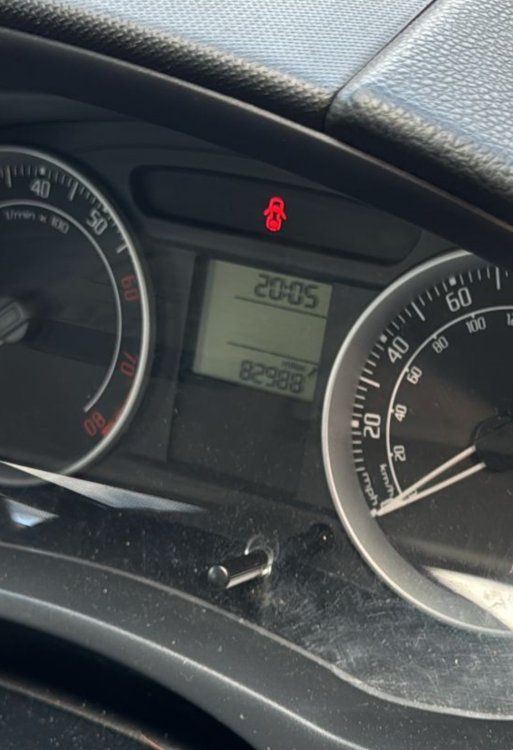
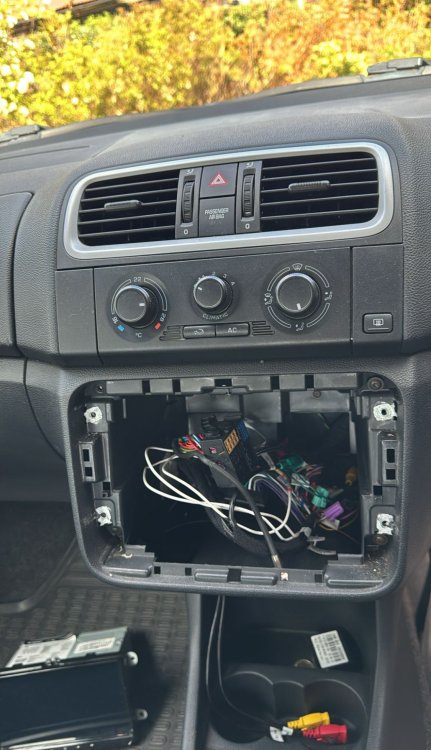
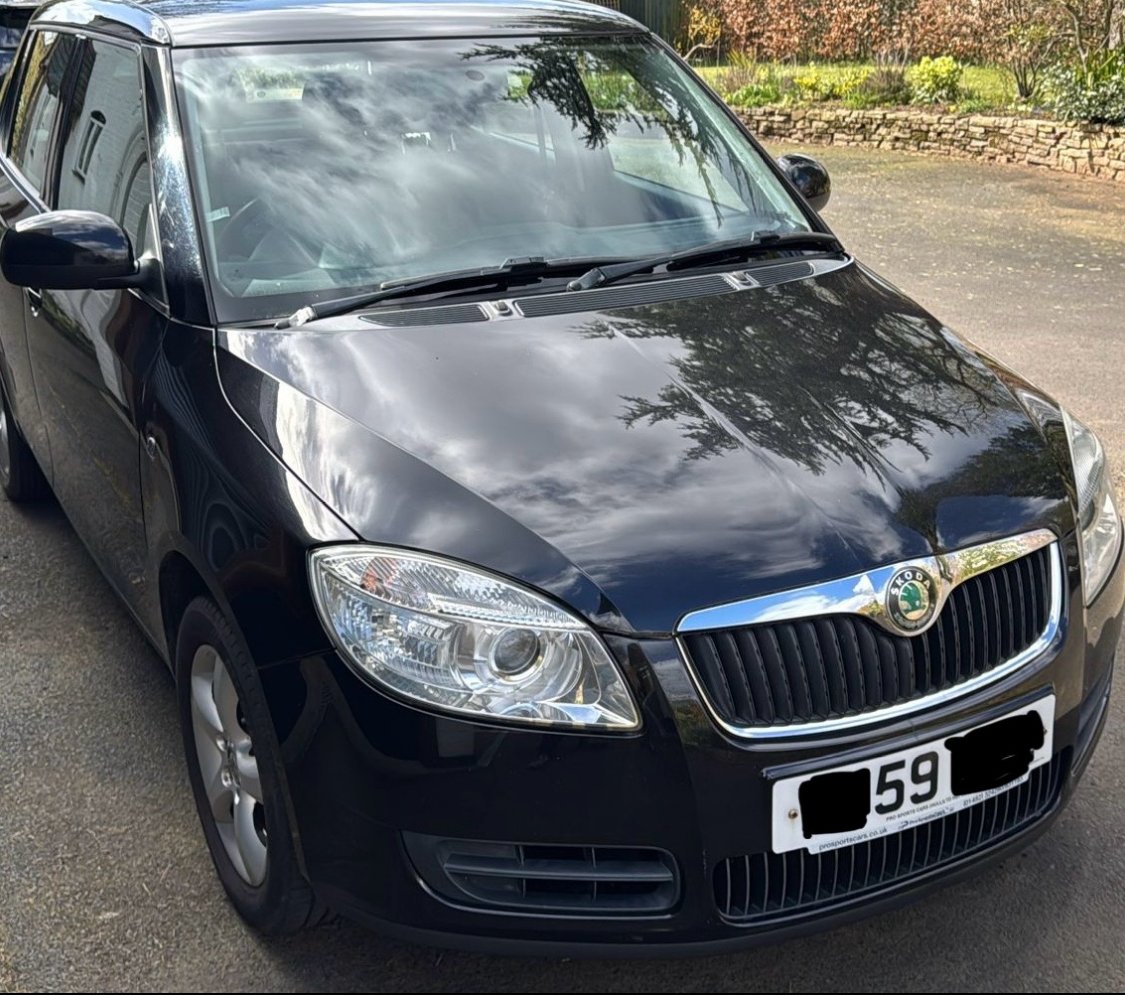
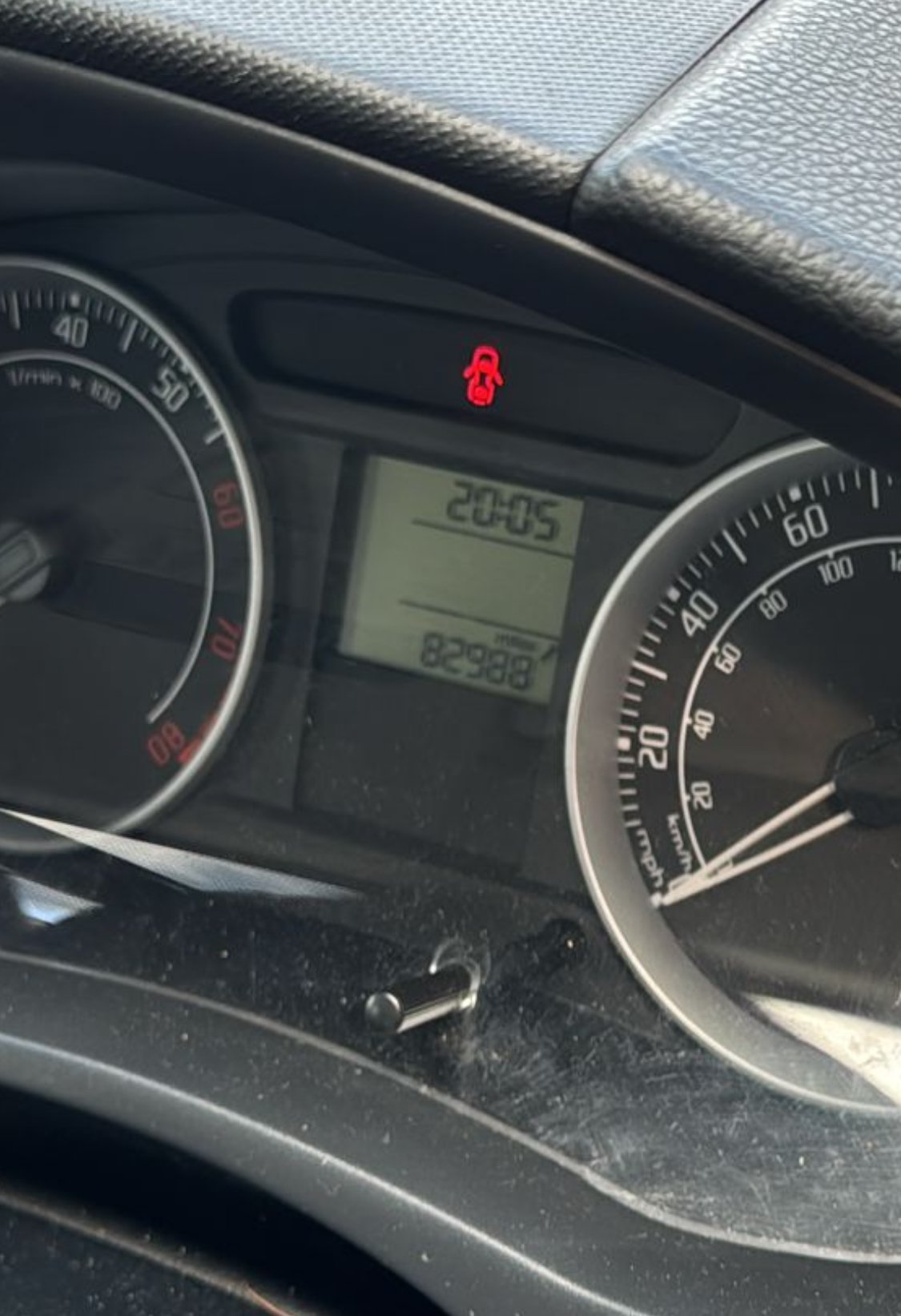
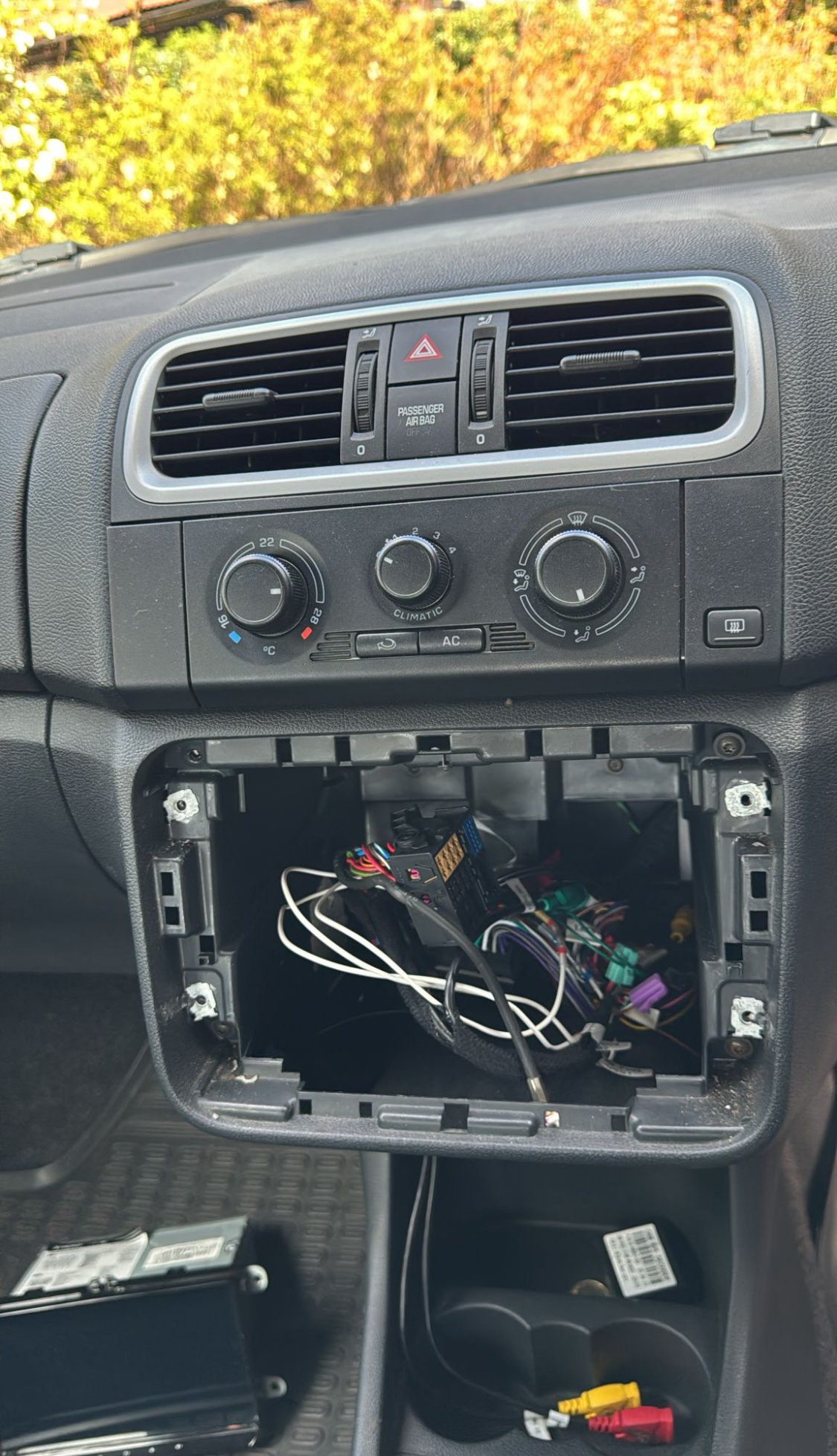
Hello all, I am new to the world of Skoda and have a few questions. I am by no means a mechanic or electrician, but I do have experience installing head units and cameras on previous cars. For some context, my brother has recently become the owner of a 59 plate mk2 fabia, after inheriting it from a relative, and has passed the torch onto me to add some upgrades (if I can!) It’s mechanically sound, sitting at around 83k on the clock but it’s a pretty basic trim with a 1.2 CGPA engine - I’d like to modernise it a bit. The car is currently at my relatives house in Worcestershire, and I’m aiming to work on it over the Easter BH if possible, and drive the car back to Devon, where myself and my brother live. Apologies if this topic has already been done to death but the upgrades I was contemplating are as follows: Head Unit At some point in the car’s history a sluggish aftermarket android unit has been fitted that drains the battery like mad so I’d like to swap this out asap, and it’s been disconnected for now. Unfortunately I don’t have a clue what the original stereo was, so I’m looking at adding in something else. From doing some reading it seems that I would encounter the same battery drain issues when adding any aftermarket units, unless I look at swapping the CAN bus gateway? I’ve also seen there is a CAN bus simulator - would this do the same thing to eliminate the drain? In the other cars I’ve put head units in, I’ve used products from Connects2 to integrate the HU into the CAN bus system, is there anything similar I can do for the fabia? Any pointers greatly appreciated. Here are the head units I was considering: RNS315 - There are a few available locally for a fairly reasonable price, and I like the idea of having an OEM system in the car as it looks a bit more stock. would I be right in thinking that this is not a straight swap with this pre-facelift model? Also if the unit came with an SD card for maps, would it be possible to update them to the current year? The units that are local are VW or SEAT - would either of these work in the fabia, I know that they have different colour LEDs / splash screens - are these reprogrammable? The car doesn’t seem to have a MaxiDot display, and retrofitting one seems like an exercise in futility - would fitting the Amundsen+ cause any issues with the non maxidot display? I would also be interested to know what people’s experience is like using this head unit in 2026 - since I’m guessing some of these units are the better part of 14/15 years old, are they still alright to use? Do you find yourself actually using the built in satnav or just using a phone for directions instead, and the unit simply for music/calls? RCD330 - Having CarPlay would be nice, but not essential as my brother has said might not always have his phone whilst in the car, so having some form of built in navigation would be handy. (Something about a digital detox?) But I equally feel that for a stock looking option it would tick some more of the boxes. The third option is fitting a single din Sony stereo (MEX-BT3100U) and a cubby to fill the other din slot, whilst not super modern it has Bluetooth and can play CDs, but would the battery drain issues appear again? I have also read that there can be issues with fitting some of the newer OEM head units due to some being BAP and others DDP? Is there a way around this? I’ve also read that the Columbus units can work with either. Is there a way of finding out which version this car has? Since it’s early 2010, but pre facelift I’d imagine that it’s the older system. Reversing Camera Although it is a small hatchback, parking is a premium where my brother lives so we have to cram in like sardines, so having back-of-the-car-telly would mean he could get a lot closer with the peace of mind of not going causing any dings. From a bit of research it seems that none of the mk2 Fabias had RVCs, but that it is possible to retrofit them into either the RNS315 or RCD330? Cruise control I’ve seen that it’s possible to fit/get this fitted retrospectively, and it would be nice to have as another creature comfort for my brother. Would CC work without a maxidot display? I am planning on going to some local breakers yards as well - are there any parts I should keep an eye out for? I’ve heard that parts from VW cars can be put into the fabia. Would it be possible to harvest anything to upgrade the can bus gateway? Swapping out these parts would require having to use VCDS, which I don’t have access to personally, so if there is anyone in the Worcs / Devon area that needs some beer (or fuel nowadays!) money let me know! Apologies for the novella, and if I’ve got some of the terms / concepts wrong, I am new to the world of Skoda, and want to make sure things are working properly for my brother (or maybe me one day, who knows!) If there is any more info I can provide about the car let me know. Any advice is very much appreciated! Thanks.