Radikx
FREEDOMLite
-
Joined
-
Last visited
-
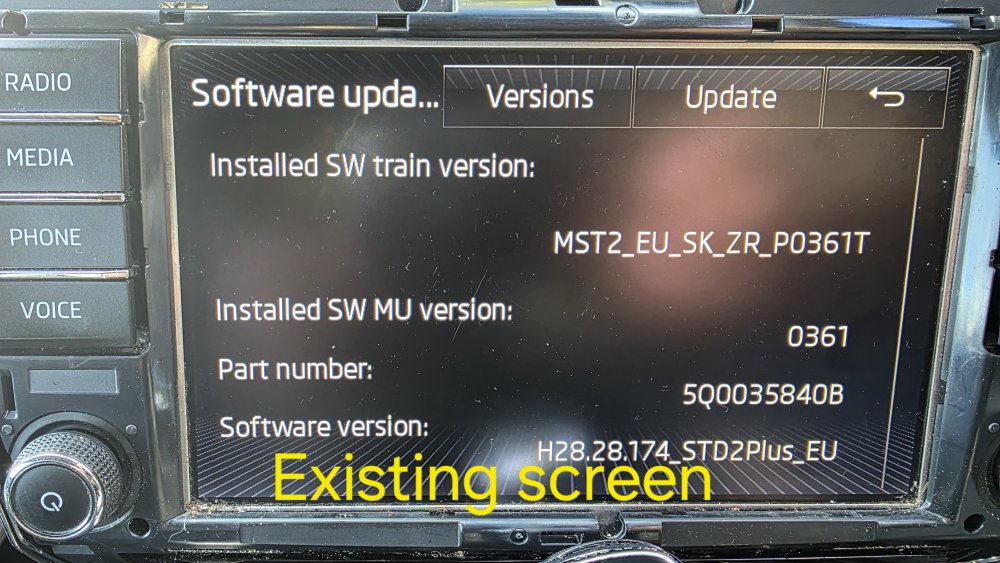
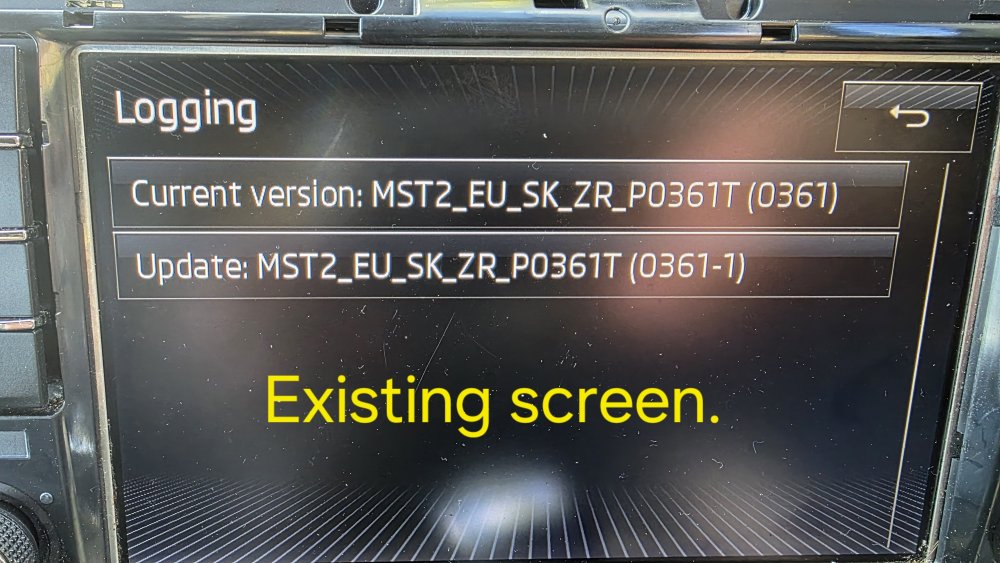
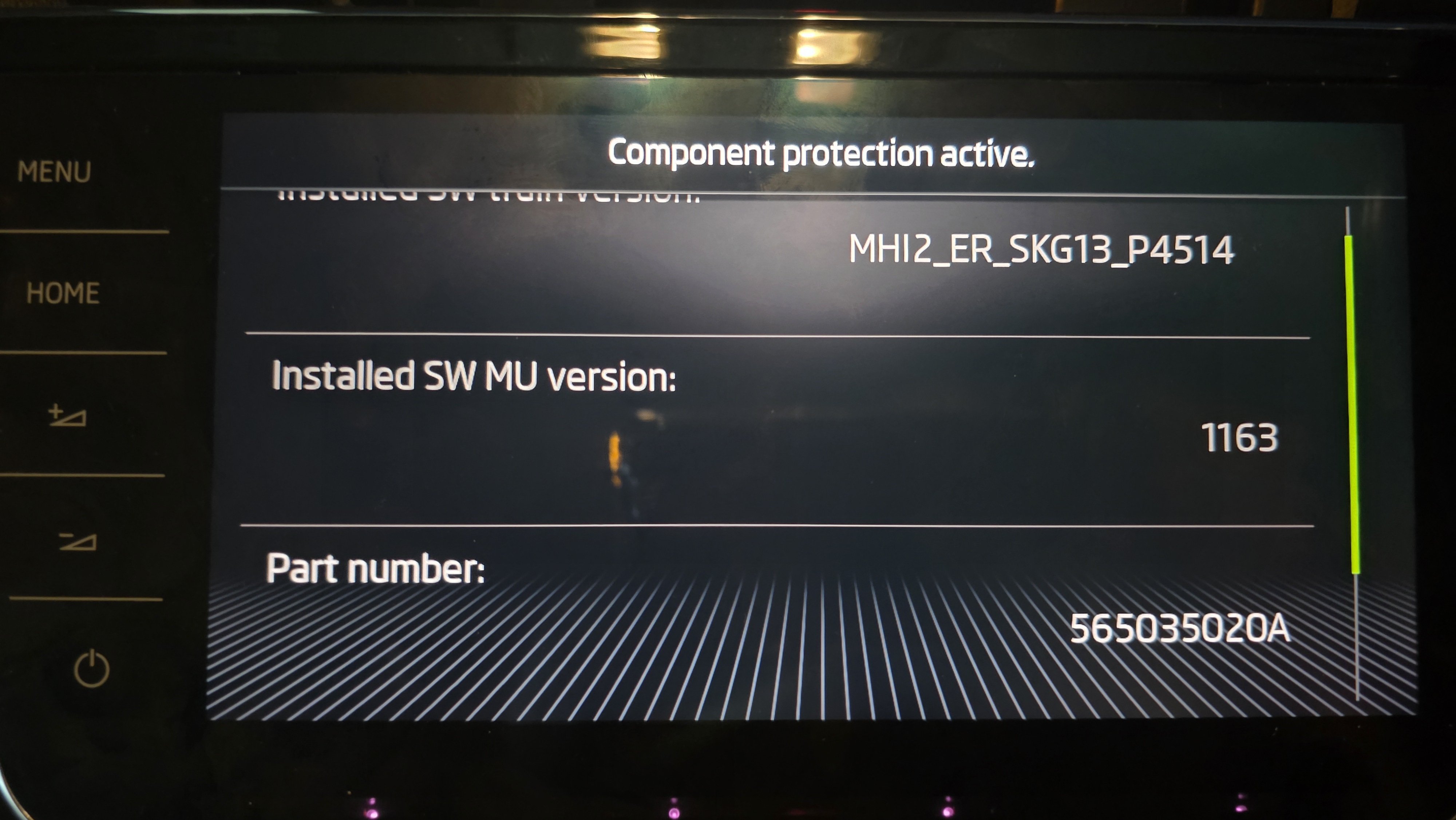
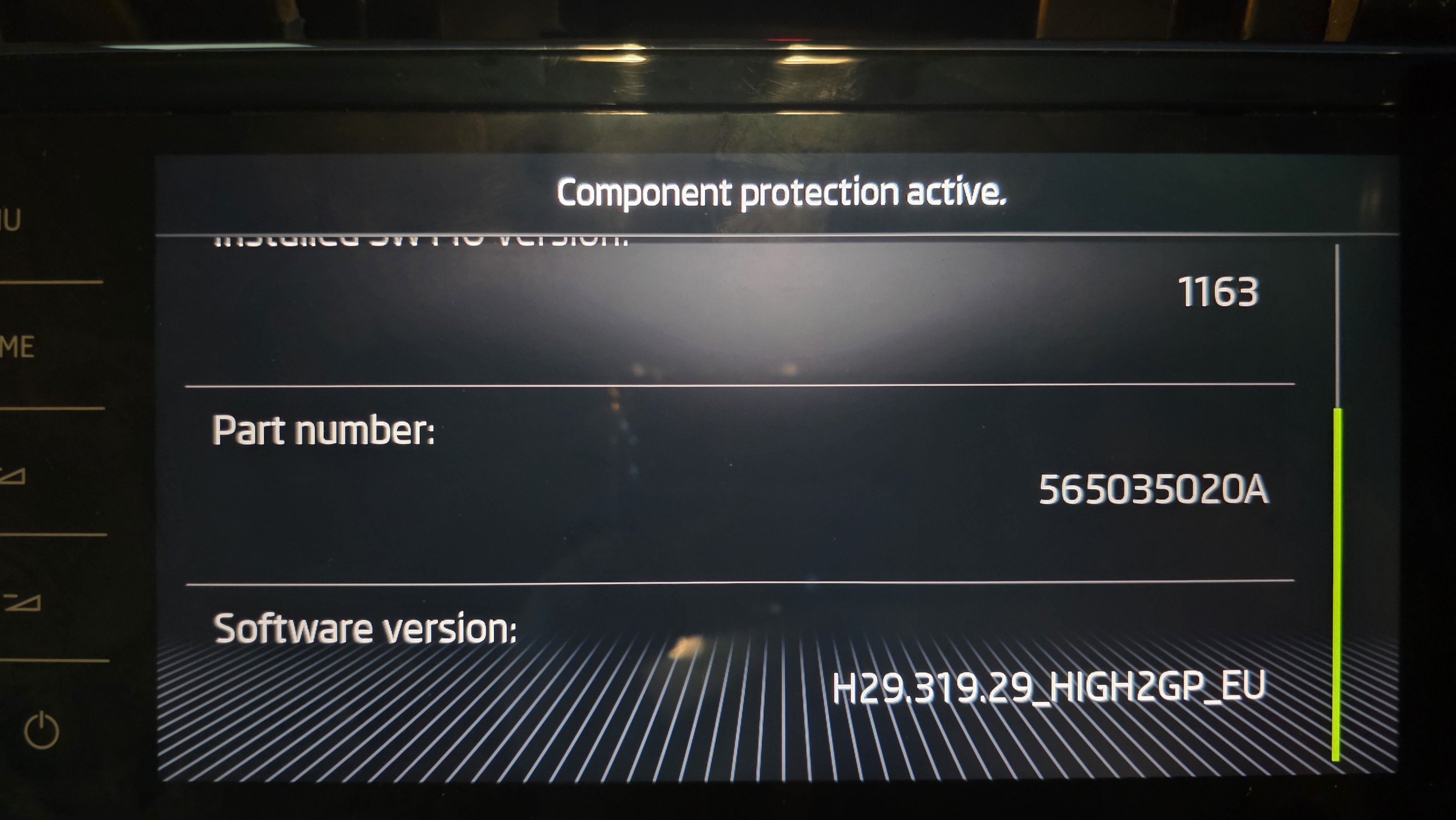
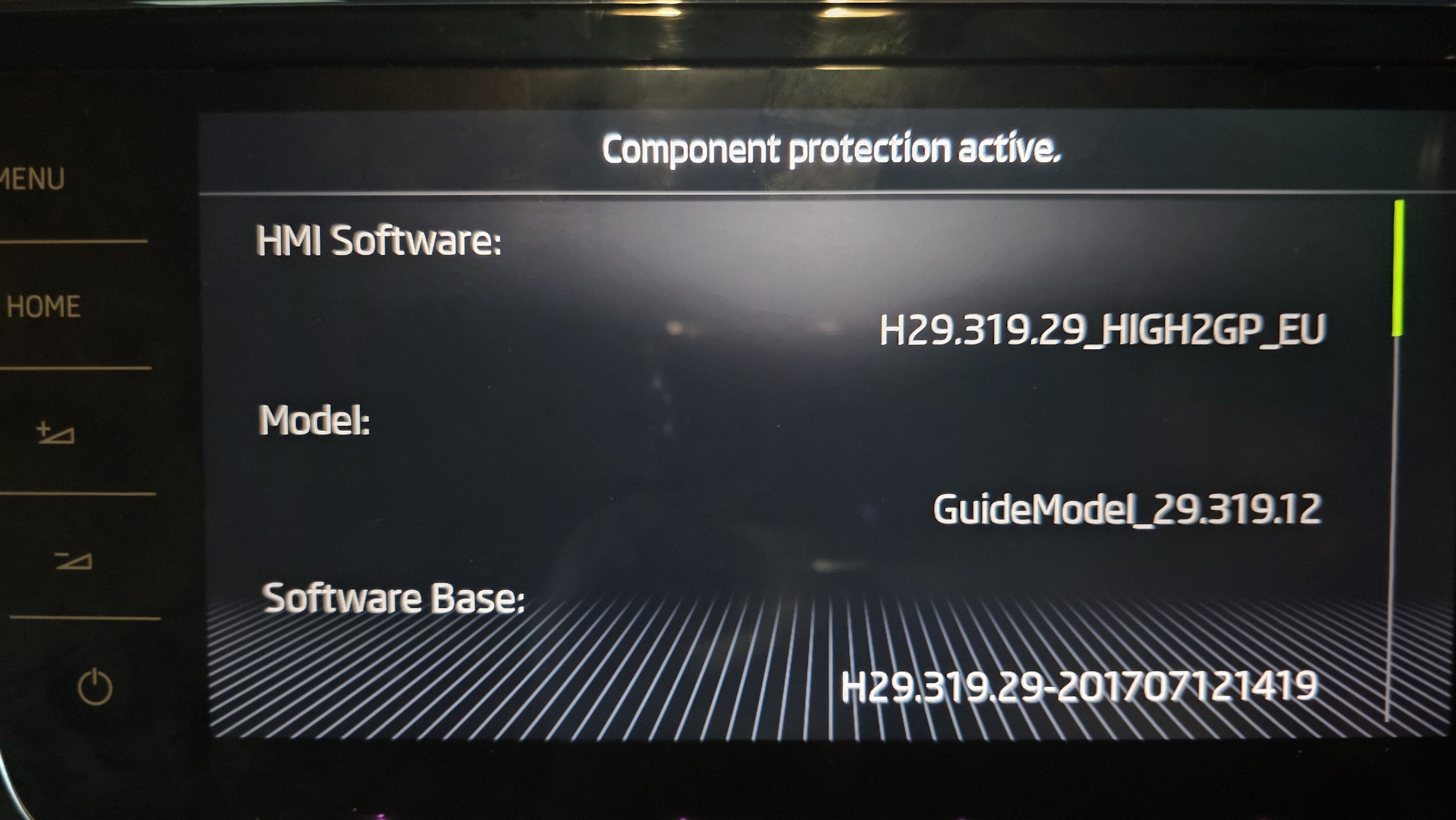
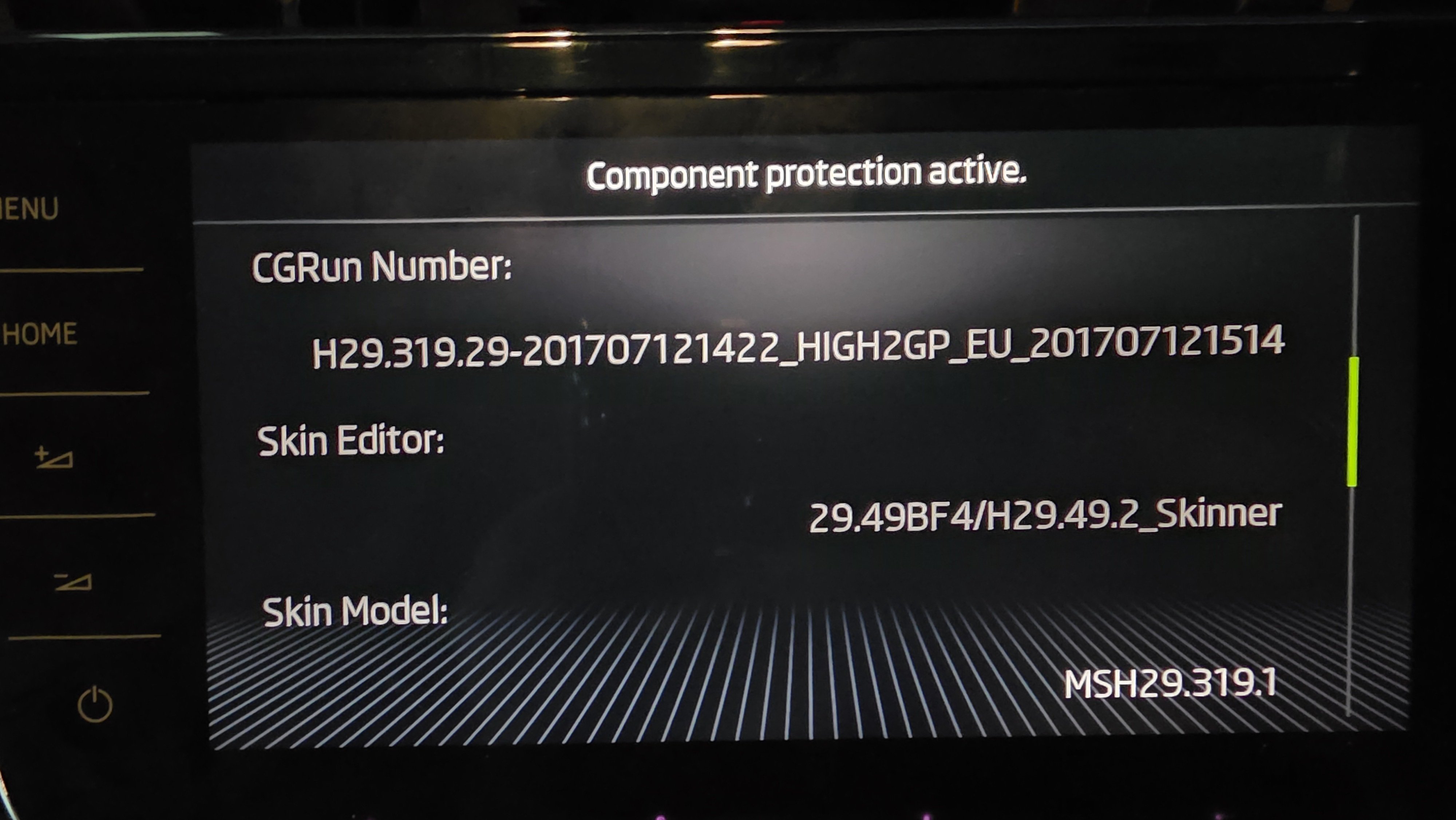
Hi Carius, and thank you ("all of you guys who advise me") for your guidance and support. After I update the firmware provided have the unit back to normal. 1.Navigation is working not sure if was updated to the latest version during this process, I can mention is an CD inside and probably that is for the navigation anyway I'm not interested in that I will use Android auto and Google. 2.Phone , Bluetooth audio, Android auto and carplay all working fine trough an USB adapter plugged in the USB port. Car settings all that I used on the original unit seams to work. Voice commands also working. If we look on the diagnose side I can see on 5F module about 7 errors but I can ignore them if the functionality I'm interested is working! My next task is to add reverse camera back to this unit because that is an OEM camera that was working on the donor car. I have the right harness kit from AliExpress and I will connect them accordingly with some youtube guide. Now I'm not sure if anything will require to be adaptation or coding after this firmware update on the unit.. how I mentioned it was working on this unit before.
-
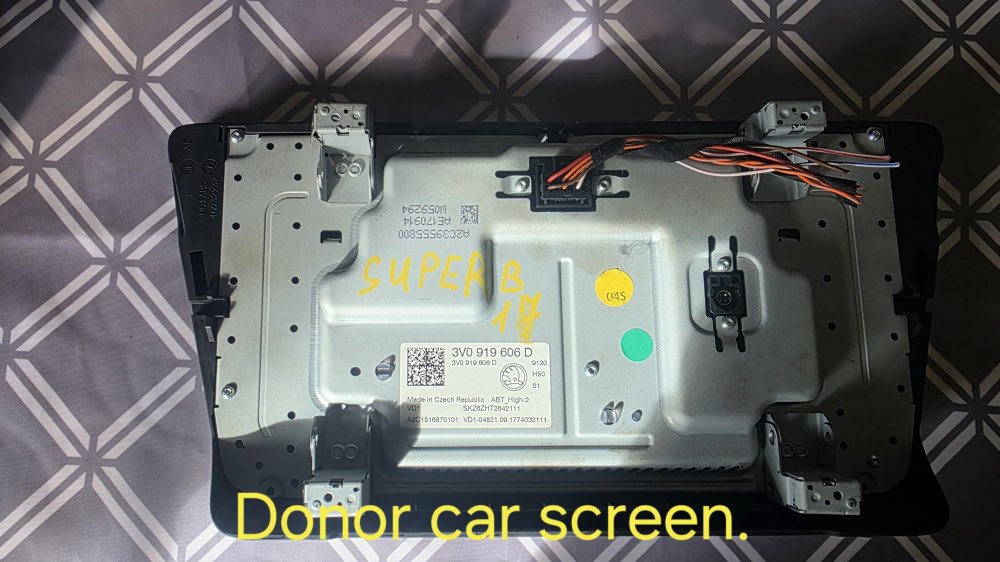
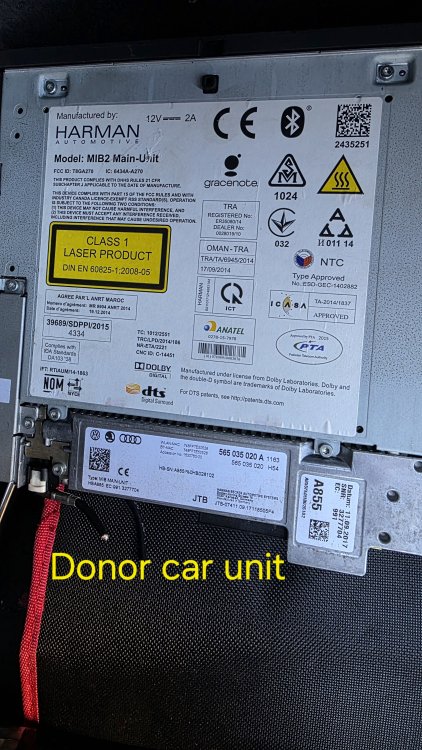
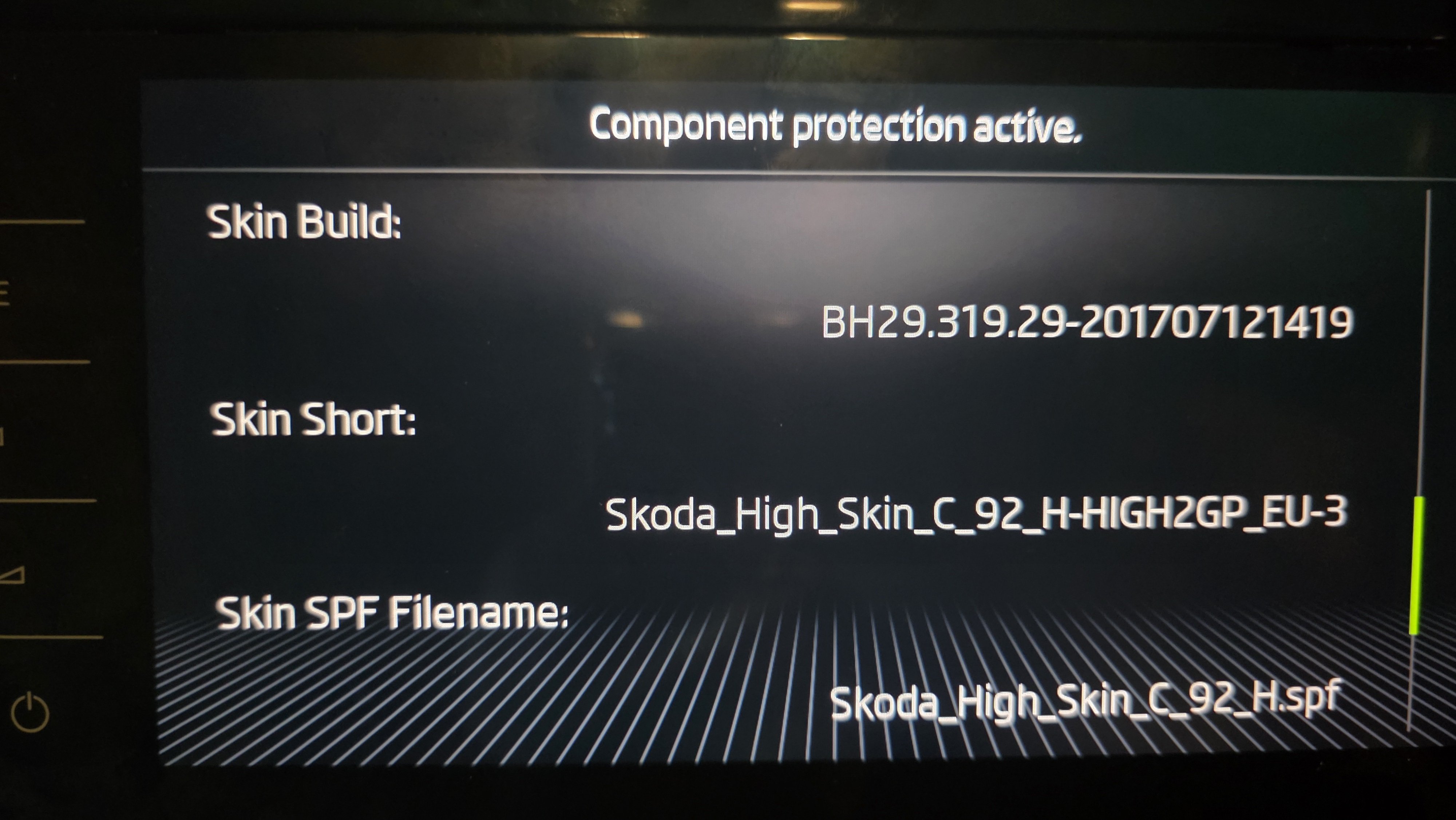
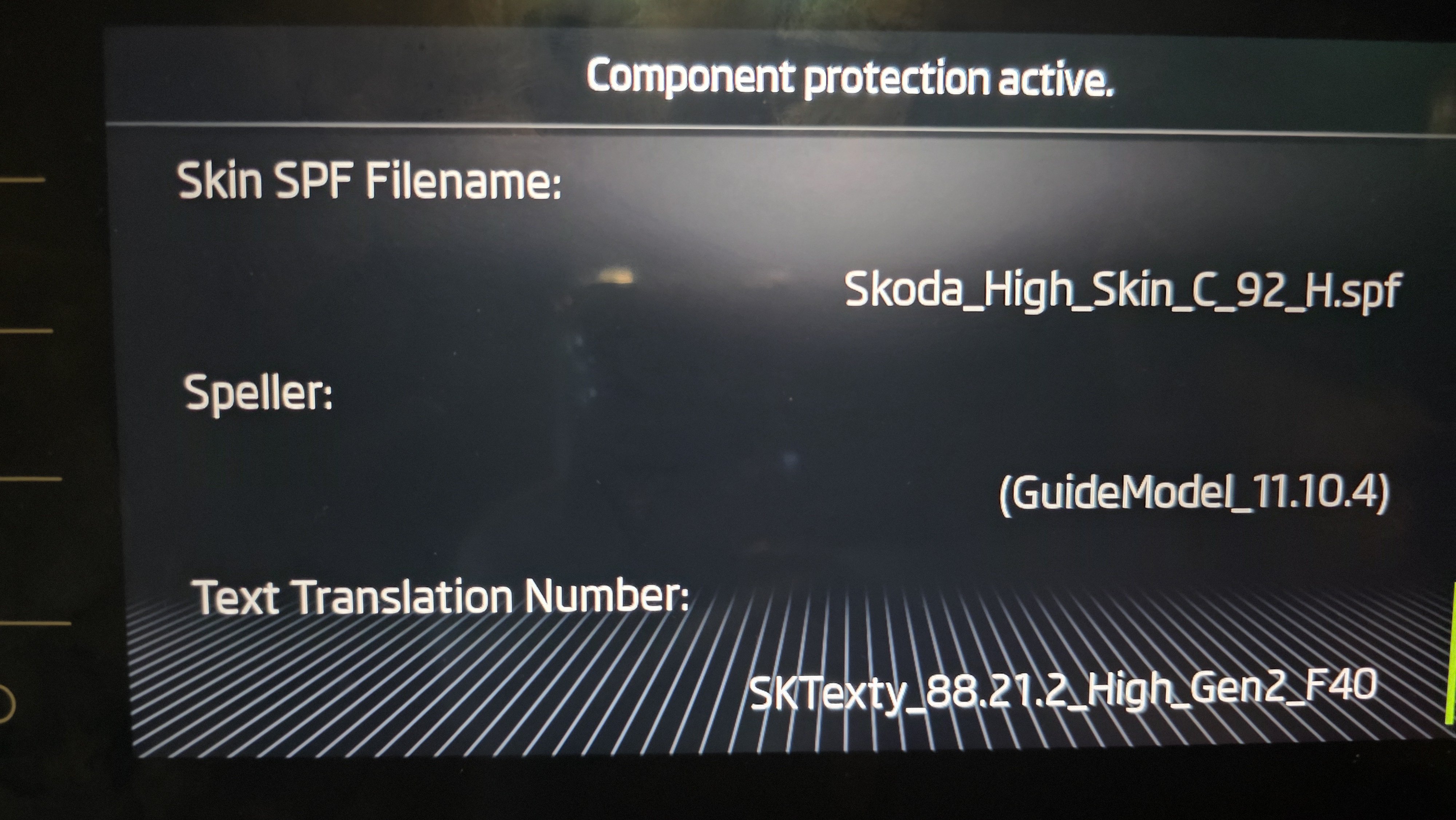
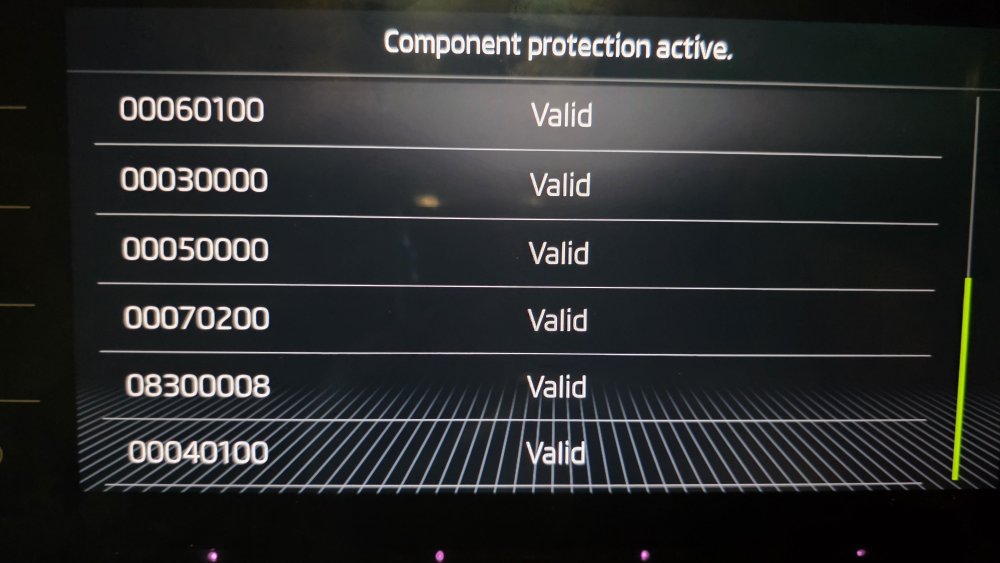
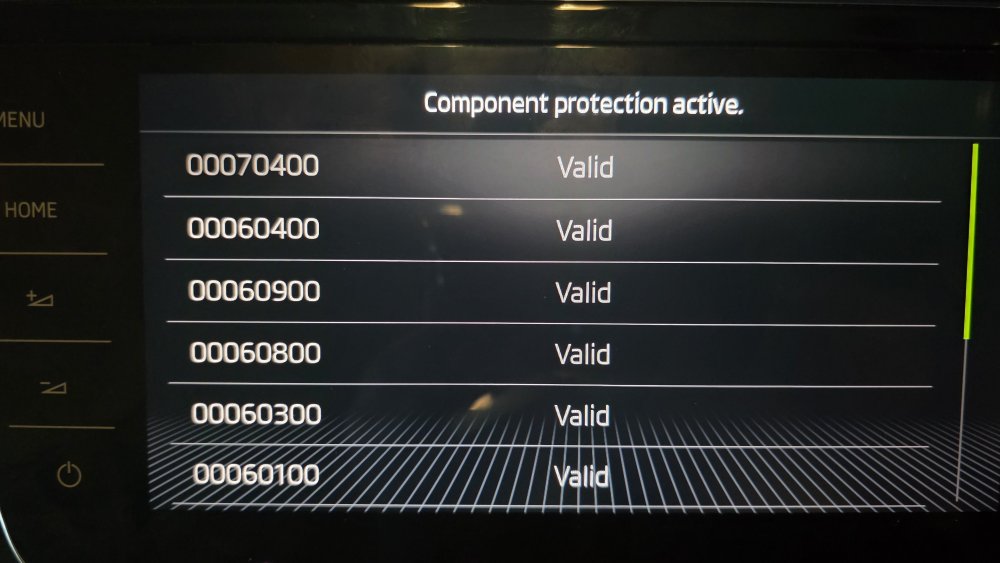
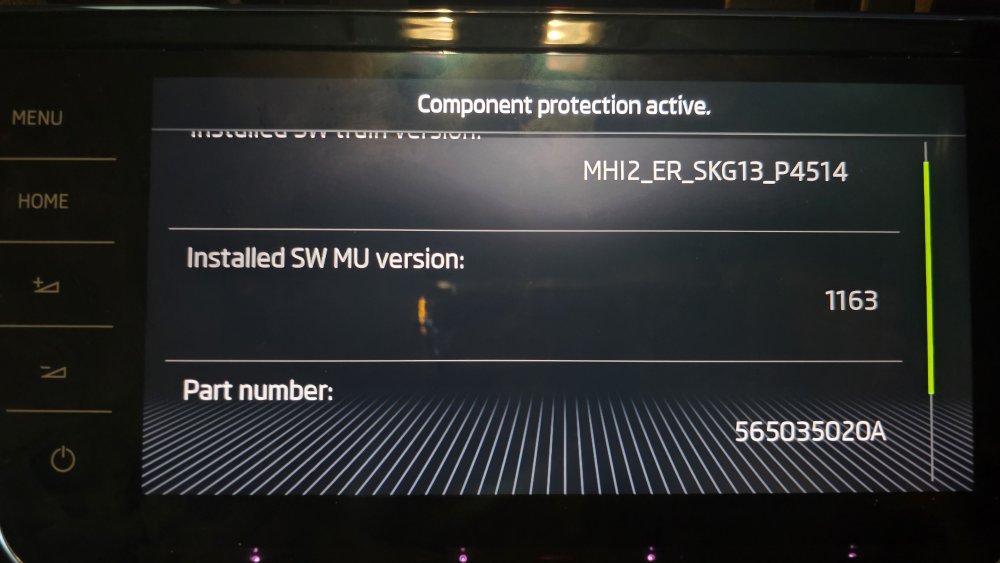
I posted all screen details..
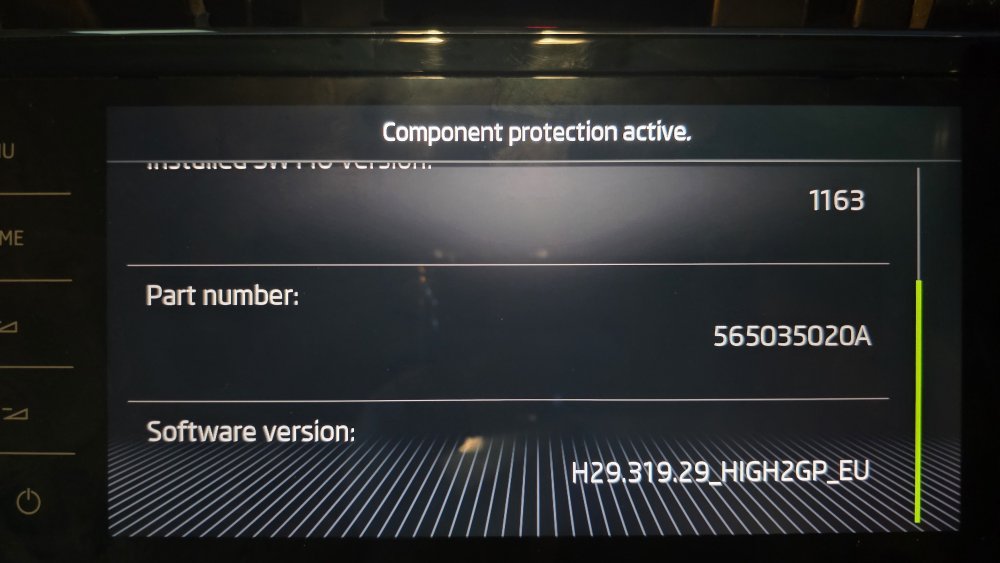
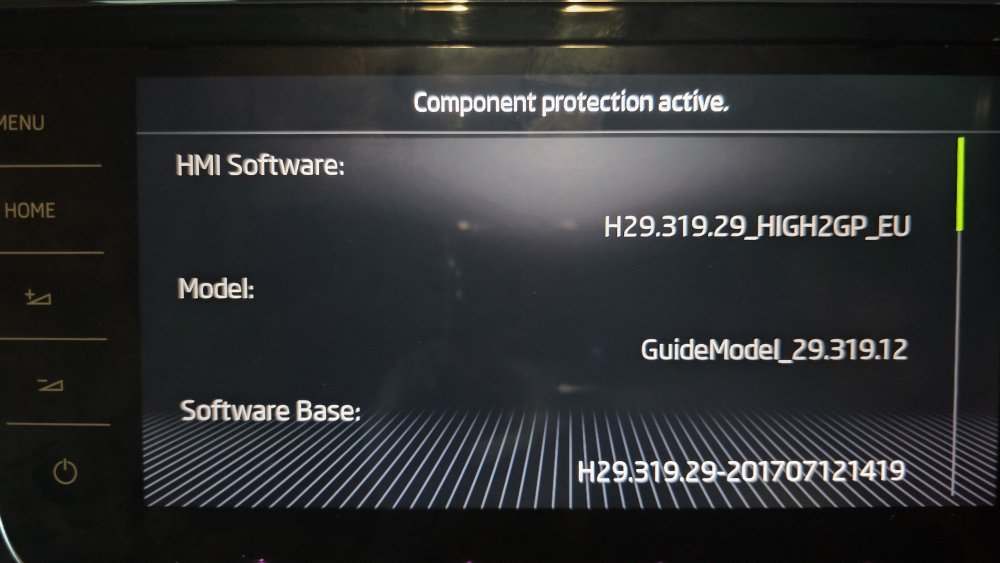
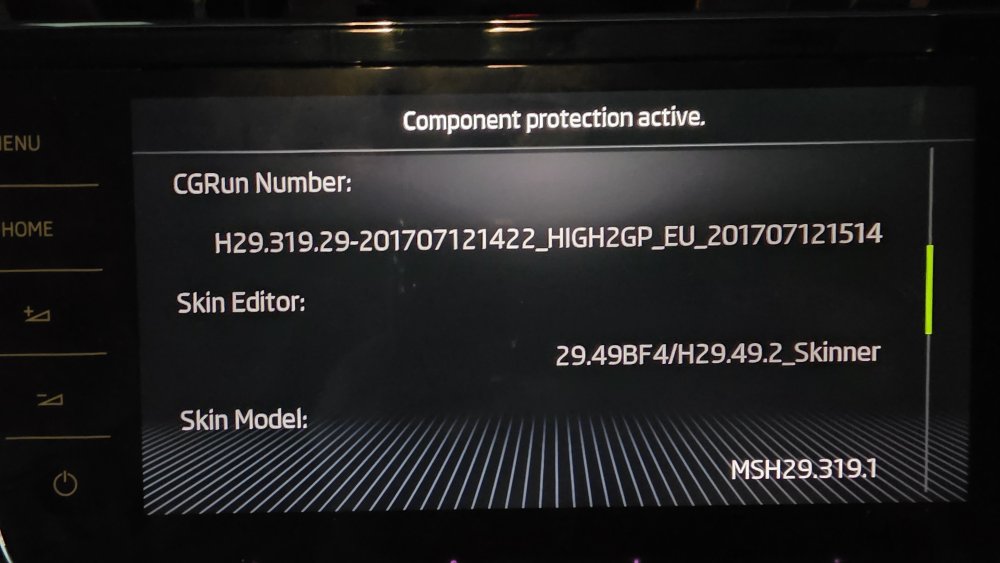
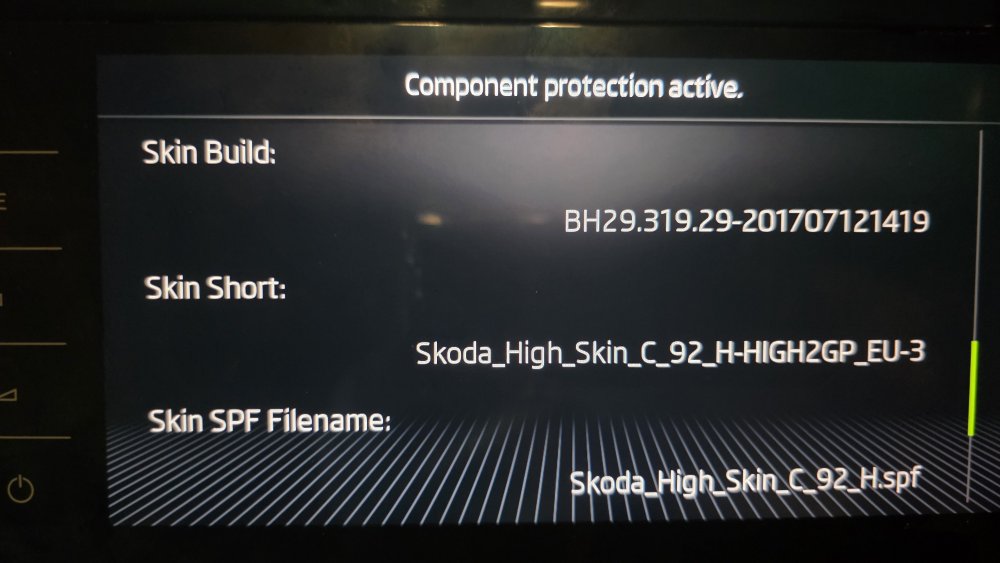
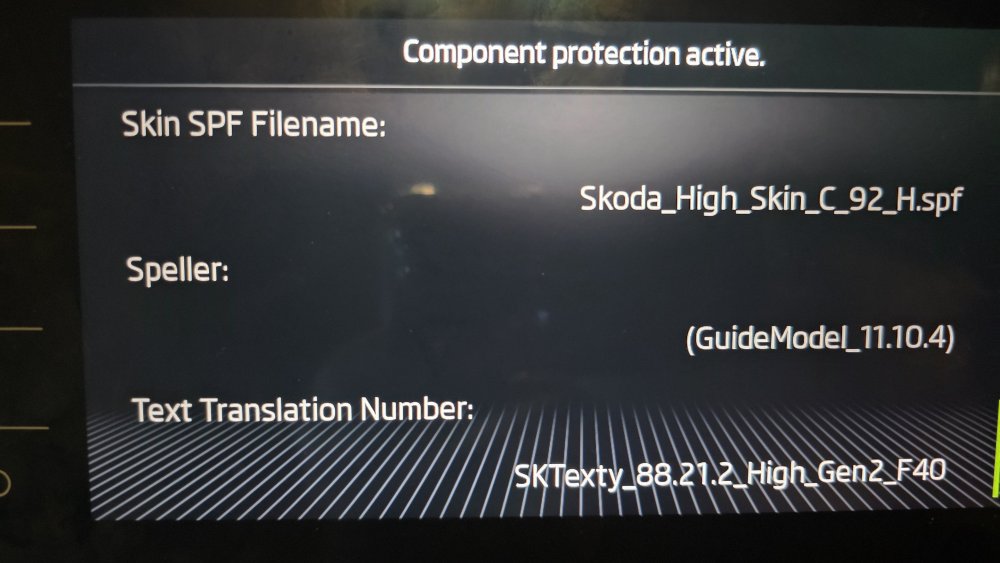
-
Hi Carius, could you please help me with more details re AIO firmware 1440..where can be downloaded and any correct steps to work with that! Thank you
-
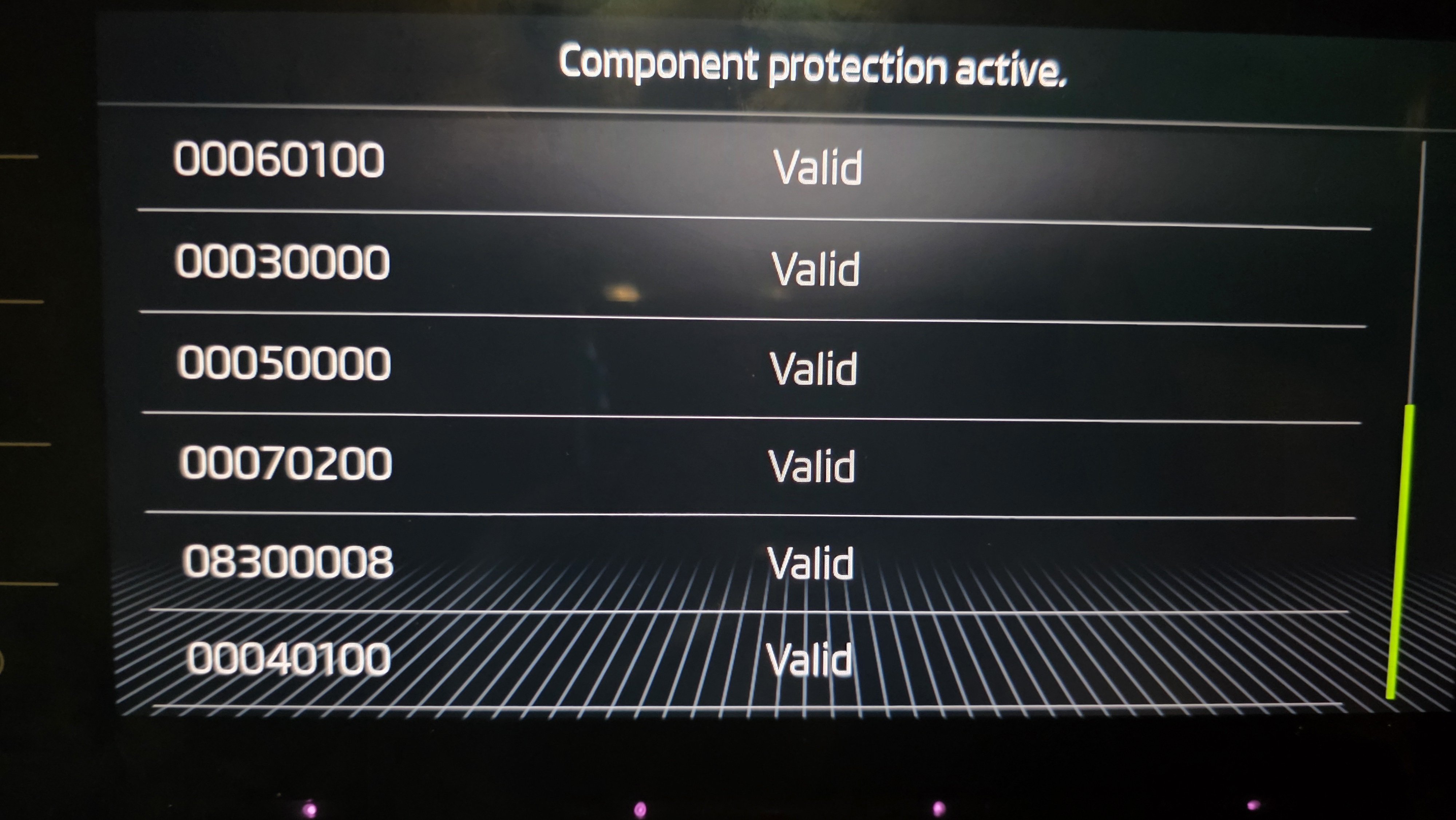
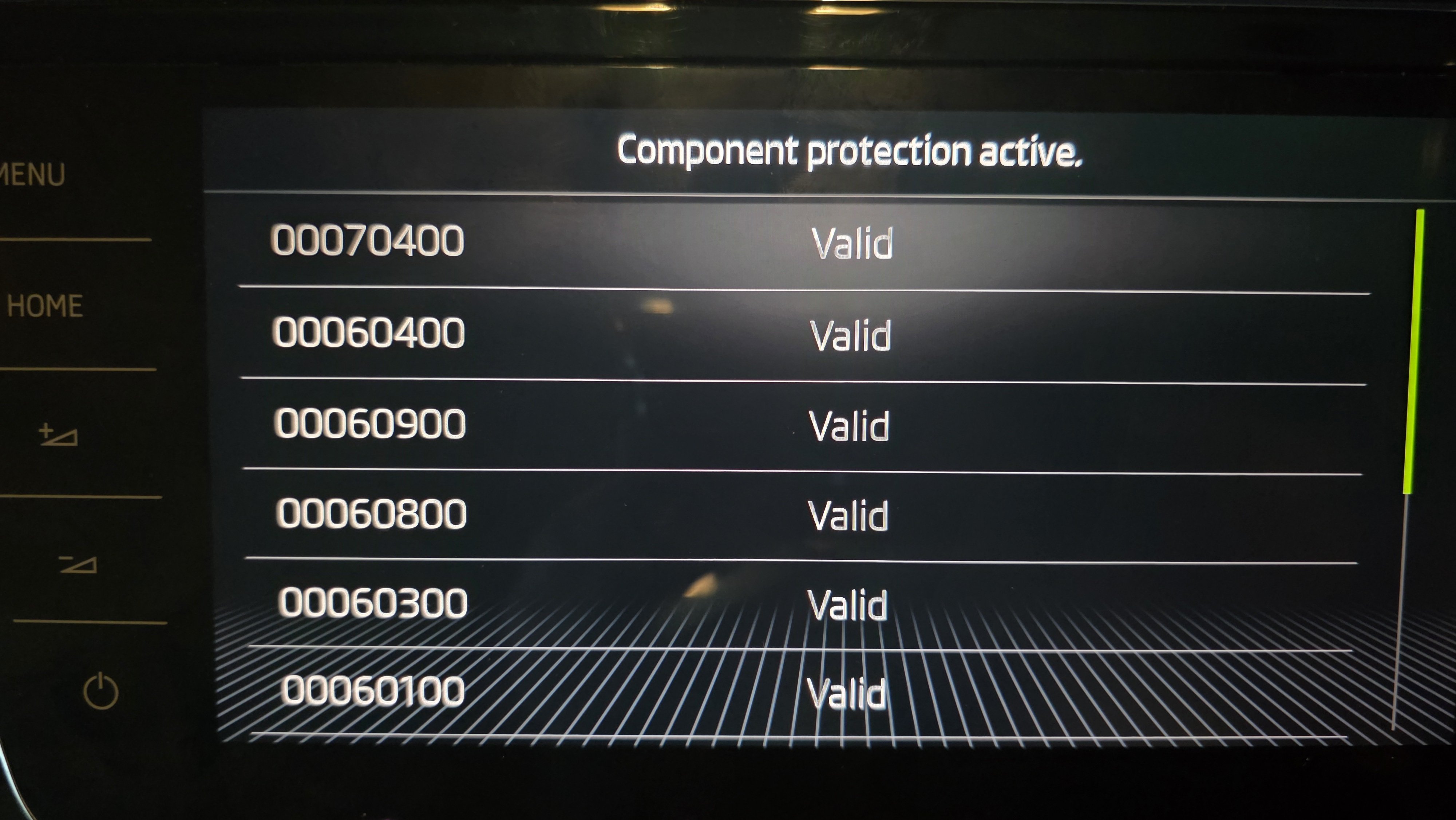
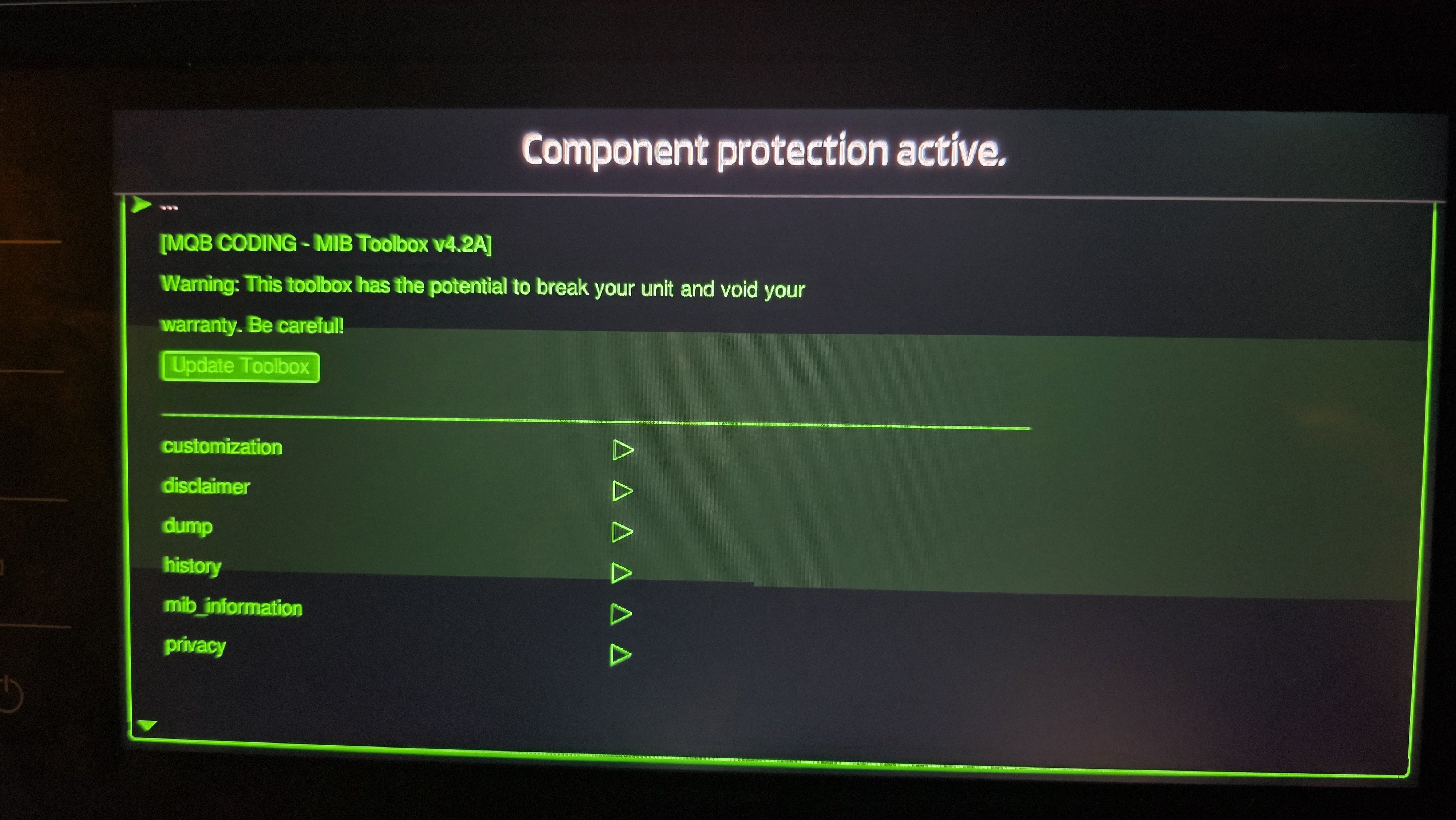
Hi Cairus, Hi, I have a good progress hardware part is installed. Tollbox installed.. now Component protection is still active! Please guide me how can I disable by patch! Thank you
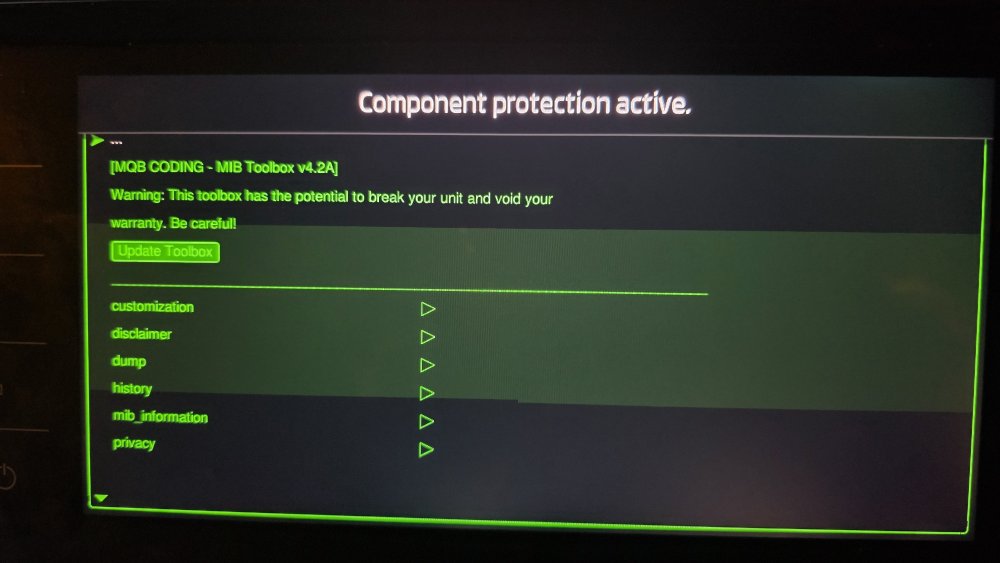
-
Thank you very much pab567.. I'm very happy to hear back that can be used as retrofit. I will work on it to fix hardware part to be installed and fix the screen connection carefully with the some Stanley knife. I will be very pleased if you can find some time and help me with the software side if that will be possible? Thank you
-
Hi nta16, thank you for the information. Not sure if I'm able to send pm to the members! I join this platform recently and made an yearly subscription but still not able to PM.
-
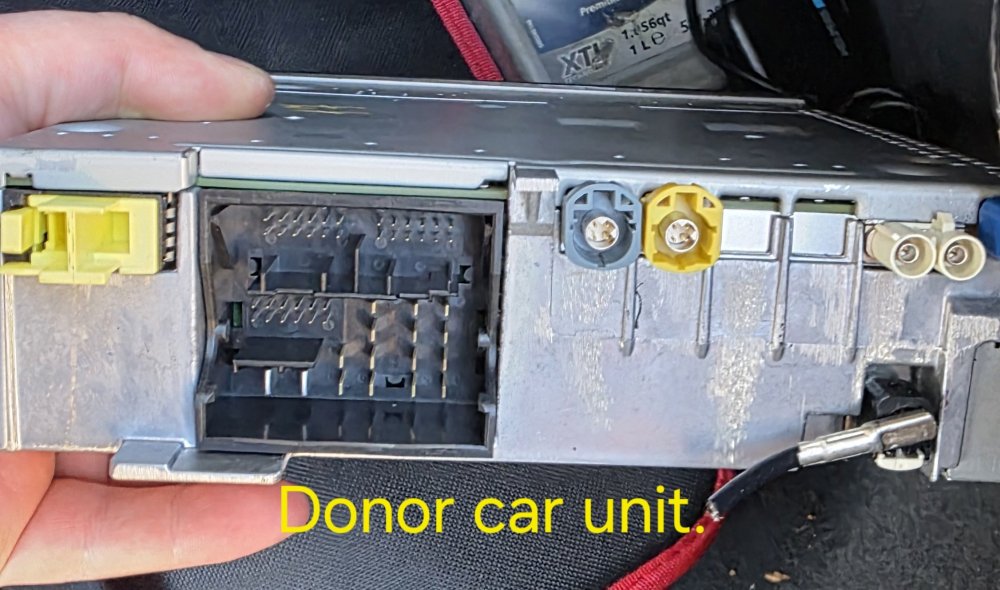
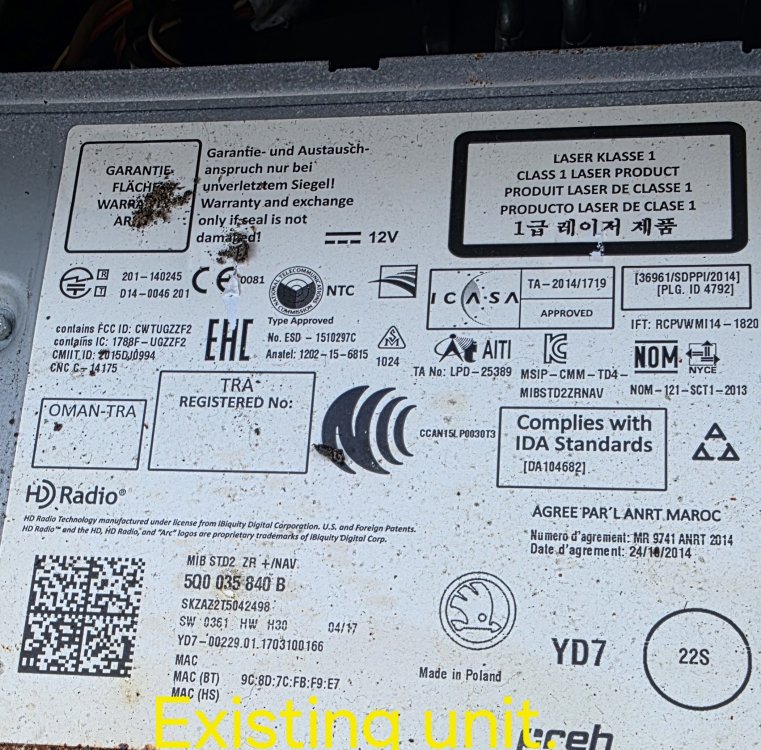
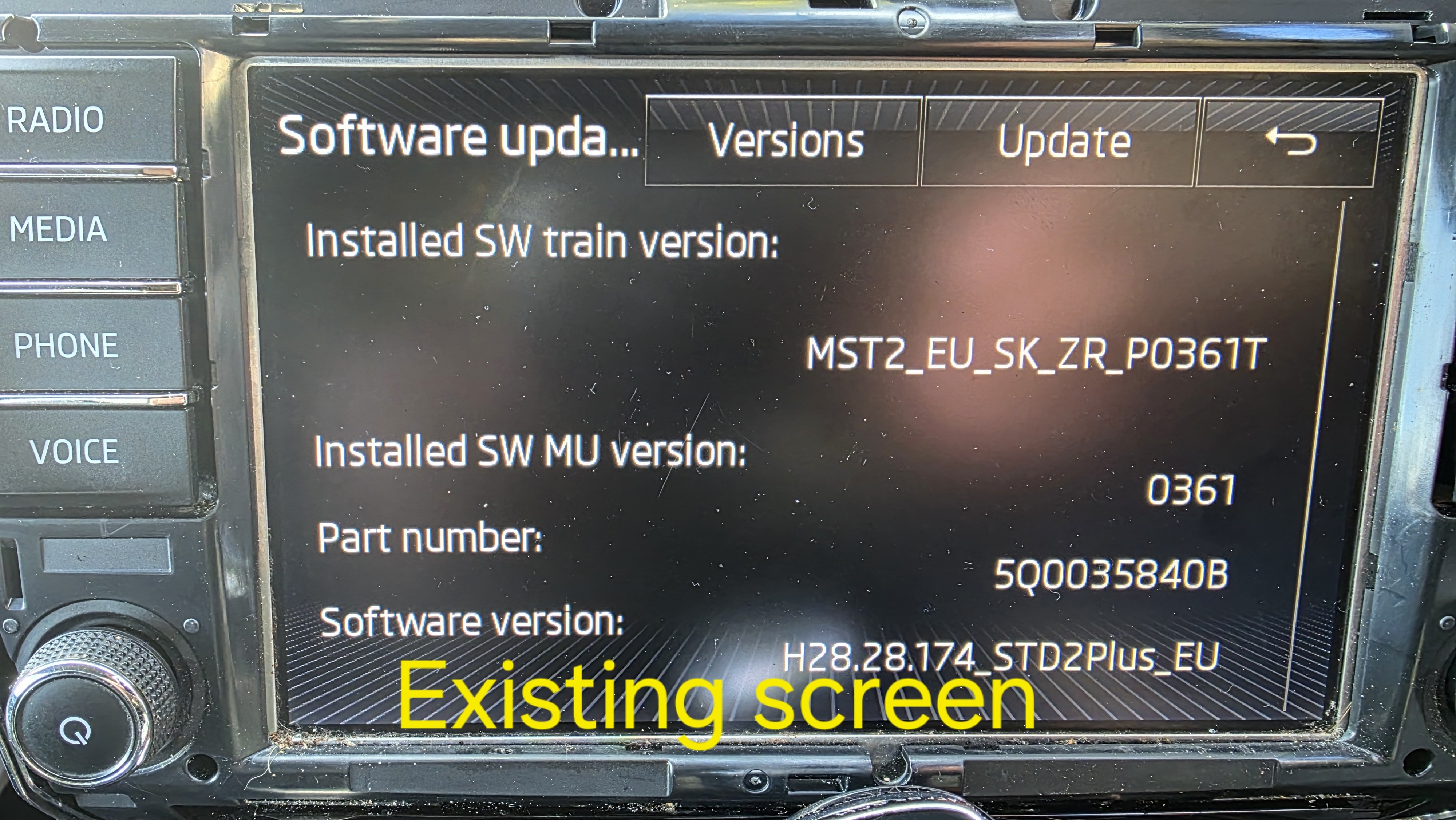
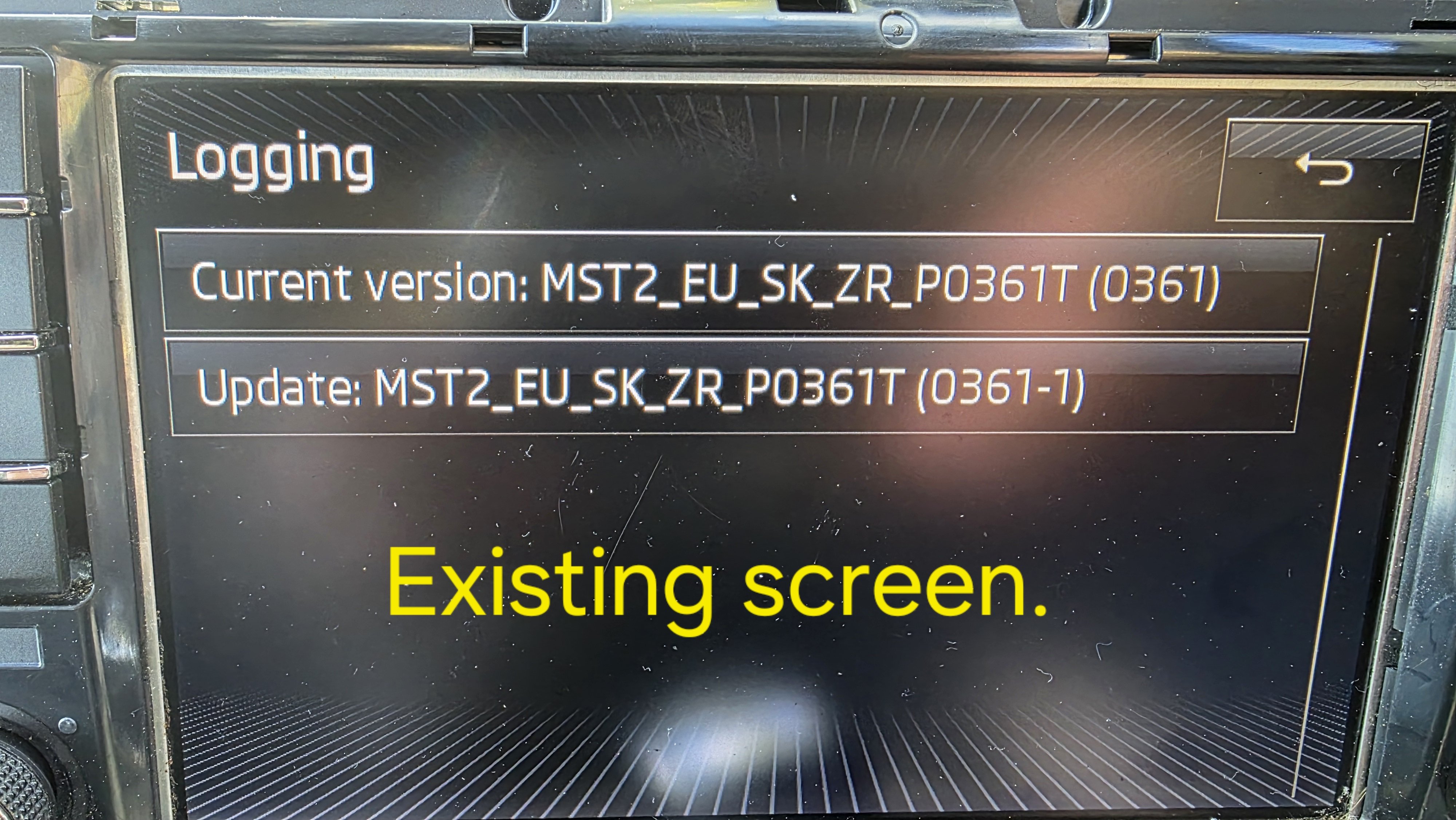
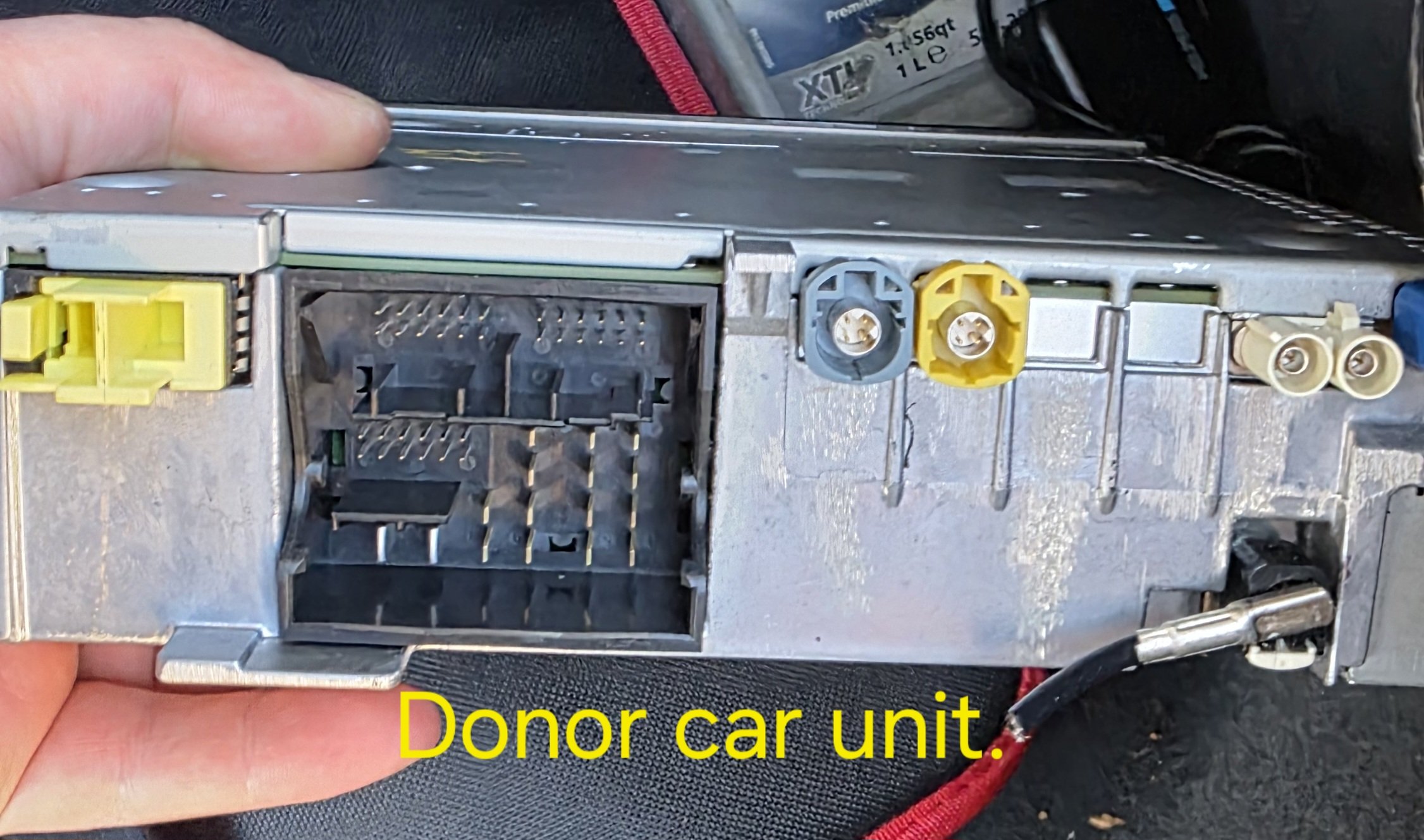
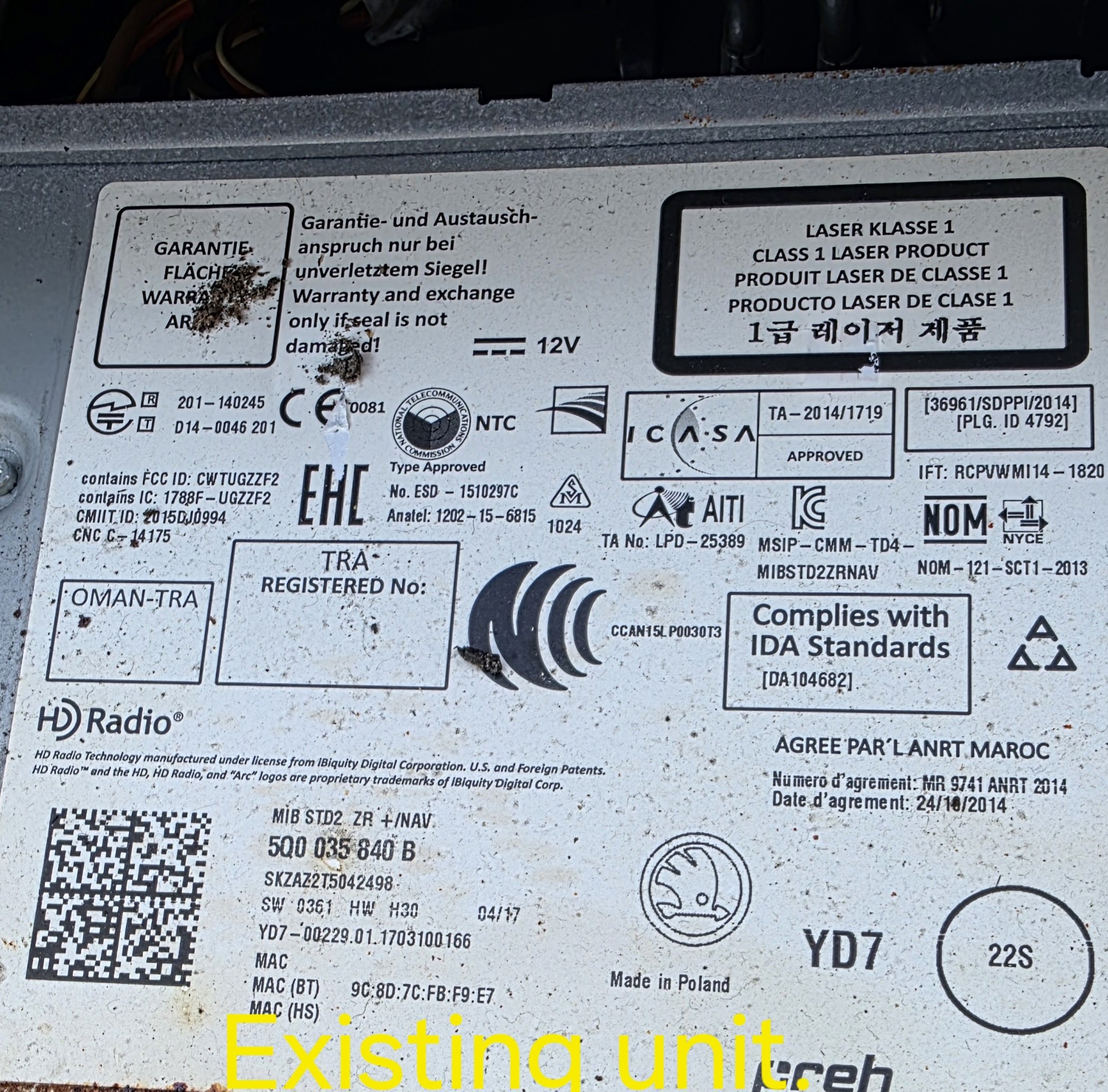
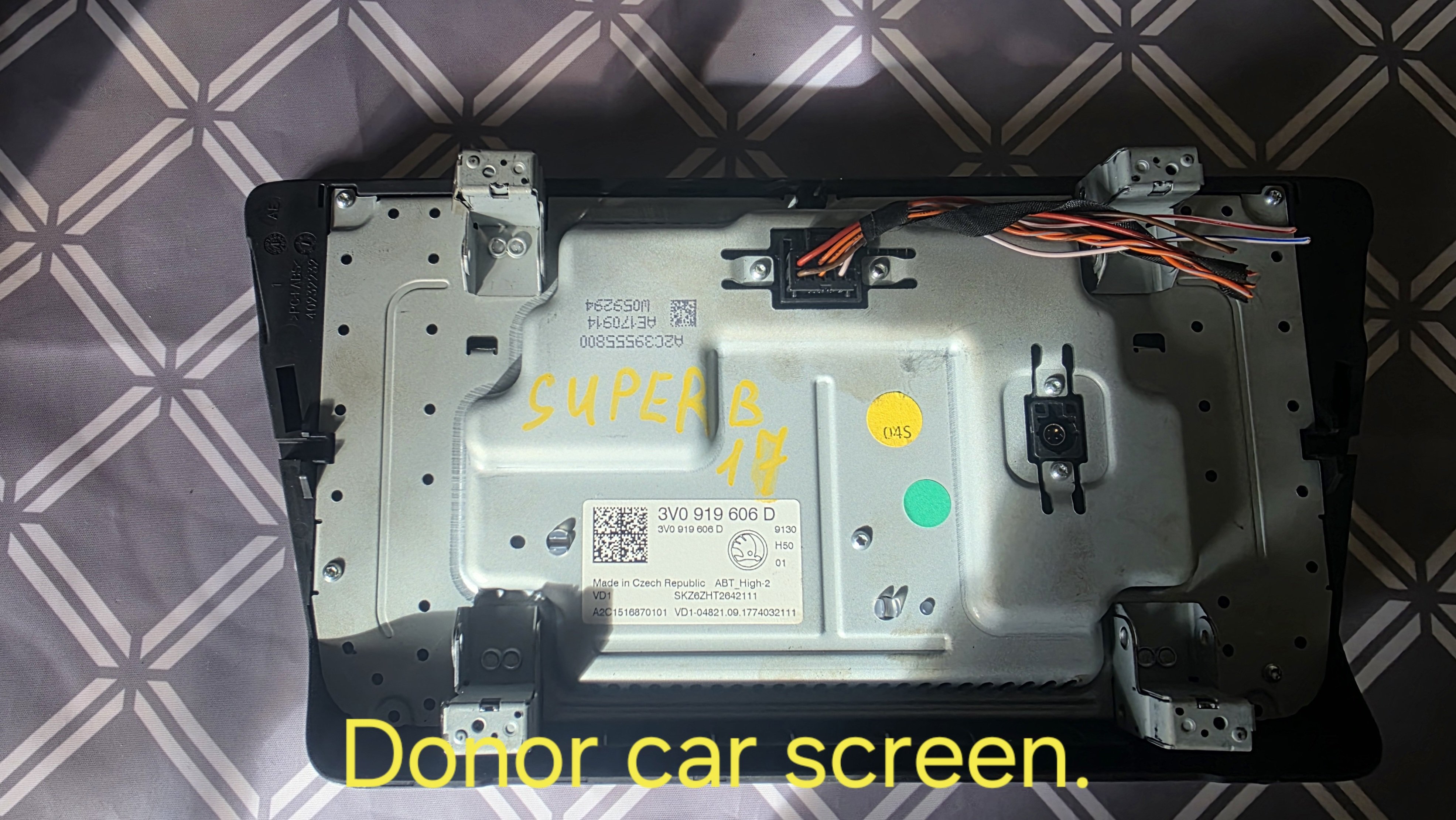
Hi all, I’m looking for some advice with an infotainment retrofit on my Skoda Superb MK3. My car currently has this unit installed: 5Q0 035 840 B MIB STD2 ZR + NAV SW train: MST2_EU_SK_ZR_P0361T MU: 0361 I bought a donor MIB2.5 Columbus unit and 9.2" screen from a scrap car: 565 035 020 A The donor unit and screen were tested and working before removal, so I know they were good in the donor car. I now want to retrofit this setup into my car, but I need some advice before I continue. When I tried to connect it, one connector from my car’s harness would not fit the donor unit. I think one plug on my original setup was pink, and on the donor unit I saw a silver/metal type connection, so I stopped and didn’t want to force anything. I also have ODIS and a VCX SE scan adapter available. What I need help with: Is 565 035 020 A a suitable retrofit into a Superb MK3 that originally had 5Q0 035 840 B? Which connector is usually different between these two setups? Do I need an adapter cable, repinning, or only a small modification to the connector keying? After fitting the hardware, what exactly is needed next: Component Protection removal coding/adaptations in 5F FEC/SWaP activation for navigation / voice / SmartLink Can any of this be done with ODIS + VCX SE, or is dealer online access still required for some parts? I’d really appreciate advice from anyone who has done this same retrofit or knows the connector differences between these two units. Thanks.