Dubb3rz
Finding my way
-
Joined
-
Last visited
-
Haha, wonder what the voice command is for that!
-
Anyone else using the auto function for heating and ventilating? Just today I noticed a setting to increase the intensity of both in the seat and back of both front seats and also the auto function. I didn't even know you could have heat and ventilate at the same time!
-
Sounds far more frequent than mine based on that.
-
If it says unplugged I unplug and plug it back it. I think this is a backend issue with the 'handshake'
-
I'd say higher than 75% of the time. I just have to check charge port is green when I plug in then I check the schedules been created by Octopus
-
I have a granny charger and Octopus Intelligent Go. Octopus controls the charging perfectly 👍 You can set departure and max charge percentage and cap to off peak only if you like. Can also boost charge of you are peak and need to charge. Works off location and handshake with Skoda to know when plugged in and stopped/start charging.
-
I get the same reversing on to the drive with my other Half's car parked to the left at 90 degrees. Car thinks I will hit and frightens me to death when it slams on.
-
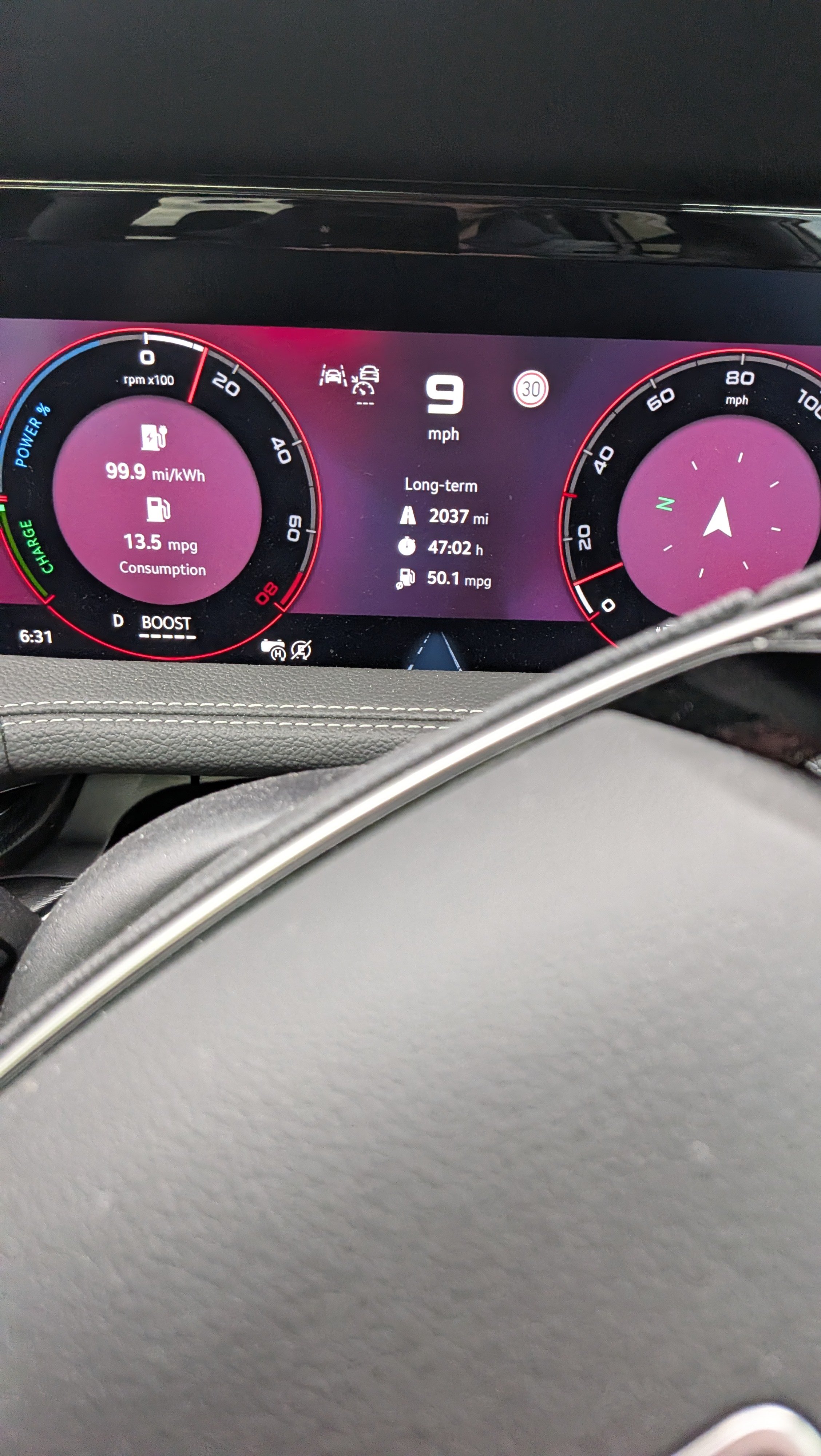
Just returned from a 2000 mile round trip to the South of France from Derbyshire. Charged before I left to 100% and again in Dijon on the way back. Autoroute mainly with 50-60 mile pottering about down there.... Sportline PHEV full to the brim with luggage!
-
Just got back from a trip to the French Riviera in my Sportline. Like the feature that updates you on laws etc in the country