MBane
Finding my way
-
Joined
-
Last visited
-
The funny thing in my story is that i passed mot last year at the same place without a issue 😂
-
Thanks Jack, that was the pin for, all working now, except very low light on passenger side, cleaned the pins as they were corroded a bit but still flickering, probably will need new one
-
Yes but I had hard time explaining this to the mot guy, as he was saying if he calls dvsa for advice their reply would’ve been “if it’s there it should work”
-
Thanks all for the help, the loose wiring was indeed for the dlr on the bumper, but took me like 30min to explain it to the mot guy who had hard time believing that the fog light were indeed the dlr, and the small bulbs inside the headlights should work also.
-
Nope, nothing
-
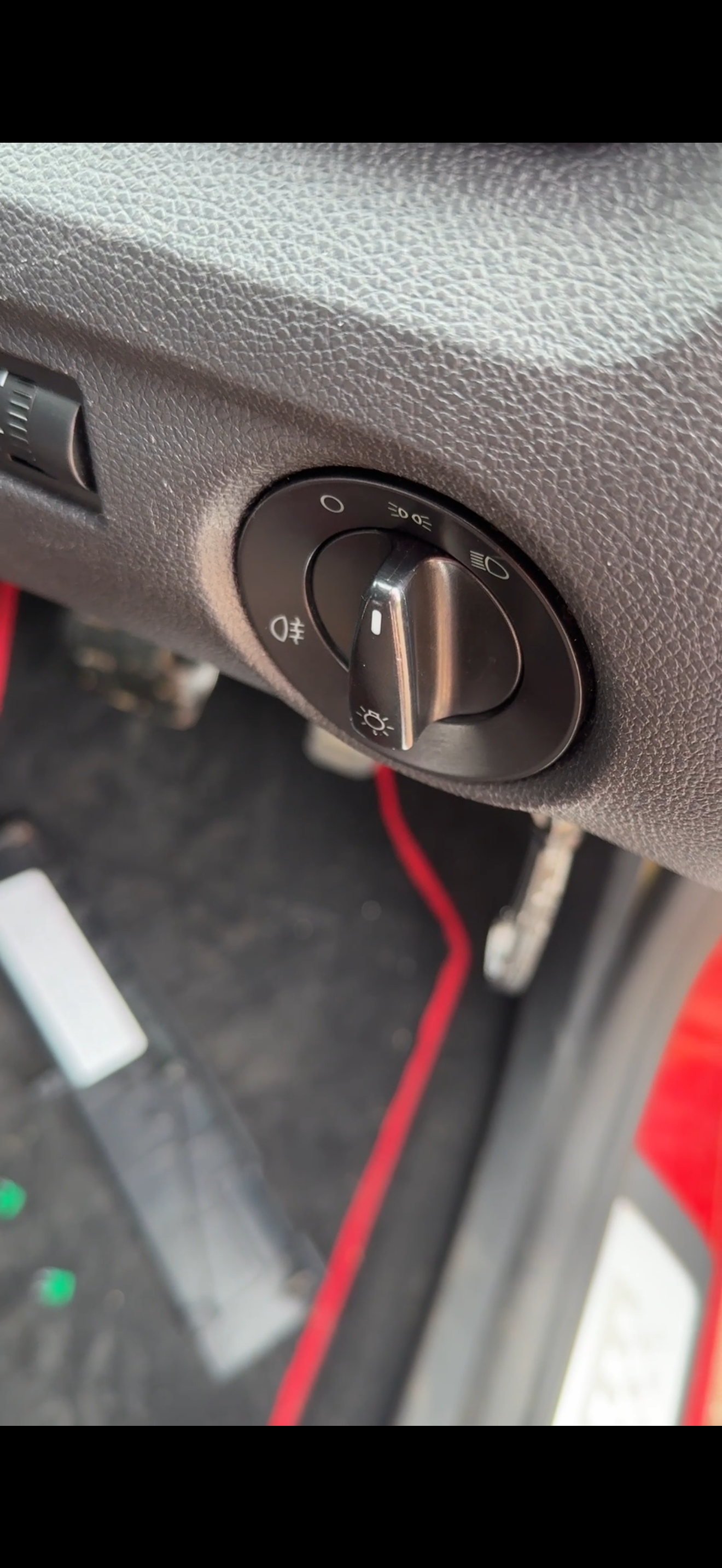
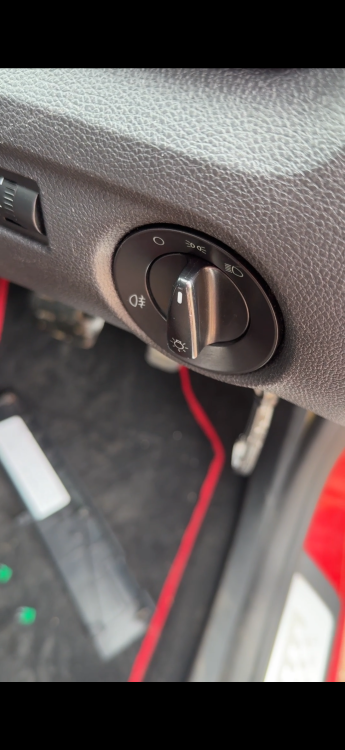
1st position only lights that work are the rear back lights on the tail, nothing else, on second position on the front working only circle lights with the liquid like inside
-
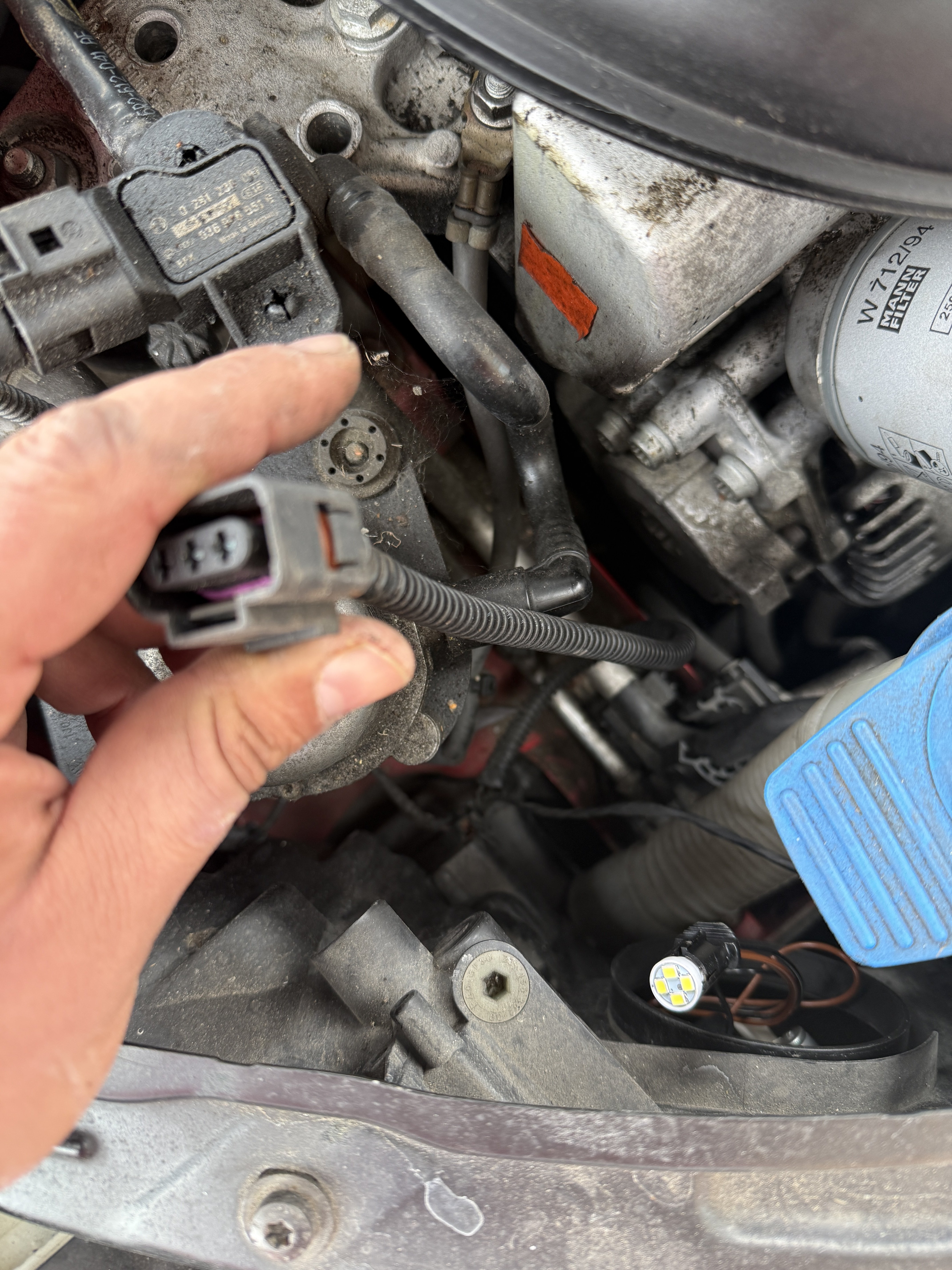
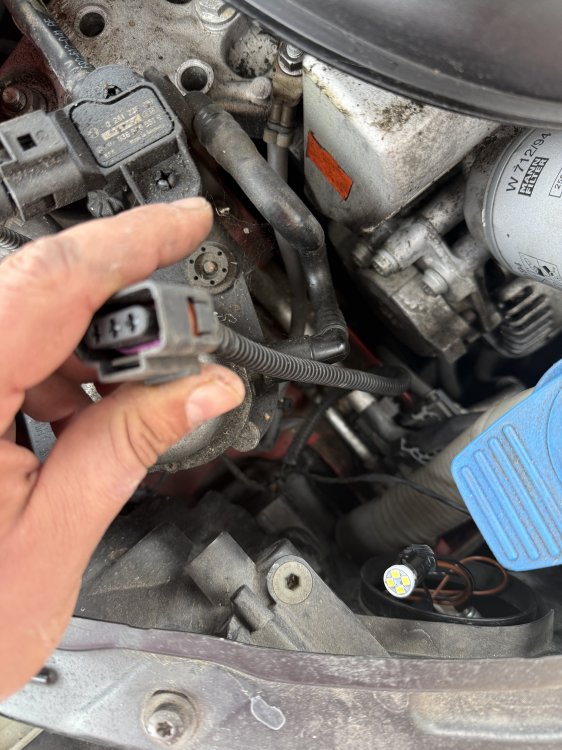
How to find out where it plugs
-
I just found this connecter unplugged and seems i can’t find where it plugs aswell
-
If you mean from the cluster 1st position yes it’s turned on but still no lights
-
Are they the same? Thanks for the reply
-
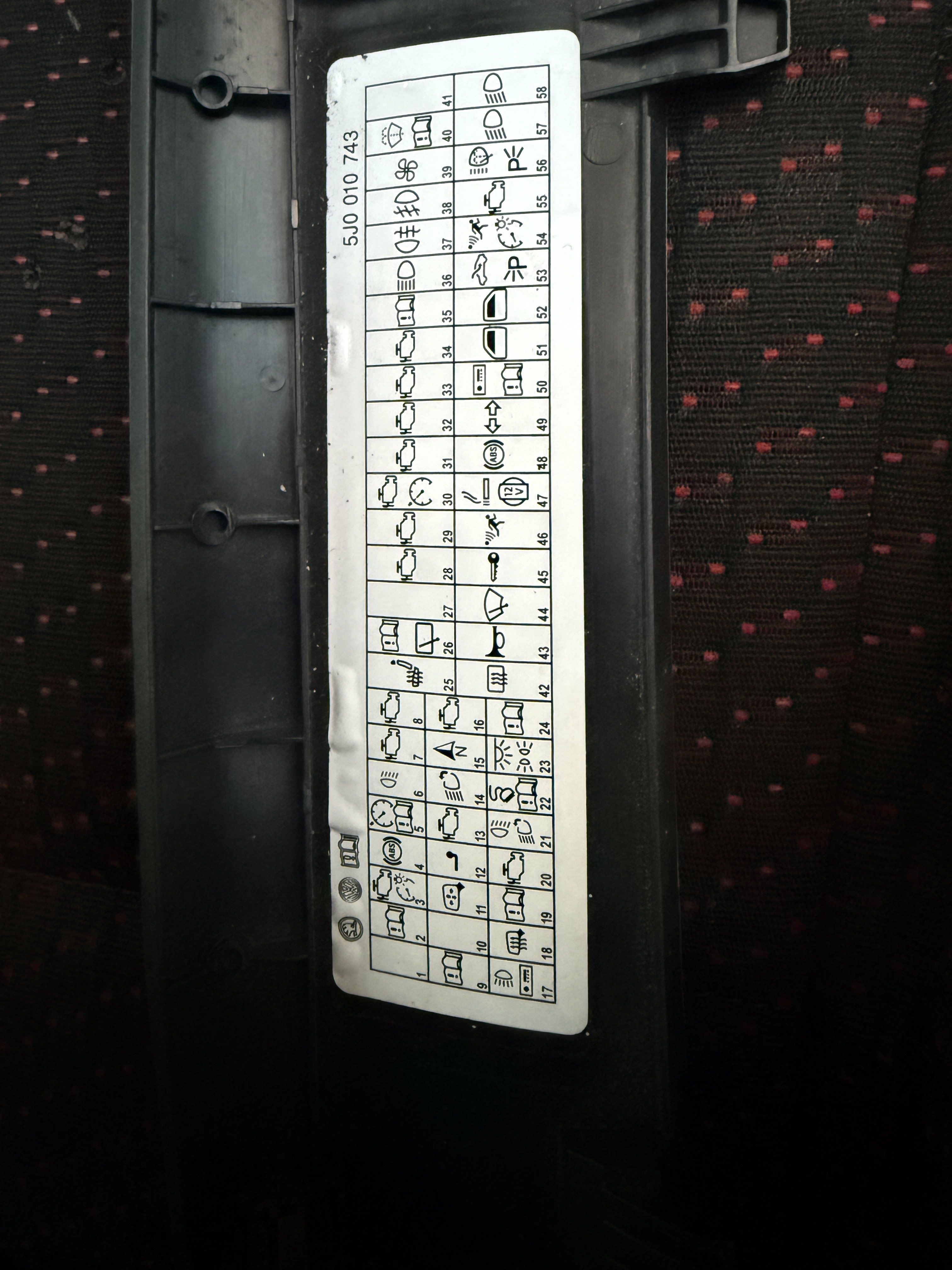
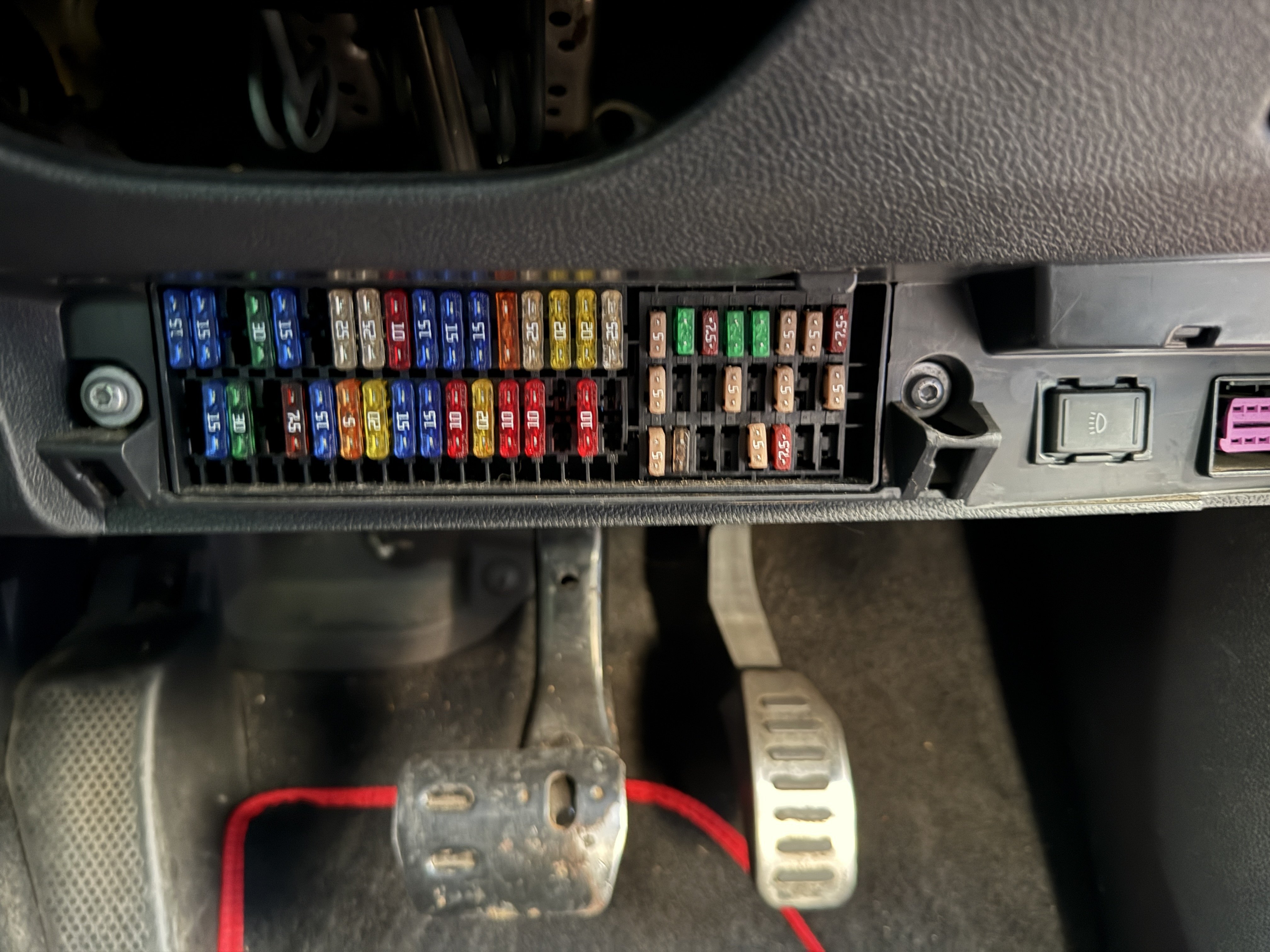
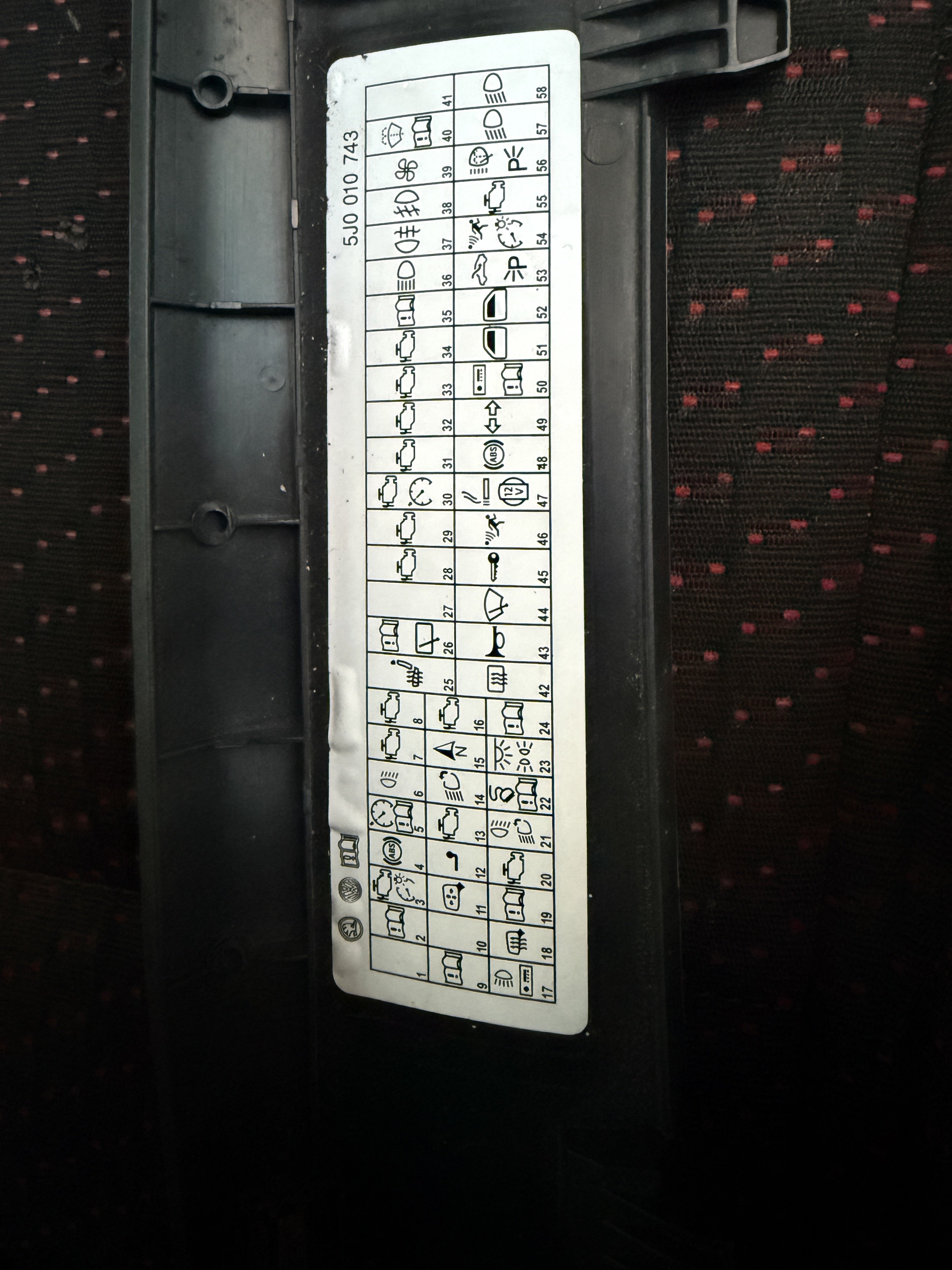
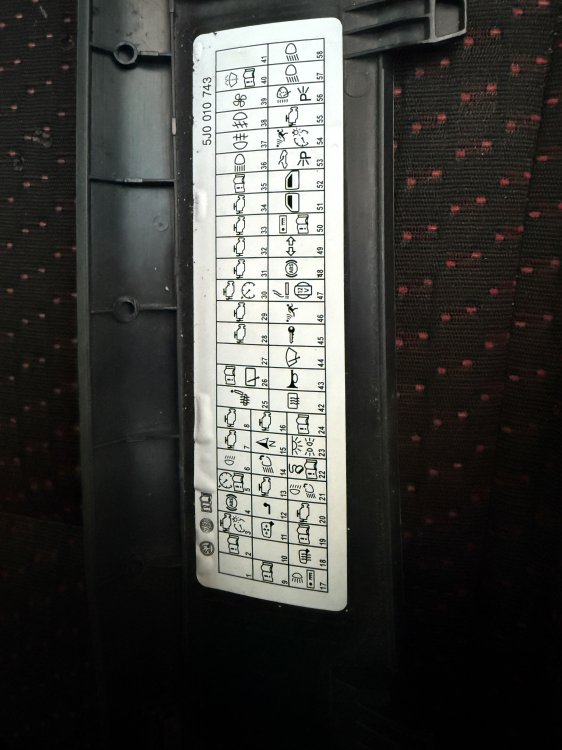
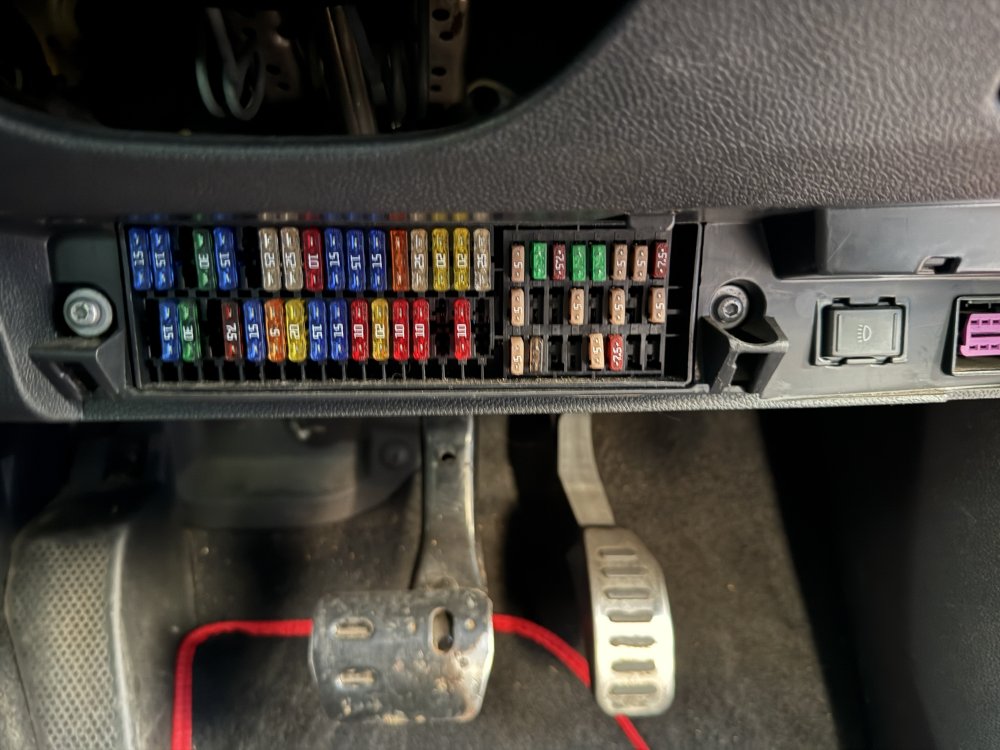
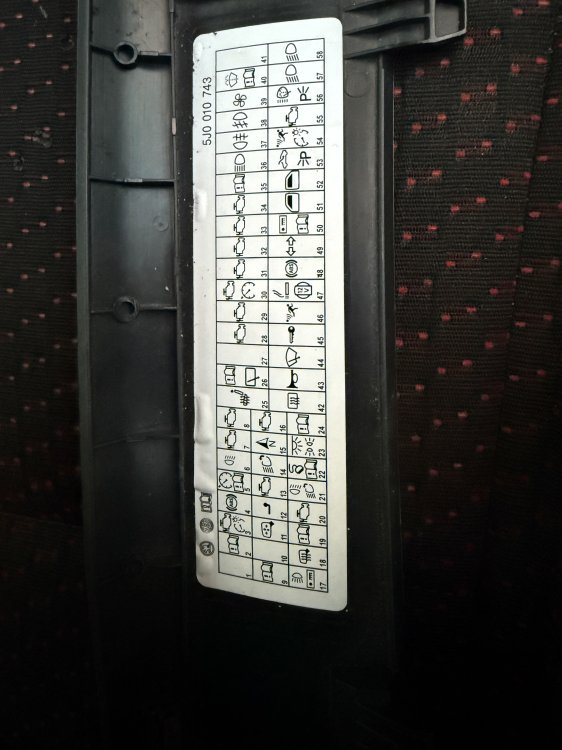
Hi all, Today i failed mot because all of a sudden front both parking sides aren’t working, replaced them with brand new one tonight w5w 12, still nothing, rear are working fine, checked the fuse (N23) works no issues at all, what could be the problem? Also checked inside the bulbs for the tiny wire , it’s fully intact on both old and new bulbs. Skoda fabia estate vrs 60 plate. Any help would be appreciated, thanks.