Zhecho
New here
-
Joined
-
Last visited
-
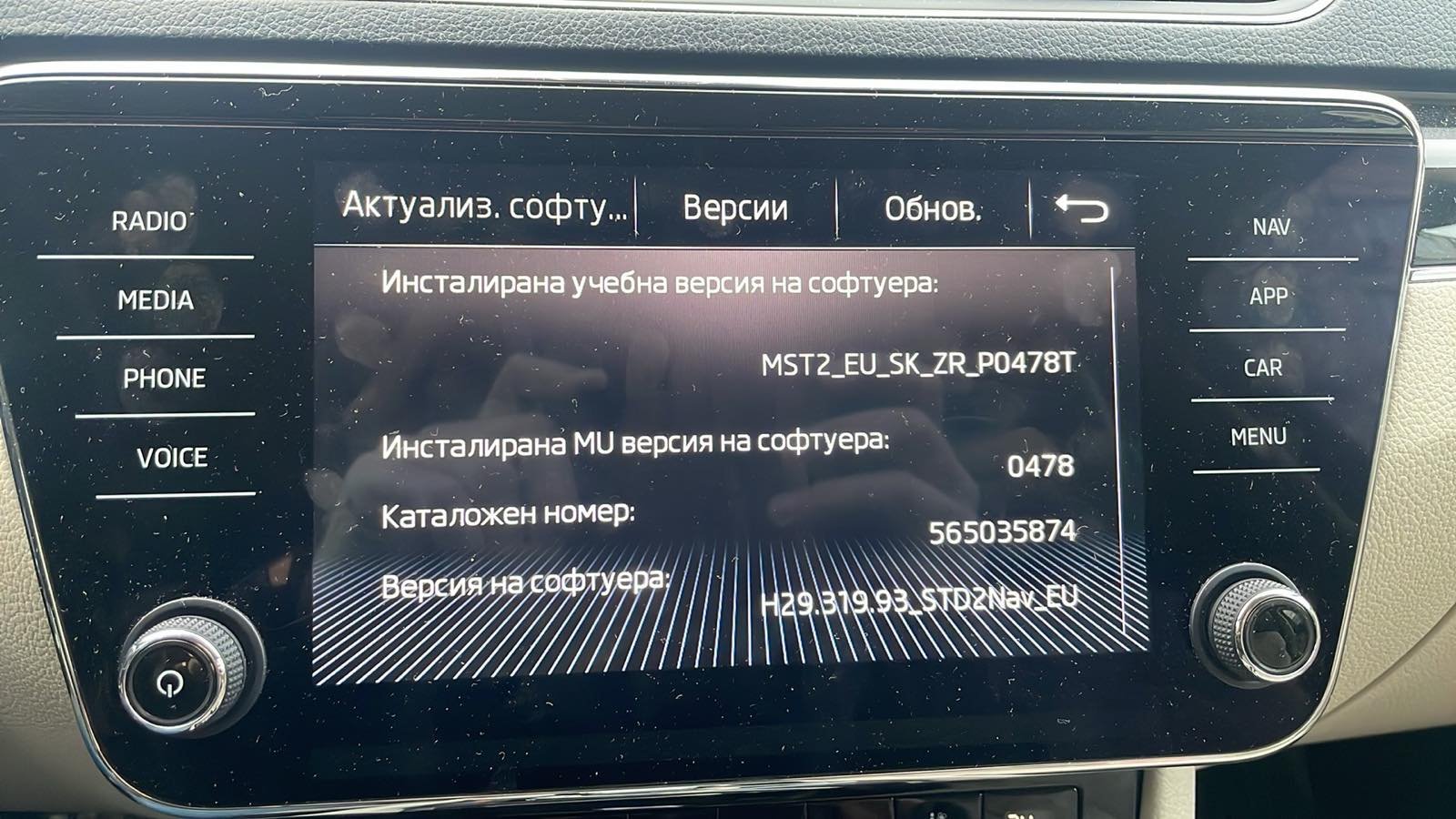
Hello, Unfortunately, the update did not help. The update process went smoothly without any errors, but the issue still appears. Do you have any other advice or suggestions on what could be causing the problem?
-
I'll try it later and hope it helps. This is really annoying.
-
Hi, I guess is 2 ...
-
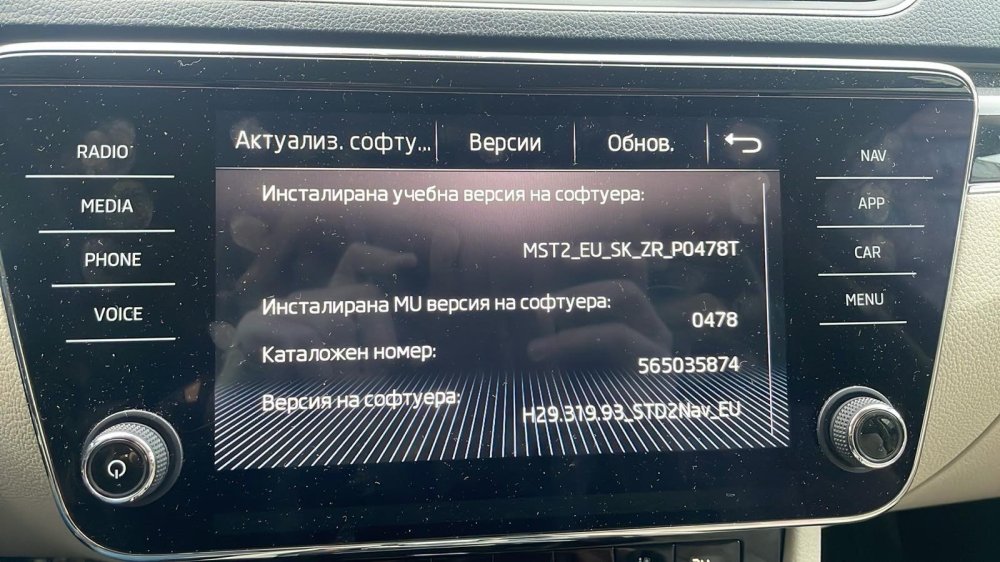
Hello, I’ve been searching quite a bit for information on restarting my media device. Can anyone offer advice on the Superb 3 media device freezing, Amundsen after connecting to a phone… On one iPhone 16, it freezes the moment it turns on; on the other iPhone 12, it works at first, but after a few minutes it starts crackling and freezes. I’ve restarted it and tried different ports—no difference. I will also upload an video which shows what is exactly. Thanks for any recommendations. 0-02-05-2c9fc72a7be318f453670f30dc0dfd4a775c7769e012a245f9f8b63f9e486322_13a198d60b9168e0.mp4