JvdWaa
New here
-
Joined
-
Last visited
-
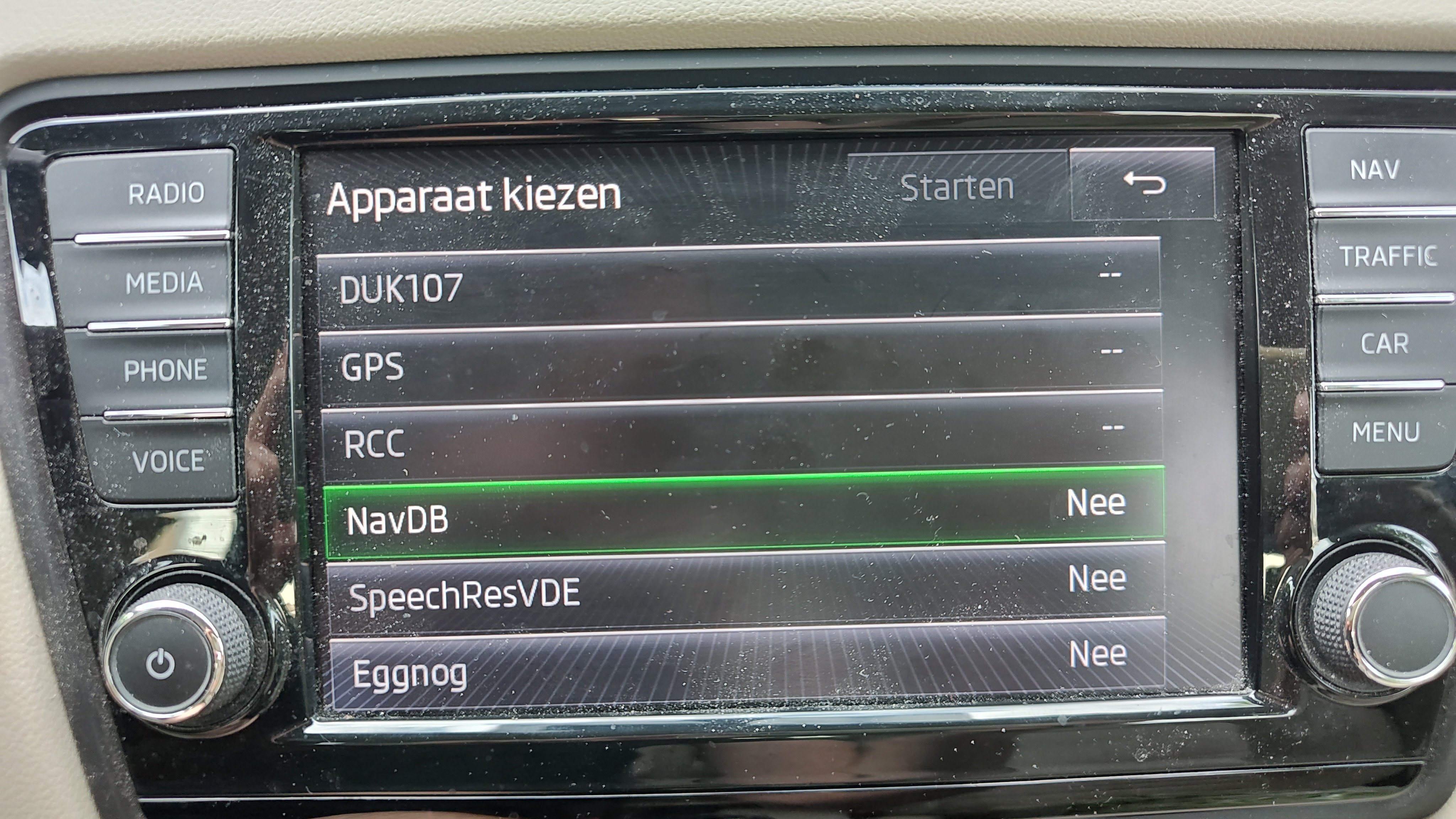
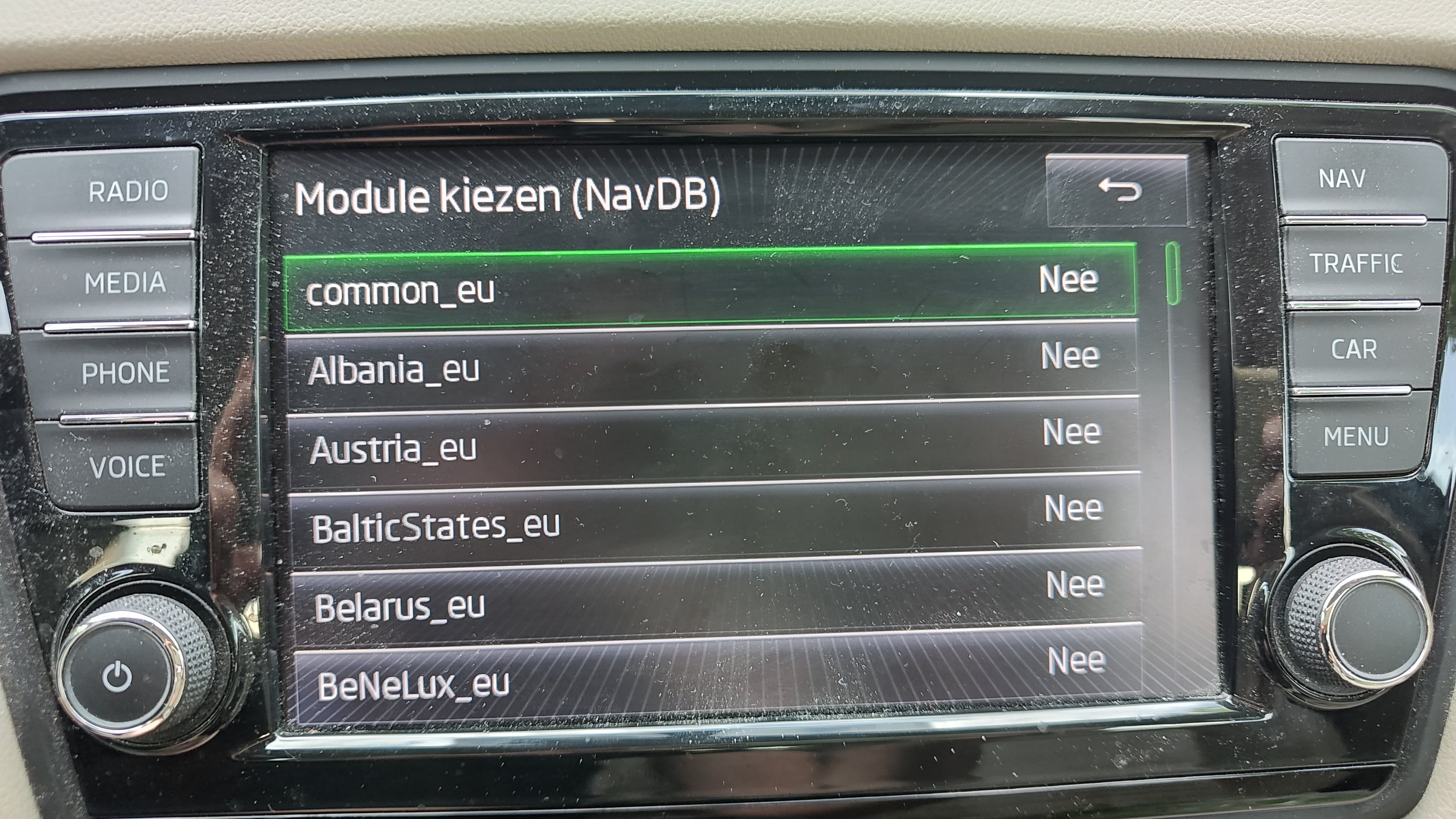
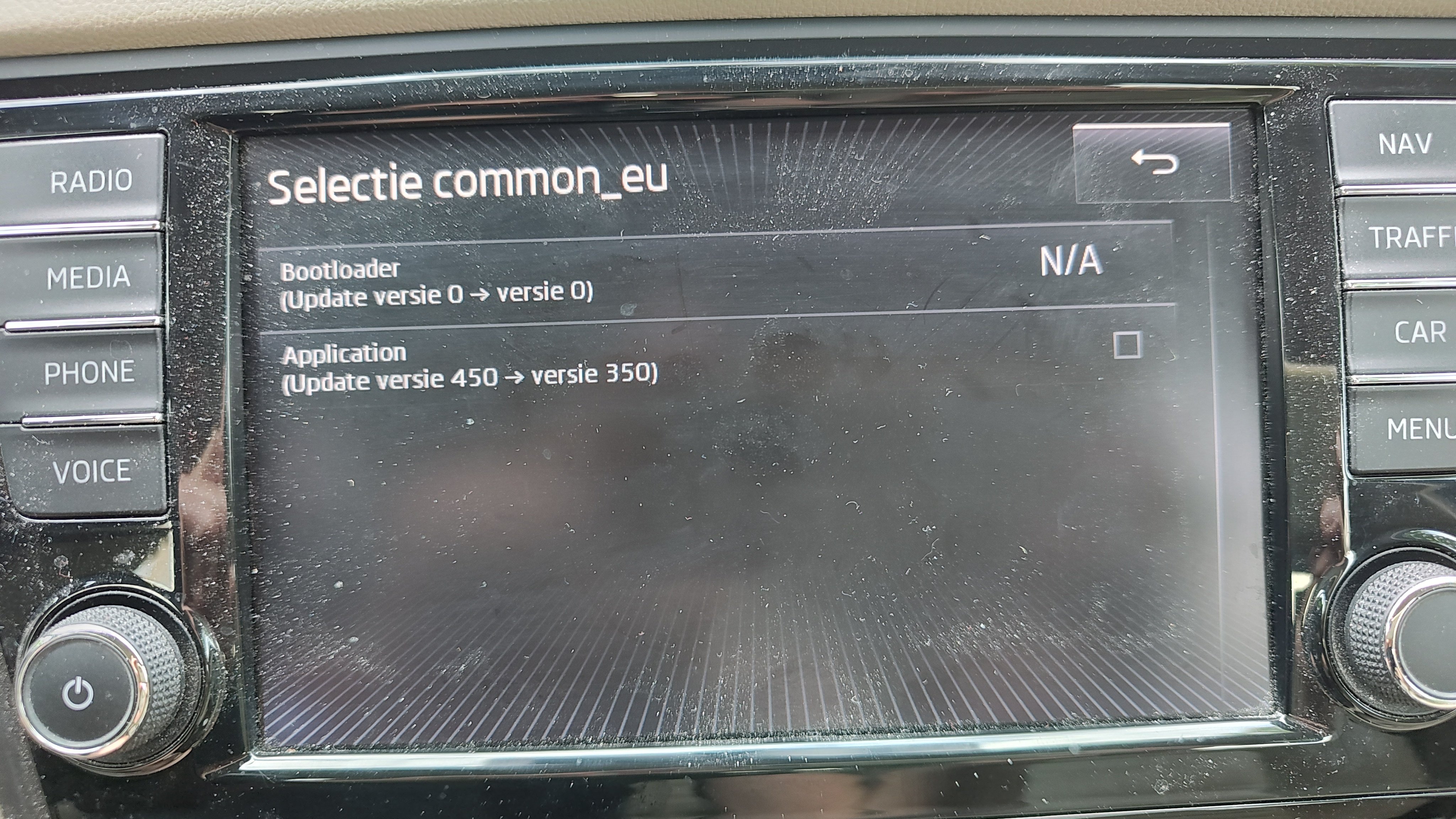
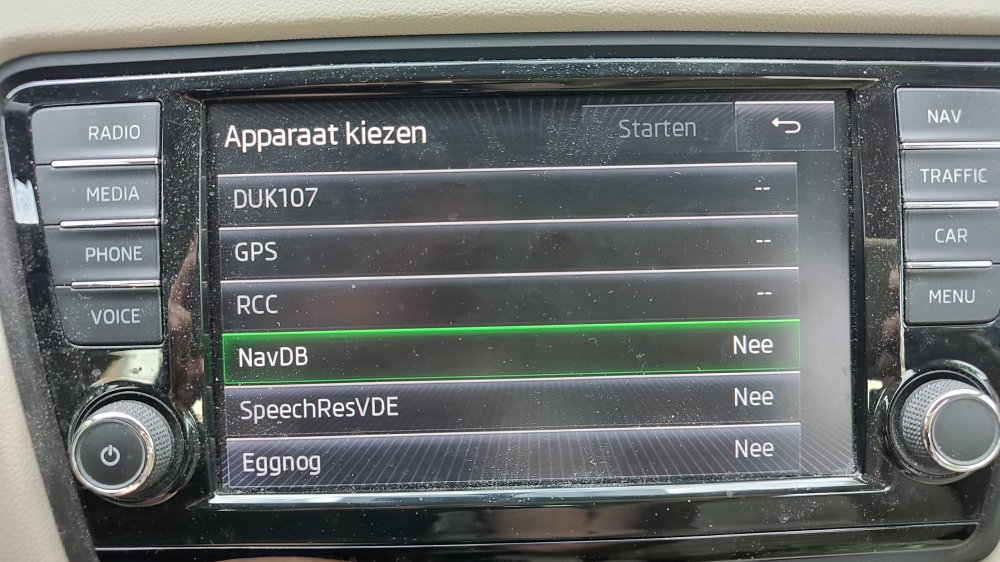
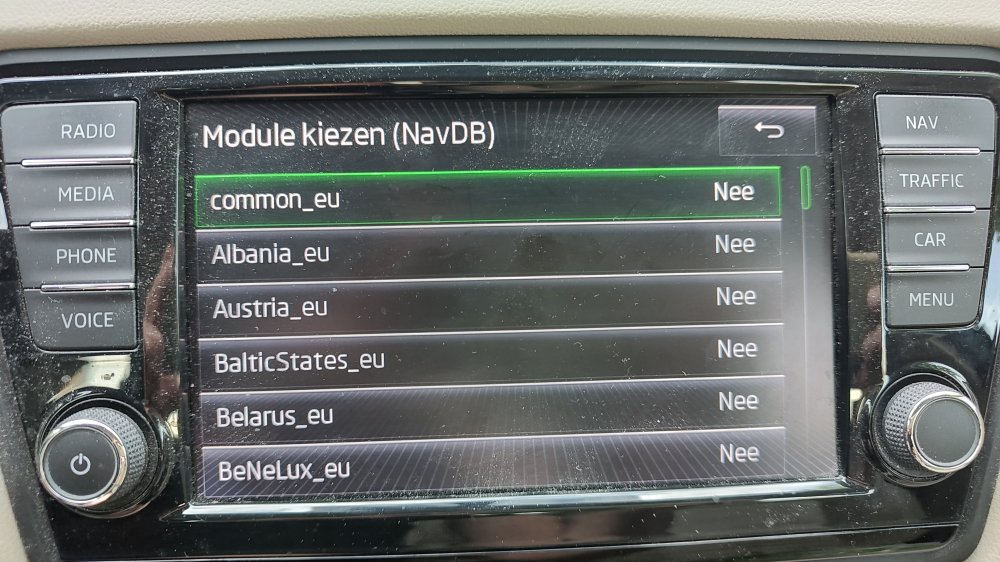
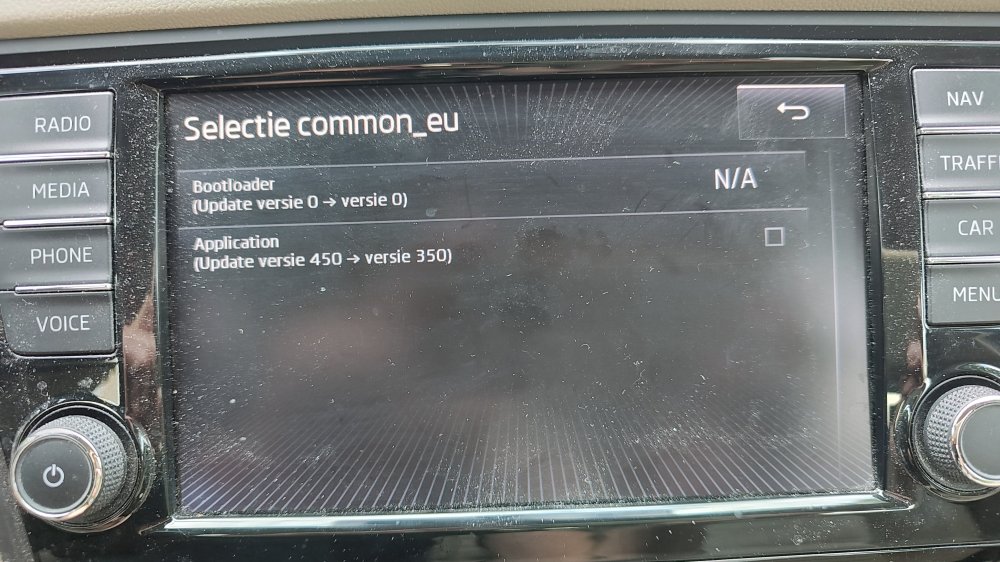
Well, I tried to use the hidden update menu (holding the menu for a few seconds, but when I selected update I got a screen several screens where I ended up in the individual countries, but not able to select the needed tick box at the very end ☹️ However, when I went to the normal navigation screen and selected update in the setup menu, it all started to read and downgrade the maps... 😃 After a long wait the system gave the message it was successful and after an OK it rebooted. Maps are back again like they were before. I guess I have to check Google Maps before navigating in order to know the navigation system is directing me in the proper way (like I did the past 2 years). It would be nice though, to find a way to update the maps, but I guess I have to live with the current situation for the rest of the car's life.
-
-
I'm going to re-install the 350-files I kept from the last update. The one thing I don't understand is the fact that the maps do work (routing is using the new highway we have since last October), but that it will not let me zoom in. If it is depending on the version of the software (350 vs 370), it would be interesting to know if updating to 370 is possible....
-
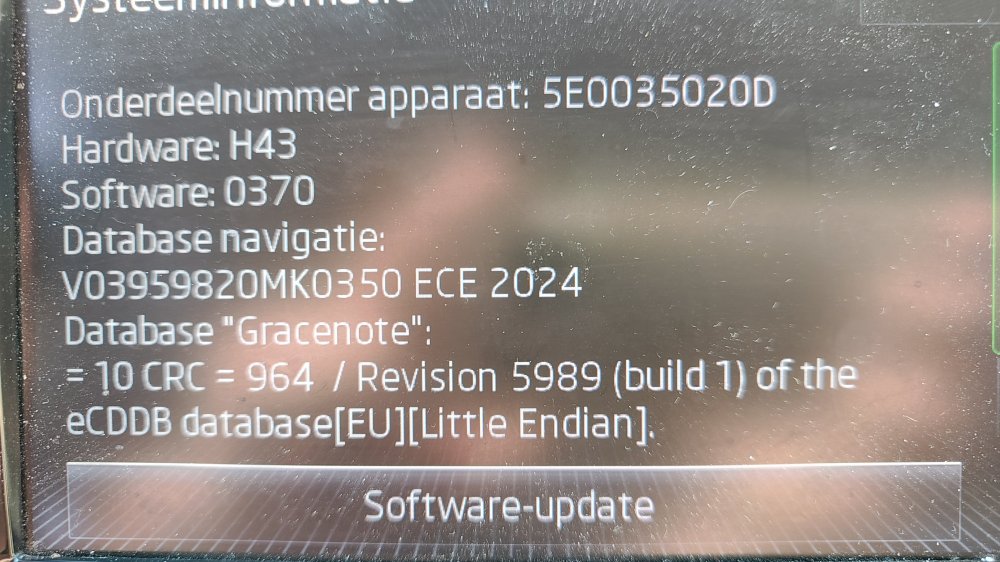
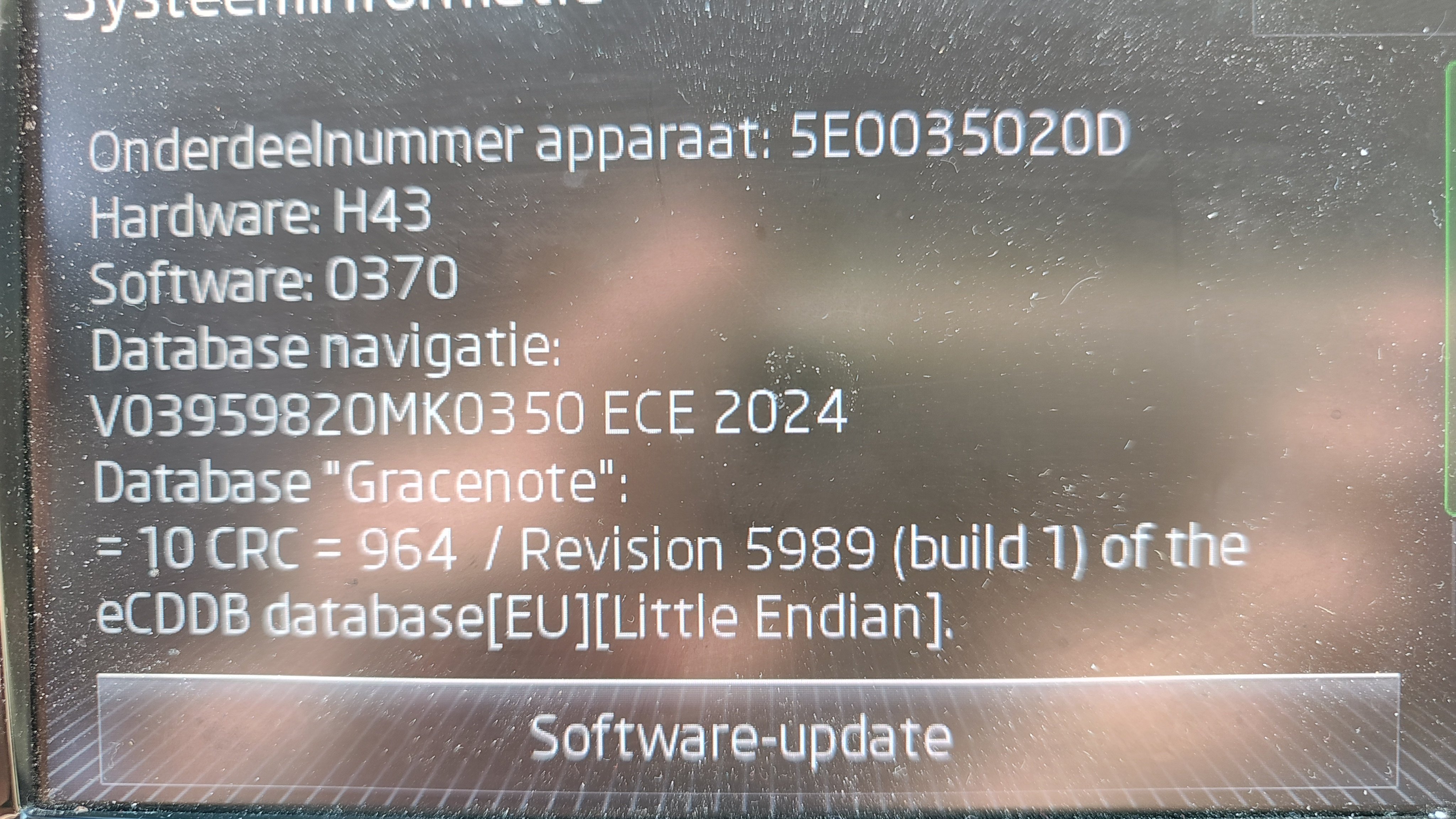
I updated the maps on my Columbus radio with the files from HIGH2_P450_EU_202625.zip and everything seemed to go ok. However, I cannot zoom in beyond a scale of 40km (as indicated by the rule in the lower right hand corner). Zooming out is no problem. When updating I used the method via the hidden menu by pressing Car+Menu for a few seconds (as found via https://www.youtube.com/watch?v=qEiHfZZSTr4). I did notice that it was updating MIB1 Everything else seems to work ok in the navigation system. Could it be related to the software version? See the attached screenshot. Who can help me out ?? Regards, Joost