TWKaroq
New here
-
Joined
-
Last visited
-
@Northerndave where did you land on this in the end? Did you try the MEDesign backfriend? Asking as I’ve just bought a SEL Karoq and it is killing my back.
-
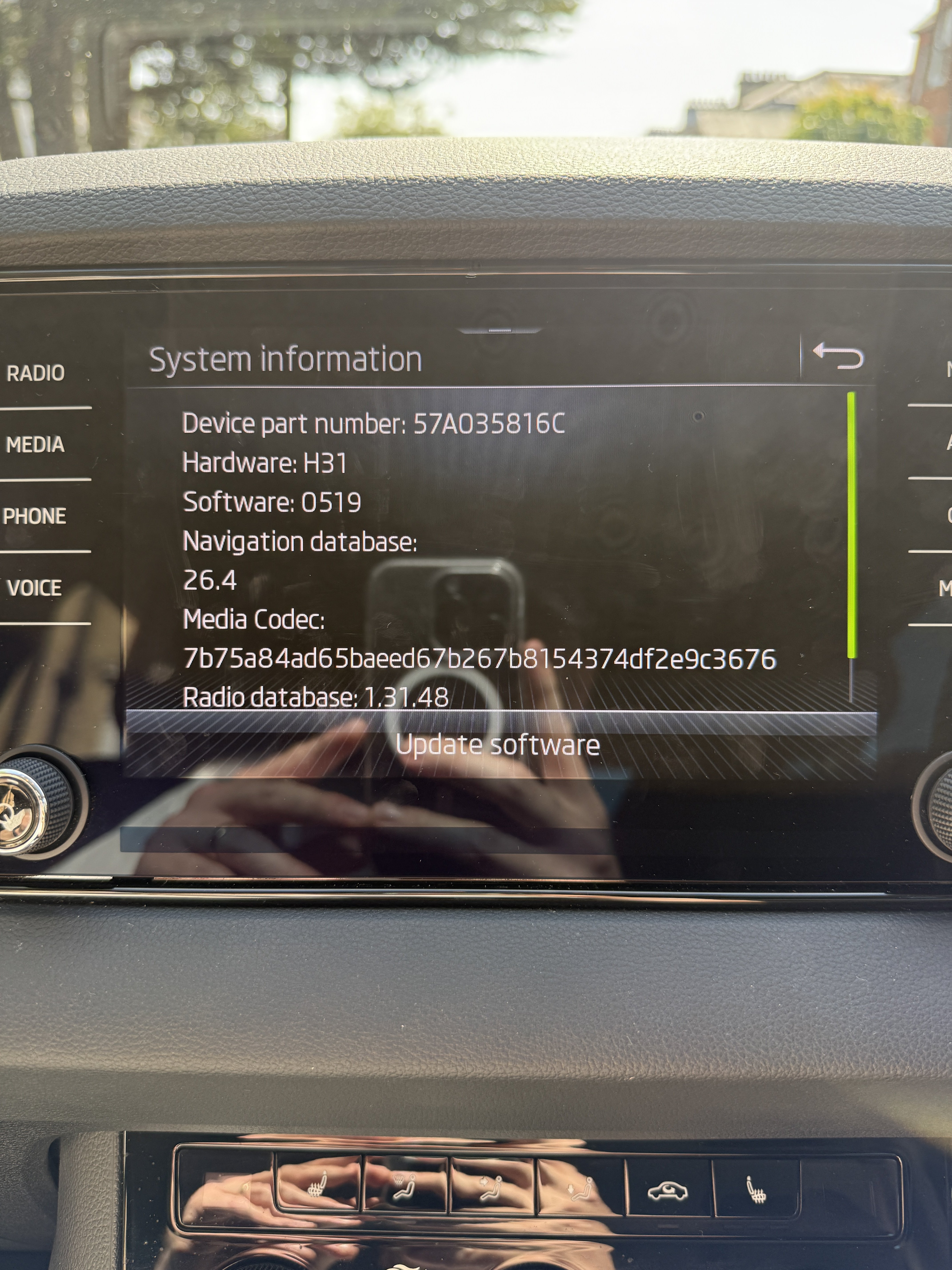
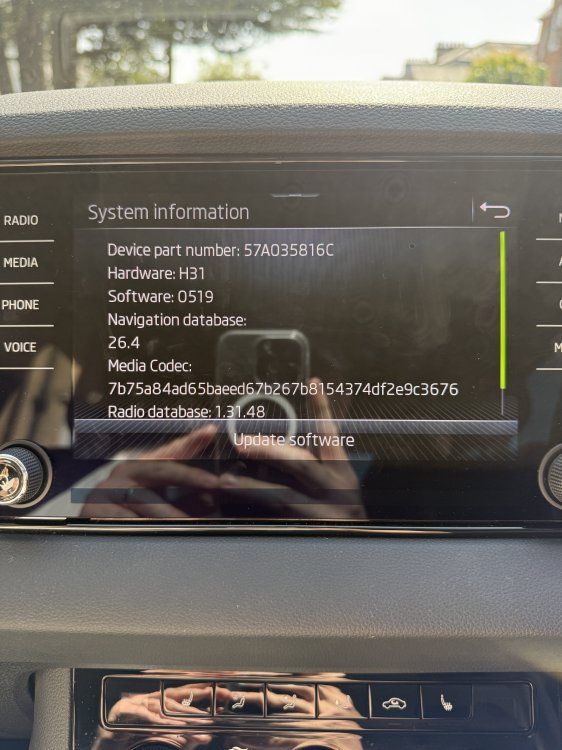
@thamestrader Thanks again for responding. I don’t see the option to show map in cluster unfortunately, most probably because the hardware / software versions are different (see attached). Really frustrating. I agree on the flexibility point. Ideally there’d be a way to define a persistent default for the Virtual Cockpit layout, either at startup or after a set period. In my case, I’d prefer the centre display to consistently show that turn-by-turn guidance from Google Maps/Apple Maps, rather than having the built-in navigation view.
-
@Routemaster1461 thanks for response! Yeah that is what happens to me too. Really frustrating.
-
@thamestrader thanks for your response! I will check the hardware / software versions and post them later. How do you access the setup tick box? I wasn’t able to find that option when I was searching last night.
-
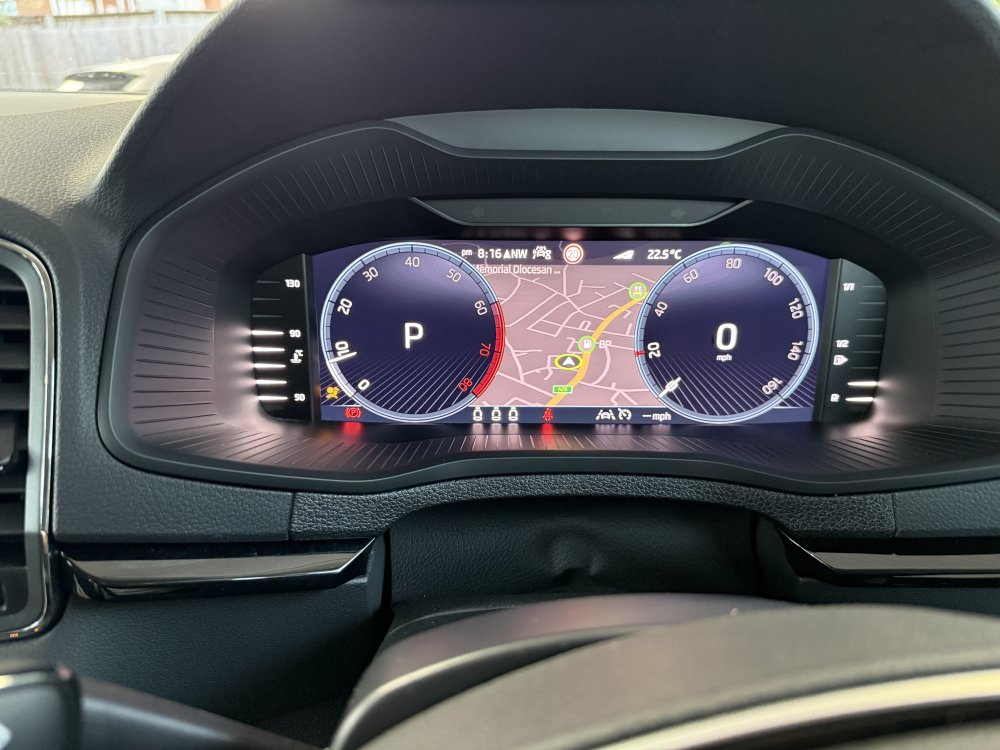
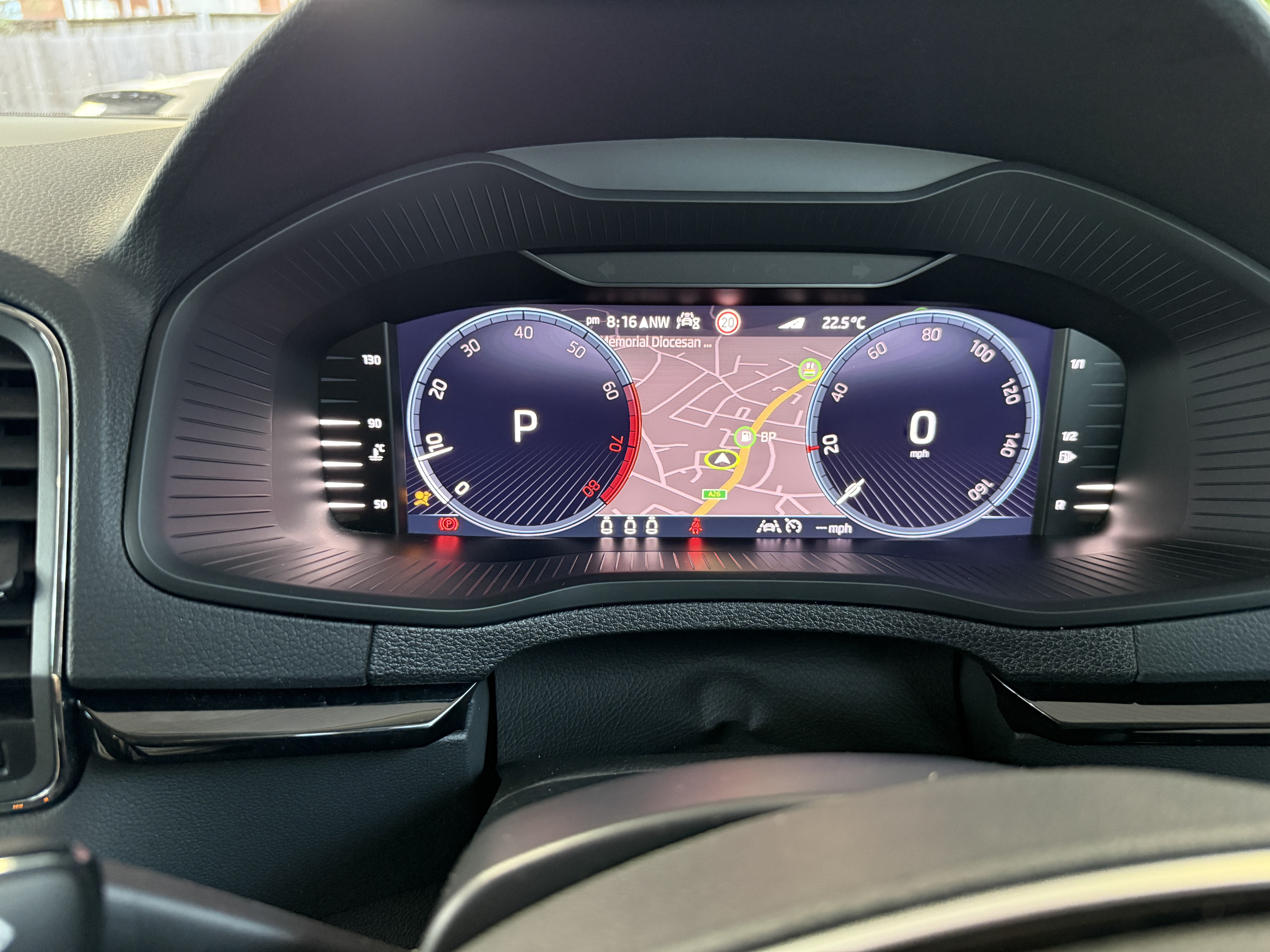
Hi all, I’m having an issue with the Virtual Cockpit on my 2024 Škoda Karoq and hoping someone can point me in the right direction. When I start navigation in Google Maps / Apple Maps via Apple CarPlay, the Virtual Cockpit automatically switches the centre display in Classic view to show the built-in Škoda navigation map (see attached screenshot). Previously, it showed CarPlay turn-by-turn route guidance (arrow + distance) in the centre section as expected - and this still works correctly in Basic view. This started happening without any intentional changes on my part, which makes me think either a widget setting got changed accidentally, or an firmware update altered the behaviour. I’ve tried navigating the VC menu via the steering wheel scroll wheel but can’t find a way to lock the centre widget back to route guidance rather than the built-in nav map. Is there a way to reconfigure the Classic view centre widget back to CarPlay route guidance via the steering wheel controls, and if so what’s the exact sequence? Any help appreciated. Happy to share firmware version if that’s useful.