
Djang0
Finding my way
-
Joined
-
Last visited
-
Thank you @freelunch & @MASH13 Part should hopefully be here early next week so I will wait for a dry day to get it fit.
-
Looks like I'll order the part and fit it myself with Loctite HY4070.
-
I contacted Skodapartsdirect who confirmed the part as 3v5839643f jv1-1 just now - £98.62 plus delivery at present which is about the same as other sites once you include VAT (Bloody expensive for what it is!) Link - https://skodapartsdirect.co.uk/product/skoda-superb-saloon-2015-2024-lh-rear-door-top-chrome-trim/ A few breakers have been in touch at between £70 and £90 for the part used. I have emailed the nearest Skoda dealership so am waiting to hear back about a price. If I order it myself, has anyone fit one before? What adhesive is best to use?
-
Thanks for this, how recently was it and which dealership if you don't mind me asking?
-
It's possible it could have been stolen (especially since the part is extortionate for what it is!) I did just assume that it flew off in all honesty. Thank your for the link! I have enquired about the part number to confirm. Did you manage to get a replacement?
-
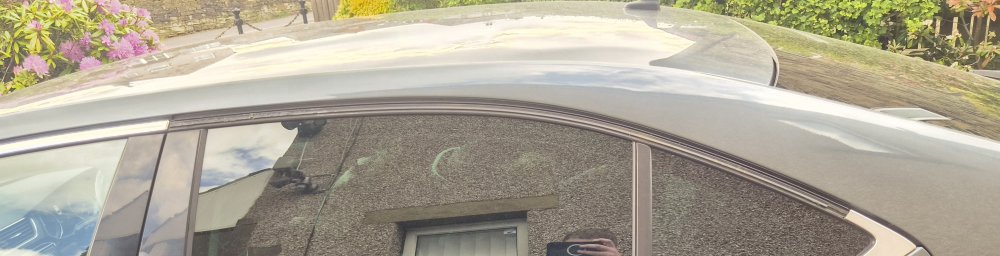
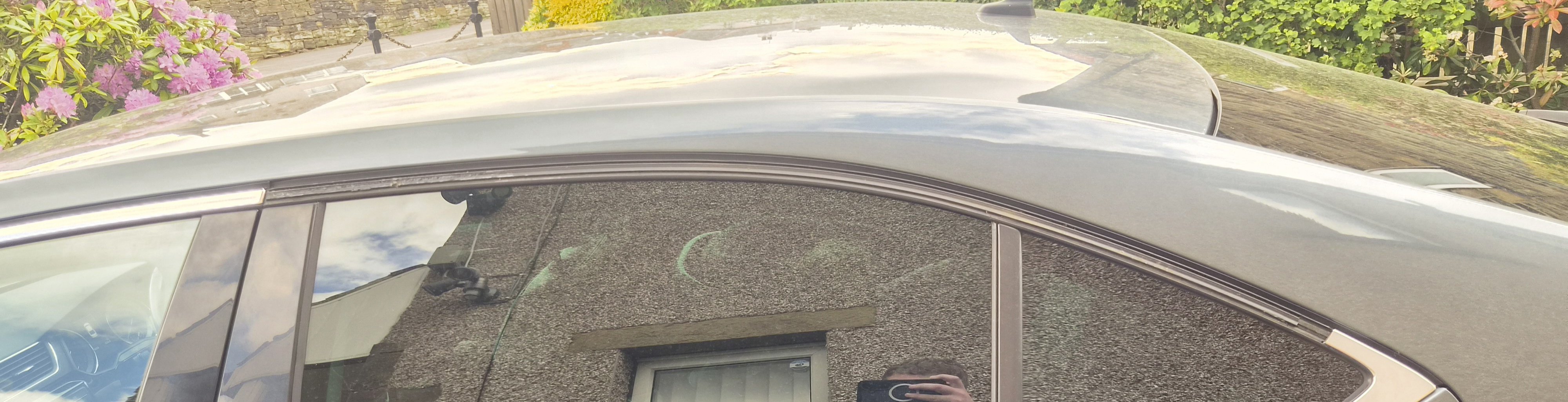
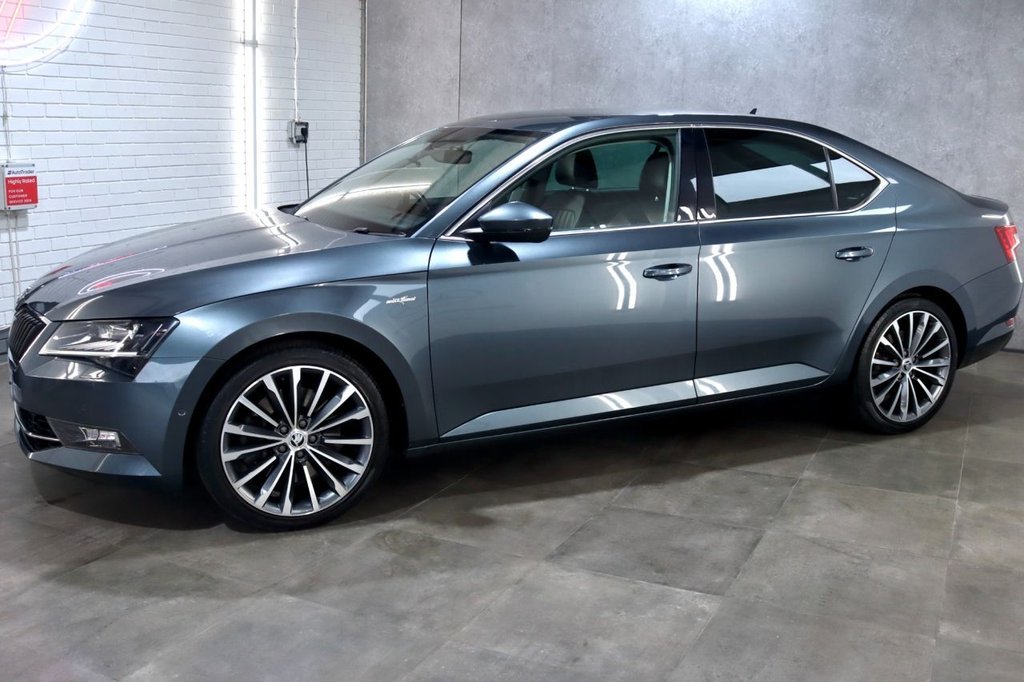
Afternoon all, First time poster (long time lurker!) I have a 2016 Skoda Superb L&K 2.0TSI and the rear chrome trim on the to of the passenger door/window has decided to fly away. I noticed last week that it had become a bit loose but I pushed it back on. It stuck firm to the touch and wasn't an issue until today. I think the correct part is 3V5839643F JV1 but was hoping someone could kindly confirm it? I noticed a few older threads with a similar issue but I couldn't see a part number anywhere, so apologies if it is already listed somewhere! Regarding fitting it, is it a case of something like tiger seal? Or does someone recommend a certain product? Thanks for any help!