TattieMasher
New here
-
Joined
-
Last visited
Everything posted by TattieMasher
-
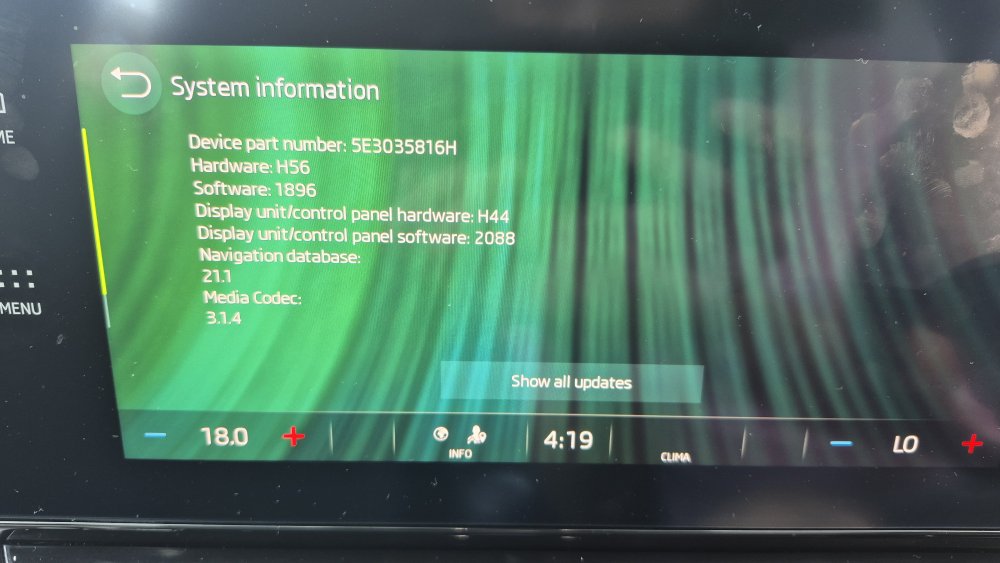
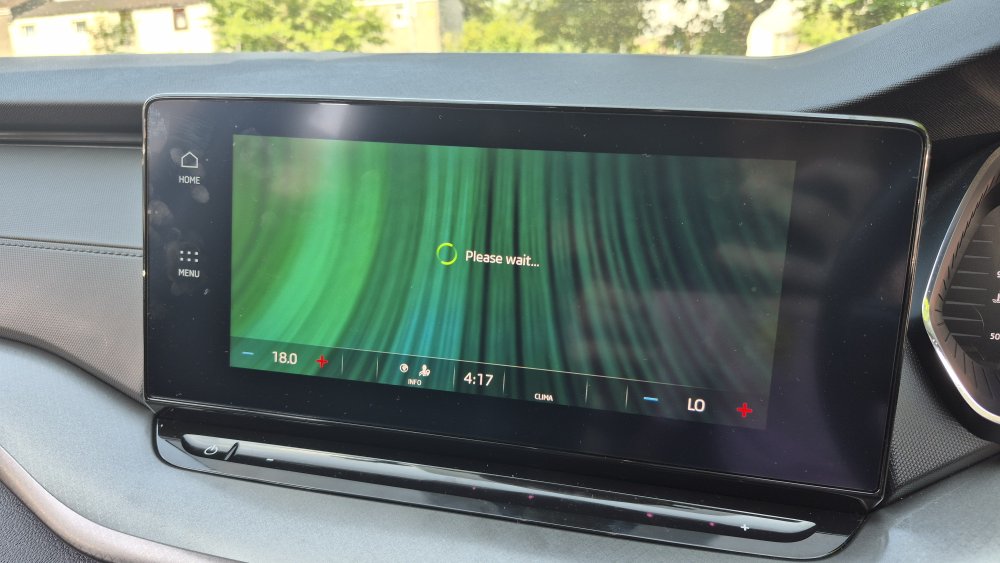
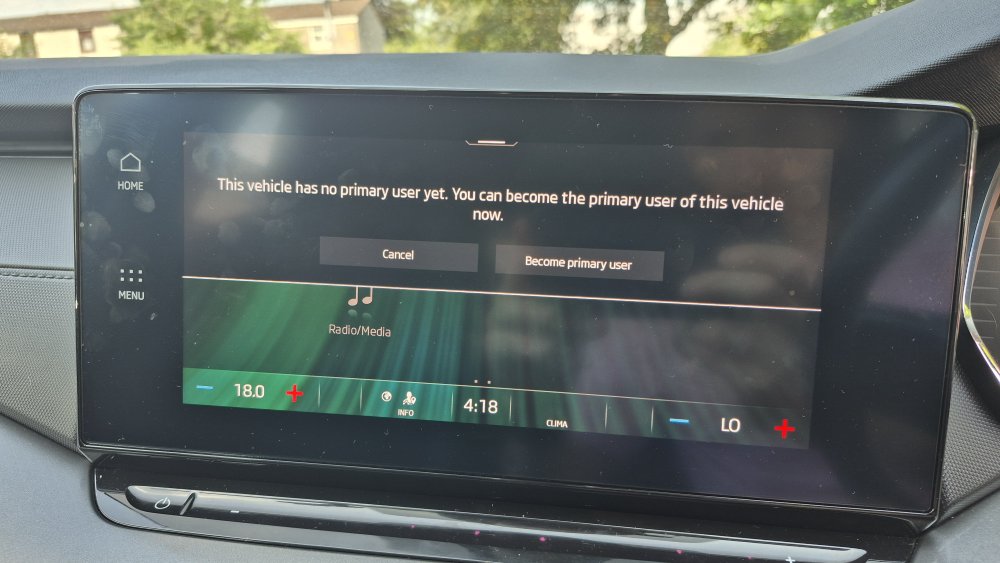
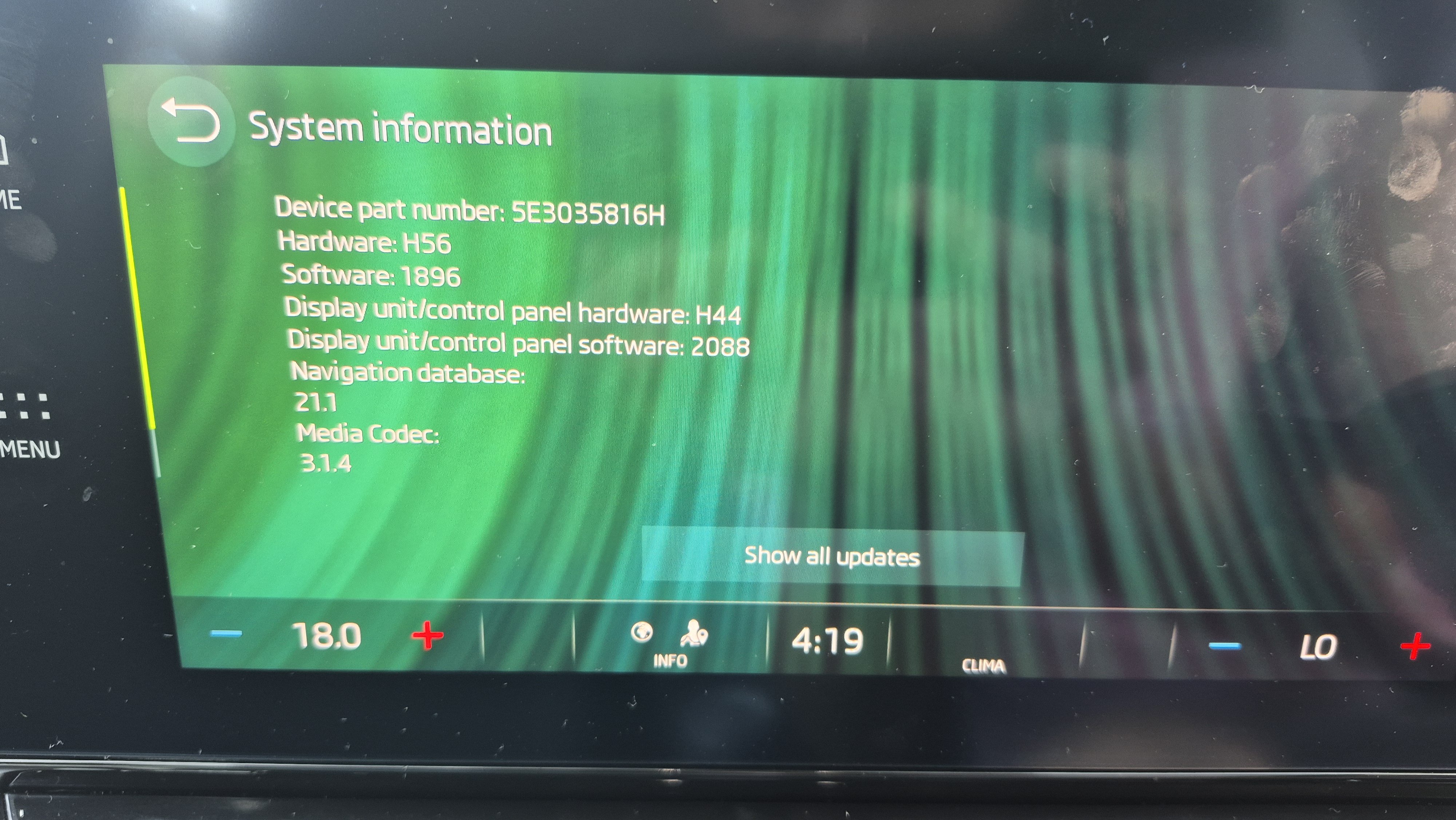
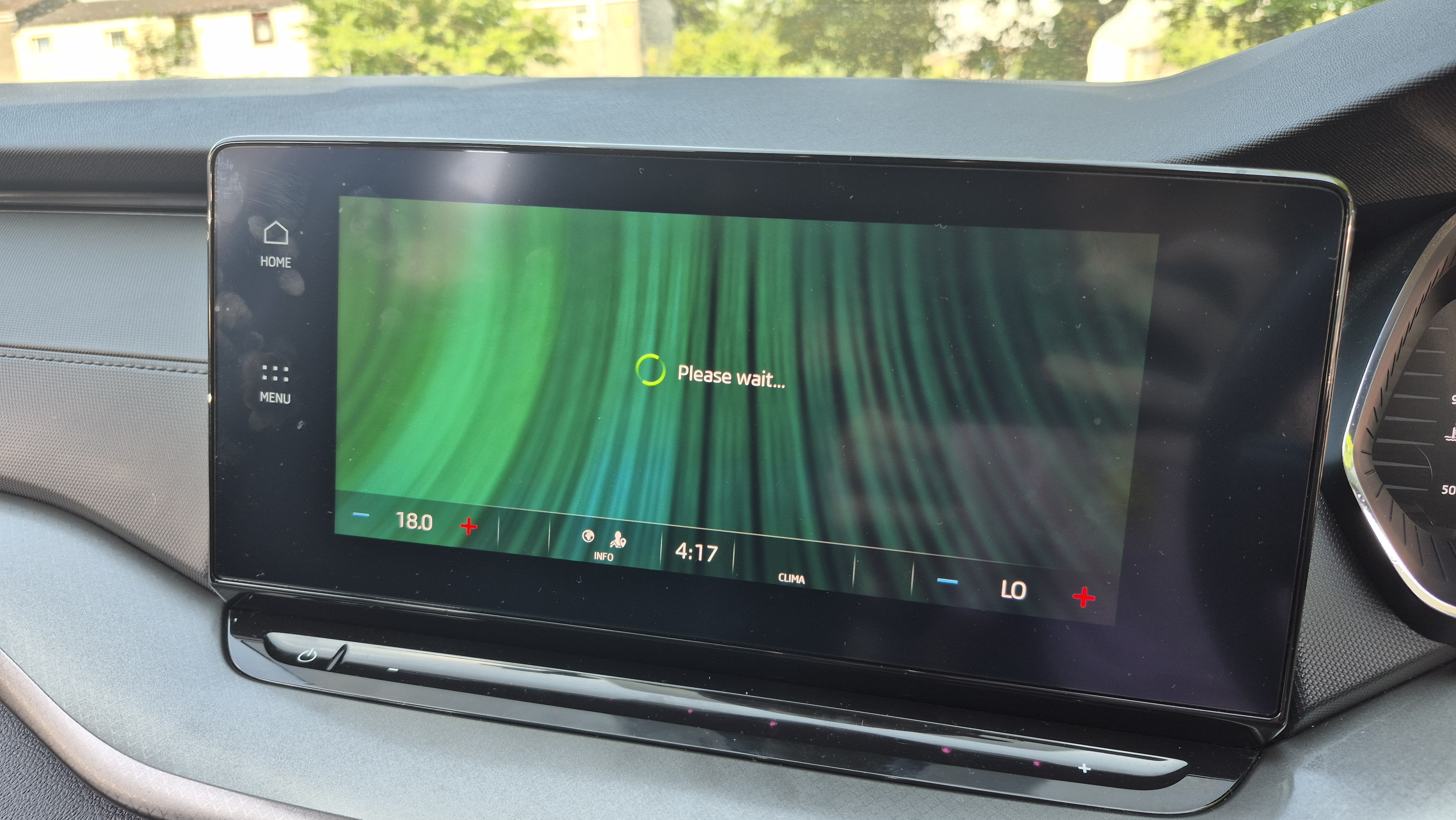
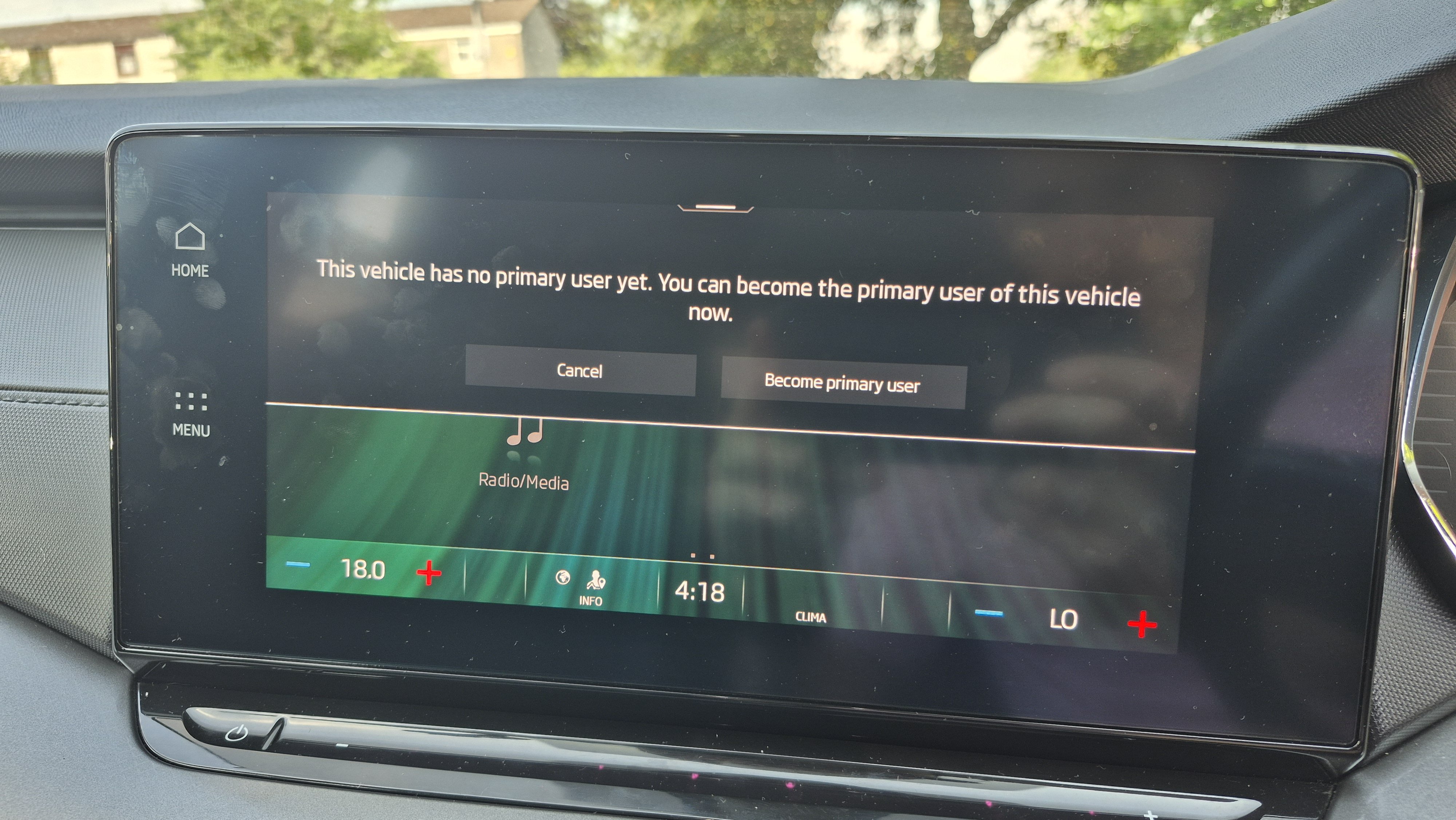
Hi guys, Just bought a 2020 Octavia and end up stuck in a seemingly infinite "Please wait..." loop when trying to become the primary user on the infotainment. I was able to set up an account on the MySkoda app and add my car's VIN. I then get to the "activate vehicle" stage and it directs me to continue on the infotainment. My email/password has been added as a user, but any time I tap into "become primary user" it just hangs and says "please wait...". I've tried it with the car's eSIM active, with my phone as a hotspot and the car connected to that, I've rebooted manually loads of times, tried after engine restarts and tried all of these over a few days- no luck. Has anyone had this issue and/or know how to resolve? My infotainment's software version is attached here. Many, many thanks in advance!