MRC00
Finding my way
-
Joined
-
Last visited
-
I genuinely spent thousands of pounds with Audi over the years and this is the first one for me.
-
I hope you are all sitting down. The answer, none of the above. 5,5 months Just over £2k spent 7 Technicians inc 3 master techs with combined 110 years of experience. Every single f**ker telling me it's normal, it's how they sound. They are loud engines. Yeah, sure. This was only fuelling my ridiculous perseverance. This was my genuine and last attempt at this, today, before part-exing the car. The solution was inspired by my friends story. Story, which is beyond ridiculous and impossible and I'm not asking you to believe his story. Not that long ago he was sorting a timing chain on his S3 using only genuine parts. And before you say, oh, for sure he did something wrong. He didn't. What he doesn't know it's not worth knowing. The actual number of attempts it's ridiculous so all I will say is that it was more than 2. Eventually, a good friend of ours dropped of an aftermarket parts to him and yeah, you guessed it, or not, car was fixed. Between my last post and today, I also preformed another smoke test, intercooler bypass, Racingline Diverter valve with double the amount of seals and more VCDS diagnostics. How I approached this last attempt is this. For every problem you will have a list of items to test. All got ticked. Then a number of extra items was added to the list. All got ticked. Back to square one and this is where I got "inspired" by my friends timing chain issue. I replaced the PCV valve, again. Car fixed !!! Now, I need you to stop for a minute and just think what is happening here, because I don't believe for a second that both examples are isolated and when nothing makes sense, unfortunately, these days, you have to stop and question the quality of the genuine parts. Remember, back in February, Skoda dealer, replaced my original PCV with a genuine one. I ordered, same part number, same manufacturer (Kengst) genuine VAG PCV made in the same country to fix this. And no, no pinched seal or cracks or damage or whatever else may come to your mind. As I said, due to the "state" of the motor industry, when you tried everything and nothing makes sense, you've got to consider the fact that the genuine brand new part you just fitted was faulty before it has left the factory. >>>>>>> For ADMIN / MODERATOR consideration <<<<<<<<<< Please consider making this post sticky or make a new thread, I don't care. I genuinely don't wish anyone to go thru the bull**** I went thru especially when your car is under warranty and you don't want to void it, which is why I made sure to source identical PCV with 2025 date on eBay for 70quid, new. Same PN and everything. 5 months of stress, head scratching, nearly loosing my mind and a £2000 bill on top of that....all while having a Skoda Warranty and 110 years of experience between the master techs. Skoda dealer showed me another 2.0 TSI Kodiaq with identical issue, no fault codes, whistling and whooshing, which they deemed as normal, meaning the owner is simply unaware that he is driving a car with a fu*ked PCV. No faut codes, no abnormal data log = the dealer will stamp it as "normal behaviour". Thank you for all your suggestions and take care.
-
Gen 4 2.0 TSI has only one intercooler in the center. One of the aims this Thursday is to compare things such as target and actual boost to determine if the car is over boosting due to maybe a false reading or is it an air leak or f knows. I should have more answers on Friday.
-
Cheers Greebo That is very interesting. I think while I’ve got a ramp booked this Thursday for a whole day, I will remove the front bumper and inspect intercooler properly. The underload whistle annoyingly comes front the exactly same area, top passenger side. It’s so characteristic and loud it kind of makes it easy to pin point the location from the cabin. This is why I changed the diverter valve, well Skoda did, because a failed valve would produce both noises, the under load whistle and that wooshing boost sound when releasing throttle. I see if I can replicate the whistle in Drive on the ramp, that while 100% confirm the location. As mentioned already, the wooshing is defo an excess of boost being pushed back the the air box way, it’s clear as water but if the whistle comes from the same location then I have no bloody clue what to look for other than trying another brand new diverter valve? Thank you for your input, I appreciate it. Same goes to Alesdair and everyone else who replied so far. I mean it. I used to was very active on Audi A8/S8 forum helping people every day from fault finding to actual fixes and retrofits but this bloody car and engine drive me insane. I actually lost sleep because of it because I will not accept Skodas “it’s normal, they do that” until I find the issue.
-
Trust me, there is already a long line of people dying to find out what it is ;) Inlet valve? You mean the diverter valve I replaced? If so, what are the chances of original and new one not sitting right. Also, first 3 months no issues, it just suddenly happened at night on a motorway. One thing I noticed, during extreme heatwaves, the whistle is louder and immediate where in cold temps more tone down. What does he mean by turbo / compressor surge? I’m new to turbo engines I’ve got a ramp booked in this Thursday for a whole day with dealer level diagnostic tools and another hobbyist mechanic with excellent record of fixing **** everyone failed to identify.
-
Hi Alasdair, Diverter valve it's brand new fitted by Skoda 3 weeks ago and it has made no difference, but I doubt it's faulty. They hardly ever go wrong, but I reached the stage where I had to do something after spending £1350 on diagnostics. Diverter valve was £150 fitted.
-
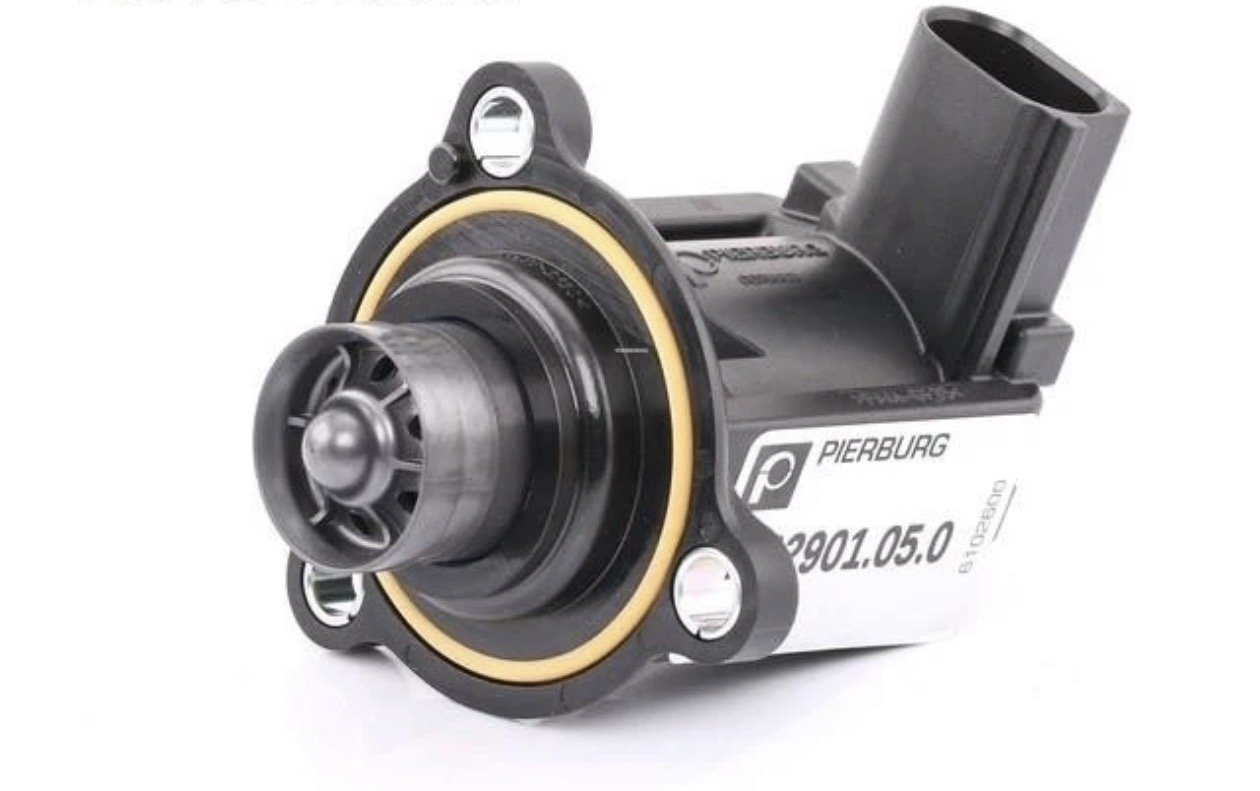
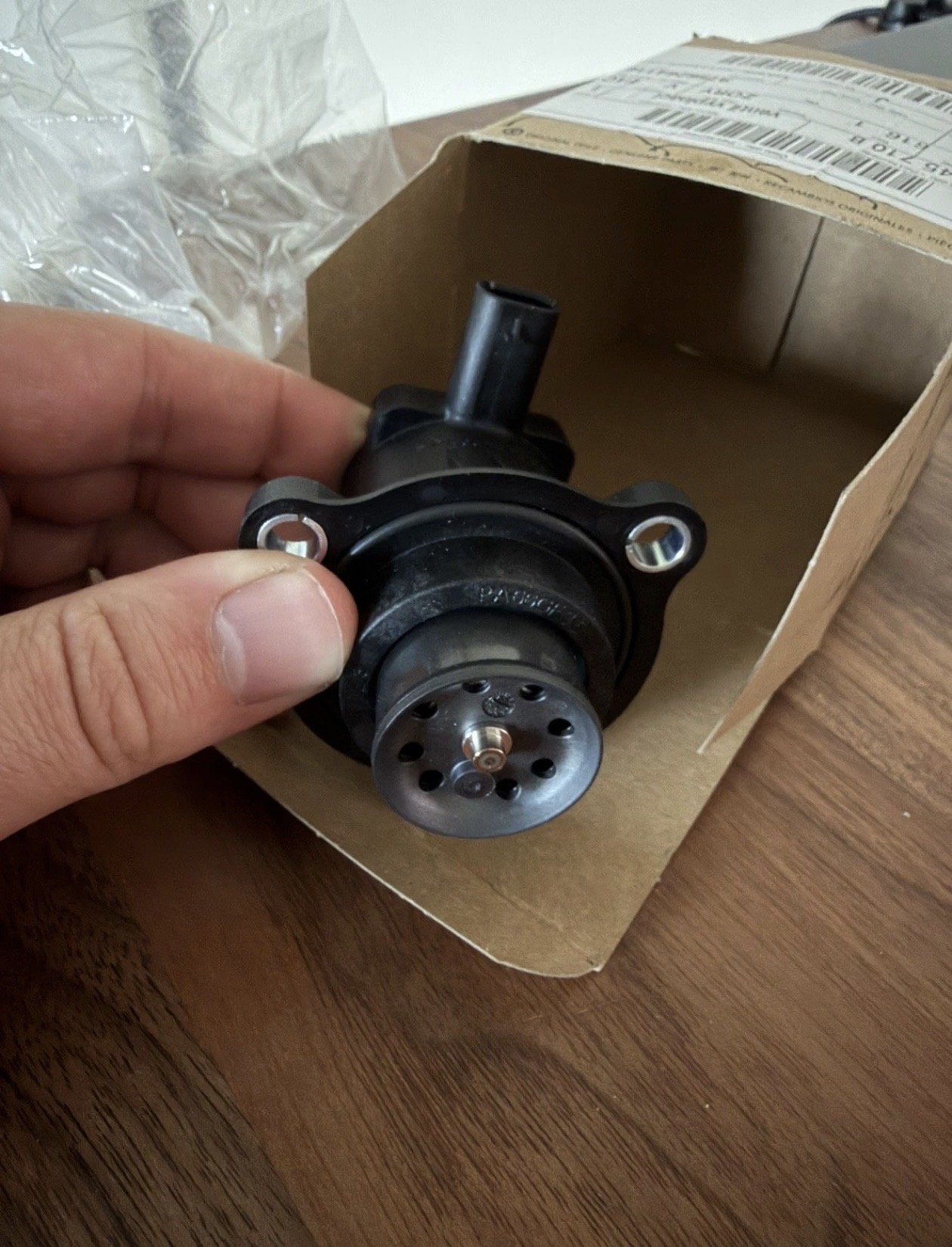
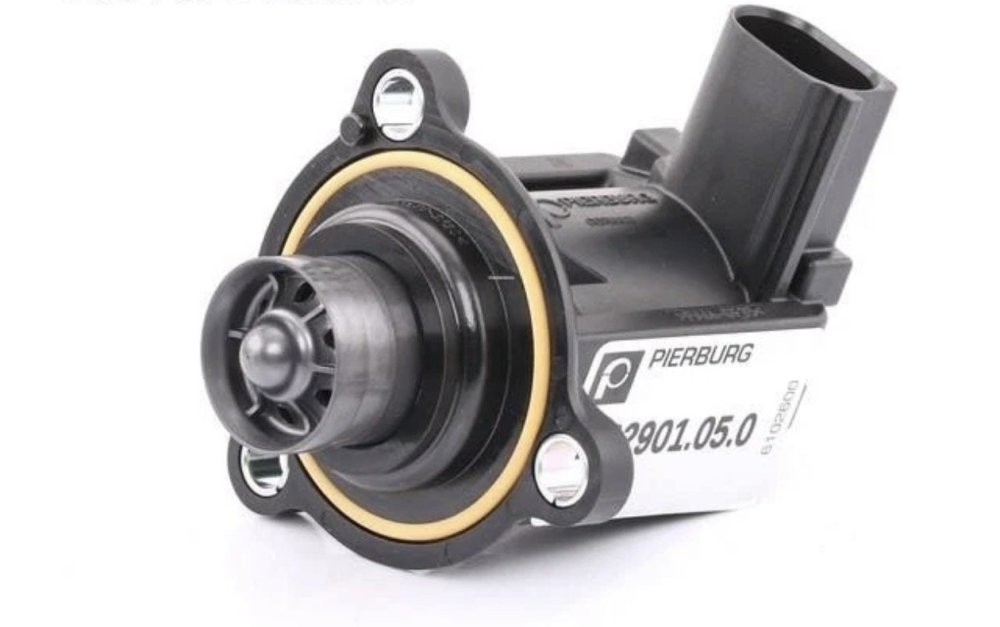
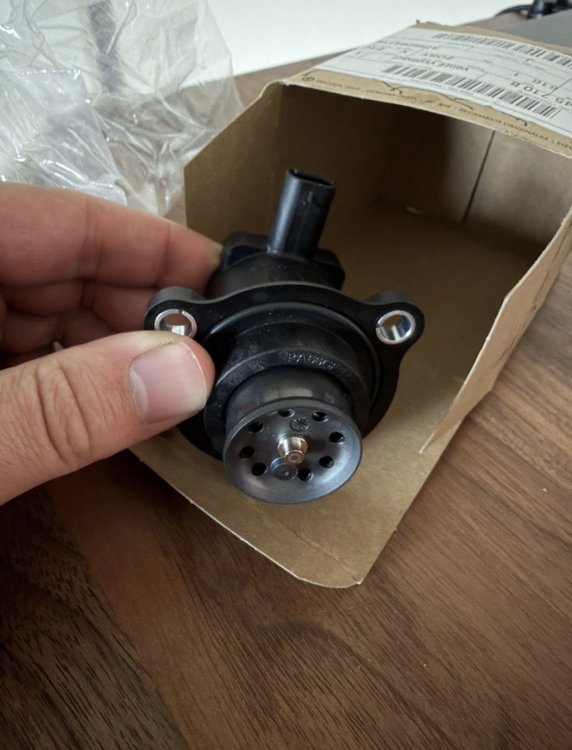
First one is the older version apparently (white background) while the second is what’s on the car right now.
-
I mean I could buy another diverter valve. Should it try older 06H145710D instead of what’s on the car 06N145710B? I’ve got a genuine air filter coming too. It appears that filter isn’t brand new, just a very very clean 4 years old filter. Another thing I haven’t tried is replacing both sensor, bottom charge pipe and manifold past throttle body.
-
I mean what are the chances of a brand new genuine diverter valve being faulty? Unless they manage to damage it somehow to save the embarrassment. I was convinced this was it but due to a valid warranty on the car I had to pay them to replace it. No codes, ever. It’s one of them faults thet keeps you up at night to the point you start questioning your sanity, BUT I know this ain’t normal, period.
-
The wooshing sound is 99% air being dumped back to the air box. It’s clear as water. The whistling sound only under load. I’ve spent another hour today with the camera looking all around the exhaust side, hot side of the turbo and no signs of the blow by. Nothing, around the gaskets or clamps.
-
Apparently, yes.
-
Hi guys, I'm loosing my mind. 7 mechanics and no fix. 2022 2.0tsi Kodiaq (DNNA engine code) 40k miles Despite being under warranty, I'm already out of pocket £1550 because "there is nothing wrong with the car". Car spent a total of 18 working days across 3 garages. 2x Skoda dealers and 1x Independent Specialist place with outstanding feedback and a great bunch of guys. The issue. When accelerating car makes a kettle whistle noise and wooshing/boost drop noise when lifting throttle. Every time no matter the speed or revs. Overboosting like. Back in February, car was only making a whistle noise when accelerating, suddenly on a motorway. Stationary, nothing. In May this got slightly louder and now you could reproduce the whoosing/dumping excess boost sound reving in stationary, but no whistle. No fault codes, ever. On a handful occasions I experienced a hesitation when pulling away, press throttle, nothing nothing and then full power. No fault code no ELM even for a second. Not sure if related. 4 master techs with combined 110 years experience can't figure it out (dealer and indy) plus 3 non master techs. Work done so far: New PCV valve New Air/Boost pressure relief valve (by the turbo after the air intake pipe). Entire intake and charge system stripped, checked for cracks and any blockages. Every pipe and clip inspected, even a camera inside the intercooler. Boost pressure cleaned with alcohol. Brand new air filter, no splits, airbox fine too. Air leak test x2. You name it. Sound is located on the right hand side near the air intake, valve dropping/diverting excess boost back in the air box. No idea where the whistle sound comes from as it only happens under load. If you can help, please watch the entire video, sound only. Thank you very much guys, much appreciated.