chimpsinties
Finding my way
-
Joined
-
Last visited
-
-
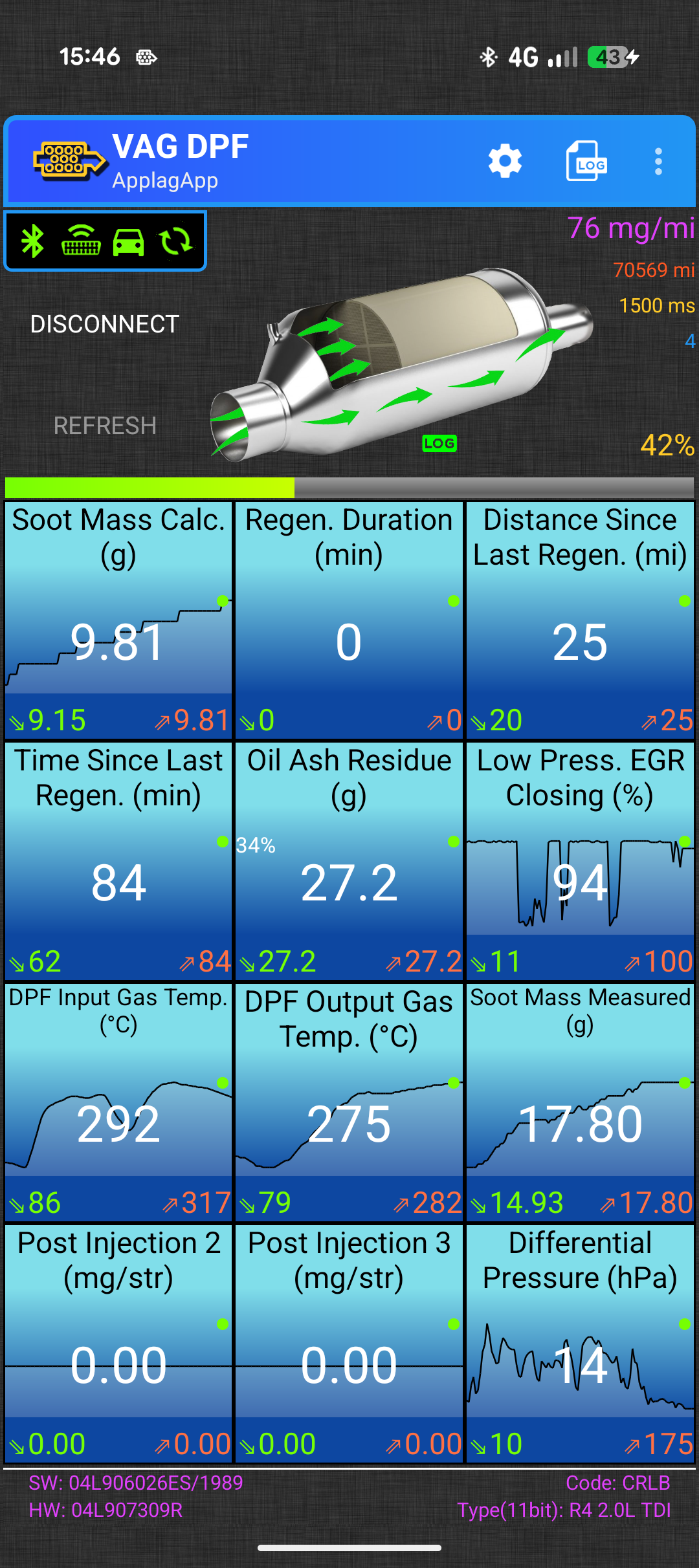
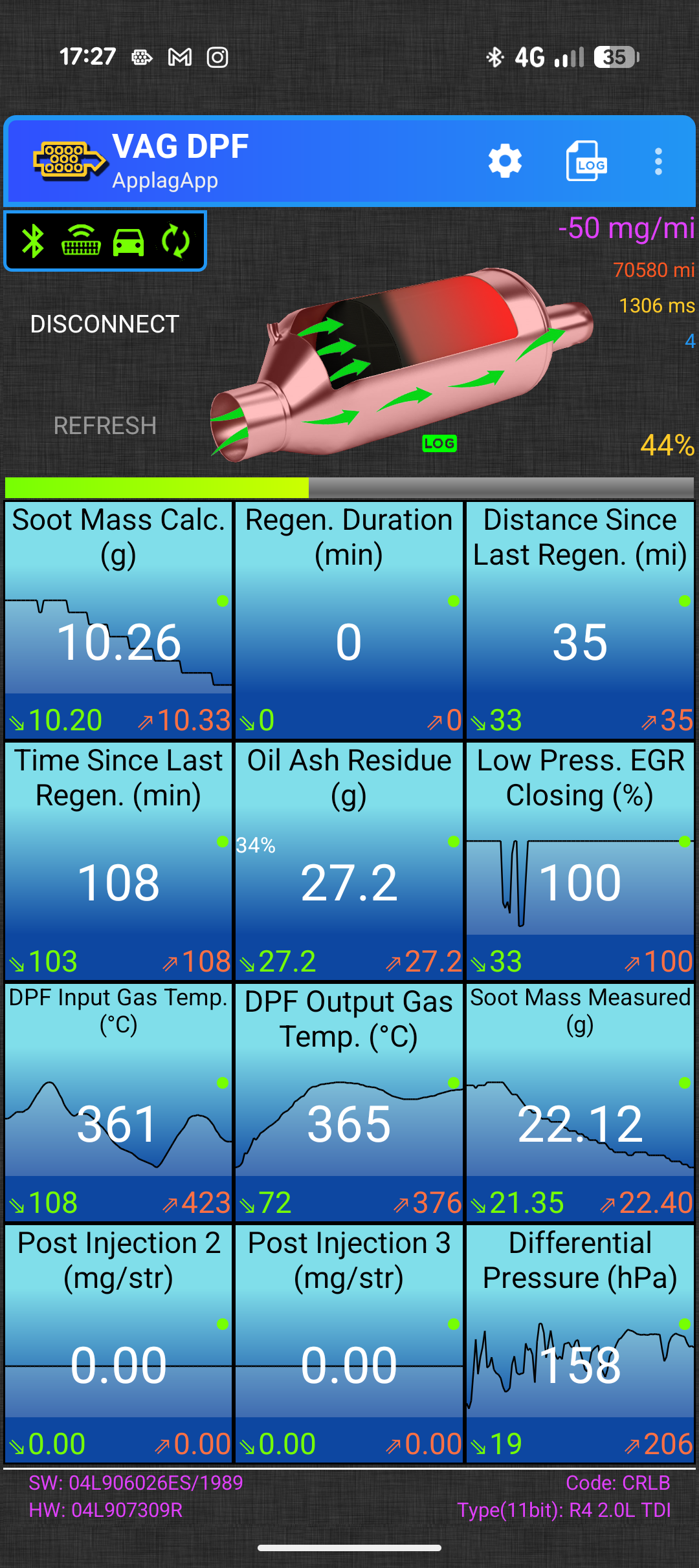
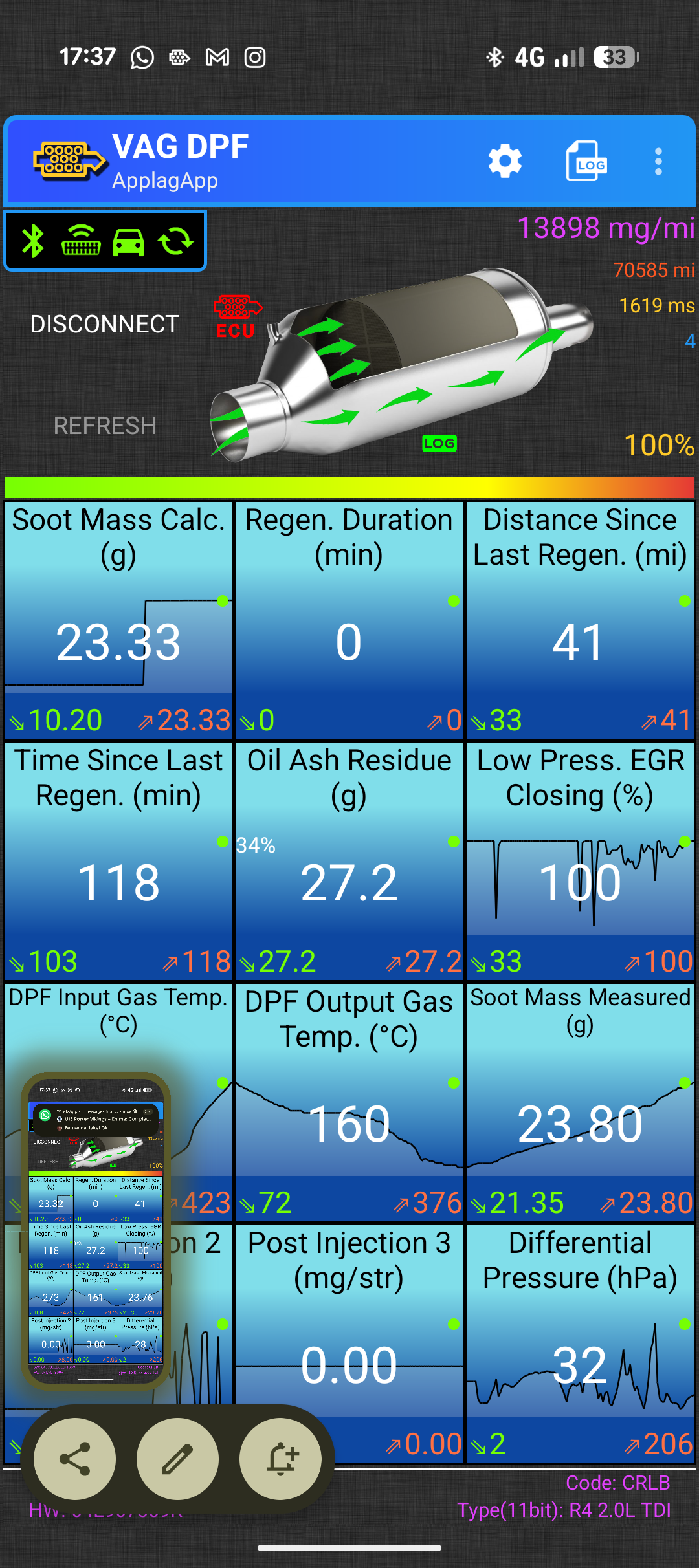
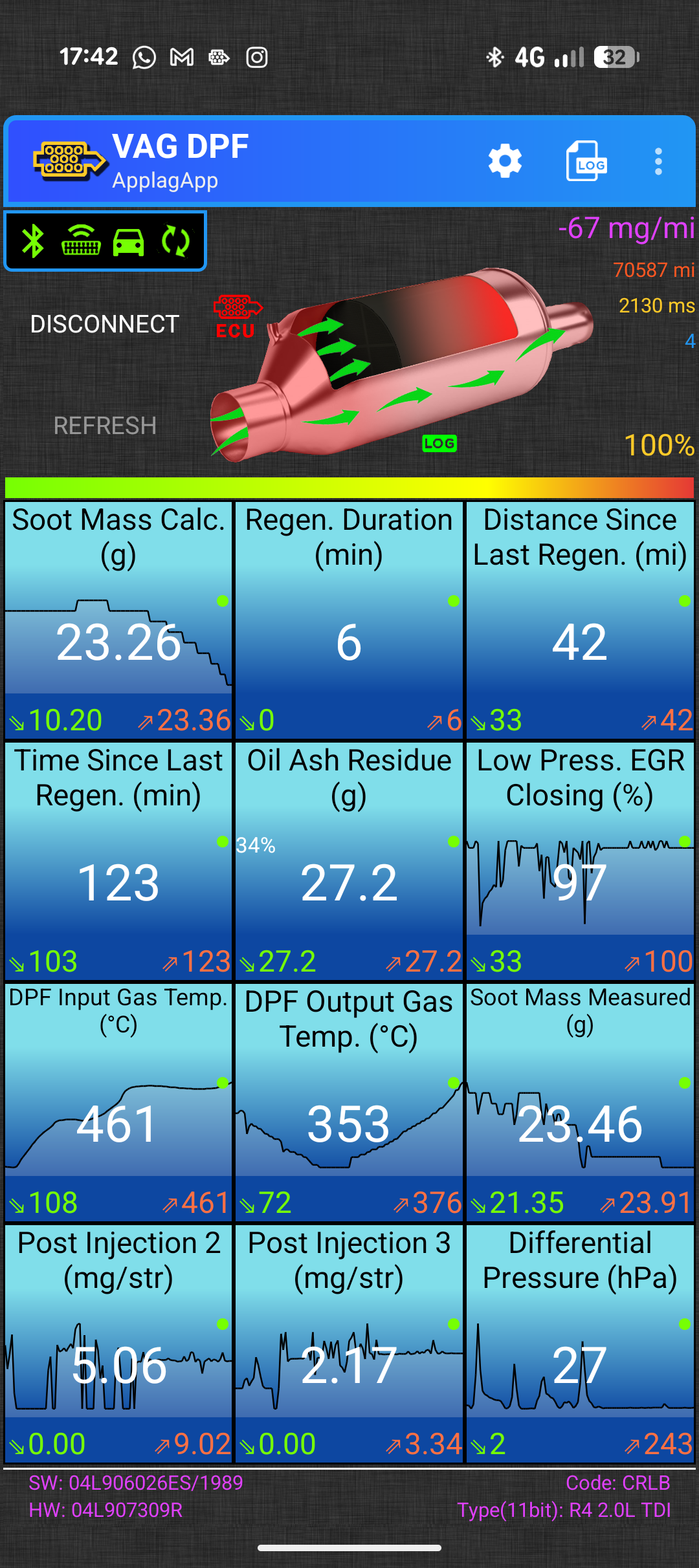
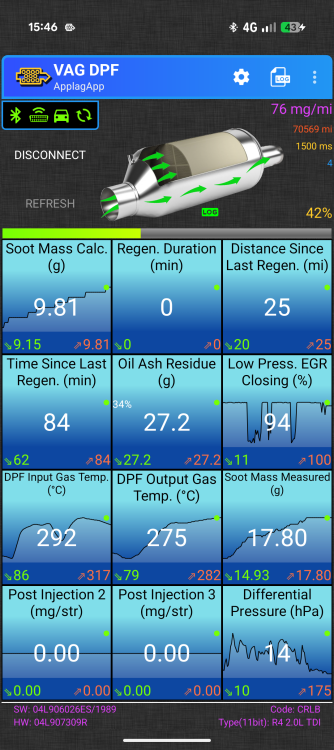
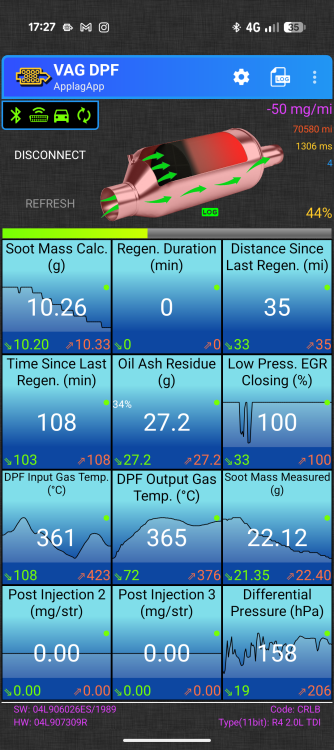
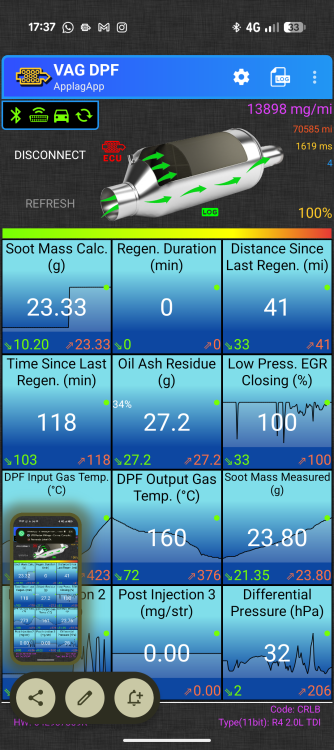
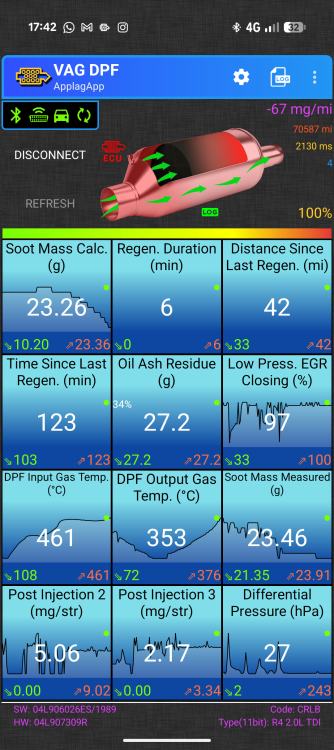
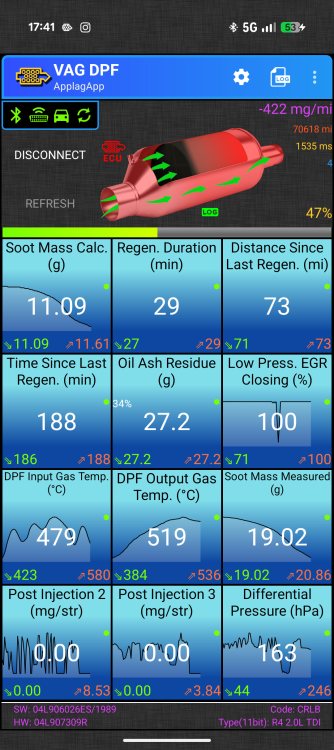
Took it out for a "tune up" today. As you said flooring it multiple times. Keeping the revs high. Never above 3rd etc. Didn't seem to make any difference. Limp mode seemed to kick in after about an hour going up a bypass (last pic) The dpf was trying to do a regen. Strange thing is, a couple of days before I'd noticed the soot mass jump from about 10g to 23g almost instantly (first 4 screen shots) I've got a screen shots from vag dpf.
-
-
-
Don't you think if it was the ERG sticking and causing the limp it would log the error? Seem bonkers if not. I've got VAG DPF so have started monitoring it to see if I can spot something amiss when it's happening. From the look of the MOT's this car did about 6-7k miles per year pretty consistently.
-
chimpsinties changed their profile photo
-
Hello everyone I'm new here. I acquired this very clean example from a dealer up north (newcastle, sadly 120+ miles from where I live) 2016 2.0 TDI Technology estate 70k miles, cambelt & pump and service done just before I picked it up Now for the problems. I tool it on it's first long run and after about 100 miles it started to go into limp mode. No power, turbo won't kick in, won't go above 2500 rpm. I decided to carry on to my campsite about 30mins then called the breakdown. They put the machine on it, said it was the DPF pressure diff sensor, cleared the codes and it worked again. Until it didn't. On the way home same thing happened again. I took it to garage who put their machine on it. They said there were no errors. Very strange and it had been happening on and off all the way back and to the garage. It seems to be fine for a bit then starts to happen seemingly randomly. Anyway, they changed the sensor as that was the code that was showing previously and did a forced regen on the DPF. All seemed fine for a couple of weeks then it started happening again. Not on a long drive this time just before a long drive on the way back from the fuel station after just filling the tank. I was due to do 500 miles over the next 2 days and luckly I hadn't set off yet if not a bit annoying. It went into limp mode 3 separate times over the last week. On both slower roads and a bypass. No rhyme not reason to it seemingly and most annoying, zero dash lights or codes logged in the computer. I took it to the garage who replaced the part and they put it on their machine again today and said the codes were completely clear. How can a car that puts itself in limp mode not be recording the error that caused it? Has anyone seen this type of thing before? Please help me, it's driving me nuts. Any advice welcome. I think my only option here might be to give it back to the dealer and make it not my problem any more.