k-s
New here
-
Joined
-
Last visited
Everything posted by k-s
-
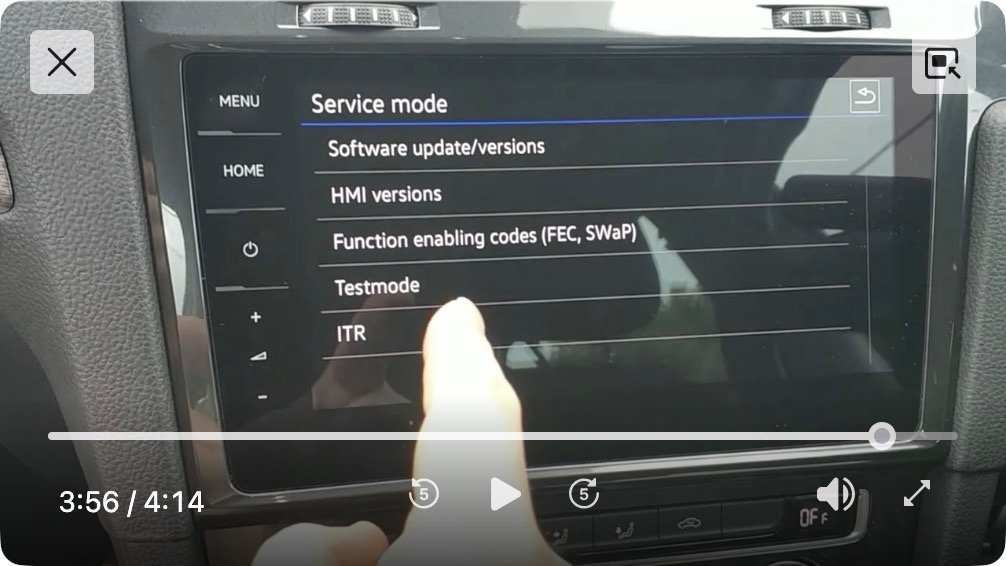
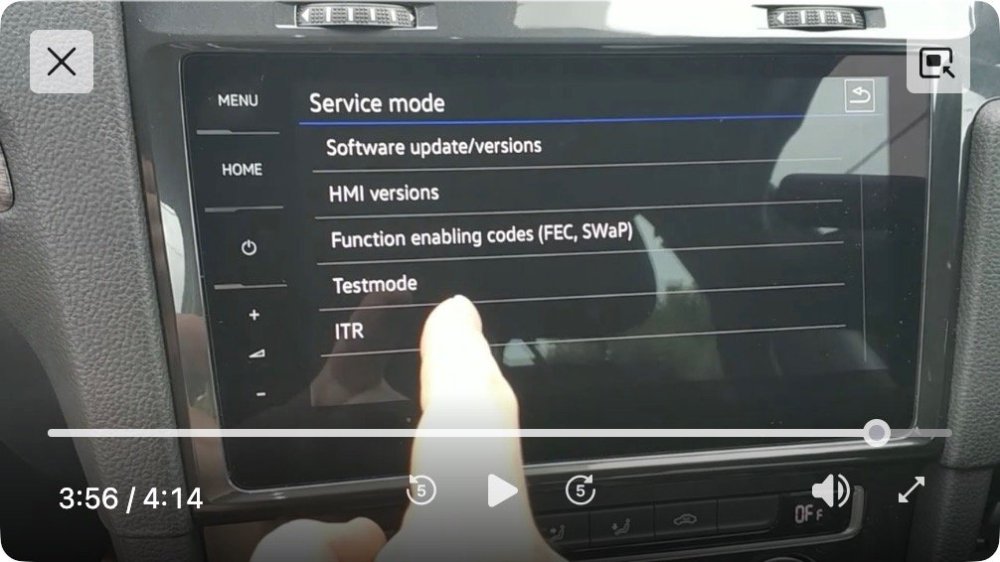
Many thanks! I prefer do it by myself so I've an opportunity to learn. First I need to get the VCDS, set up a laptop with Win11 and read thorough the instructions, then I'll try. This means I'll be absent for a while from posting. Just one question: in this video https://www.youtube.com/user/SEATCupranet that shows how to install MQB toolbox I saw in the menu there's a Testmode line that I don't have in my unit. Do you perhaps know how to enable it?
-
-
-
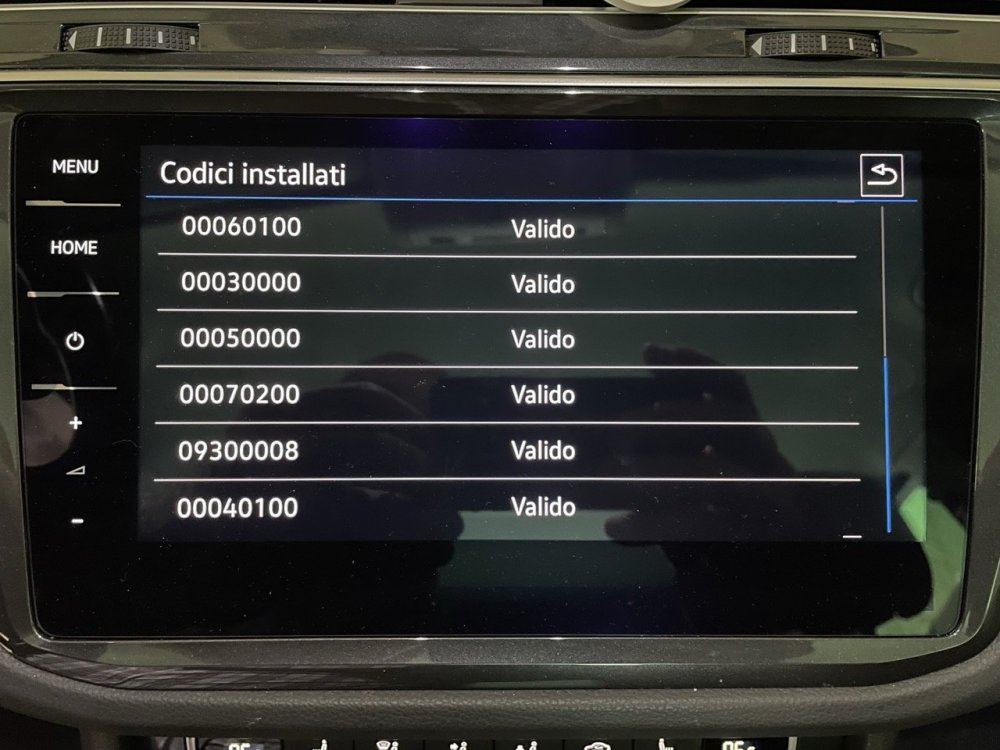
Glad to know! I did the same, 32GB SDHC card, formatted with the official SD card formatter software (I tried also Win11 standard tool as well) MBR and FAT32. So let's suppose the SD card is okay for now. Then I checked the FeC codes, and yes I've the lifetime valid code 09300008 for VW - see screenshot
-
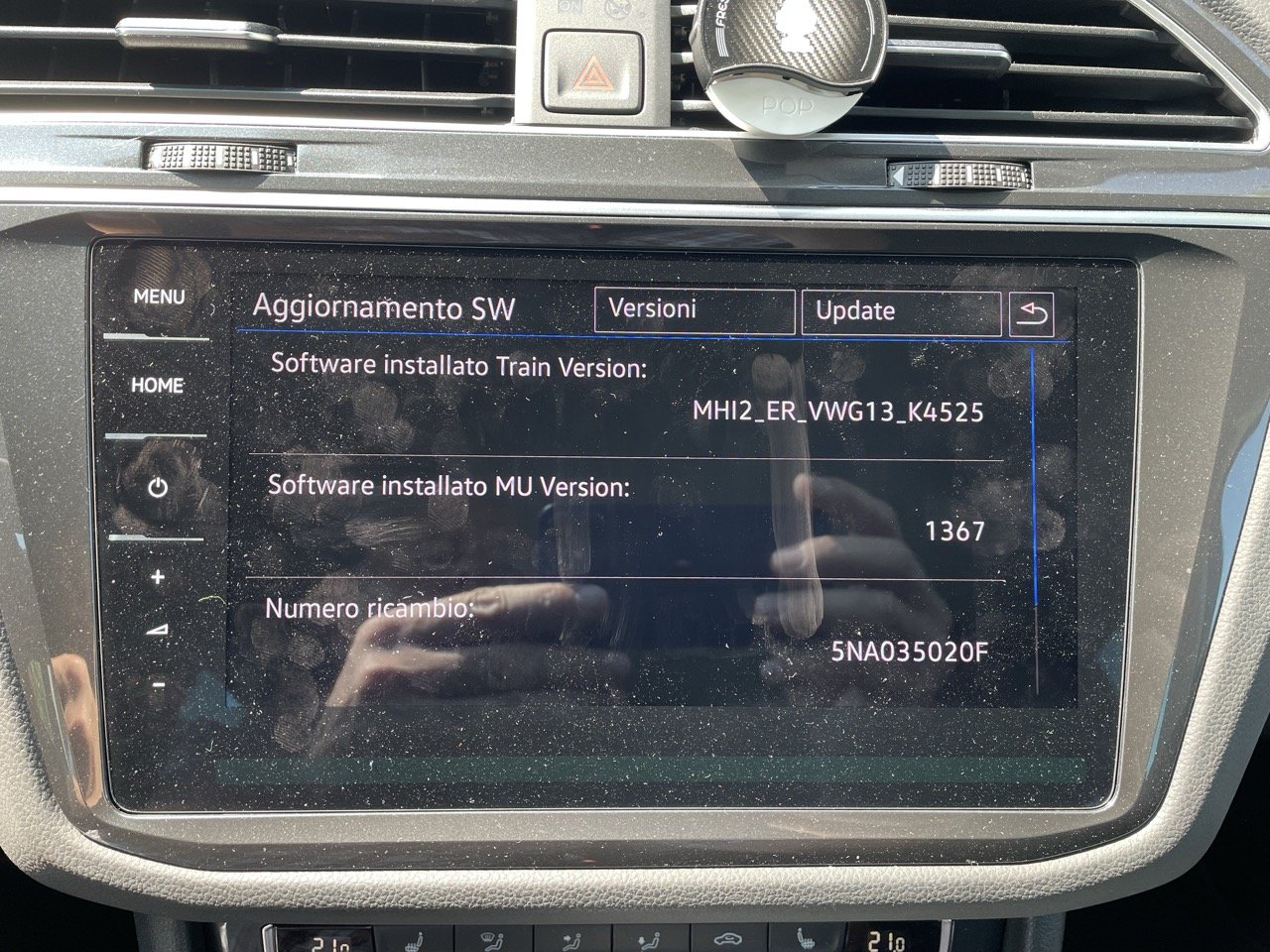
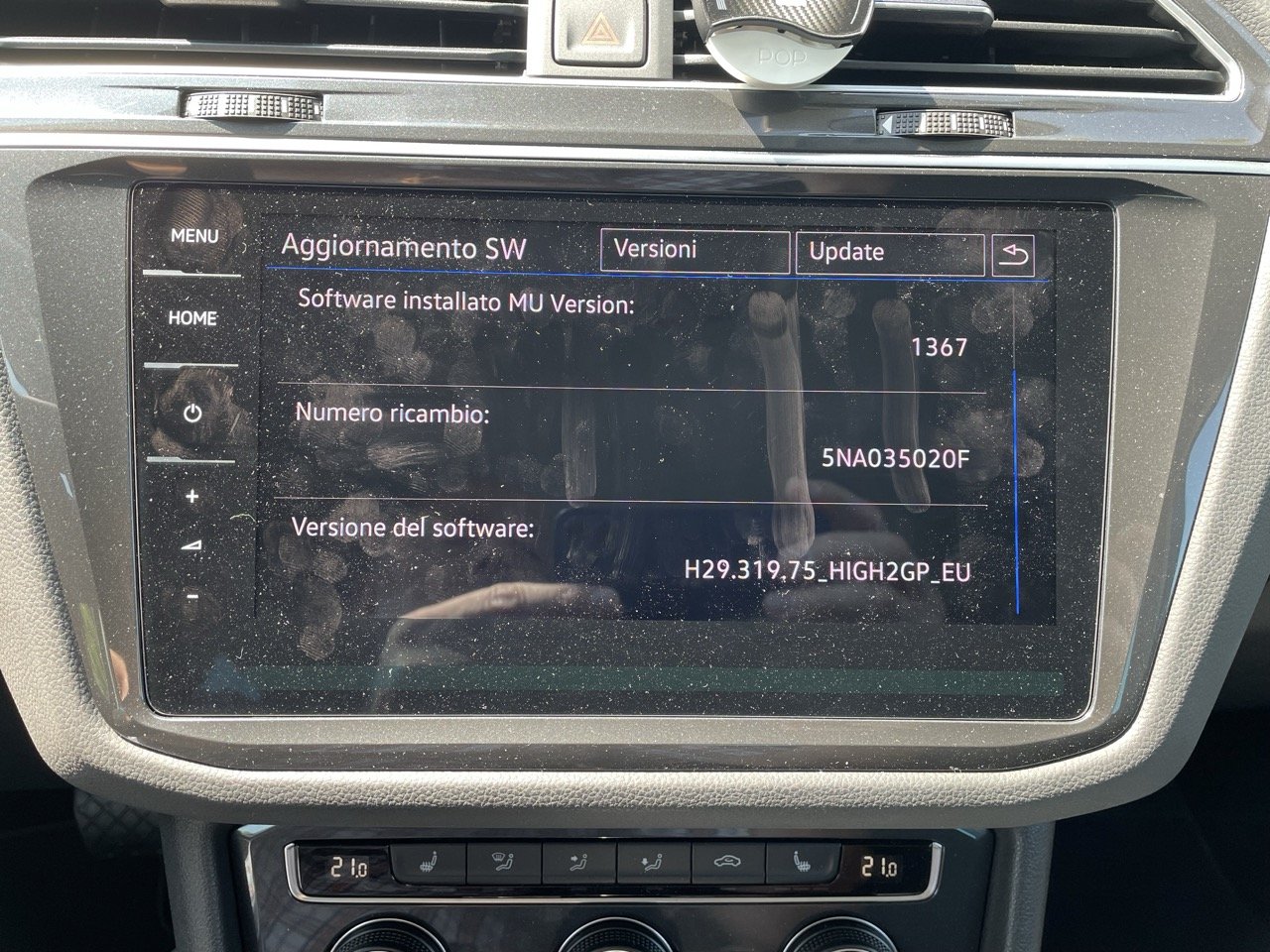
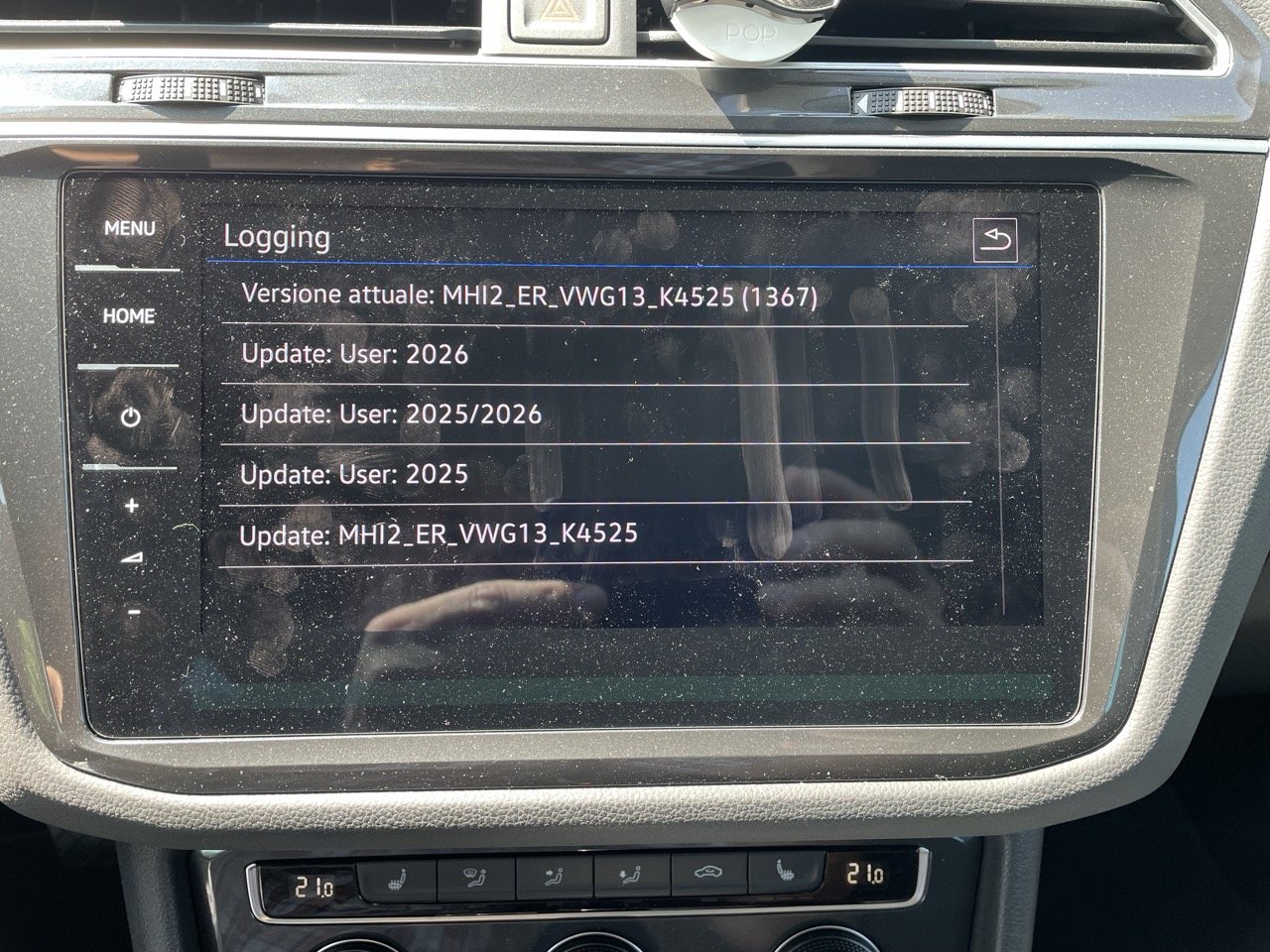
Hello everyone, the maps are supposed to be compatible with VW Discover Pro units (MIB2H) but despite my efforts (I tried numbers of combinations of SD card formatting) apparently there's no way to use them in an MIB2H unit. Does anyone here has this unit, any VAG, and successfully updated the maps? Thanks in advance.