xea21
New here
-
Joined
-
Last visited
-
Hi, I haven't fixed any of these yet, DFM wire is still disconnected.. But I don't think I've run into any issues so far; do you know what kind of situation this might lead to?
-
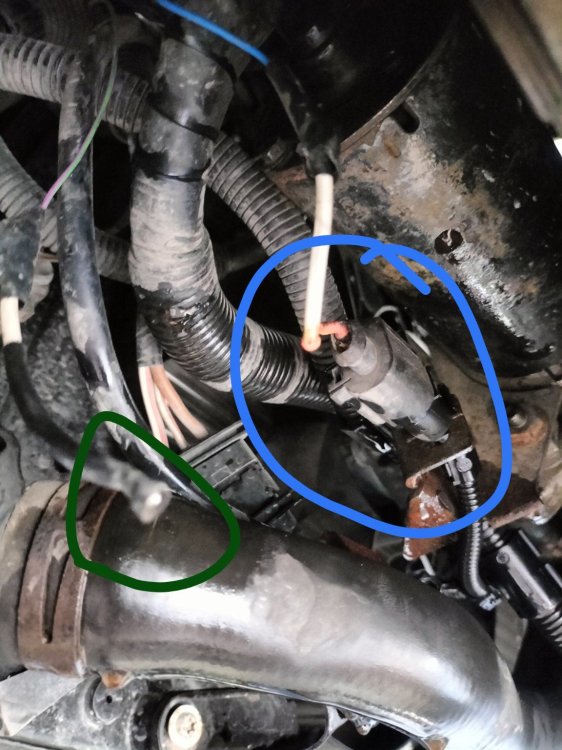
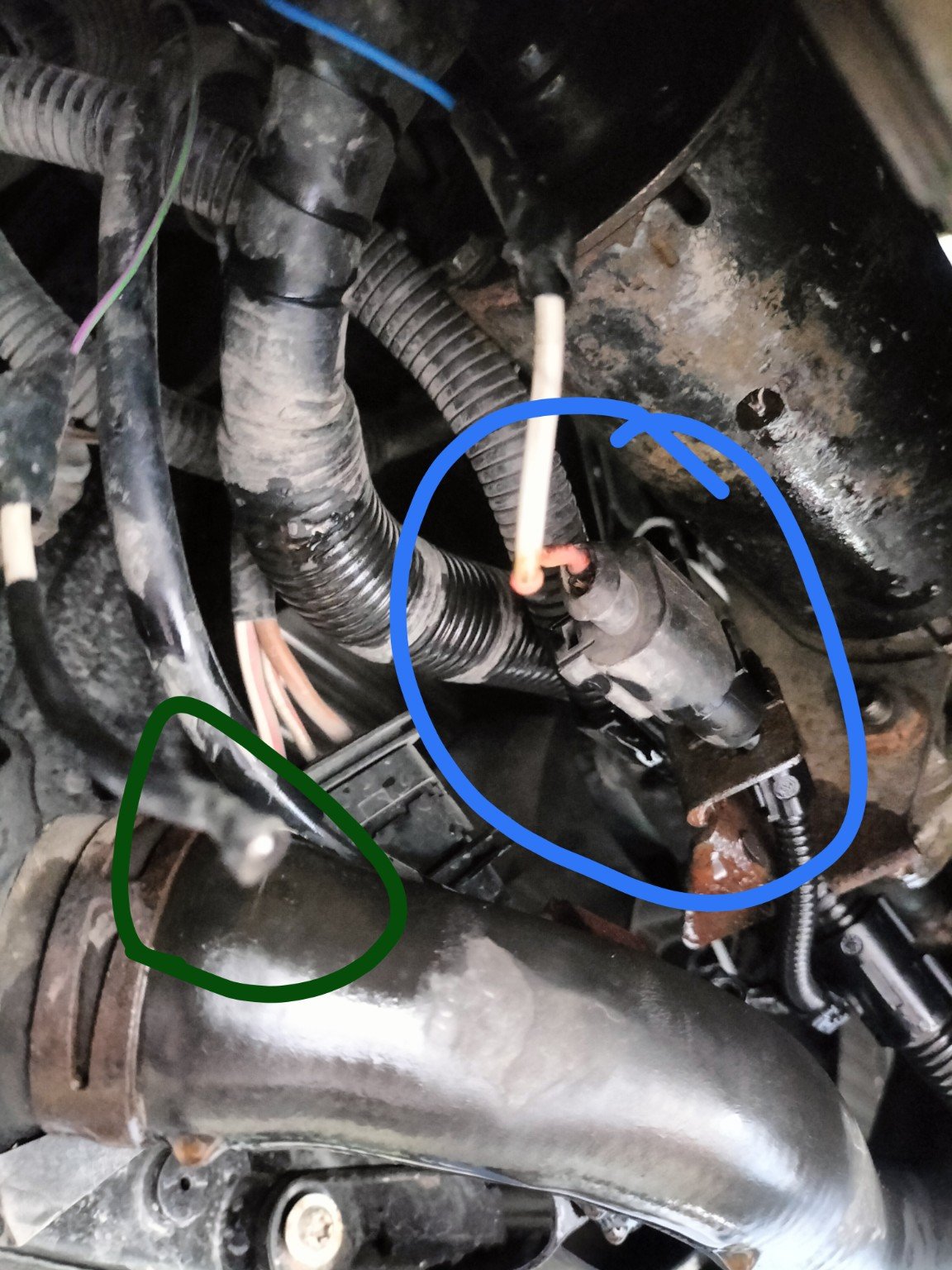
@Breezy_Pete Thanks, that helps. The battery warning light works normally - it comes on with the ignition and goes out after the engine starts. When you say "it's odd that the blue wire doesn't appear to connect to another blue wire at the black 2-pin connector", I guess someone previously repaired/replaced part of the wiring and used a different coloured wire? Also, since my battery warning light works normally, maybe blue D+ wire is actually working correctly? If so, should I just leave it alone and only repair the disconnected lilac/green wire? And if that lilac/green DFM wire has been disconnected like this for a while, what problems or symptoms could it actually cause, especially on a car without ASR? I don't think my car has ASR/traction control, and I have no fault codes via OBD.
-
Hi, The car is a 2005 Skoda Fabia Mk1, 1.4 TDI, 75 hp. I found this 2-pin connector/component underneath my car while it was on a lift, but I don't know what it is. It appears to have a 2-pin electrical connector, but currently: One pin has a wire connected to it. The second pin is completely empty/broken. There is also a separate loose wire, marked with the green circle in image, which is not connected to anything. I'm wondering if this loose wire is supposed to connect to the empty second pin of the blue-marked component. Does anyone know exactly what this component is and what the two wires/pins are for? Thanks!