gagiuntoli
New here
-
Joined
-
Last visited
-
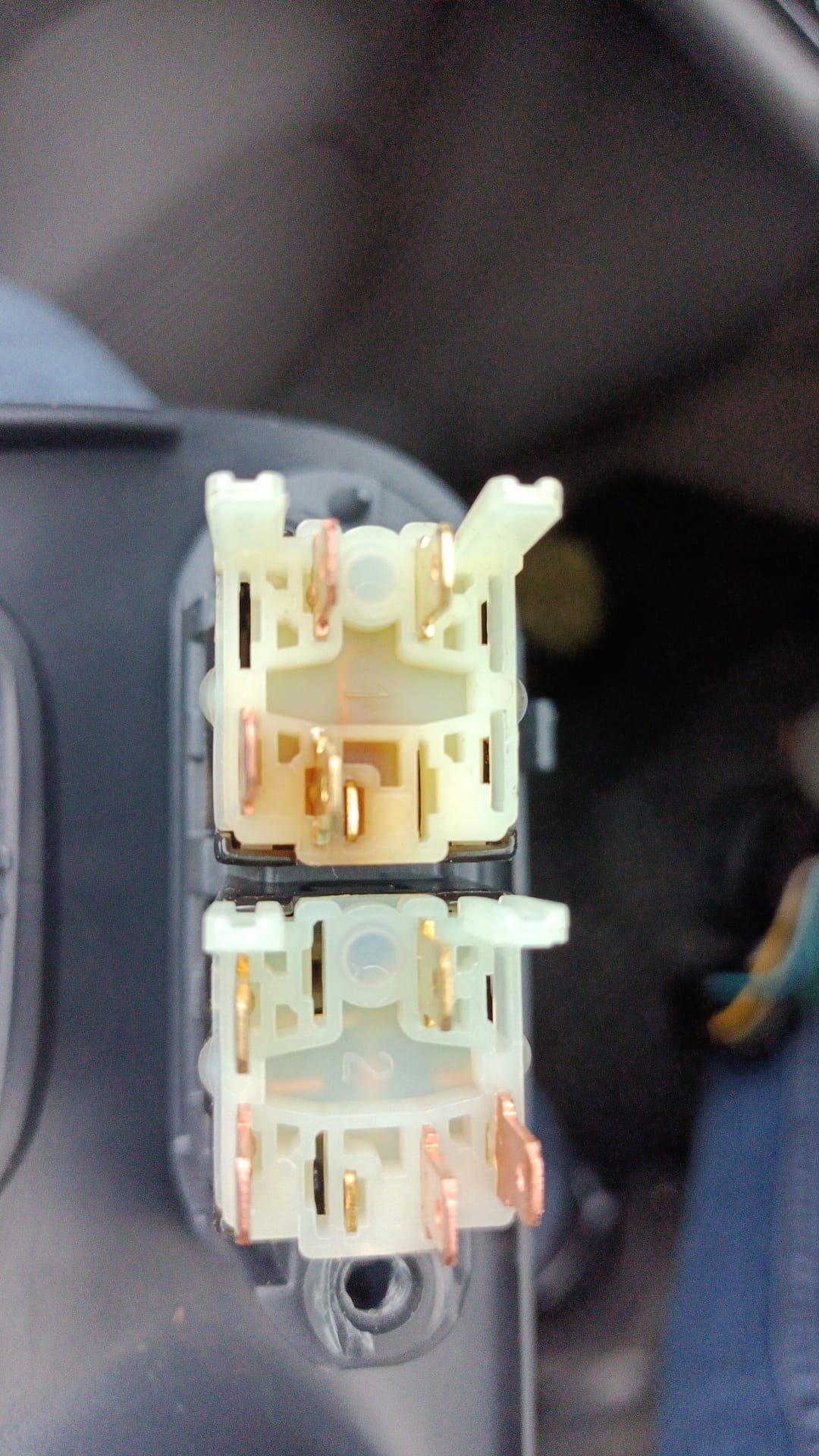
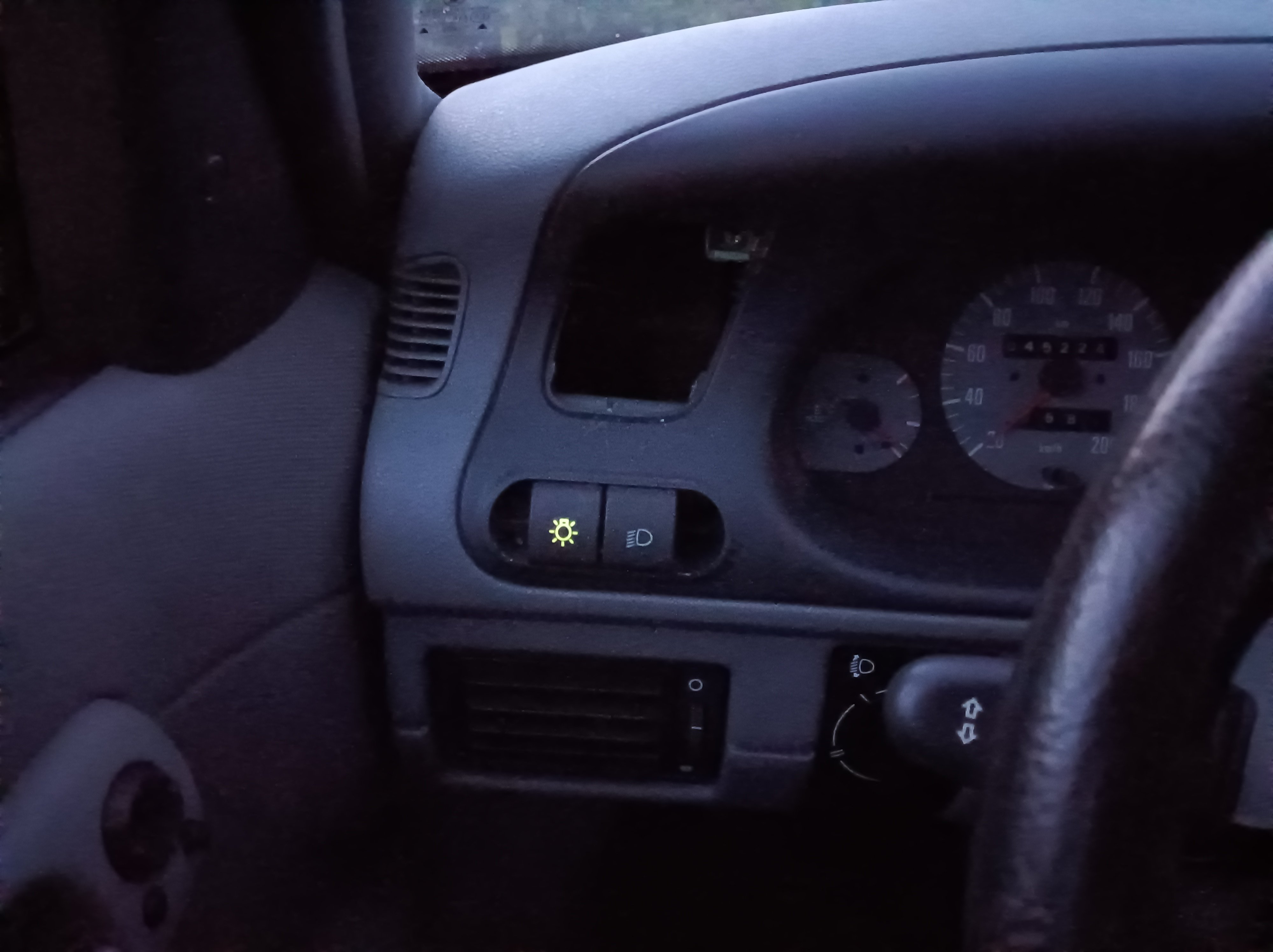
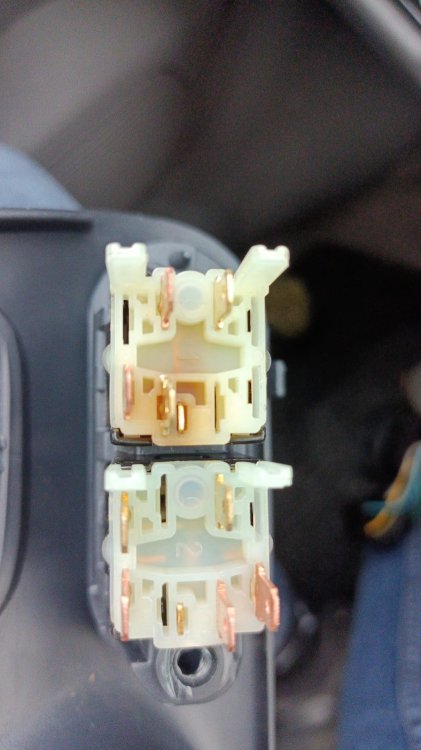
gagiuntoli replied to gagiuntoli's topic in Skoda Favorit, Skoda Felicia, Skoda Fun and Skoda FormanYes, I unmount every connector in the panel and was the main light switch (the one lighting in the picture above). It seems a bit burned on the other side.
-
gagiuntoli replied to gagiuntoli's topic in Skoda Favorit, Skoda Felicia, Skoda Fun and Skoda FormanNo, but the car was in "not so professional" car workshop. I needed to bring it back since the speed indicator was not working after leaving the workshop, the guy there remove the cover at the bottom and went with his hand to behind the speed indicator to reconnect the cable and probably moved something. Since there are 3 things showing this, could be that he remove one mass contact (ground)?
-
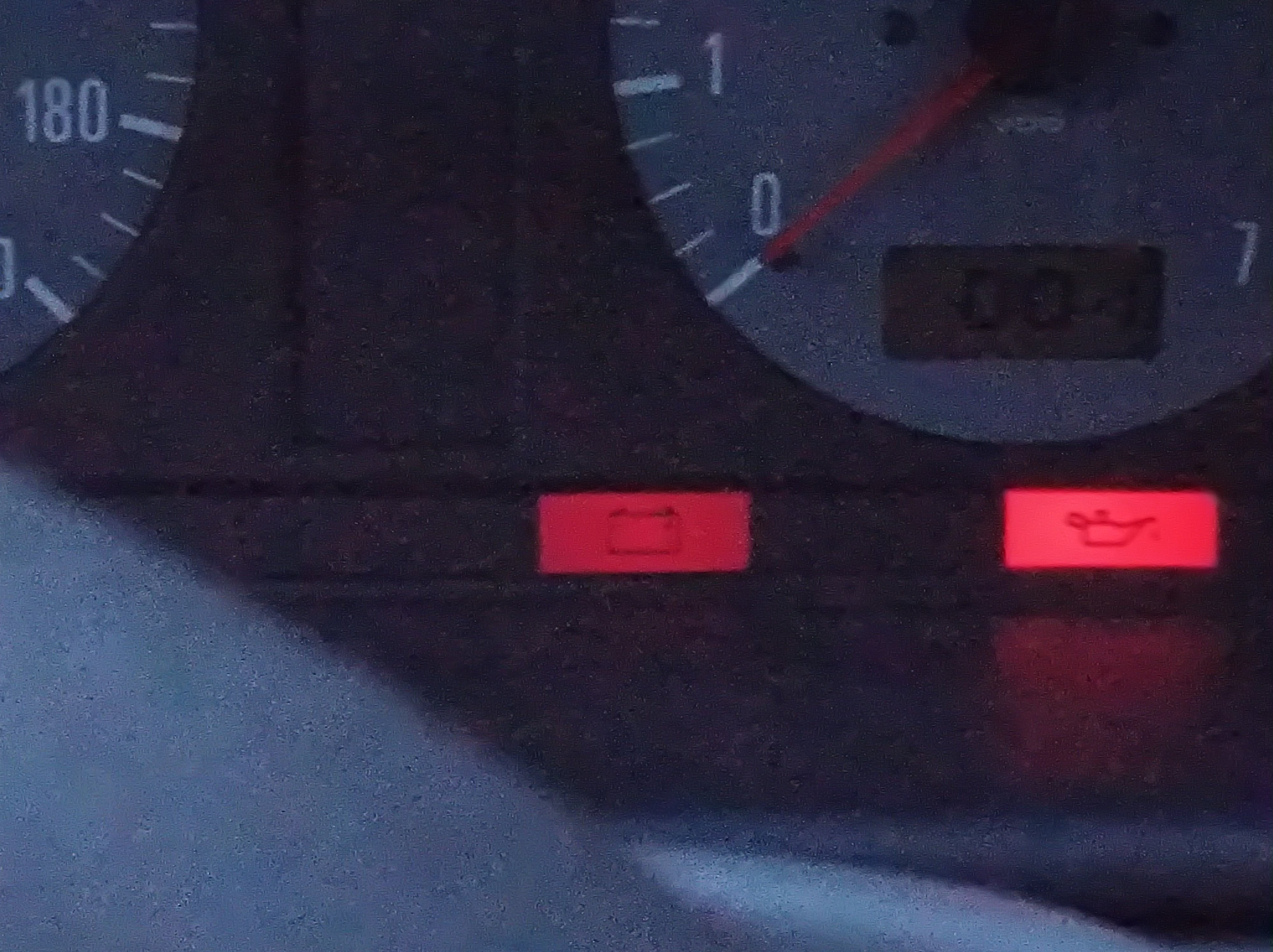
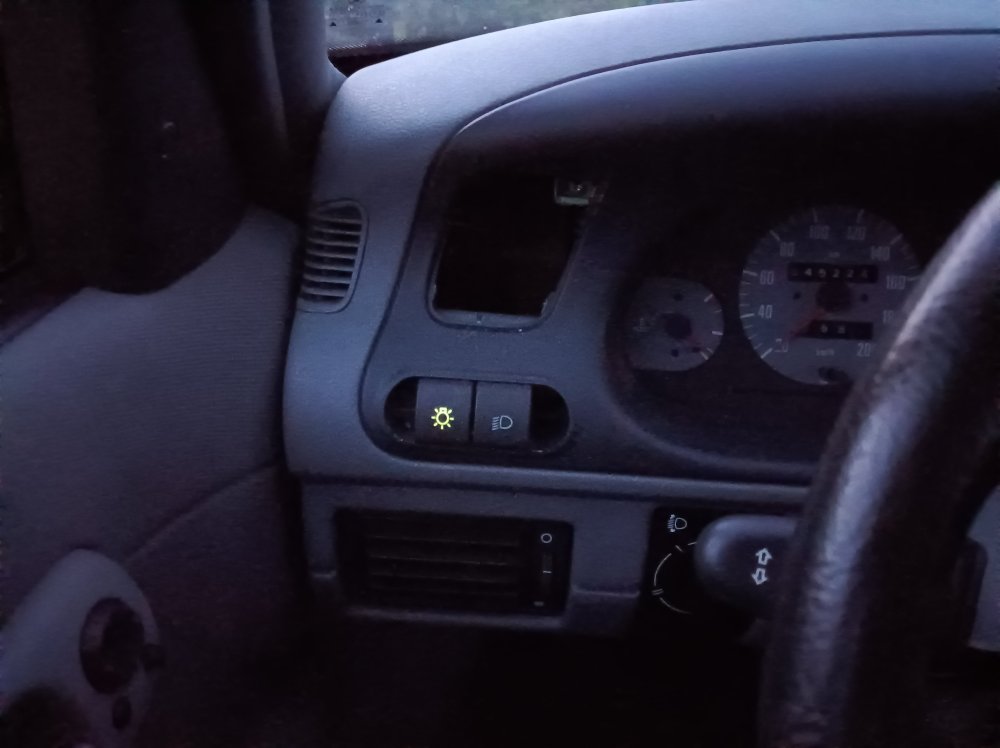
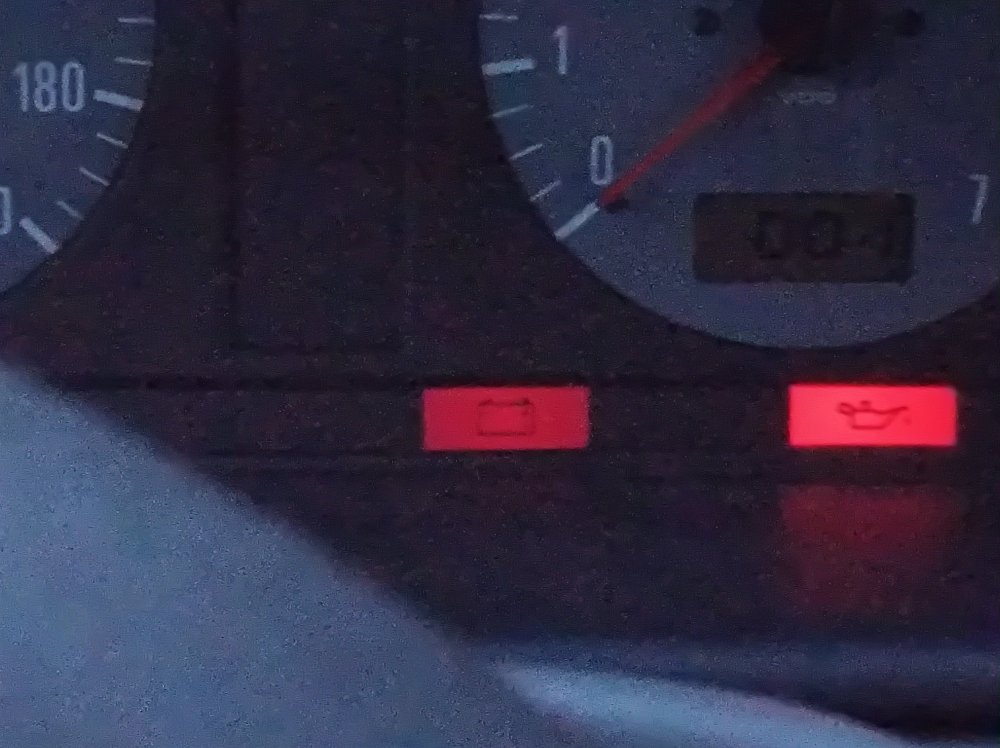
gagiuntoli replied to gagiuntoli's topic in Skoda Favorit, Skoda Felicia, Skoda Fun and Skoda FormanUpdate, the battery light and light switch is also slightly turned on when there is not key contact.
-
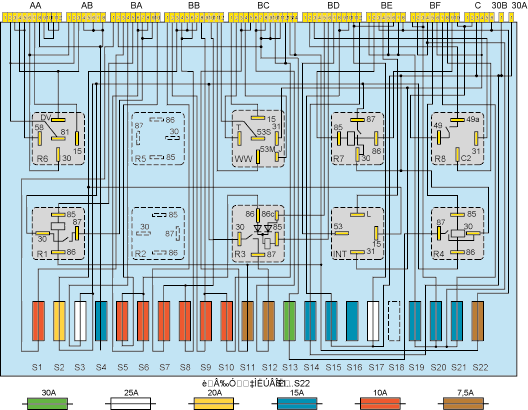
Hello, I have a Skoda Felicia 1.6 model 2000 and I realized the battery was being drained quit fast. I changed it for a new one because it was already very old and then, after seing it was still draining, I measured the current on the possitive cable that goes to the fuse box with every door closed and no light and I measured 250 mA, which seems to me quite a lot for this car. Note that I discarded the alternator and starter since I measured only the positive cable going into the fuse box. Disconnecting all the fuses didn't do anything, I continue reading 250mA. In the night, in full dark, I saw that the panel light for oil was slightly on (some current is being drained). Also one extra thing I did is to disconnect the cable connectors in the fuse box, see picture attached. I discovered that disconnecting BE reduce the current consumption to around 90 - 95 mA (would this be normal for the Felicia?). The car started without the BE cable connector but the oil lamp is not showing at all in the panel, I think this is a bit risky in the long term and I would like to find a proper solution. My guess is that the oil pump sensor switch is having an issue. I would appreciate any help in this topic. http://i17.photobucket.com/albums/b61/gokipoki/FELICIA/Feliciafusebox.gif