CrazyWolf
New here
-
Joined
-
Last visited
Everything posted by CrazyWolf
-
Carlinkit's adapters are very good. I am using it (mini ultra 3). It is almost as good as using it with cable. Most importanlty no delay while listening songs. Sometimes while playing songs it can glitch for 1 milisecond and after that it continues normally. Glitch happends rarely. If I was in your shoes I would first try with some better cable, like Samsung's original, if that doesn't help then I would continue with other methods. Good luck.
-
@red-ireland friend of mine had similar problem. Then he tried with higher quality cable and there was no more issues. Did you try using any carplay bluetooth adapter ? CarPlay requires a high-quality cable that supports both power and data transfer (at least USB 2.0 speeds of 480 Mbps). "Charge-only" cables will not work.
-
@red-ireland regarding your problem which phone do you have and are you using original cable for connecting to android auto/carplay?
-
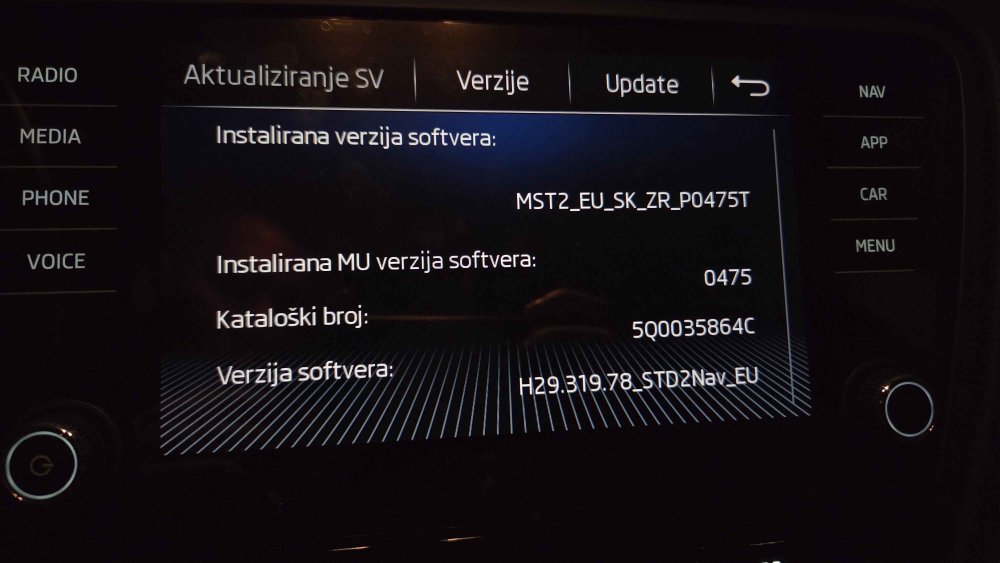
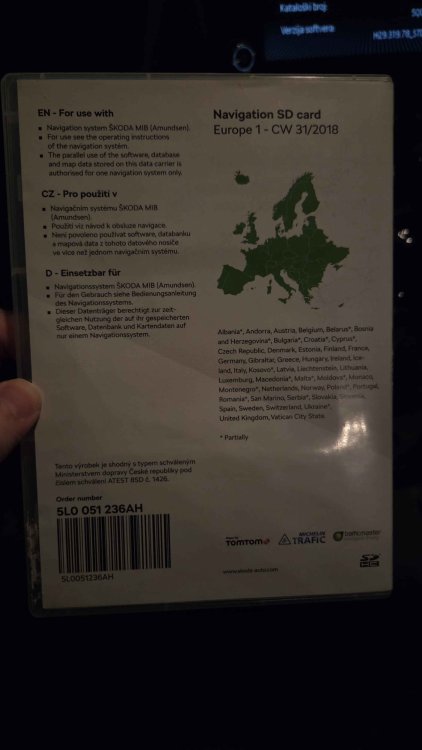
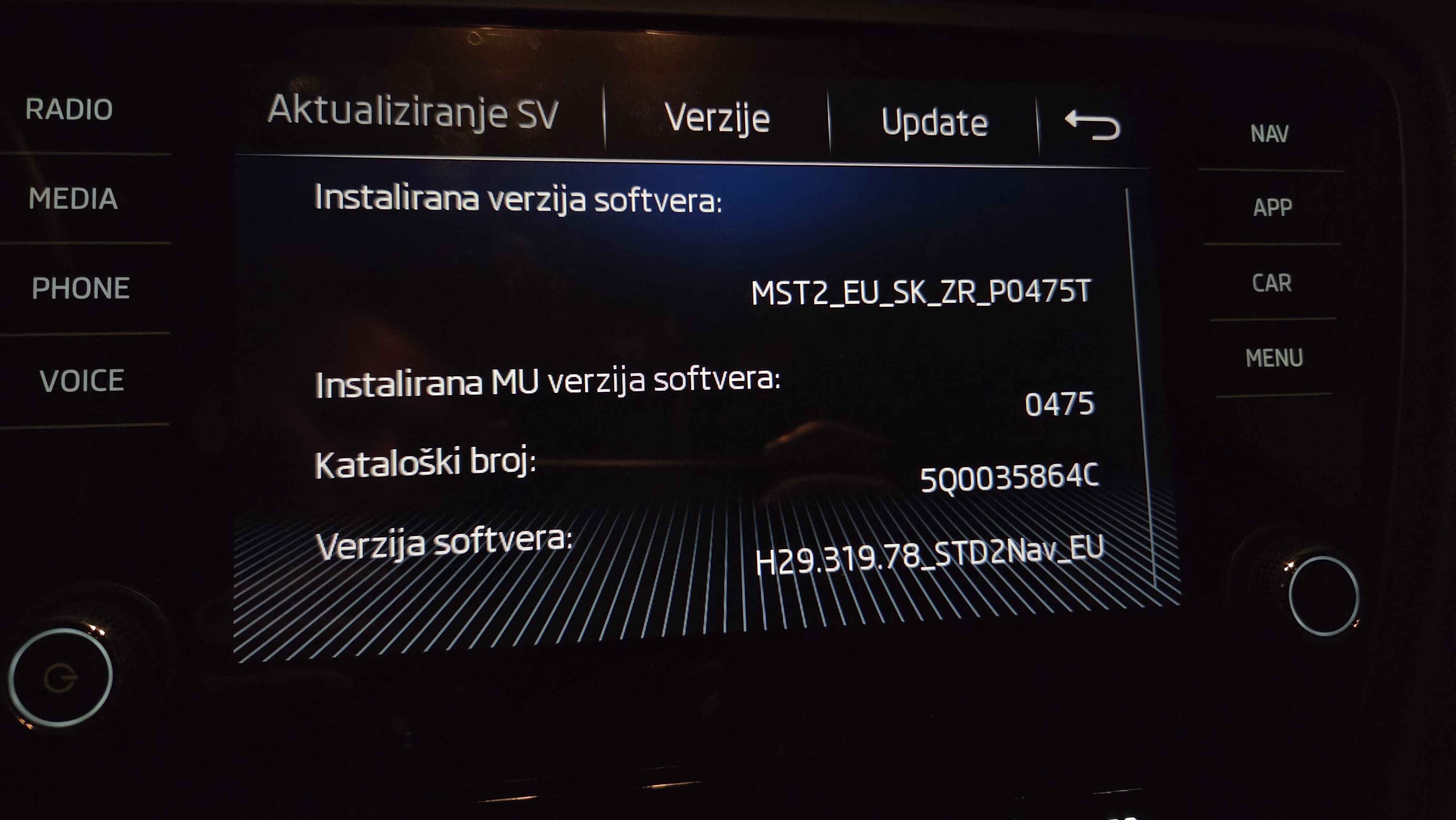
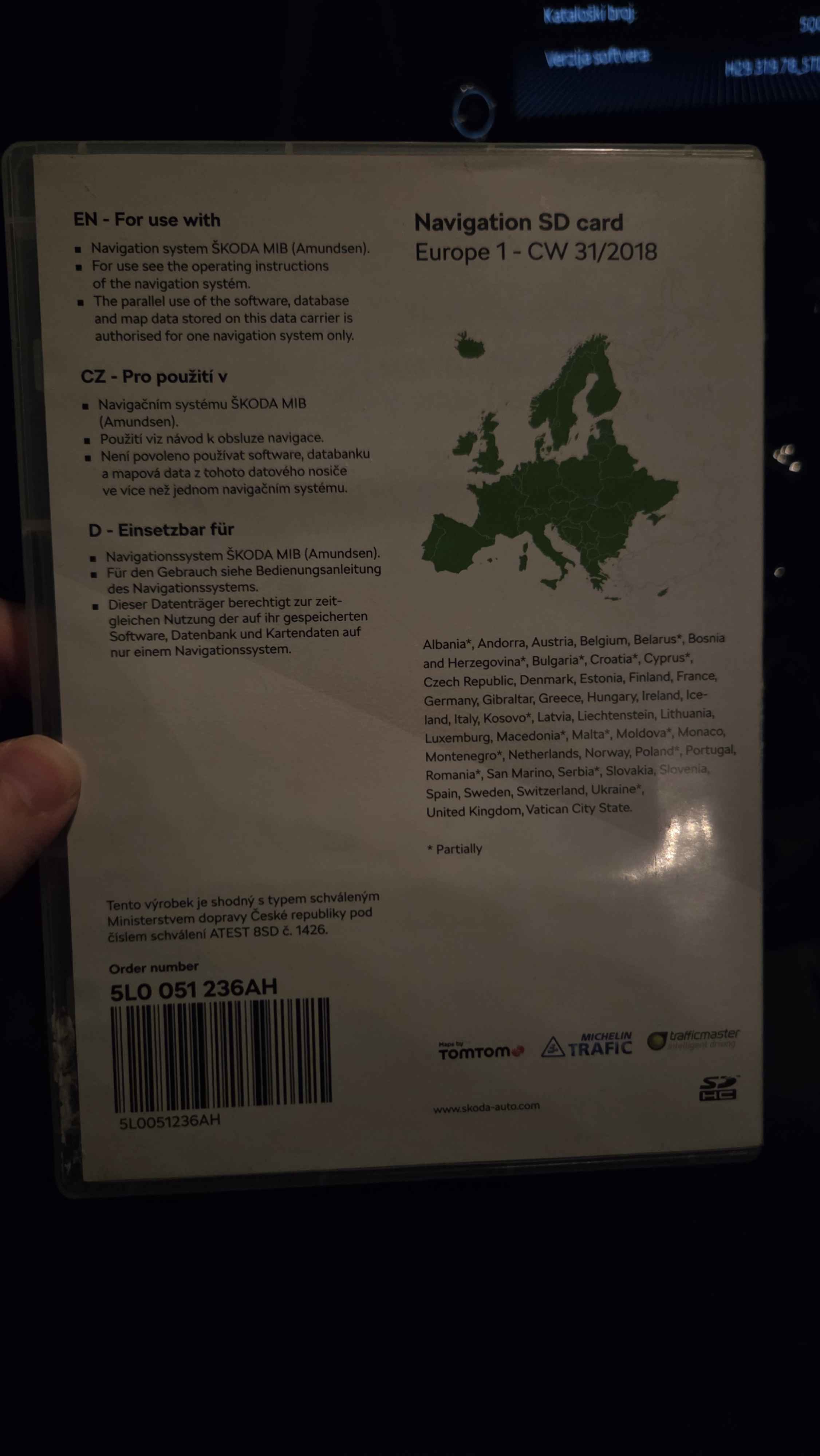
Hello everyone, I have a problem with my infotainment system. Sometimes it restarts by itself, or it fails to load the Android Auto/CarPlay adapter. I would like to know whether a firmware update could potentially fix these issues. On the other hand, could the update cause the same or other problems to get worse? In short, is it worth doing the update at all? My car is a 2019 Škoda Octavia 3 L&K. I would also appreciate it if you could send me links to the firmware and GPS map updates, and recommend what size SD card I should buy for this purpose. Thank you in advance! @pab567