lowfeelsblvd
New here
-
Joined
-
Last visited
-
Currently
Viewing Topic: Fabia 130 review after 1000 miles
-
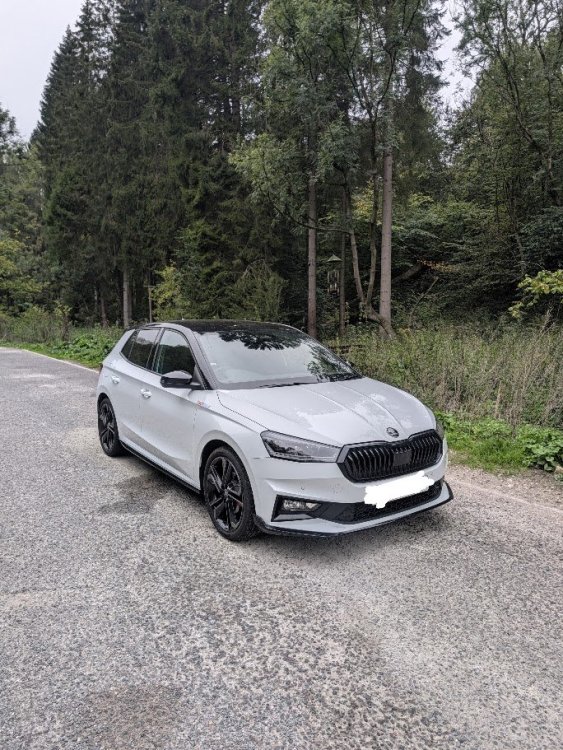
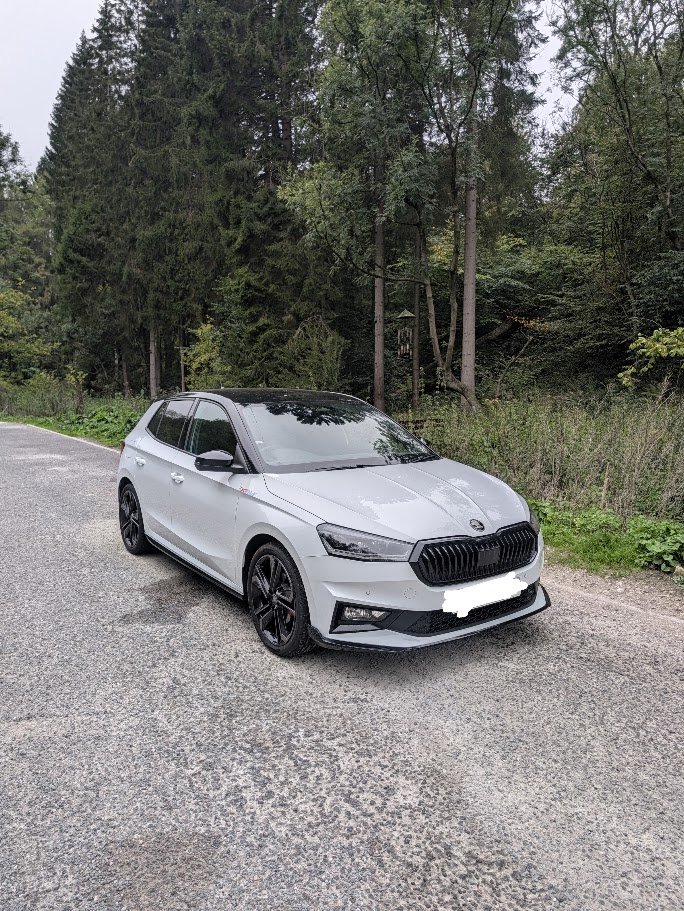
Hi everyone, I'm new to the forum and new to Skoda. I wanted to post this review to help others - I found a lot of the car journos to be very dismissive of the Fabia 130 and couldn't find anything about the car from real owners other than the odd comment on YouTube and on here. After 1000 miles driven in my Fabia 130, I've found it to be a fantastic all-rounder, which was just what I was looking for. I have had many hatchbacks over the years, Renault Clios, Ford Fiestas, a Mazda 3, Hyundai i10, Toyota Yaris and I wanted something that was sporty and fun but also practical and with good tech and want to say that the Fabia ticks every box. If you read reviews from Carwow, Auto Express, Whatcar they say that it isn't a hot hatch and isn't fast or fun enough, which is true, but Skoda has never claimed it to be a hot hatch, it's a special edition, tuned Fabia Monte Carlo - go into it with that mindset and you will love it. Pros It handles very well - it feels light on it's feet, grips well and in sport mode the steering is weighty and responsive. The seats are incredible - more comfortable than my Mazda 3 which I did a few trips around the UK in. The car is loaded with tech if you option it well and just about everything you need is included as standard. The Winter Premium pack is a must in my opinion for those misty/frozen mornings, and a heated windscreen is something I have missed since owning a couple of Fords. The infotainment is good, not outstanding but I am happy to sacrifice blazing performance for good buttons and easy-to-use menus, which the Fabia has. The steering wheel buttons are a particular highlight, everything you need is there and being able to switch through menus in the virtual cockpit and switch off ADAS systems with a couple of button presses is a breath of fresh air these days. Cons There are some minor software glitches that are more irritating than anything - the radio station will randomly swap on starting the car for me, no idea why but it's such a bizzare quirk I don't know why it's not been fixed in an update The engine note is dreadful - akin to a herd of cows than anything sporty. At high revs it resonates throughout the car with a drawn out groan. Again, it's not a hot hatch but better sound deadening or a proper exhaust note would go a long way! Most of the HVAC controls are easily reachable with physical buttons, but there are a couple of things (heated windscreen and the temperature sync between the two zones) that are only accessible in a menu on the touchscreen. Strange. If you are using Android Auto for Google Maps (and I assume Apple CarPlay) you can't have your navigation on the virtual cockpit - if you want a zoomed out view on the main infotainment screen and a zoomed in view on the virtual cockpit for seeing close junctions and directions, you have to use the default Skoda navigation system, which is good, but it's an oversight. Overall, I'm very happy with the car - the price was a steal, I got it for £8,000 off list in July, and it's loaded with options. Unless you really do not want anything sporty, it's a no brainer to go for the 130 over a Monte Carlo in my opinion. I decided on this over the Polo GTI because of the option to have a heated windscreen, premium sound system and heated steering wheel which, strangely are not even options on the Polo. Plus I like the understated nature of a Fabia. If you want something out and out fast, look elsewhere, but if you want a good blend of practicality and space, sportiness, good looks and good tech, be sure to look at one. If any prospective buyers have any questions, I'd love to answer them, or if there are any other 130 owners here, let me know your thoughts on the car.