fasthondaXX
Finding my way
-
Joined
-
Last visited
-
Thing I have narrowed down problem searching these forums. The green fuse at the top of the fuse box (under bonnet) has burnt contact out on one side and I cannot extract it. So discretion the better part of valour here taking it to a local auto electrician.
-
Headlight, fog light and rear lights not working (apart from the parking lights) just on the offside of the car. Nearside all ok. Hopefully just a fuse, be grateful if anybody knows how to sort this problem.
-
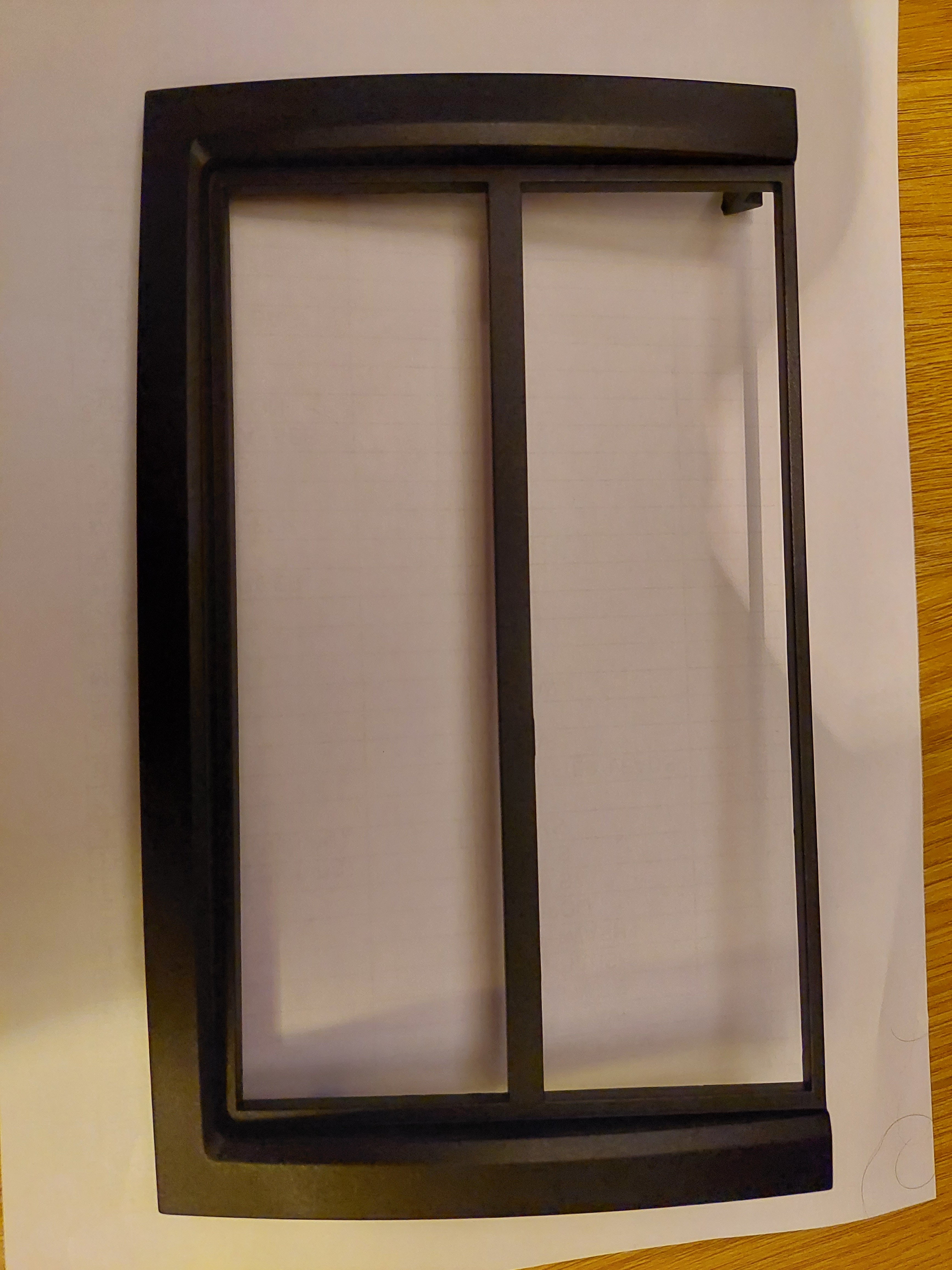
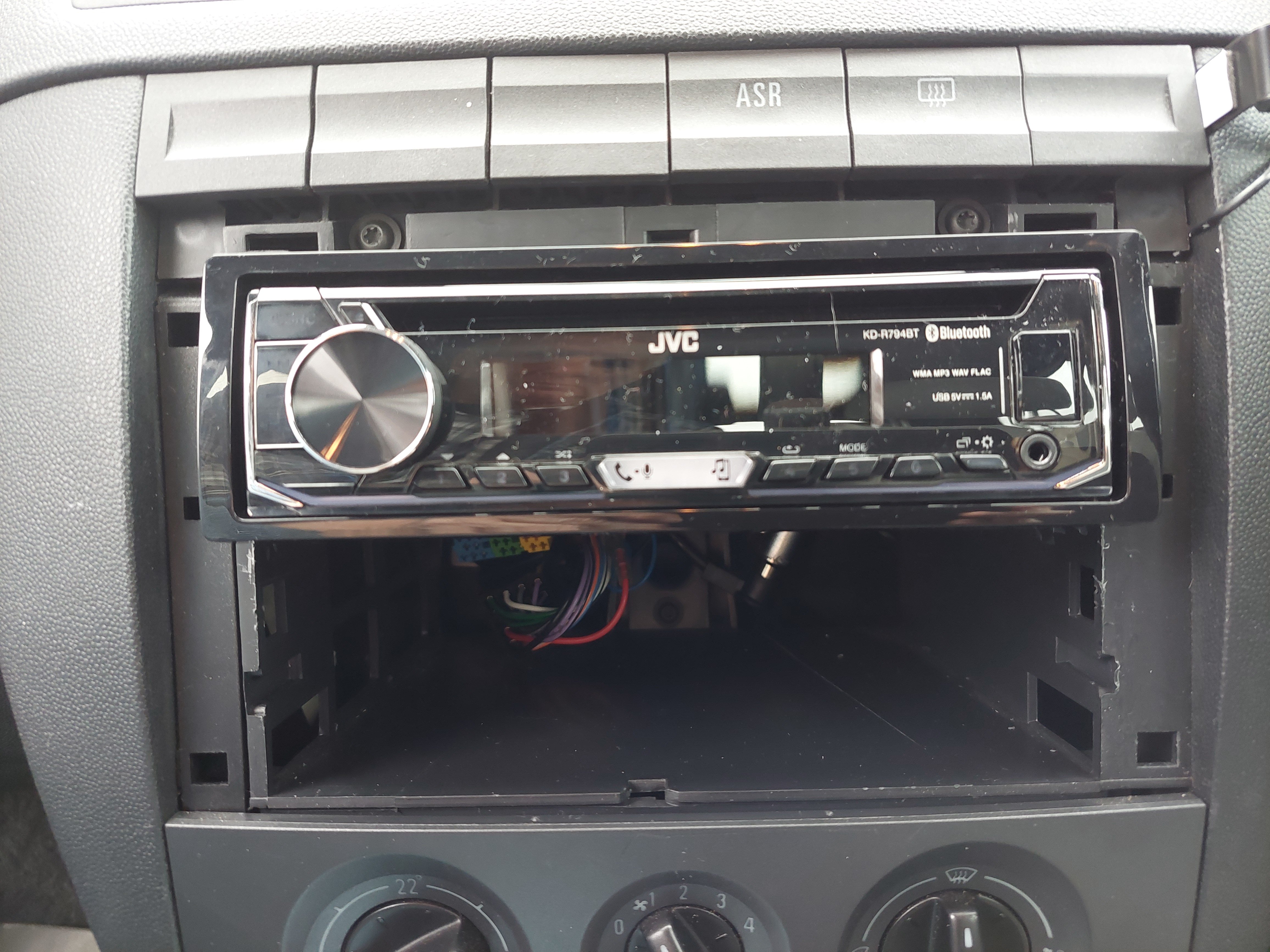
Thanks again guys. Even though the part number seems correct for the 2004 - 2007 Fabia tit did not install. For some reason on my car the holes for some of the the lugs are in different position and the wrong size. So, giving up the quest and fed up no option left but the final solution. After chopping off, filing and sawing now modified to the basic surround and fitted. Just needs securing properly so problem solved ................ apart from one final mystery. Where am I supposed to stick the piece of adhesive backed foam that comes with the caddy. Polite answers only please 😄 Love my little Fabia, still all standard, no mods - apart from this radio.
-
adding ypo my post above................... i have offered up with the lugs towards me, it fits in properly. Weird the lugs are not positioned correctle and one is too large for the hole.
-
Thanks for your reply. It is narrow bit to the bottom. Videos I have watched (not Fabia) trim fits on afterwards. The fixing lugs on new trim do not match/line up with the original trim holes.
-
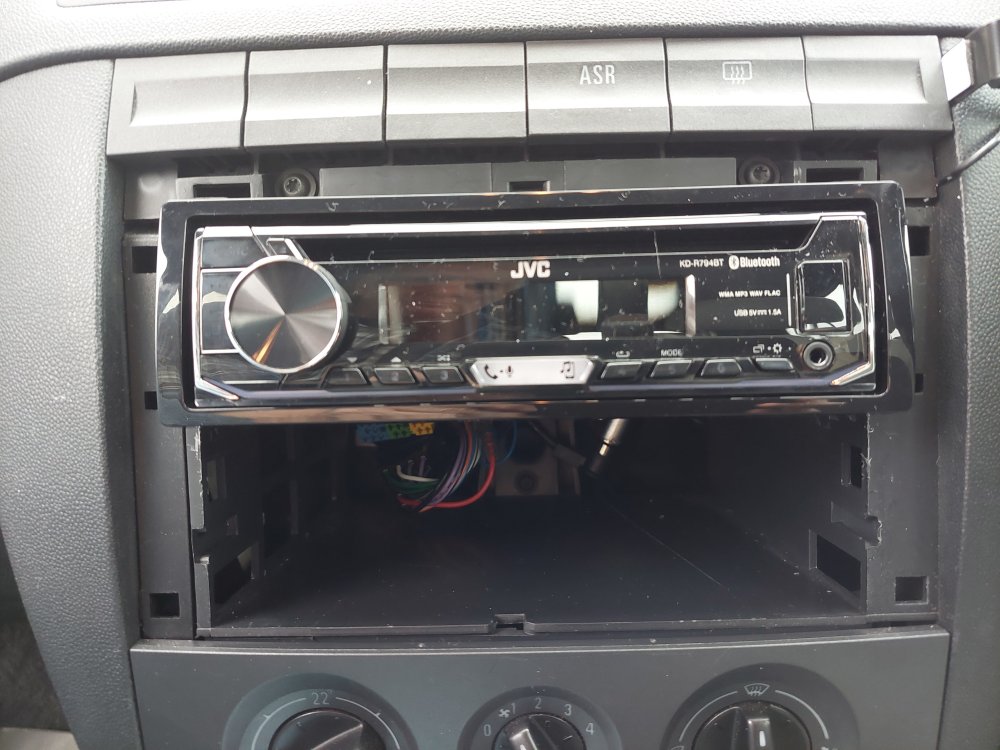
Thanks for your help guys. Radio in and working now another stupid problem. The trim surround I am ordering which comes up as the correct part does not fit. Sent two back thinking might have been a supply mistake - apparently not, same. seems a tight fit and the latching 'pegs' do not line up and and fit in the four holes where the two original side trims were removed. I have a 2006 Fabia vrs. A
-
Thanks guys, cd changer is the one I reckcon. Now have to get an aerial booster! Understand I have to swap red and yellow arround and connect booster wire to live feed. I'm confused -probably 'cos I am old (in years) haha. So when the cables are swapped do I connect to the yellow or the red (before they go into the connector block?
-
I have a Fabia 06 vrs. Radio is in and connected not set up yet turned on and is working. Still have red to red and yellow to yellow radio goes off when ignition key removed. Is it ok to leave like that. Need to fit aerial booster so can I connect to yellow is above. Really useful info above but reading all not sure what to do.
-
Finally got my oem radio out of my 06 Fabia VRS only to find there are three block connectors to it and the adaptor kit for the new radio only has two. Must have watched the wrong You Tube video as only showed two connectors 😞 I suppose the question would be is this radio the wrong fit or do I need a different adaptor lead?