Mathiasen
New here
-
Joined
-
Last visited
-
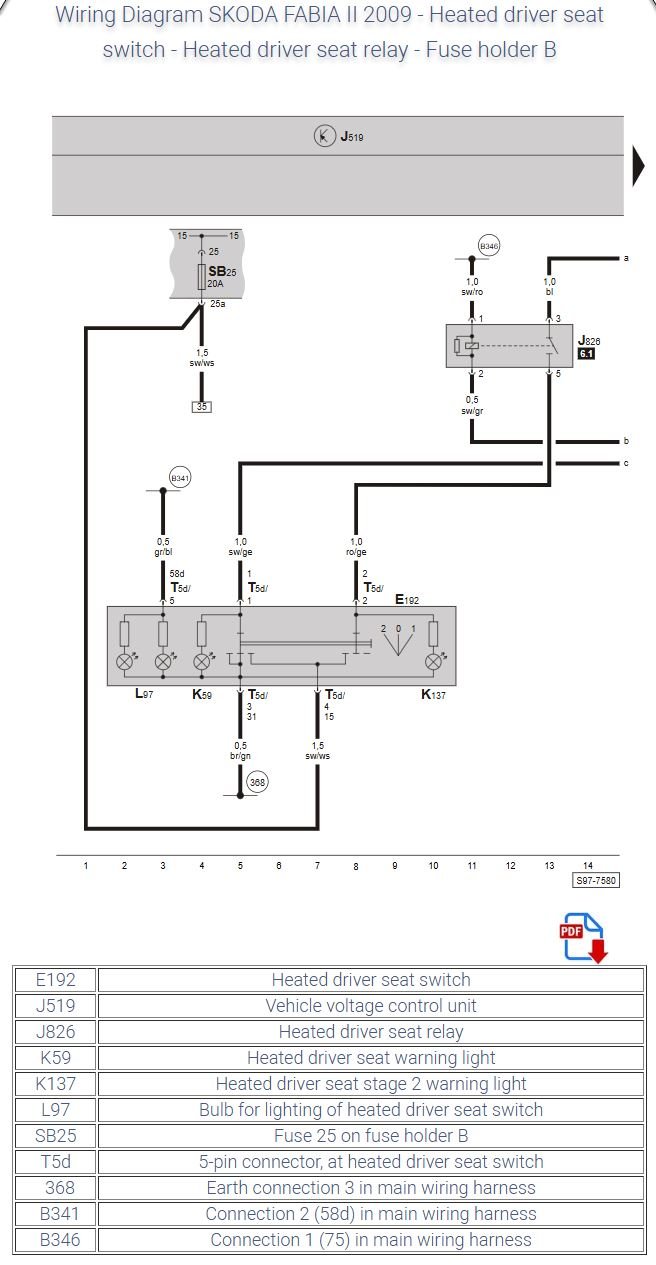
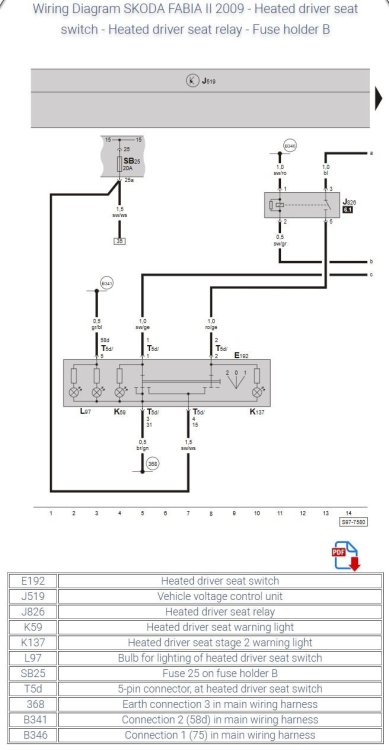
Hi forum, I have a 2010 Fabia 2 Combi 1,6 tdi 90 with heated front seats. Lower pad in drivers seat is not working, and back pad is only heating on level 1, regardless of position of switch (it does turn off, but its the same level on both 1 and 2). Passenger seat seems to work fine. How do I go about finding the issue at fault?🙂 I dissasembled the lower seat yesterday and found the heater-wire intact, wasted all my time 😆. Shined a powerfull light trough the pad and found no broken wire, no heated or burned areas. Everything looked good. I messured between the two wires going to the pad, and could messure restistance with my multimeter. I dissasebled the centre console, and switched the switches, with no change in funtionality. Is there a relay somewhere? How do I go about fault-finding the issue? I found this diagram that indicates that there is a realy somewhere, but im mostly a nuts-and-bolts kind of guy. ☺️
-
Hi, this simple question I can't seem to find an answer to. How do I get my Skoda Fabia Combi 1.6 tdi 2010 to turn on the headlights and instrumentlights on, when the car is running? Preferably I leave the lightswitch in the Low-beam position, and the car just turns them off when I turn off my car. (just like My VW Touran does) But lights stays on when ignition is off. I have to manually turn off my lights and I kinda hate it. My country requires headlights on all the time, and Im tired of flipping the switch every time i start the car, and I don't like the dark dash. I want light in the dash when the ignition is on. Its 2023 and It must be possible to code this, or change the lightswitch. How do I do it? I have VCDS