
FletchCossie
Members
-
Joined
-
Last visited
Everything posted by FletchCossie
-
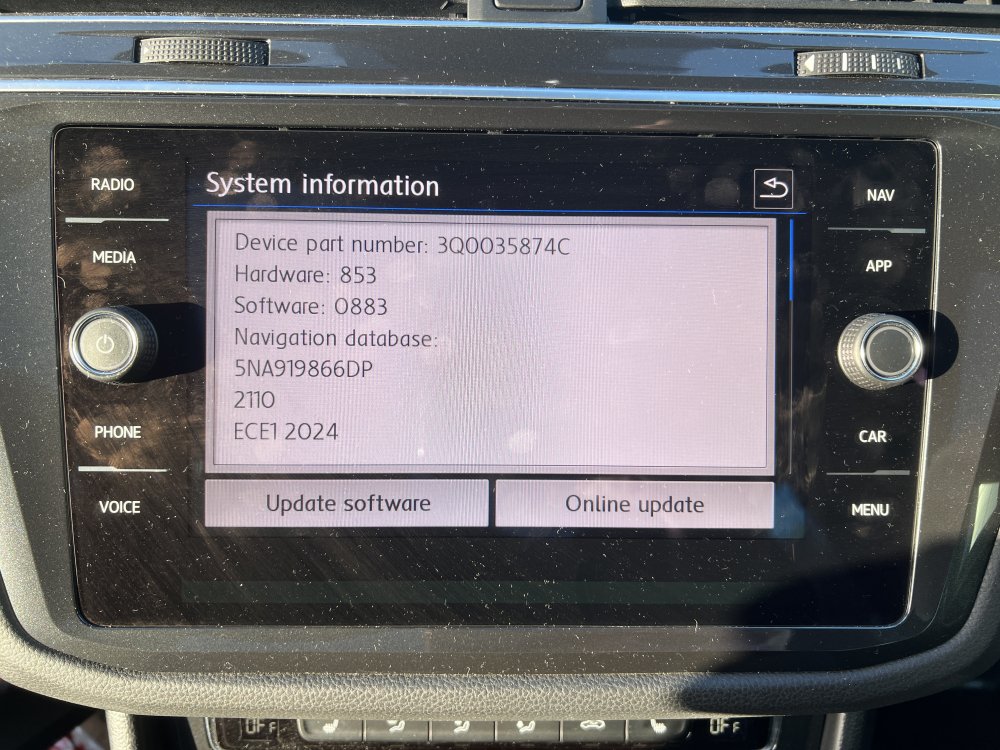
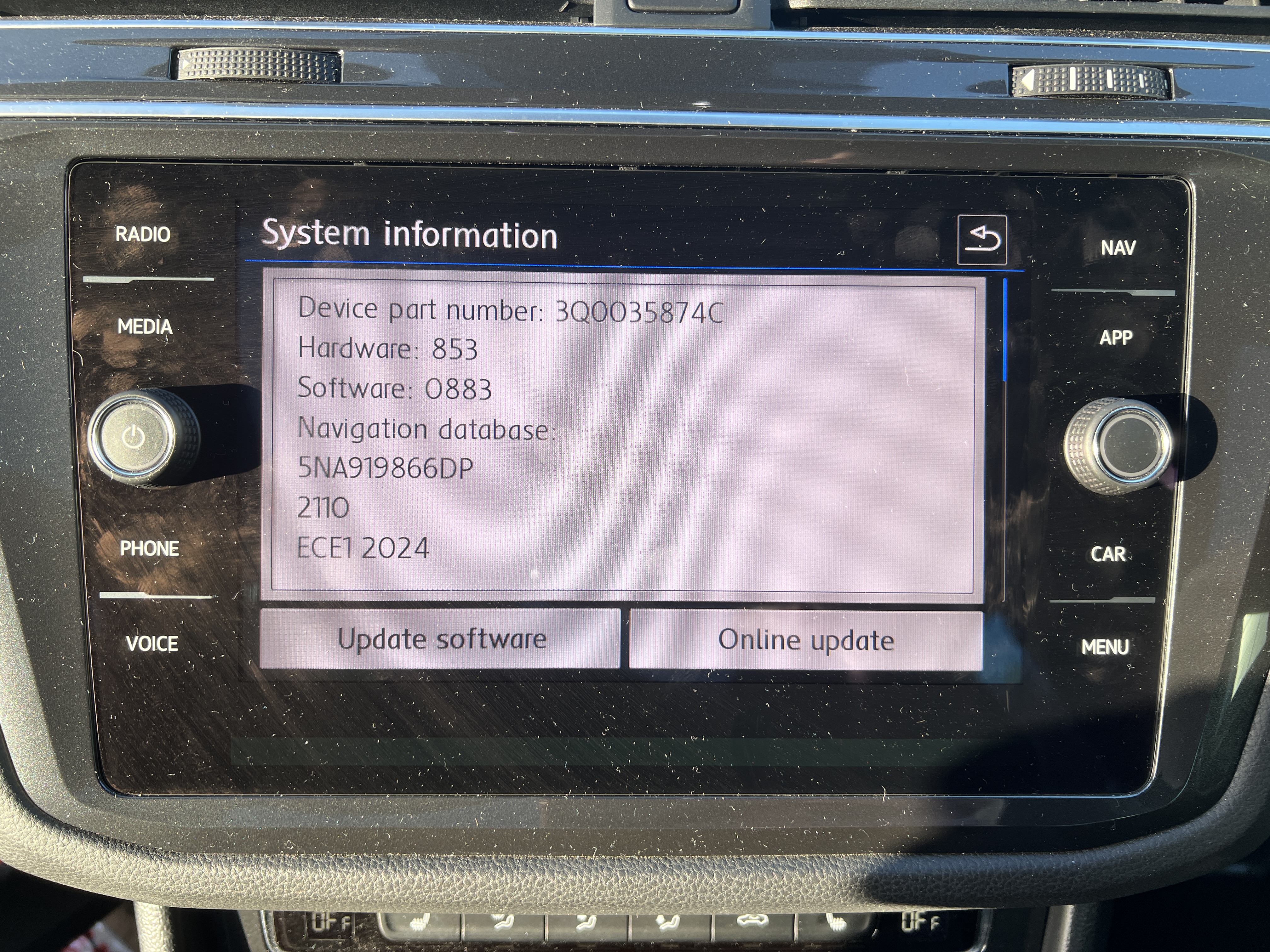
Hi BHughes, thanks for the reply. I've followed the instructions each time, searching for the update through POI's. My image is just for the part number of my unit.
-
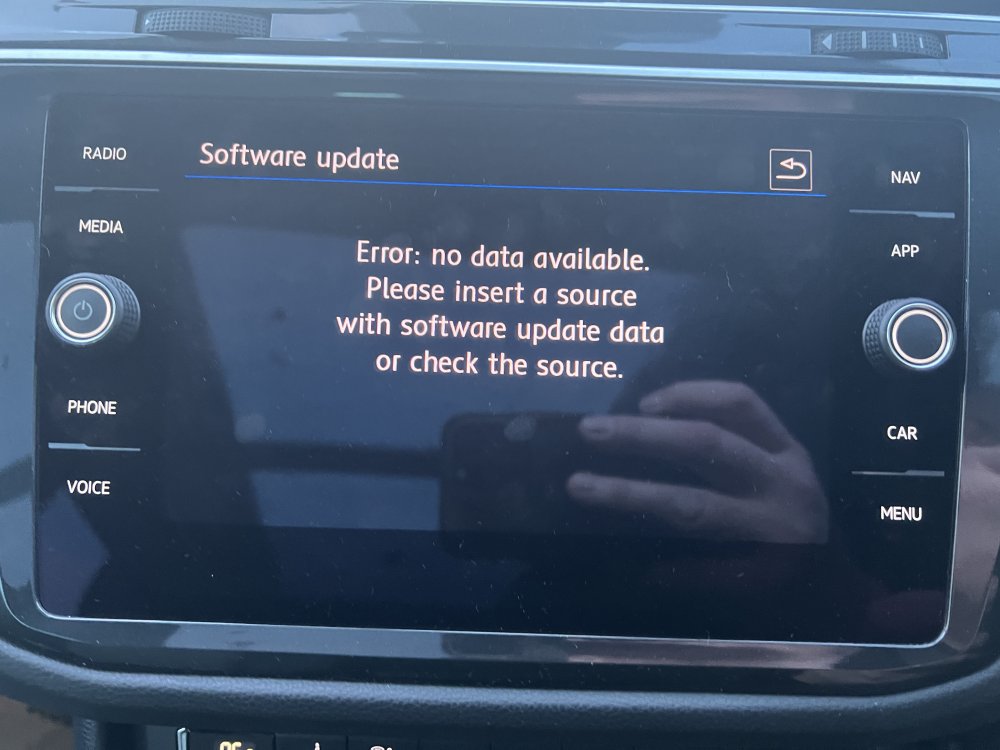
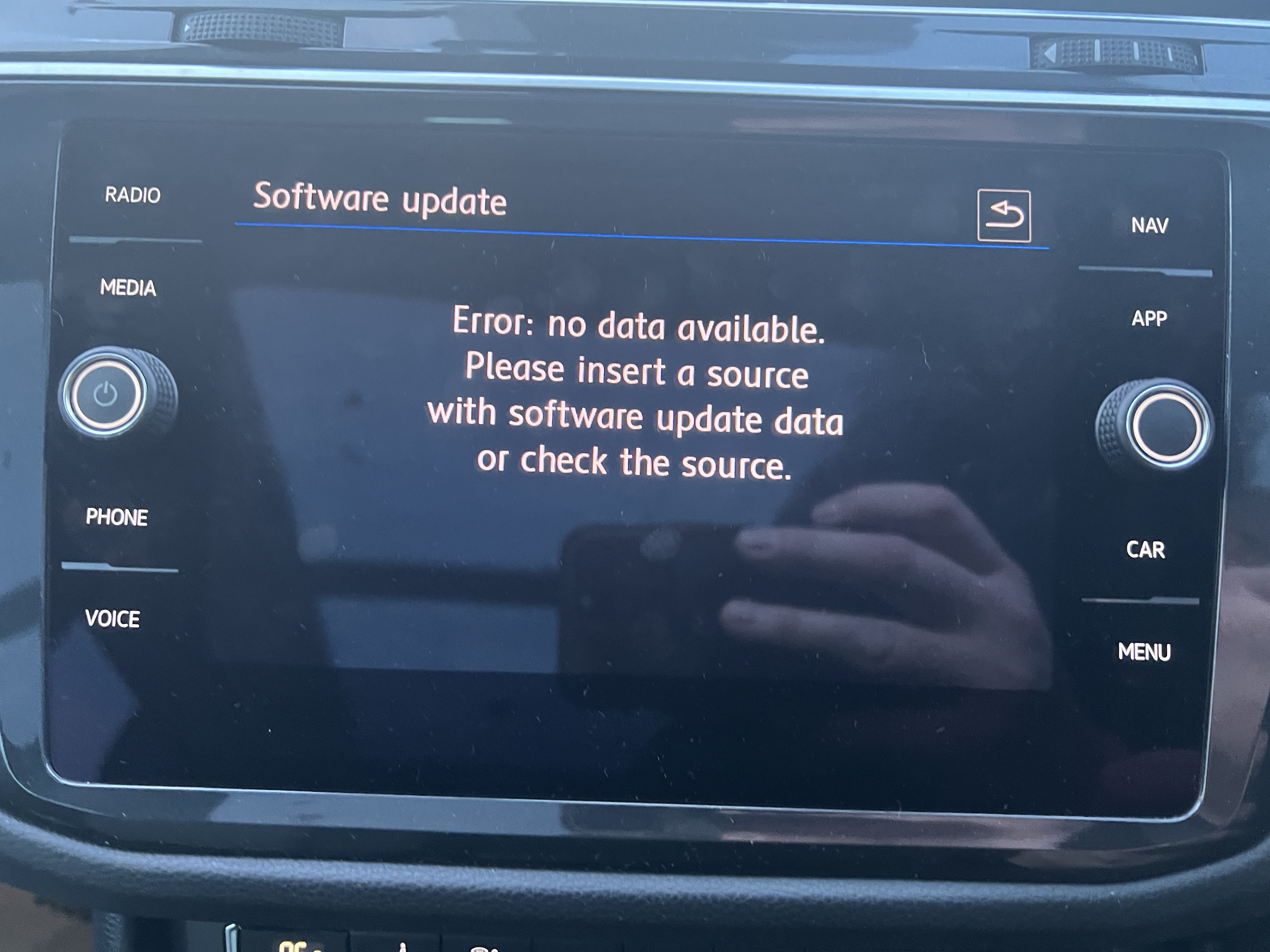
Hi everyone, I've tried everything possible and I still cannot get the latest update to install. When I put the SD card in it says "Update available", but when I go to install the below message appears. "Error: No data available. Please insert a source with software update data or check the source." I've tried: Formatting the SD Card Using Windows and Mac (I discovered Mac isn't compatible) Extracting the folder directly to the SD Card Using only the internal folders of MIB2HIGH, etc Removing and reinserting the SD Card when searching for update Locking the SD Card Removed the metainfo2 file Can anyone offer any other suggestions or a fix for this please?