Brian Snail
New here
-
Joined
-
Last visited
Everything posted by Brian Snail
-
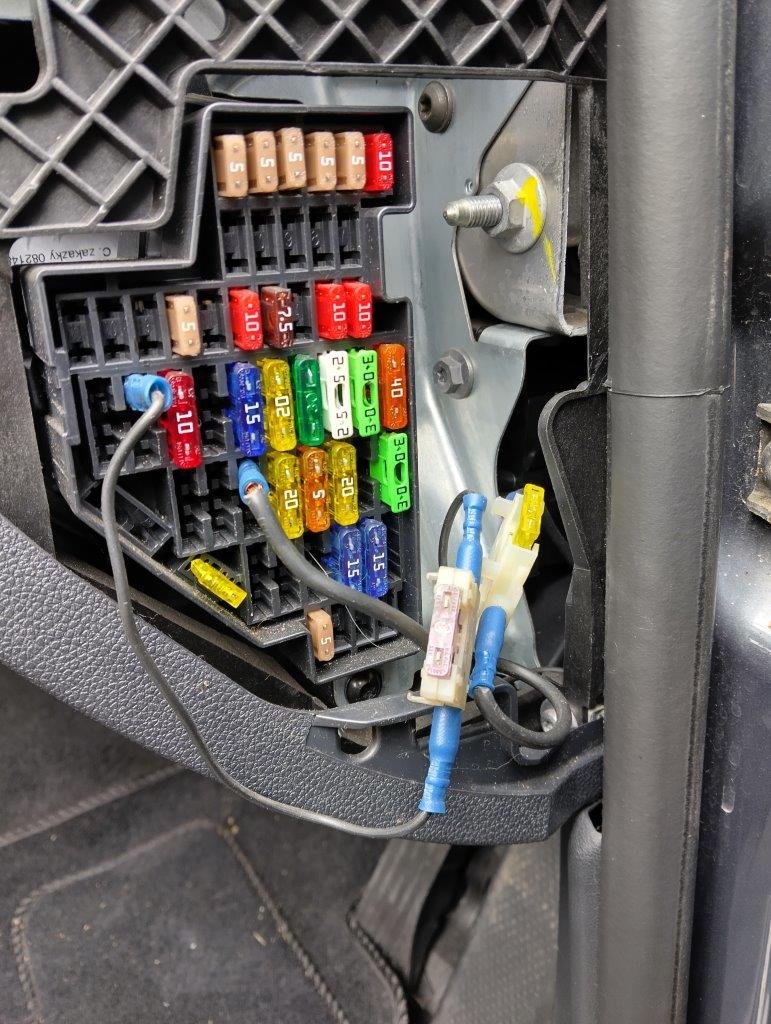
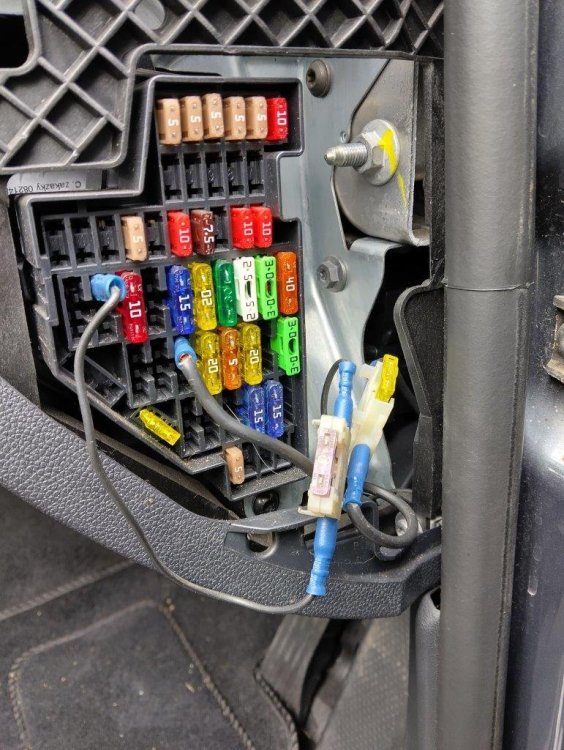
Thanks to all for your replies. Maybe a wierd lucky coincidence, but finding a pictorial guide to the dash panel fuse box, on the floor under the passenger seat today, led me to investigate that. There's obviously been some alterations (see attached), and one of the added connectors was loose. Testing again after reseating that and the lights are now behaving themselves! There is an after-market reversing camera fitted - but no screen. There are also two live USB leads in the dash-top storage compartment. So I wonder if the fuse box alterations could be linked to either of those? Re. missing cover. Retracting washers are far too advanced for me! Previous car was Octy Mk1 with fixed washers on bumper. Now I know what to search for, eBay has thrown up possibilities. A couple of UK sellers have them for under a tenner a pair - unpainted. So I just need to find the right paint. Thank you again for all the help.
-
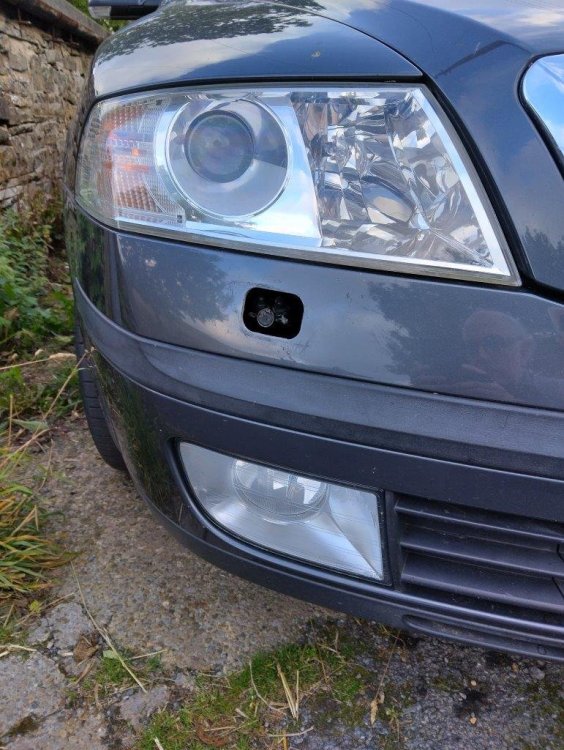
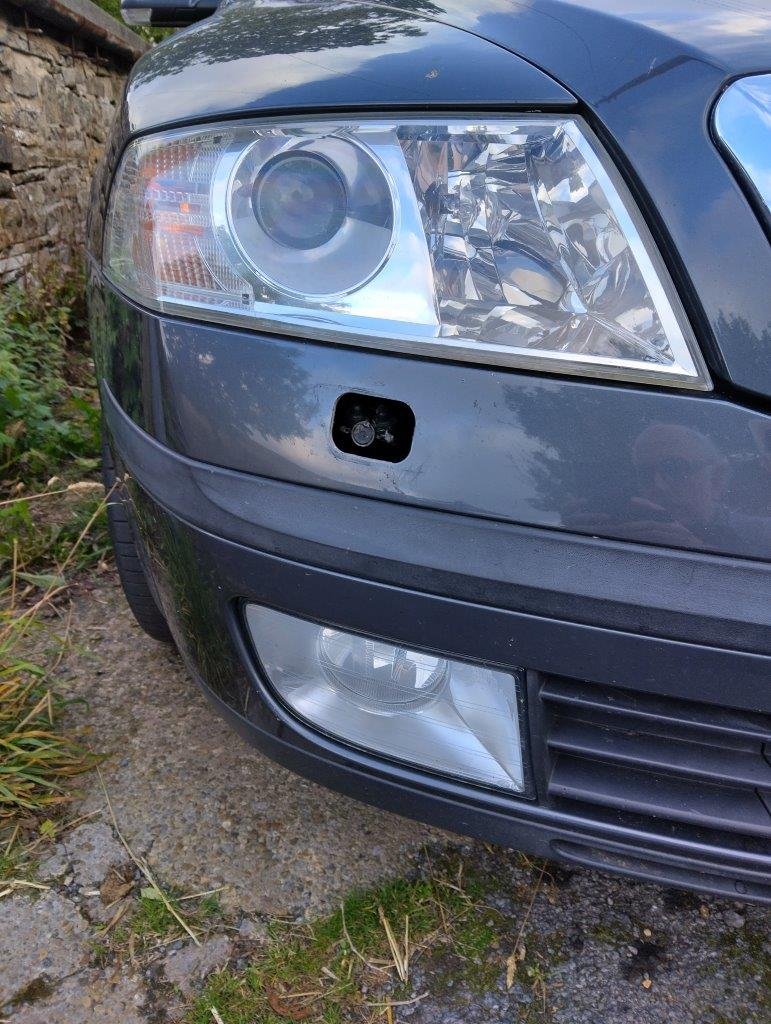
Hello folks, I have a couple of (hopefully!) minor issues with 2008 TDi 1.9 (BXE) Elegance estate I've just acquired. Car has covered 104k miles, FSH up to 80k, and generally looks remarkably clean inside, outside and underneath. Issues are: 1). Front driver side fog light comes on when the headlights are switched on. Both front fog lights illuminate when the fog light switch is activated. I'm not sure where to start. Should I check wiring to all front lights? Buy a scanner and check for error codes? 2). Small cover on driver side of front bumper disappeared today (see pic). What is behind it - a sensor?? Does this need covering to protect from the elements? Is a replacement available separately, without having to buy a whole bumper?! Many thanks.