Al123
Finding my way
-
Joined
-
Last visited
-
Hello all I have a 2017 F/L Octavia VRs tdi and I need to replace the brake discs and pads in the near to mid term. Whenever I put my reg into most car parts suppliers I get a choice of 2 different sizes, how to I find out which size I need please?
-
Thanks for the replies, I’ll get on eBay and order a replacement. I presume the vRS doesn’t have a bespoke cluster and anything that fits the f/l mk3 will suffice?
-
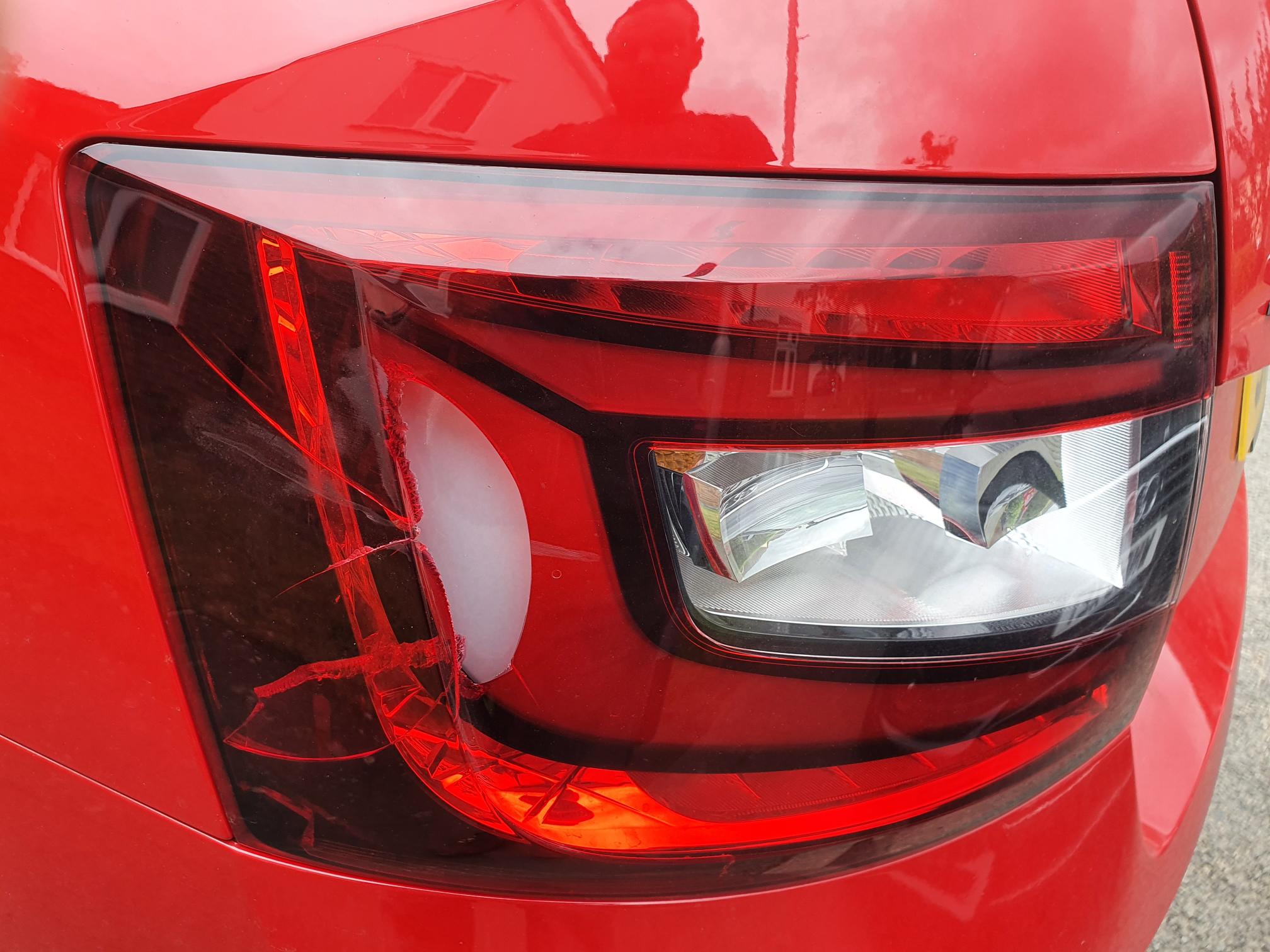
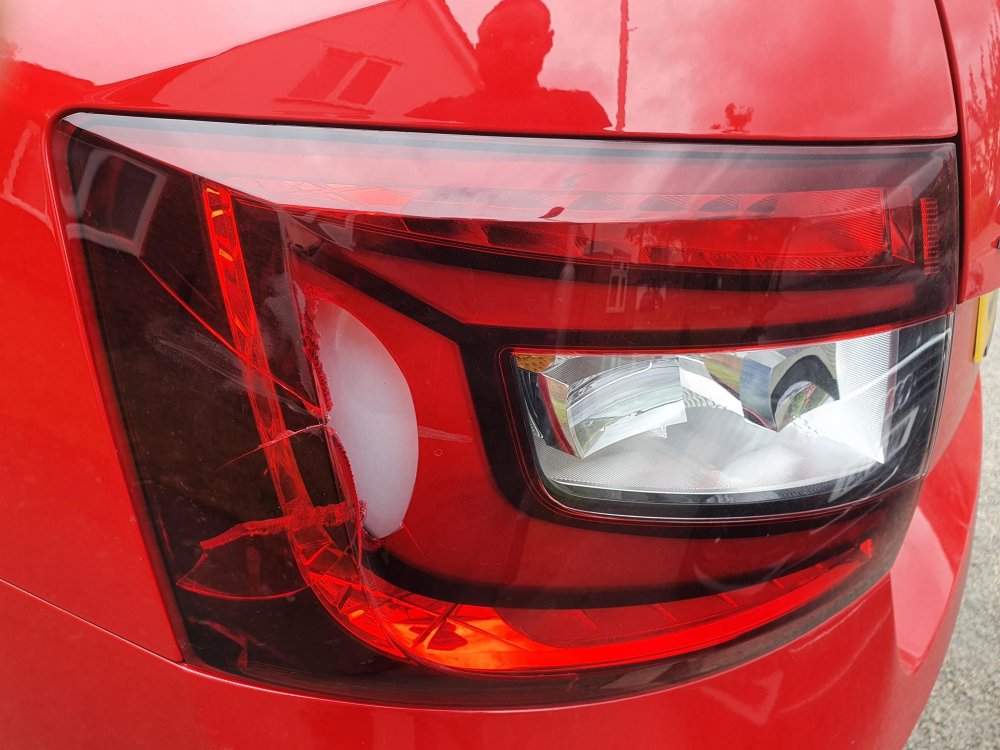
Firstly, apologies for not been around much the last few months, work and home life have both been manic recently and there is no sign of things letting up anytime soon. My Octy (67 vRS) performed brilliantly going up and the M4/M5 to allow the family to holiday in Cornwall whilst unfortunately had my leave cancelled last minute. However, it did not escaped unscathed. It looks like what can only be described as a giant boulder struck my rear light cluster. I assume the whole cluster now needs replacing. My first thought is to get a second hand part of eBay and use my local independent VW/Audi/Skoda specialist to make good the repair. Just out of interest does anyone know how easy it is to do this myself or if this is something only a main dealer can do? Any advice greatly appreciated.
-
PM inbound
-
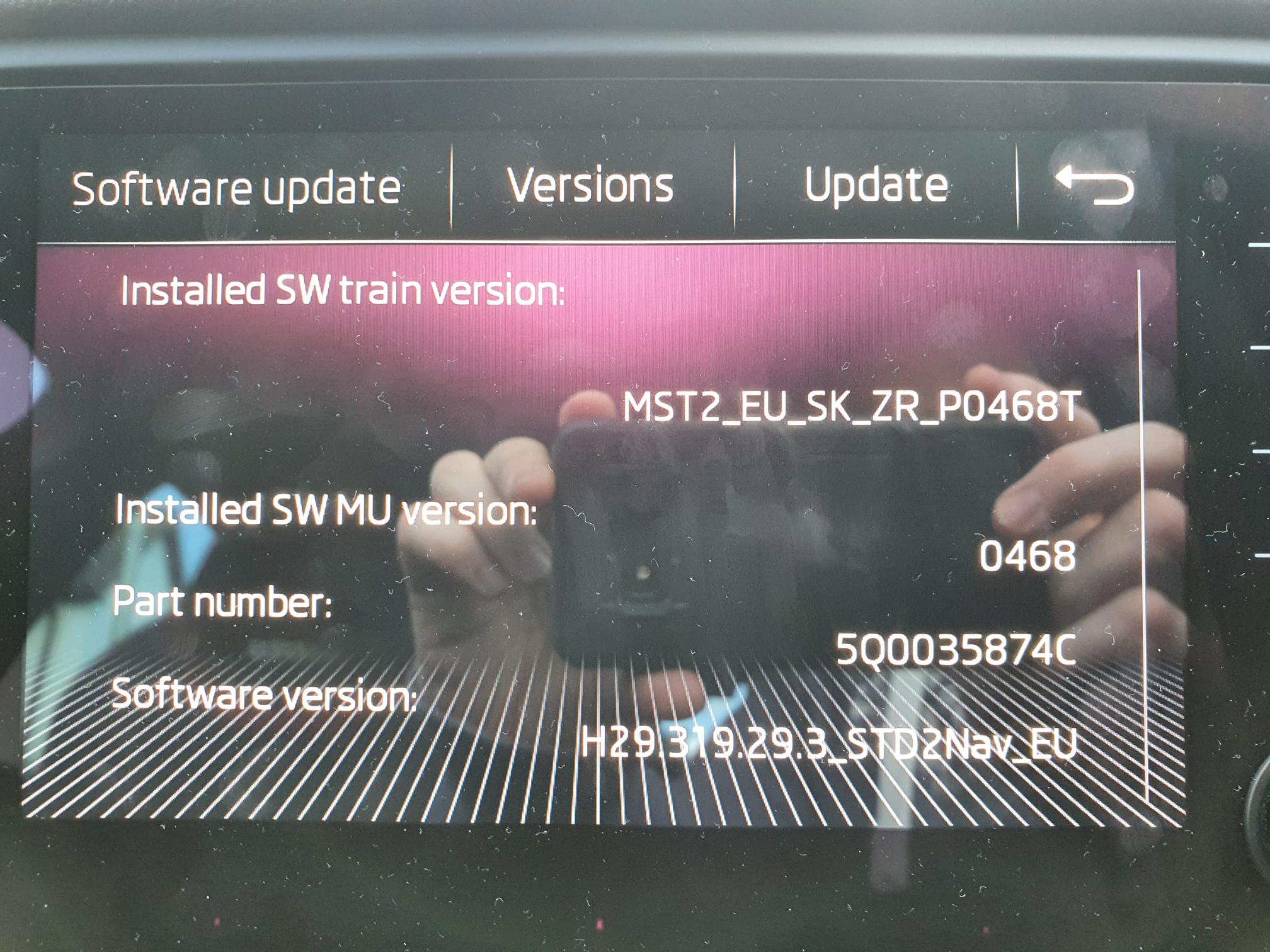
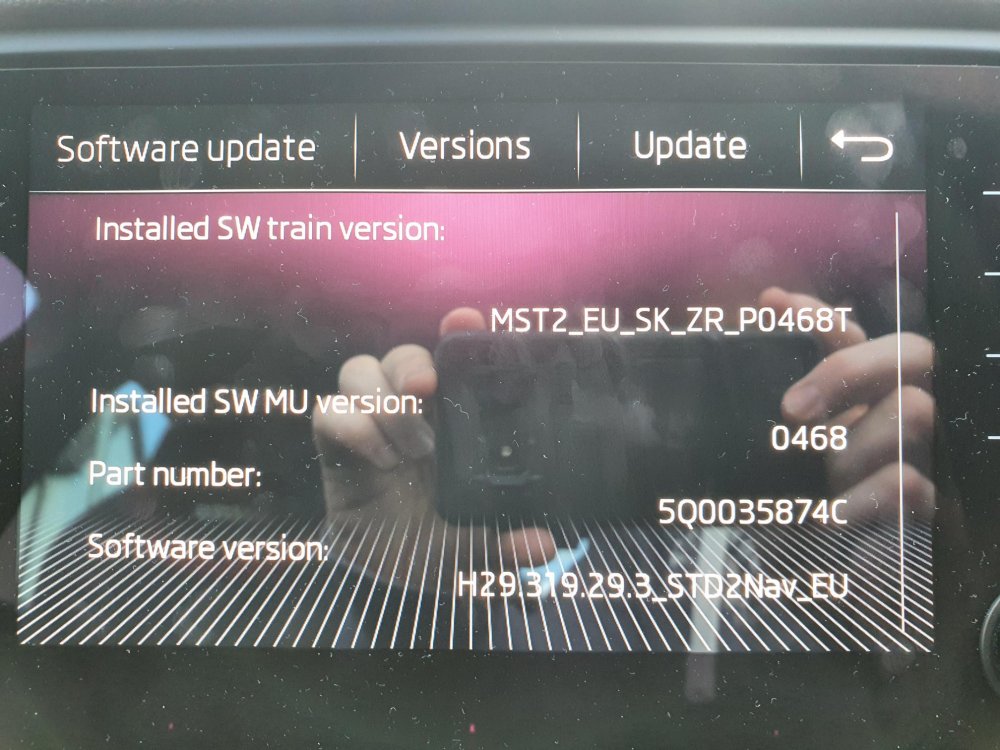
Varaderoguy, thank you. I’ve read your guide and must admit to being a bit of a technophobe. Do you know if I need a specific program to extract the file on a windows 10? I think the only part I’m confused on is how to create a separate directory? Luckily I already own a battery charger too.
-
Is this what you mean?
-
So we’ve just done a 700 mile round trip today to pick up my daughter and the car didn’t skip a beat. A few initial impressions; It’s fast and munches up the motorway miles with ease although I must be be careful with my right foot! More importantly it was also a very comfortable ride, especially with the lumbar support. The built in Sat nav has a few weird phrases, almost as if English is not its first language. That said the map screen was easy to use and follow but I suspect google maps will be used in future. The sound system is ok, which is ok because after reading reviews and comments on this site, that is all I expected. Improving this might be something I look into in the future. Rear parking sensors and as someone who nearly always reverse parks probably all I need but when doing the supermarket shop and requiring easy boot access I front park. Front sensors might be a useful addition in future. Finally, how do you know when the dpf is regenerating? At no point during the journey did I notice a difference in revs or engine response, although I wasn’t particularly looking out for it either.
-
My first bone question. If I am using android auto to navigate via my phone, will my wife be able to play music via Bluetooth using her phone? If not, it is radio X all the way down 😀
-
A starter for ten
-
I know what you mean, luckily I live in Ipswich which usually just means looking out for chavvy drivers in 15 year old beamers on their last legs. My new commute will be the A12 and M25, so perhaps not so lucky!
-
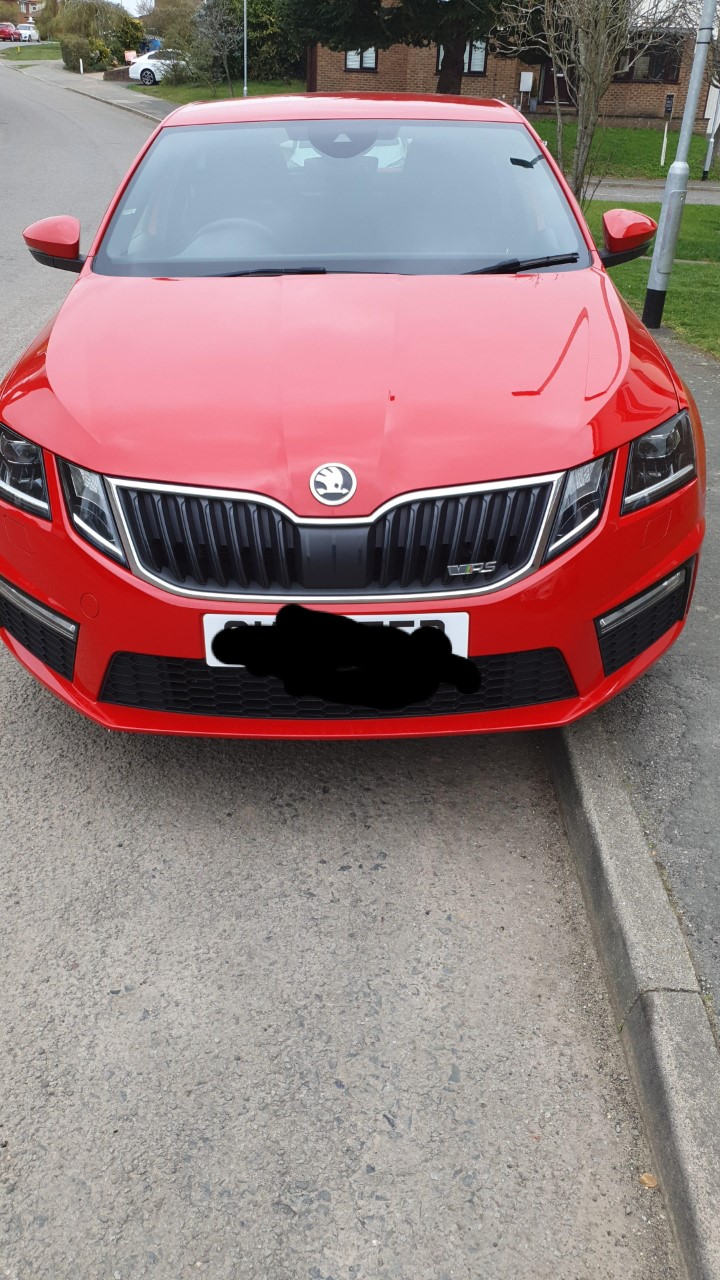
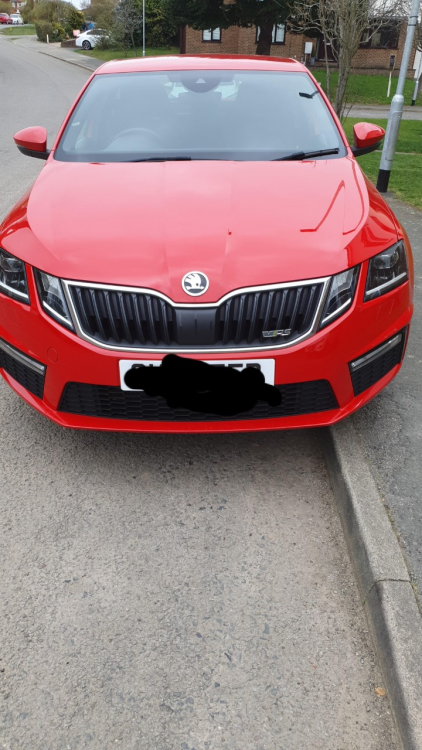
Well the day finally arrived and the house in which I had a 40% stake completed today. Most of the money will be reinvested in our current home but I persuaded the other half that my 2010 Honda Civic had seen better days. So just 90 mins later I collected my red vRS that I had secured a few days earlier 😀 It’s the facelift hatchback model, oil burner, on a 67 plate and as far as I can tell completely stock apart from a spare wheel - where these standard? I would just like to say hello to everyone, no doubt as being new to Skoda ownership I shall have a few bone questions over the next few weeks as I get used to the car.