
majland
Members
-
Joined
-
Last visited
-
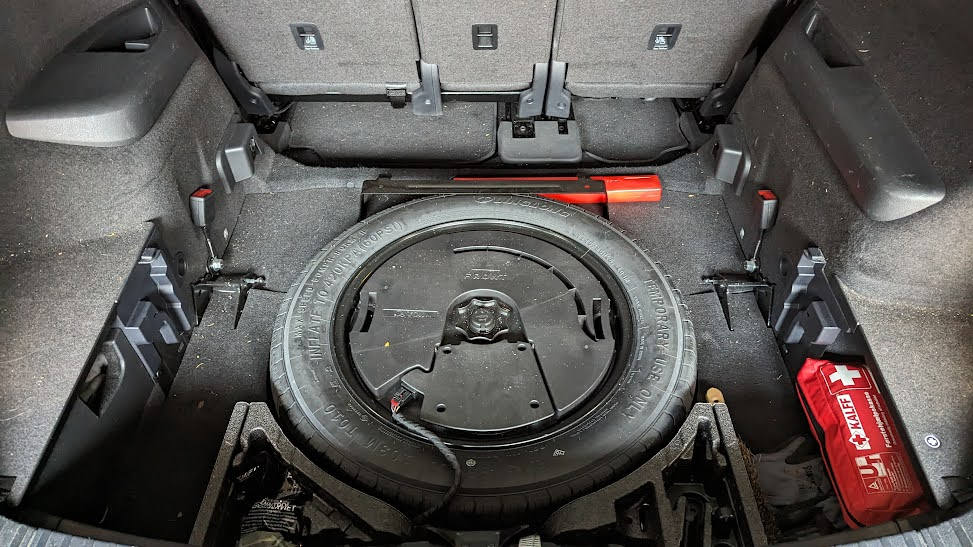
The risk of damaging a tire or rim beyond repair is real ... Knock on wood, i've not done that in many years and out others cars does not have room for a spare (i better update my signature....) I've used such an emergency repair kit in the past on my motorcycle, but it is not something i would like to do in freezing temperaturs on a mountain road in a ski resort ... The same for the foam that comes with most skoda now a days that makes a mess . So if the romoval of the very heavy seast is enough the tires stays - but could remove it if necessary.
-
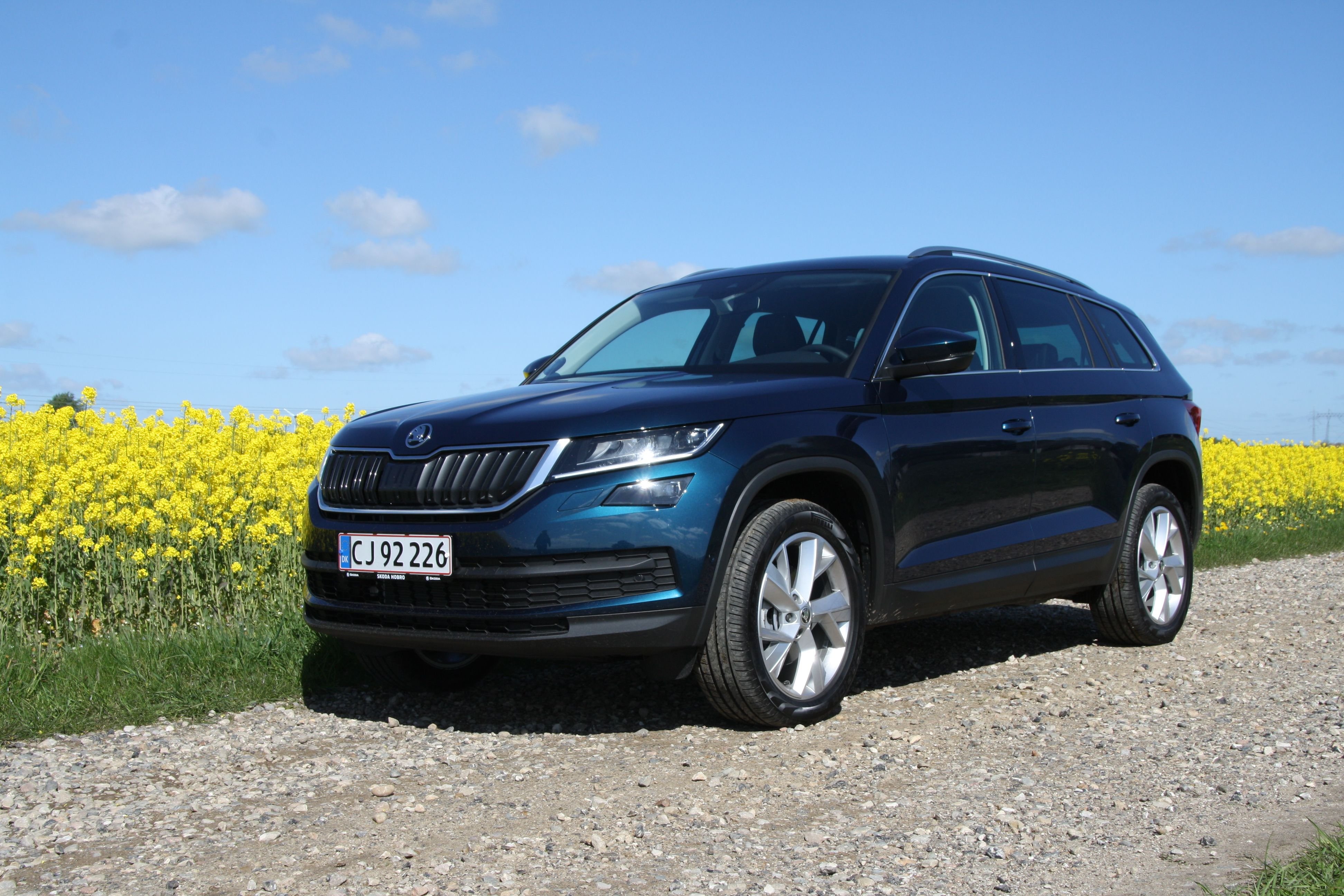
Still have the car and have been on at least one ski holiday a year since - But only with 4 in the car and a Thule's larget roof box (or at least close to it ....) But we will be 5 adult sized in the car in a few weeks (2'nd row all the way back with as most reclining as possible) so i got back to this thead.... Spend more time reading this thead again than actually removing the seats 🙂 My Kodiaq is from 2019 and does not have seat occupancy sensors on the third row so it was just unclipping the dampers (that could'nt hold the seat in the cold anyway) and removing the two forward facing spline bolts I thought about removing the sparae wheel and subwoofer as well - but Murphy law witt then probably cause a puncture
-
majland changed their profile photo
-
Anyone tried removing the third row of a Kodiaq ? Cooming from a Superb Combi i am afraid that we don't have enough space for our anual skiing trip so i am considering removing the third row. Anyone tried it ? Any special tools needed ?
-
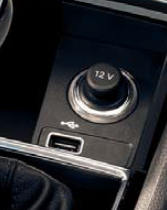
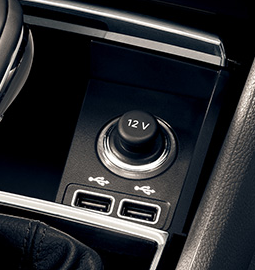
I've gotten a '19 Kodiaq with Amundsen navigation and only one USB connector in the front. I would like to have the phone by the A column and the cable hidden away. Talking with an entusiast that do retrofitting I've been told that I can not get more than one USB connected to the Amundsen. So if i wants a hidden cable to the phone i'll need to relocate the center one that i have. Is he correct or is there a workaround ?