John N
Members
-
Joined
-
Last visited
Everything posted by John N
-
Skoda used to be good honest cars, thedealers were good honest dealers, they were helpful, very helpful. Now I am not so sure. We have a Karoq and a Kamiq, both 22 plates. It's been mentioned before - the Kamiq, you have to control far too much via the touch screen, that for the ventilation is a massive and a potentially dangerous situation and the lag getting it to work or return to where you were times is far too long. The annual charge of £80 for updates and connected features is pathetic, the maps and speed information are wrong all over the place, satnav giving direction in contravention of a S22 - direction road sign - immediate 3 points. I raised a report about it once, their promise was a 7 day reply - well that was actually a month, then no further reply to my reply. Voice control - absolute joke! Of late I have noticed that when listening to DAB radio various stations repeatedly drop out. Now I have noticed this as I've been travelling the same routes in both our Karoq and our Kamiq - a totally inferior listening experience. I just wish I had noticed it in it's warranty. But I do have a Skoda service plan and an extended warranty. Today I rang the dealership and explained the issue, yes it is something they could look at but then burst the bubble by blabbing on about a possible charge, a not insignificant £130, I asked if the extended warranty would not cover it? We won't know until we look, was their response. So I could end up with a bill then...... Pathetic! Now I like my Karoq but I had a minor paint issue around the pseudo brake cooling vents in the front bumper, still in warranty then, sadly and from a different dealership just repeated fob-offs, perhaps it should have gone further but with way bigger life and family issues to manage - it is just a bit of plastic. Overall I am really disappointed and not feeling much love towards Skoda. I think I might cross the gap to Kia, for starters you get 7 years of updates included and give them a voice instruction and it responds immediately.
-
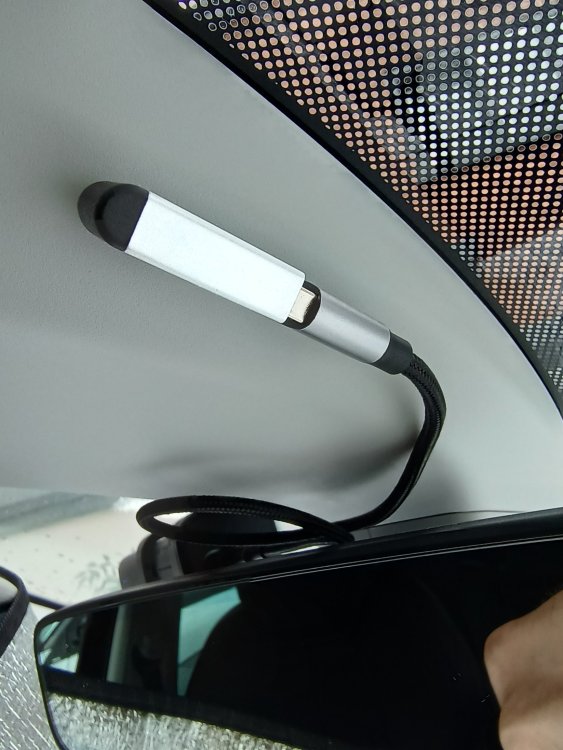
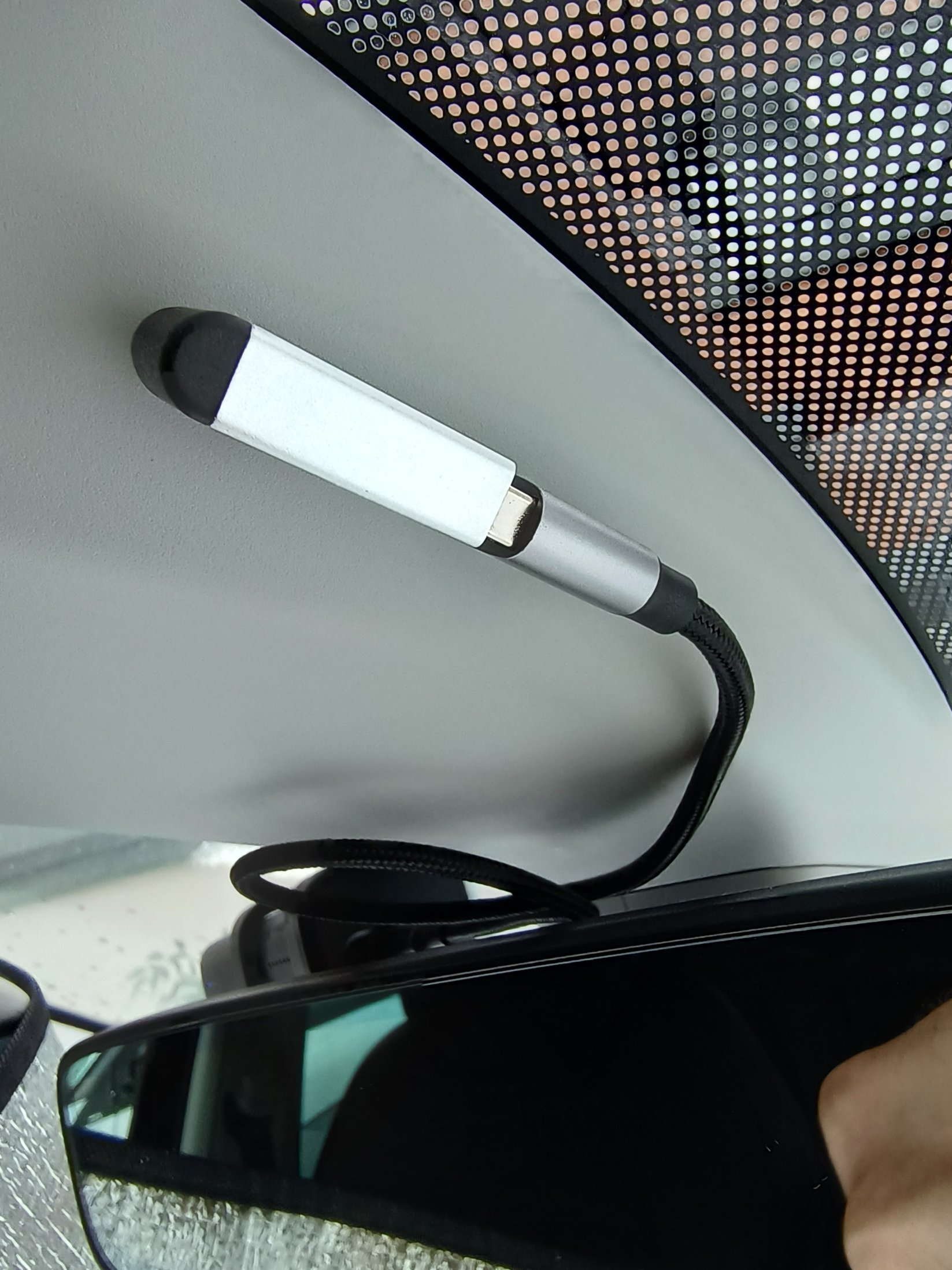
I have recently (happily) returned to the Skoda brand & I am loving my Karoq TSi DSG. It has the USB type C connection by the rear view mirror & I opted for a Road Angel 4k Halo dash cam, no screen to distract & quite neat when fitted. I'm not too bothered about parking mode etc. The USB by the mirror is only on with the engine running / ignition on. Initially it would not work as the port delivers too much power. Off I went investigating. It appears that the USB type C setup is ambidextrous & because of that everything is duplicated, therefore you get double the power, as in when I charge my phone at home it tells me it's 'turbo charging'. My work around this was to use a 90° USB male Type C plug to a USN type A female adapter, to a USB type A / type C lead into my dash cam. It now works just fine. Here are the links to what I bought: https://www.amazon.co.uk/gp/product/B07D7TQD86/ref=ppx_yo_dt_b_asin_title_o08_s00?ie=UTF8&psc=1 https://www.amazon.co.uk/gp/product/B07GWF92B5/ref=ppx_yo_dt_b_asin_title_o08_s00?ie=UTF8&psc=1