stewartg
Members
-
Joined
-
Last visited
-
Thanks. I'm not sure, and not sure how to check. Perhaps it hasn't. Just assumed that as I have the app that I could connect via a USB cable. Not sure I want to give a dealer any more money so will either stick to it on my phone in a holder, or use the built-in satnav.
-
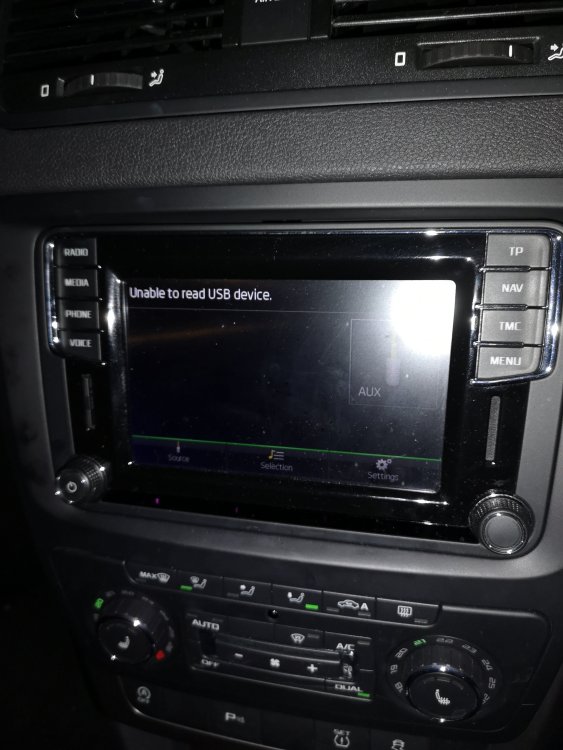
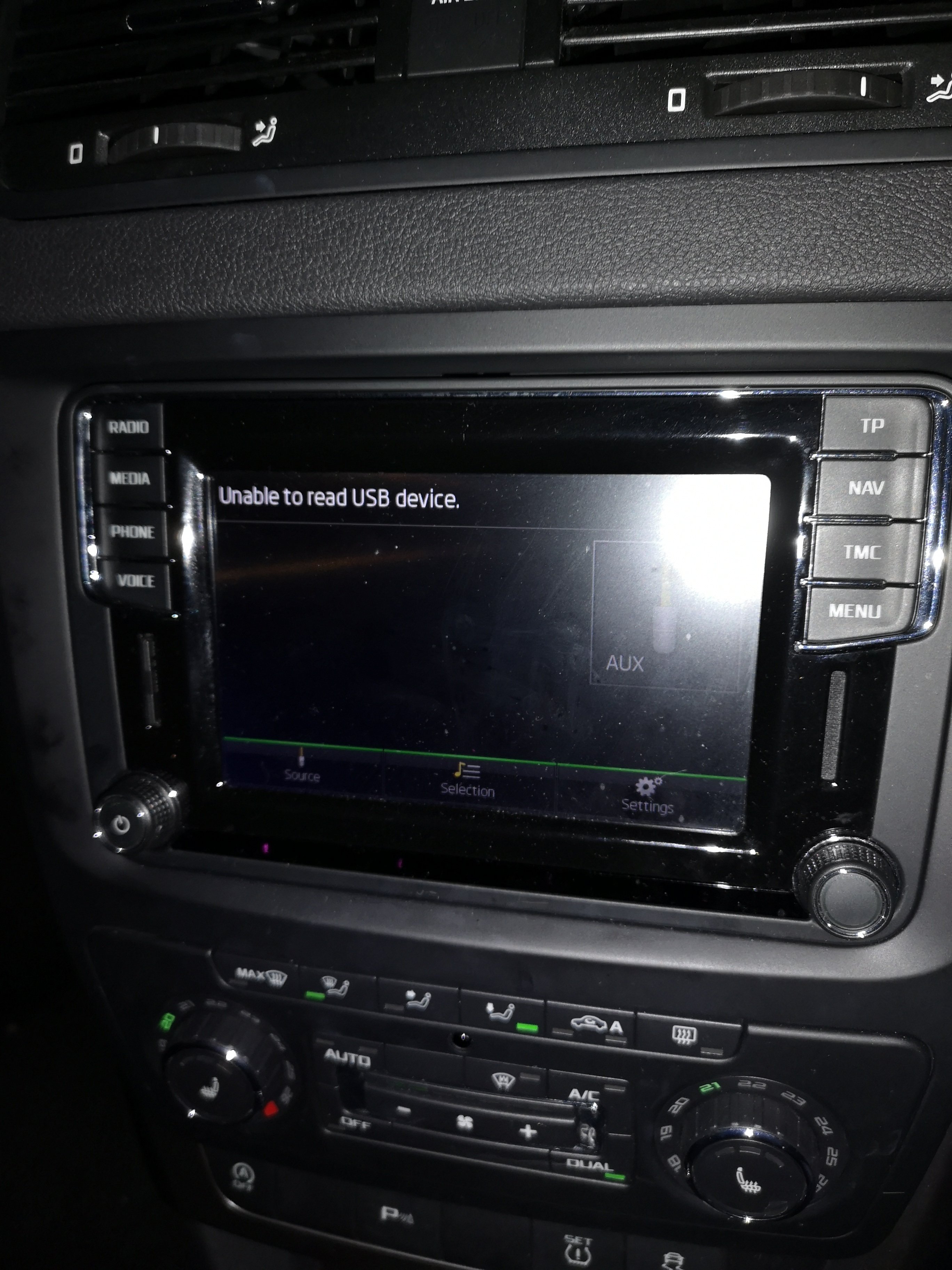
Thanks. This is the site I went to: https://compatibilitylist.skoda-auto.com/#:~:text=You can check the compatibility,skoda-auto.com%2F.&text=the mobile phones were tested,at the time of testing. I have a 2017 Yeti with an Amundsen system. The phone is a Huawei P20 Pro. It has AA on the phone but when I try to connect via USB it comes up with the "Unable to read USB device" message. Not v techie and don't know if it's a phone issue or something to do with the car? Any thoughts? Thanks
-
Thanks. My phone is apparently not compatible. What a nuisance.
-
Cheers. It's not on the list. What a pain.
-
How do you get Android Auto connected to an Amundsen system? Tried connecting my Huawei phone via a USB cable, but all I get is an "Unable to read USB device" message. Newbie at this. Am I not doing something obvious?