




CEPi
Members
-
Joined
-
Last visited
Everything posted by CEPi
-
Thanks guys, for the next 200K km - I will be gentle
-
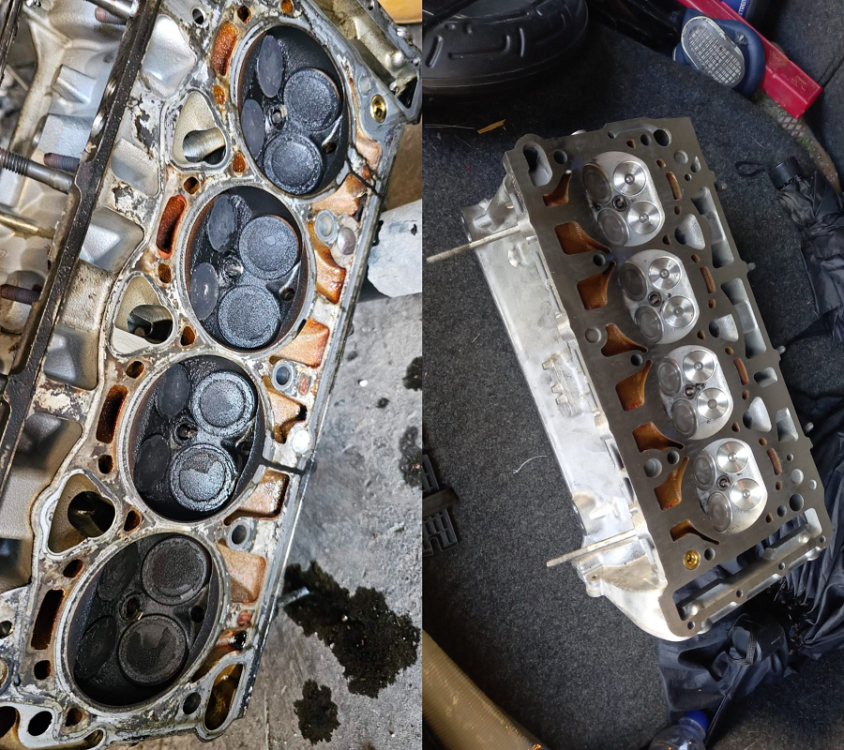
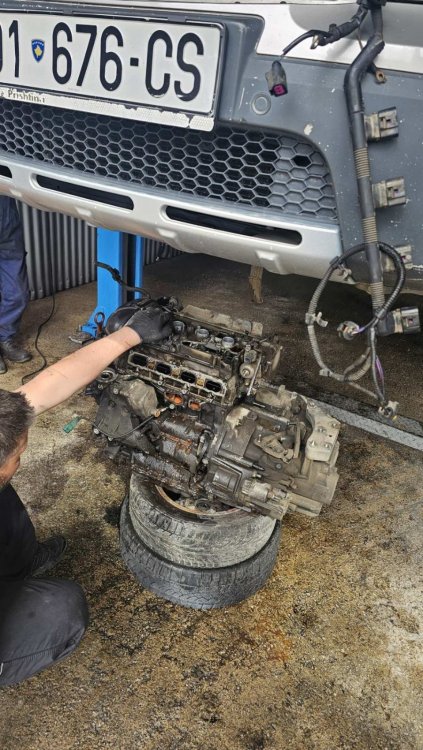
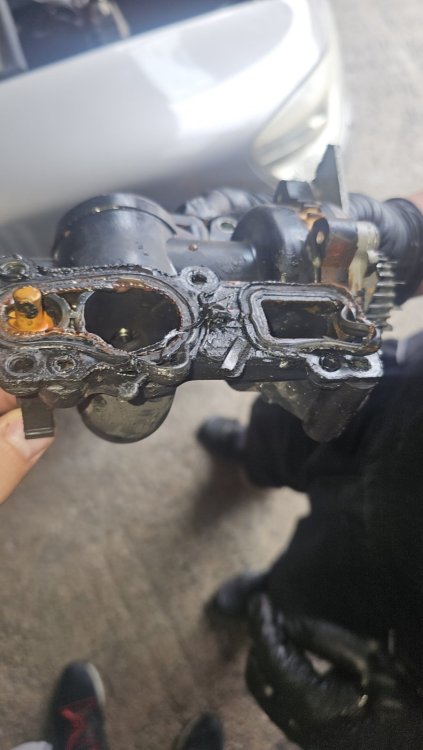
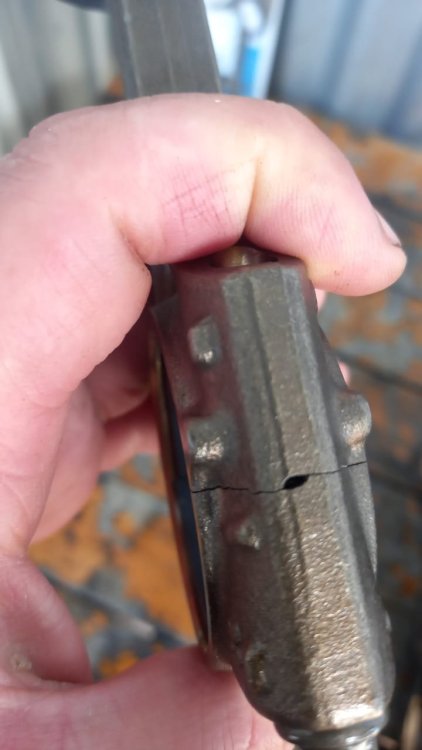
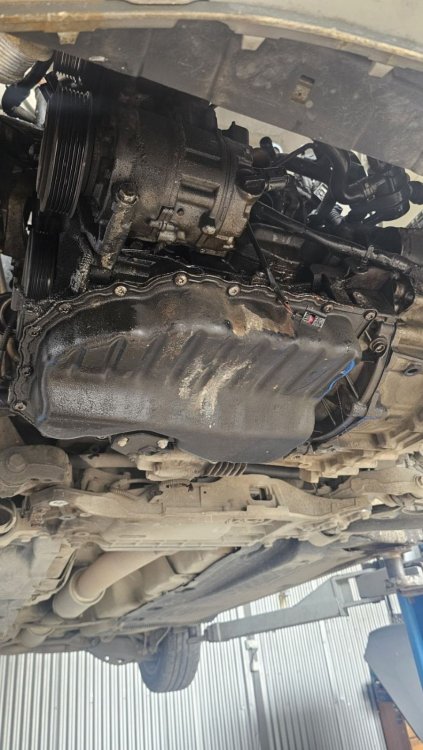
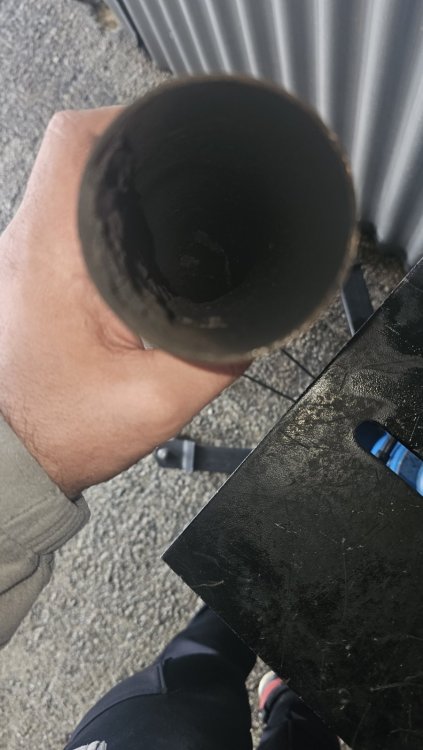
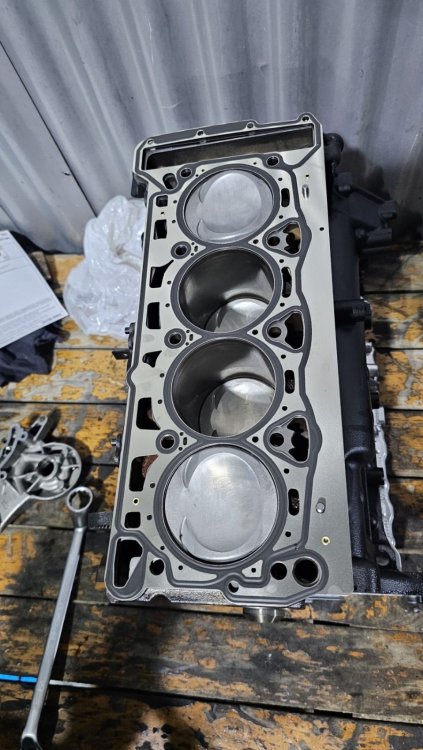
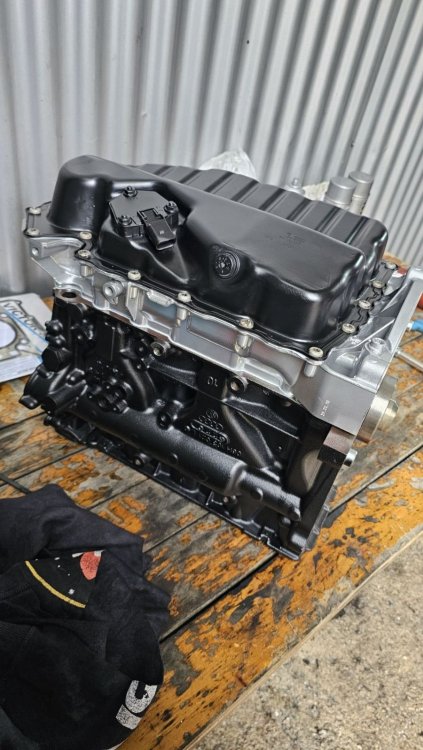
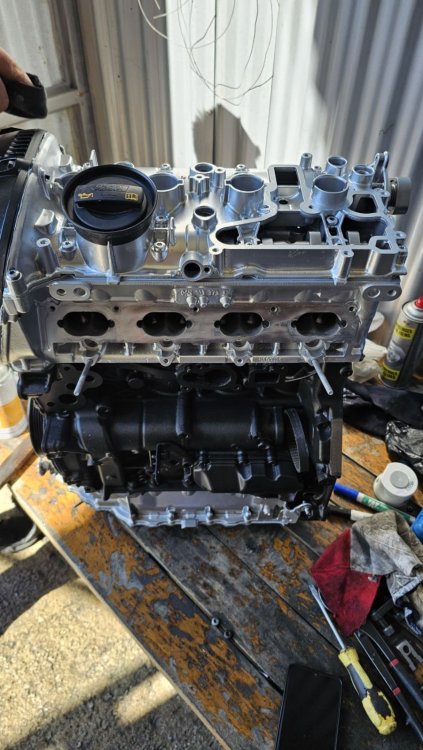
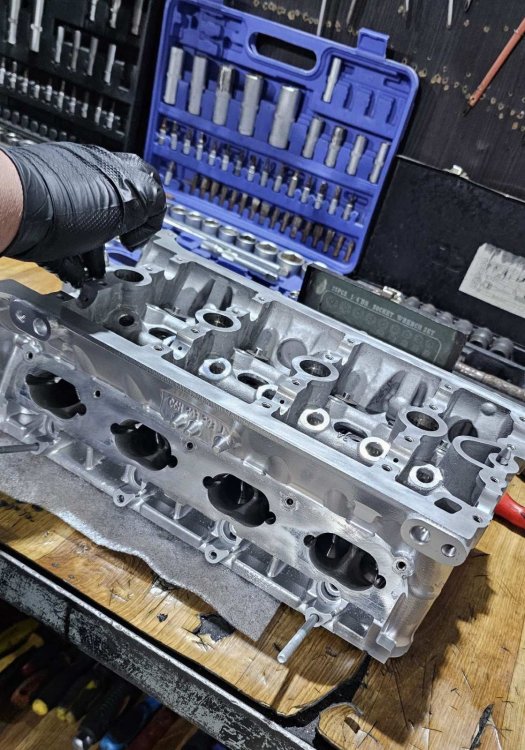
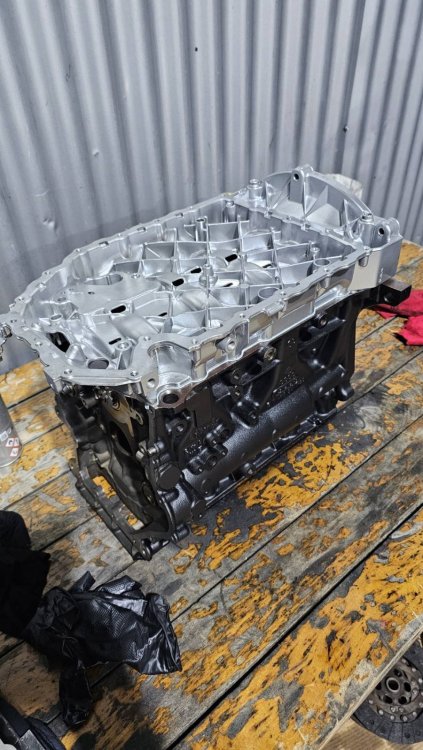
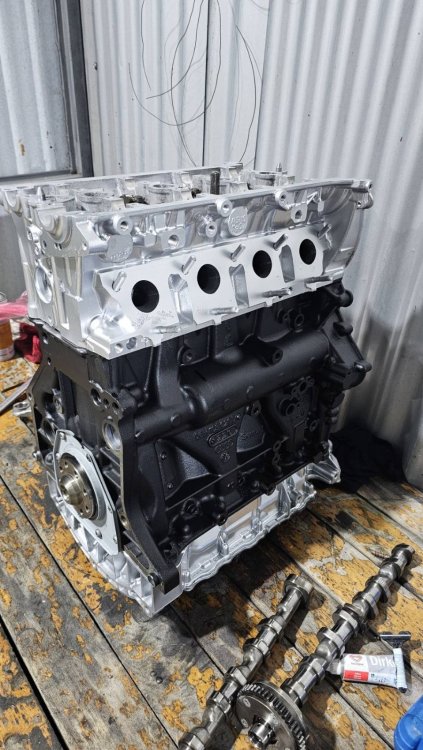
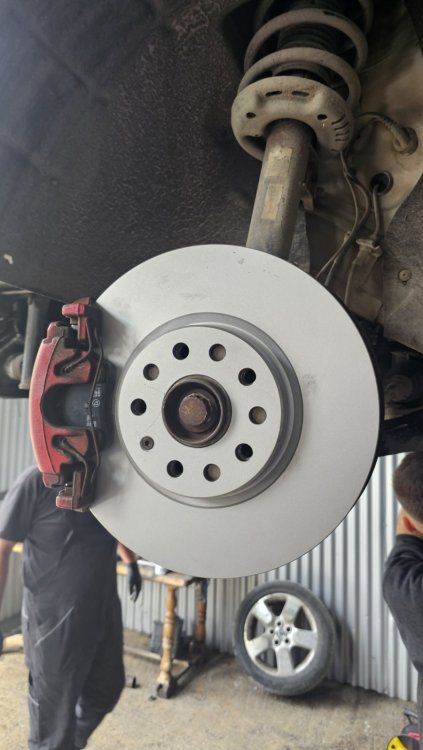
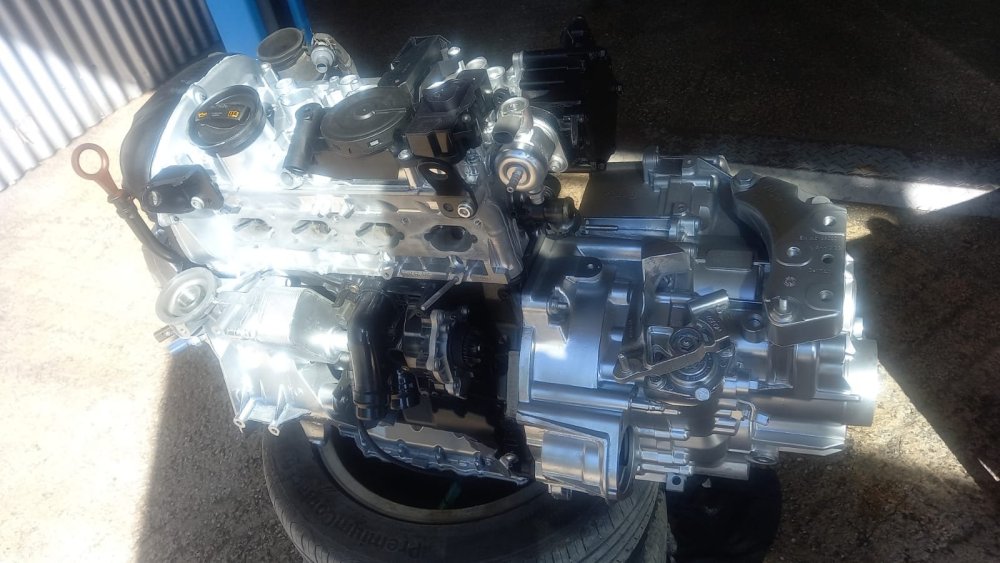
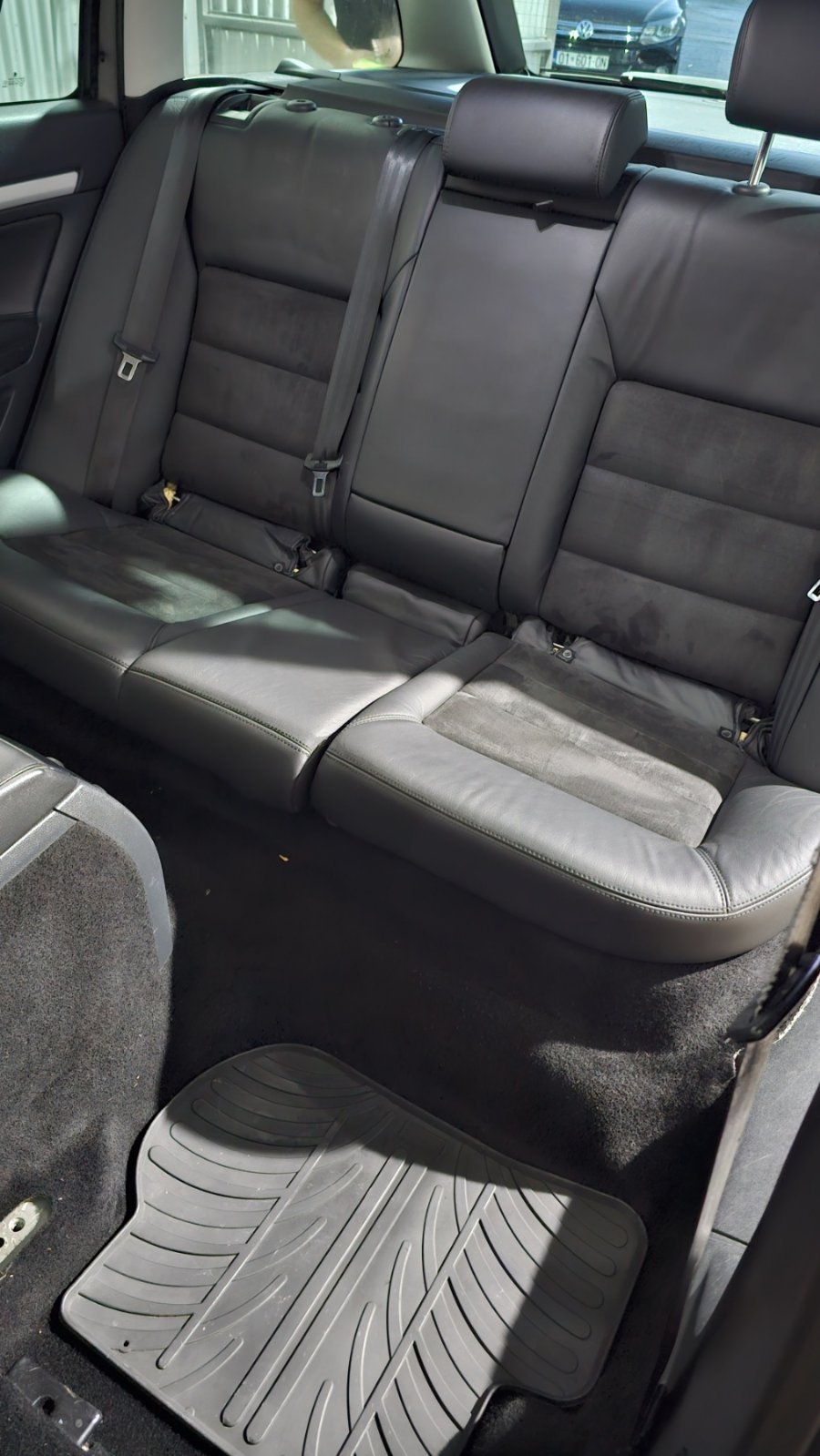
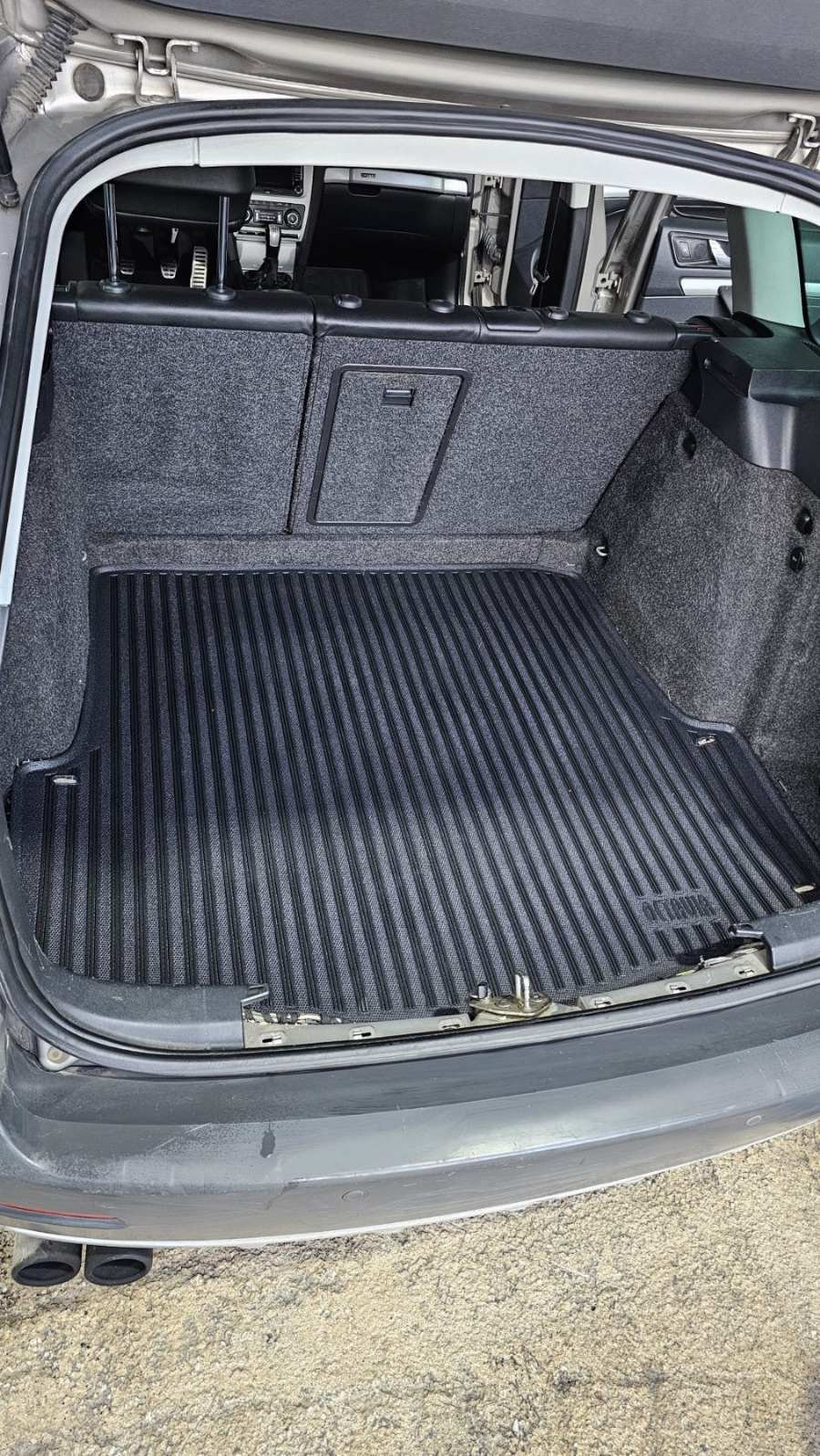
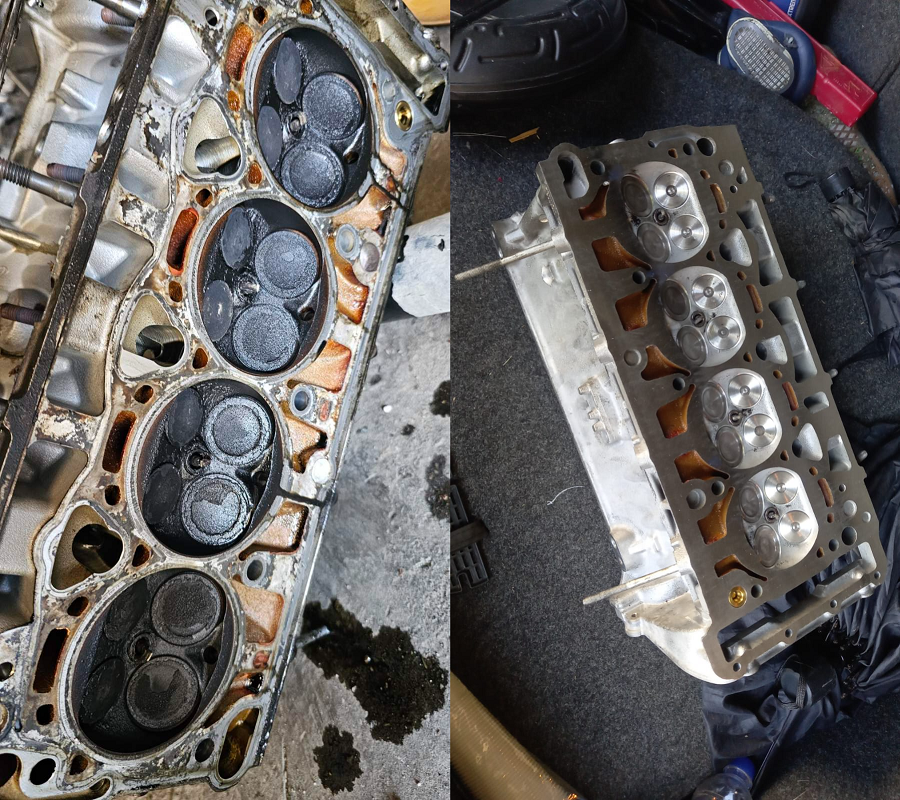
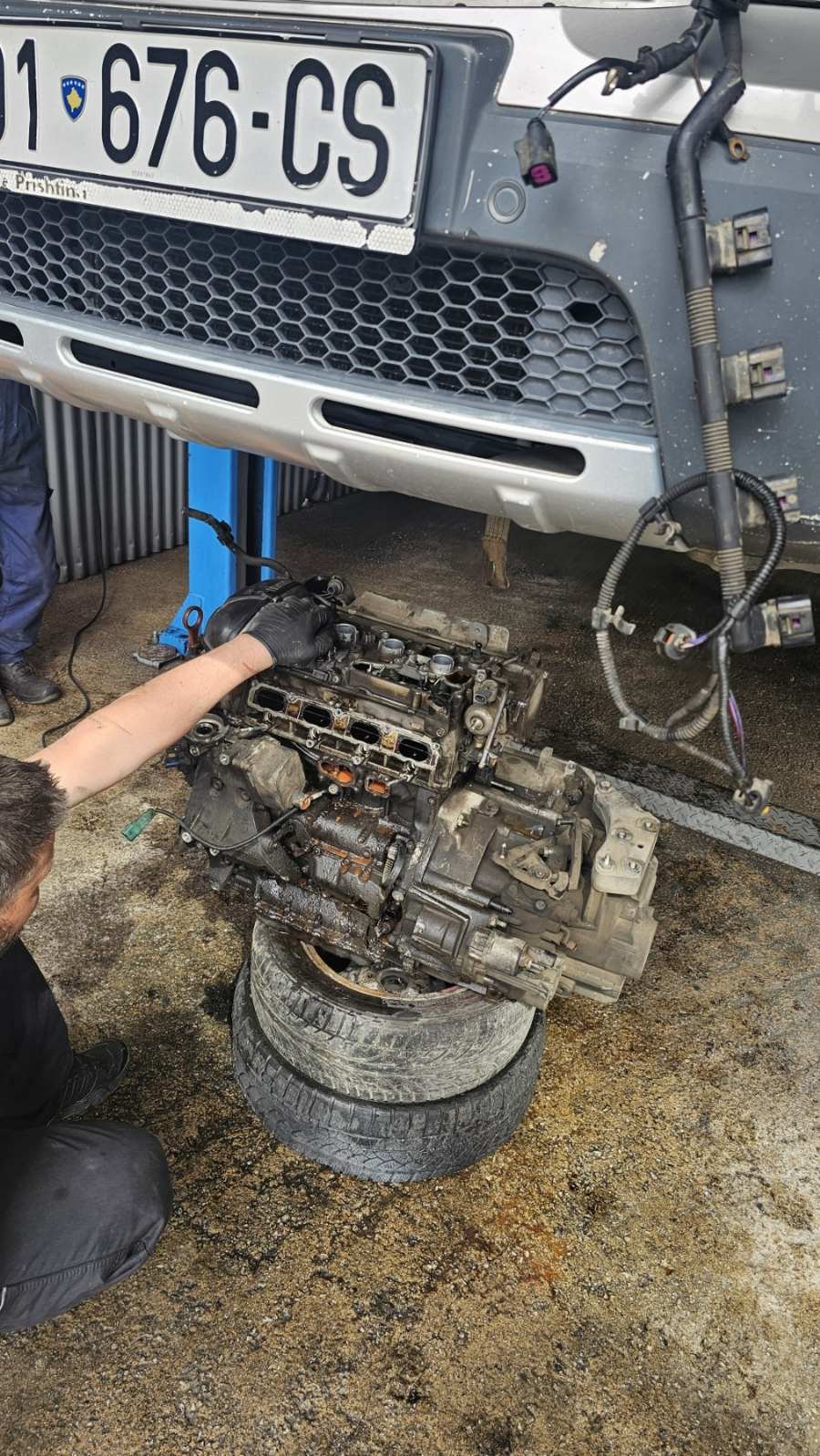
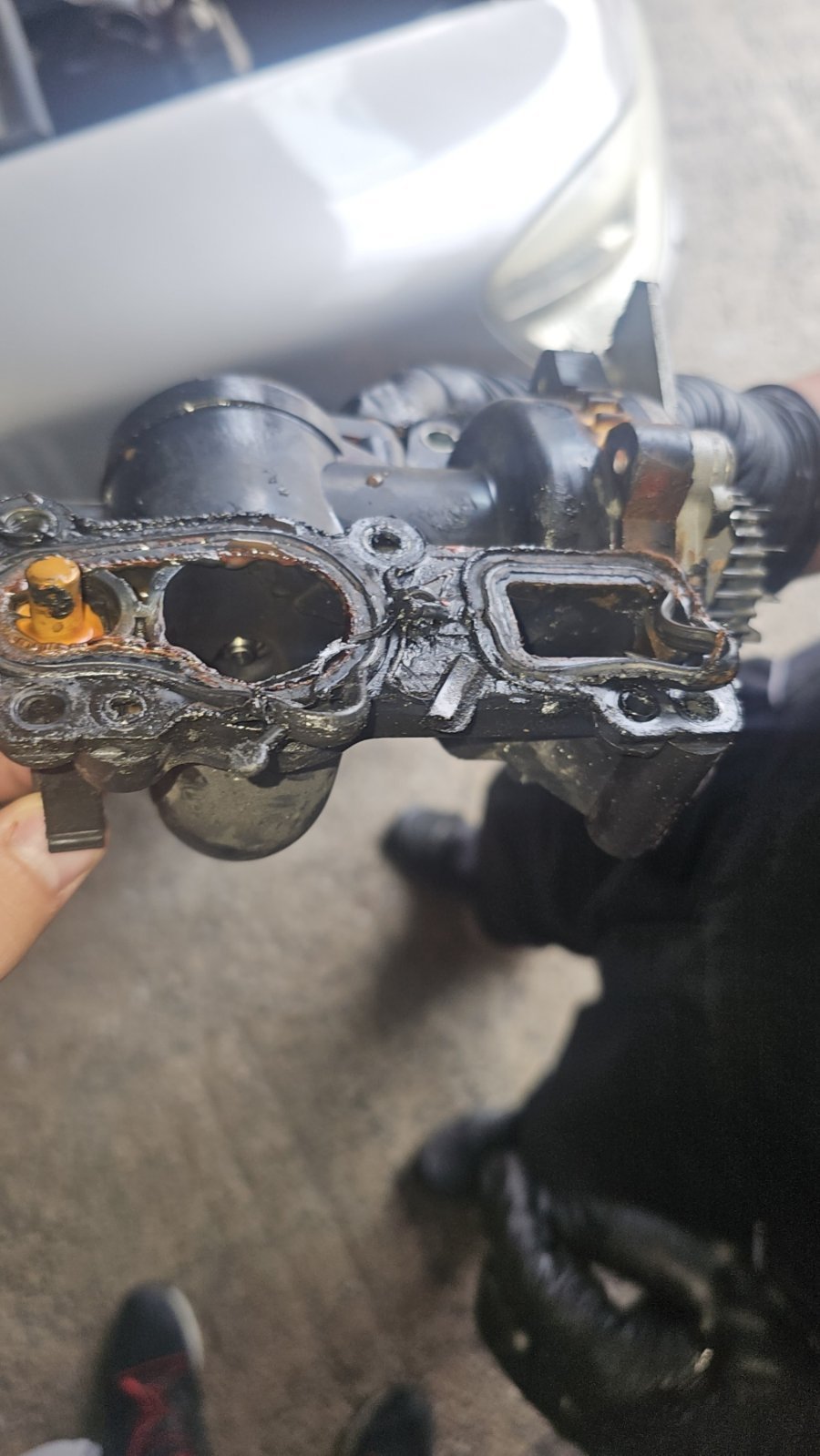
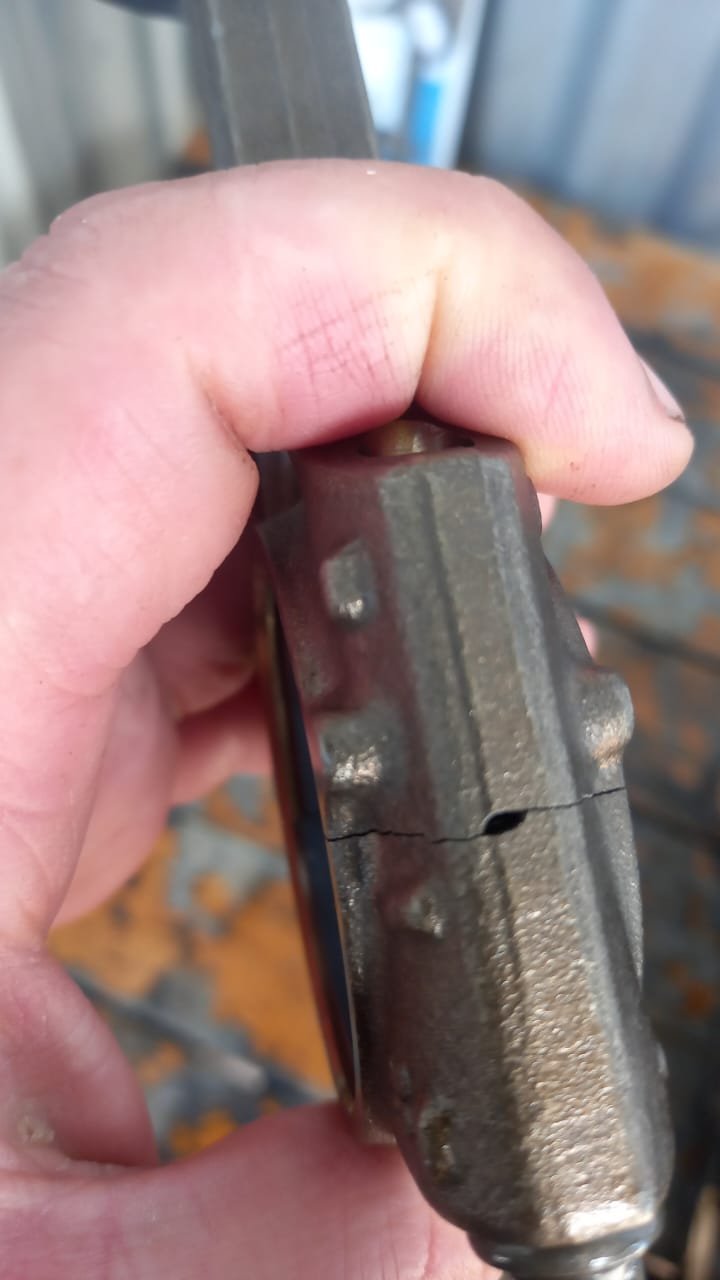
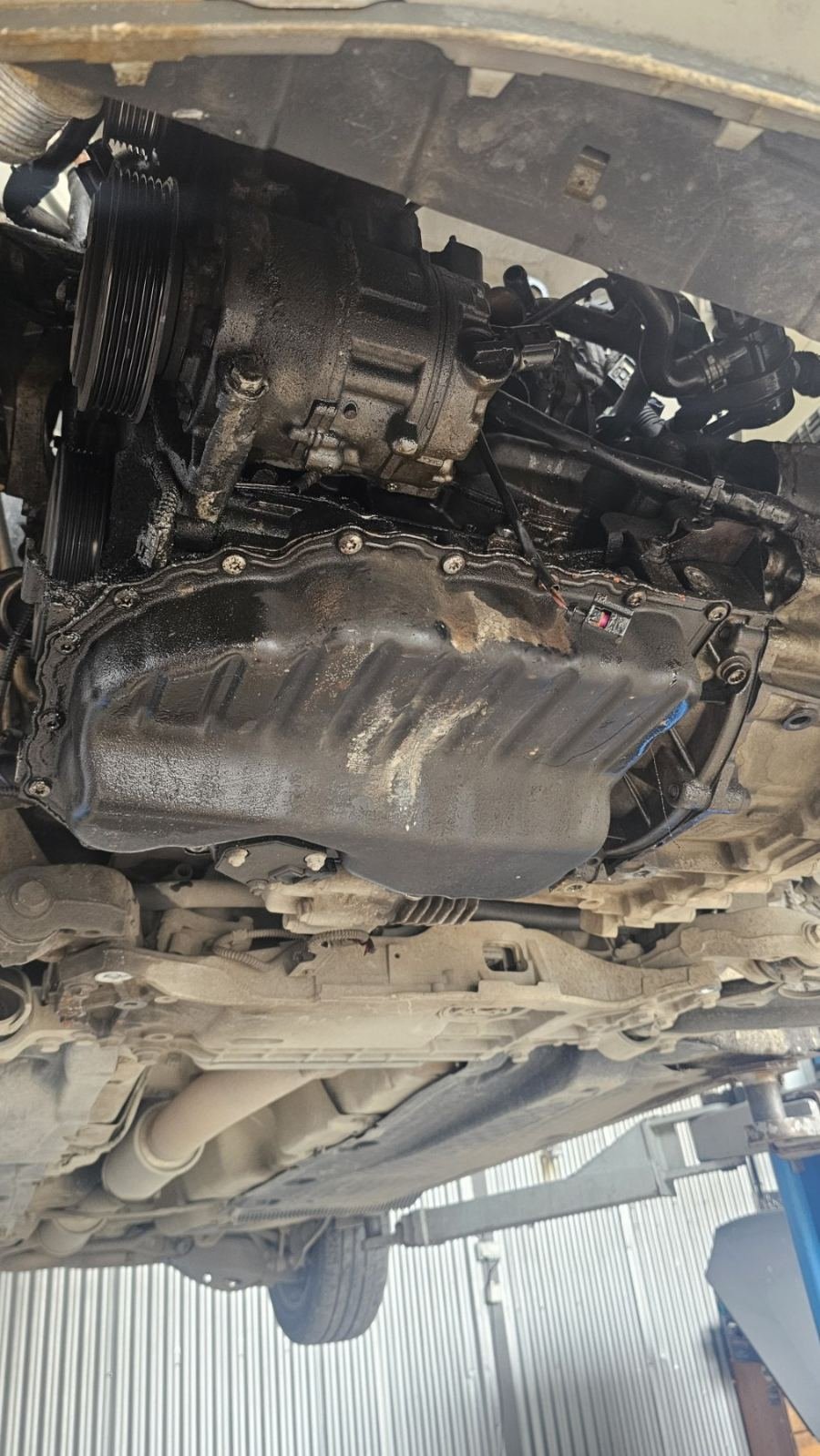
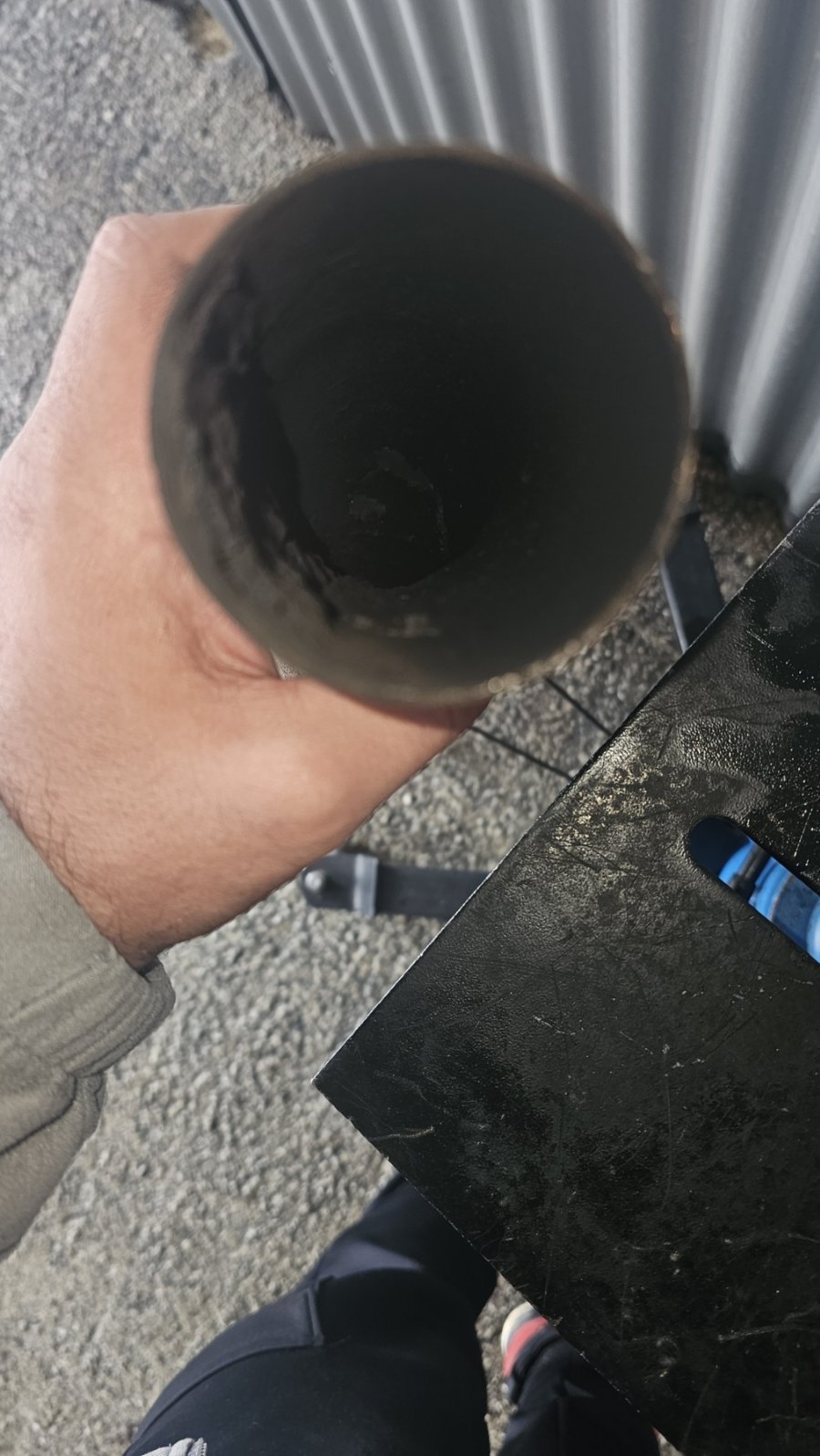
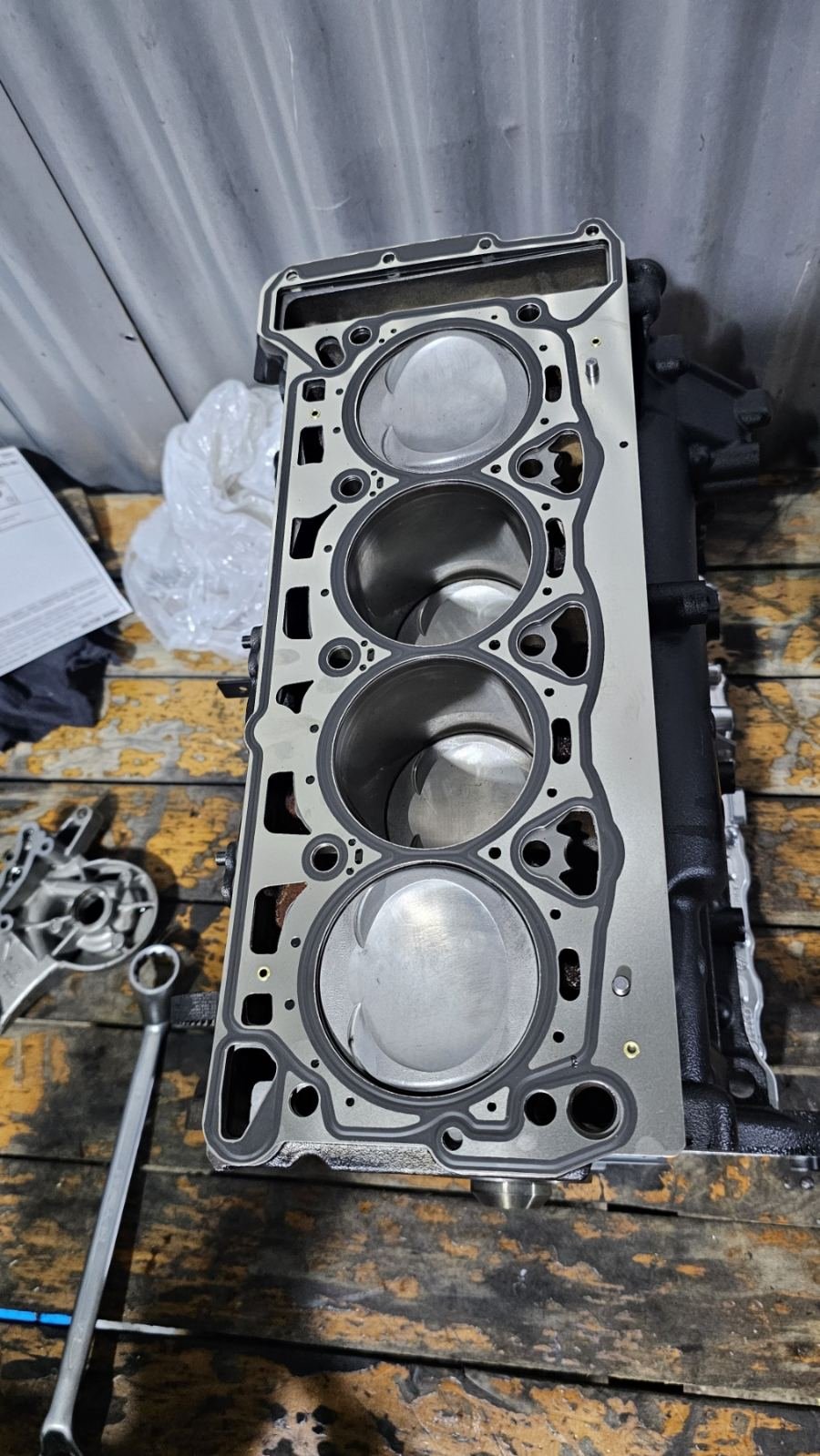
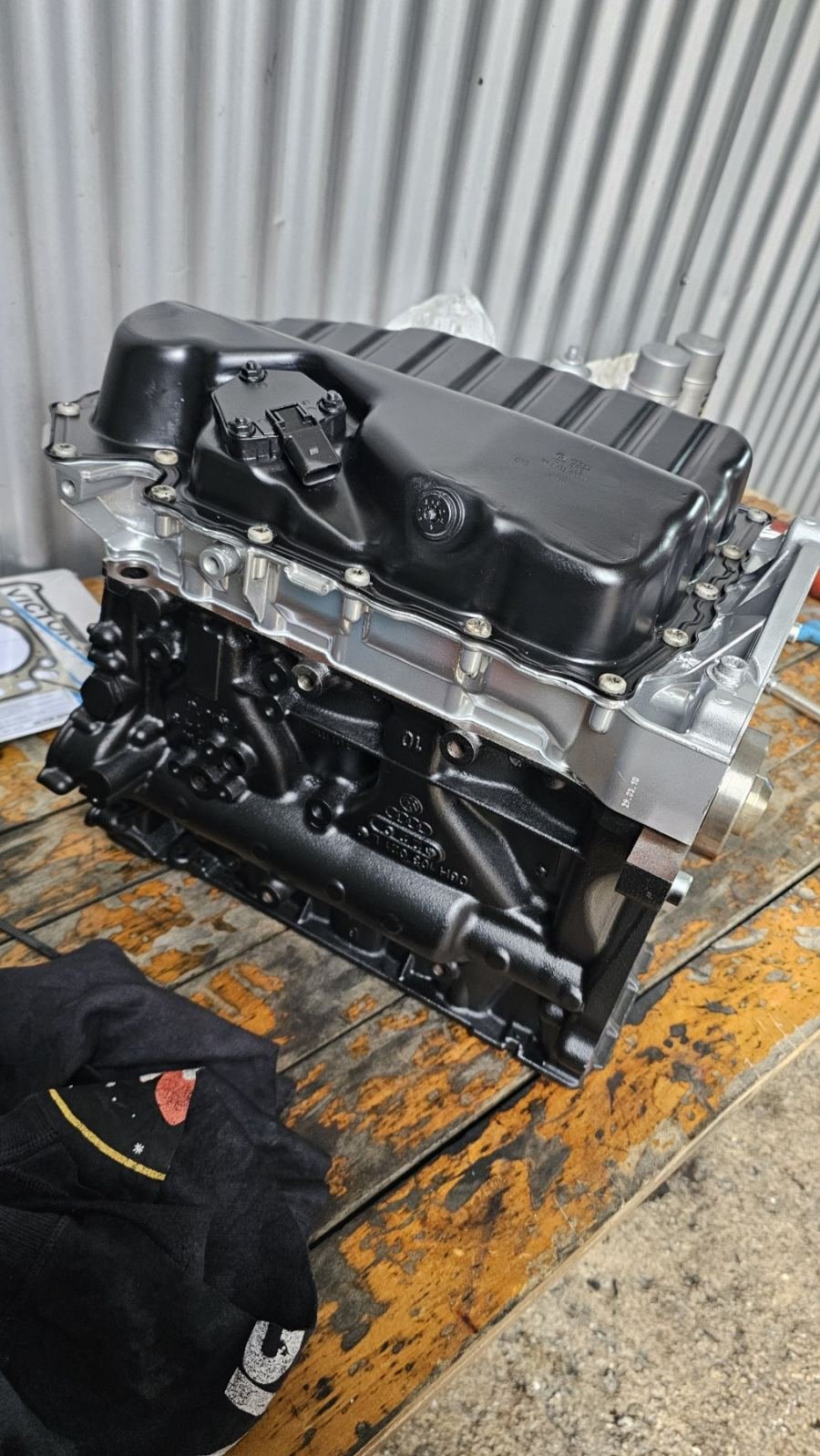
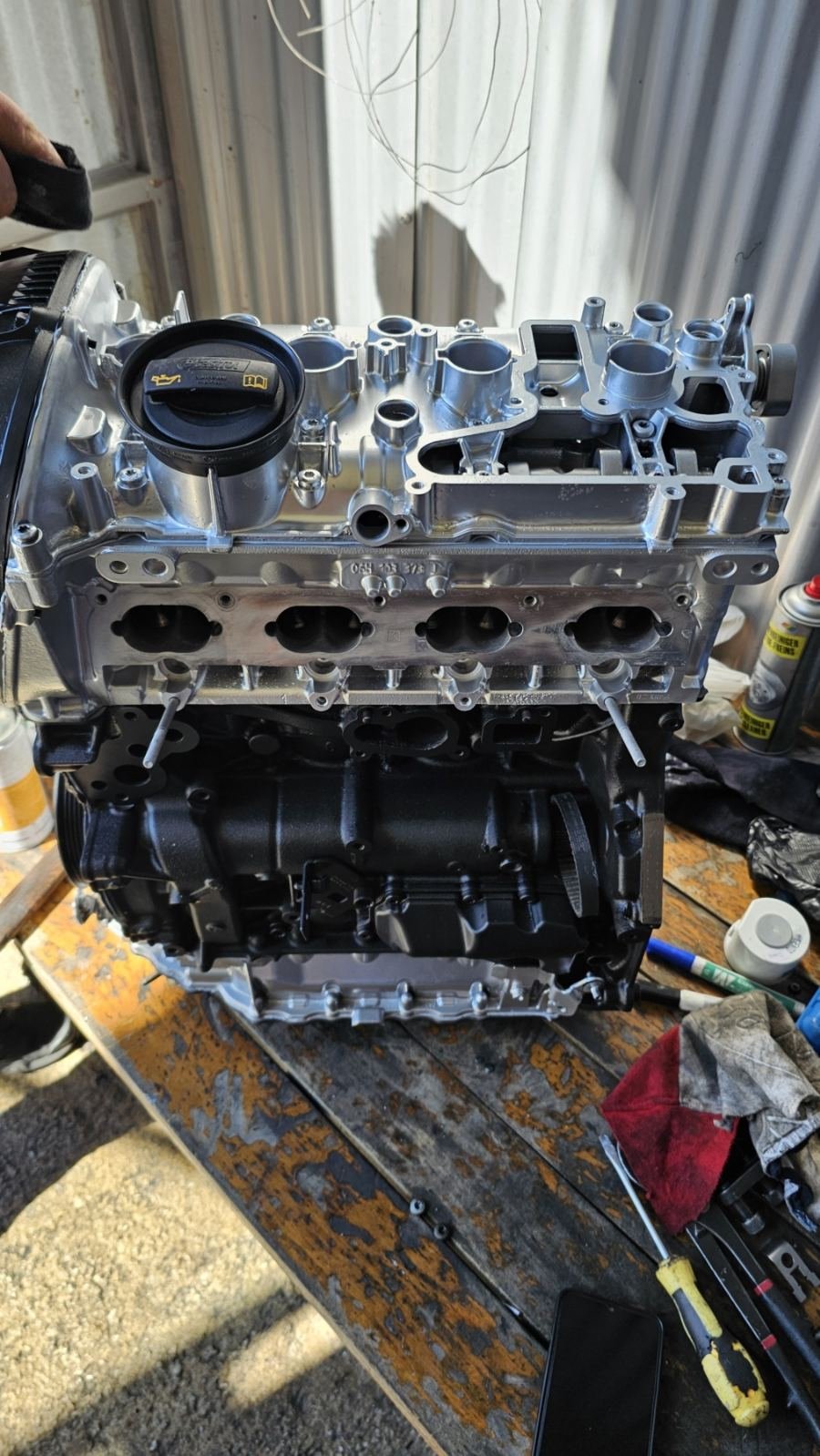
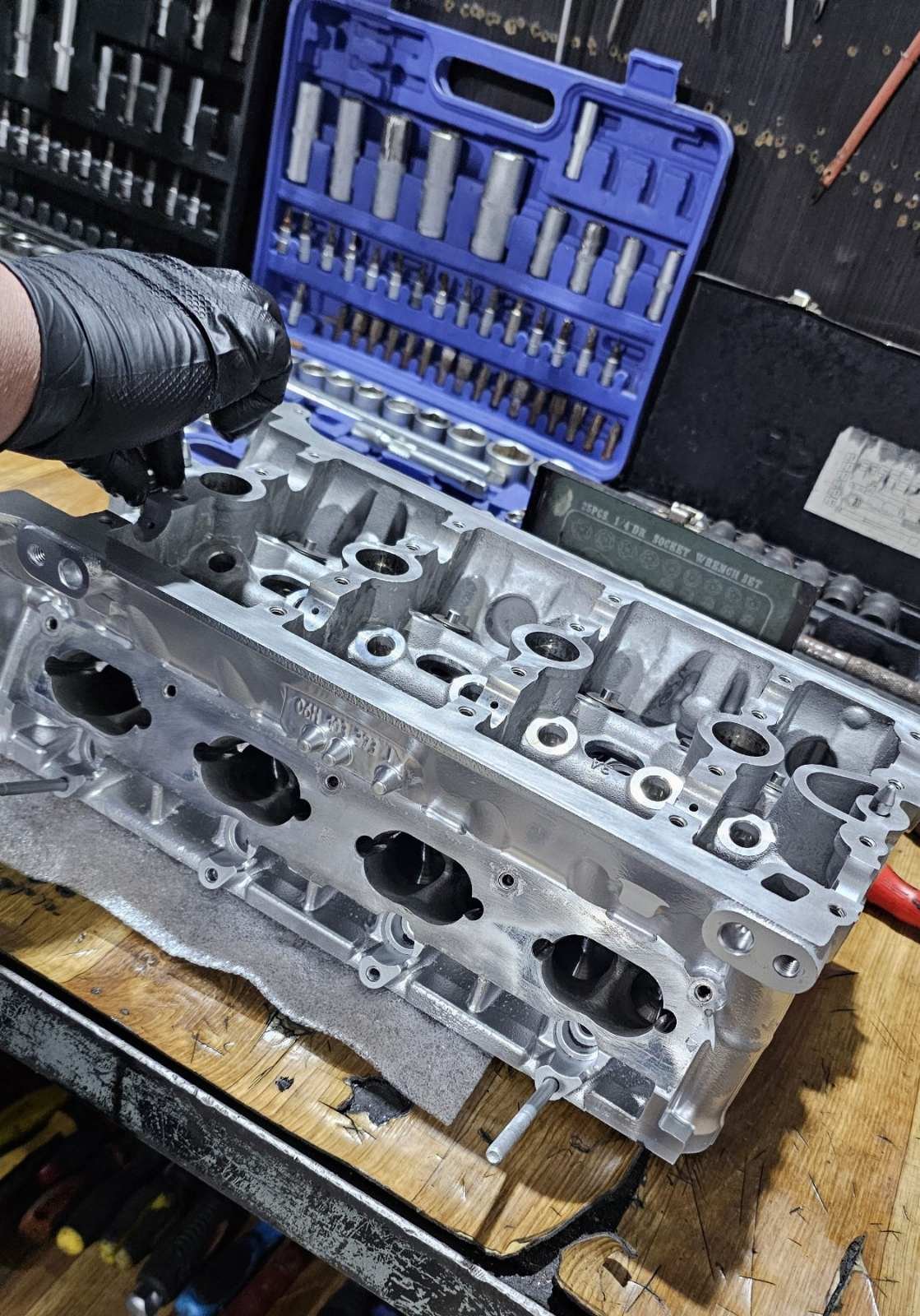
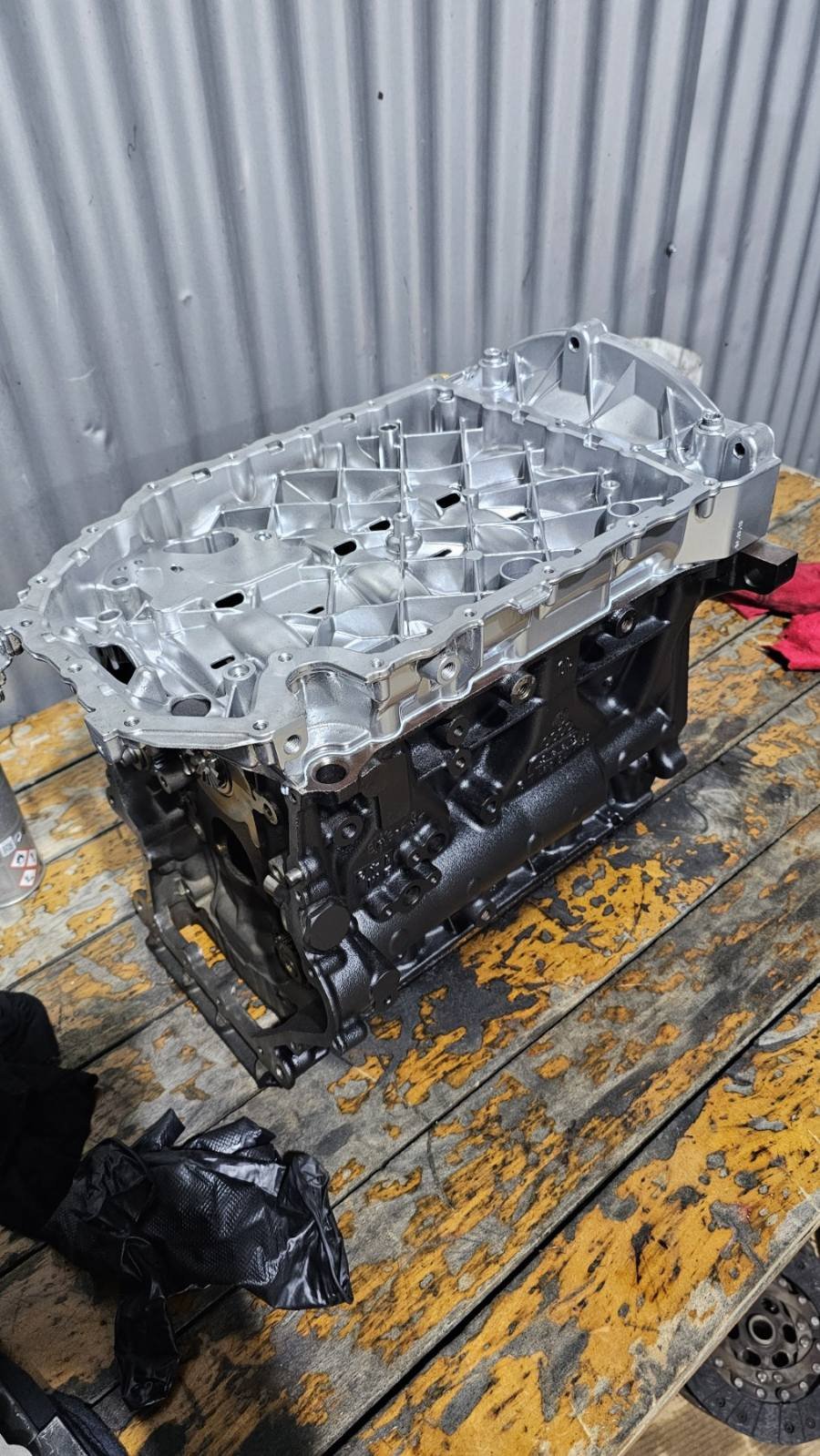
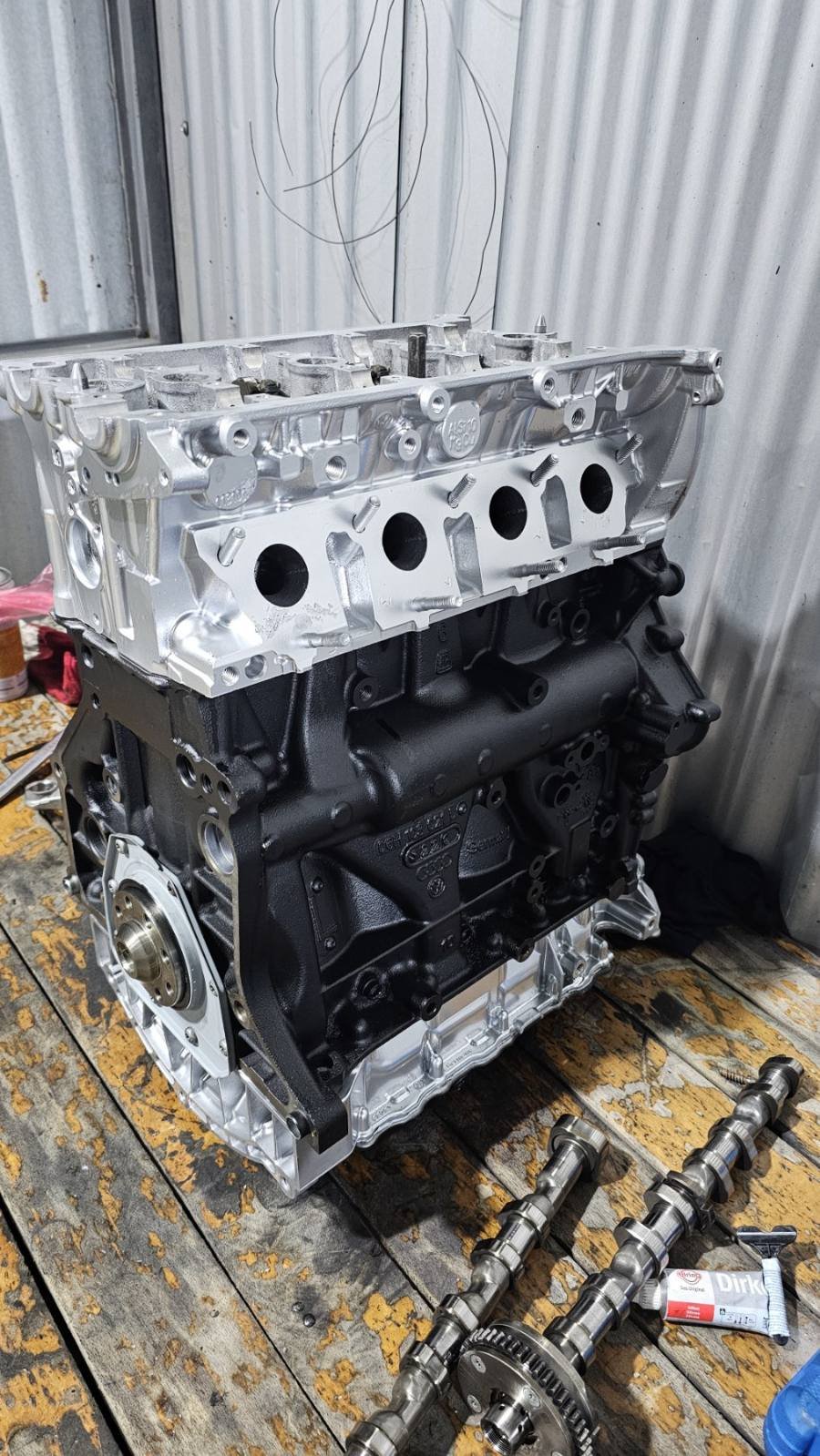
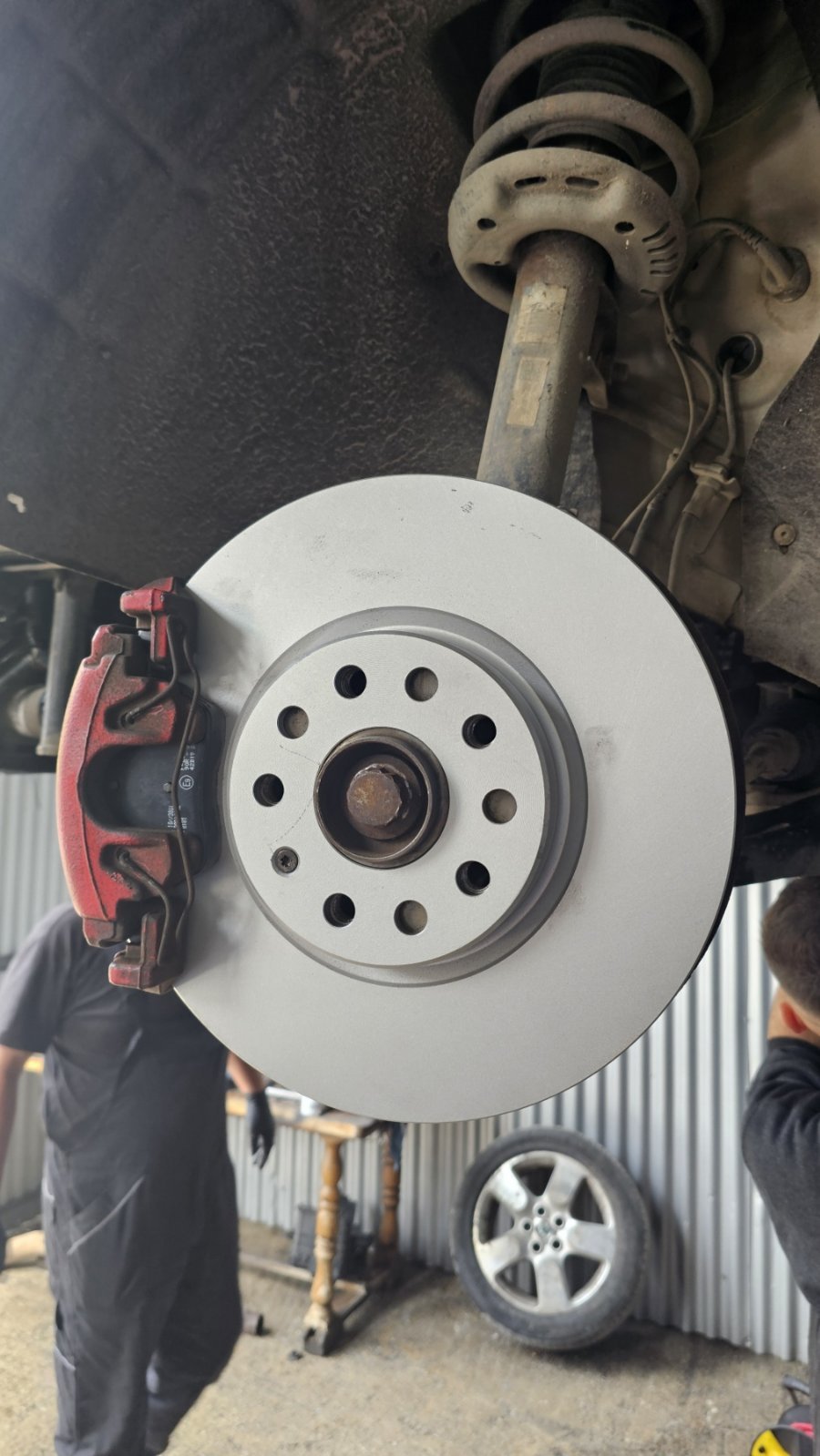
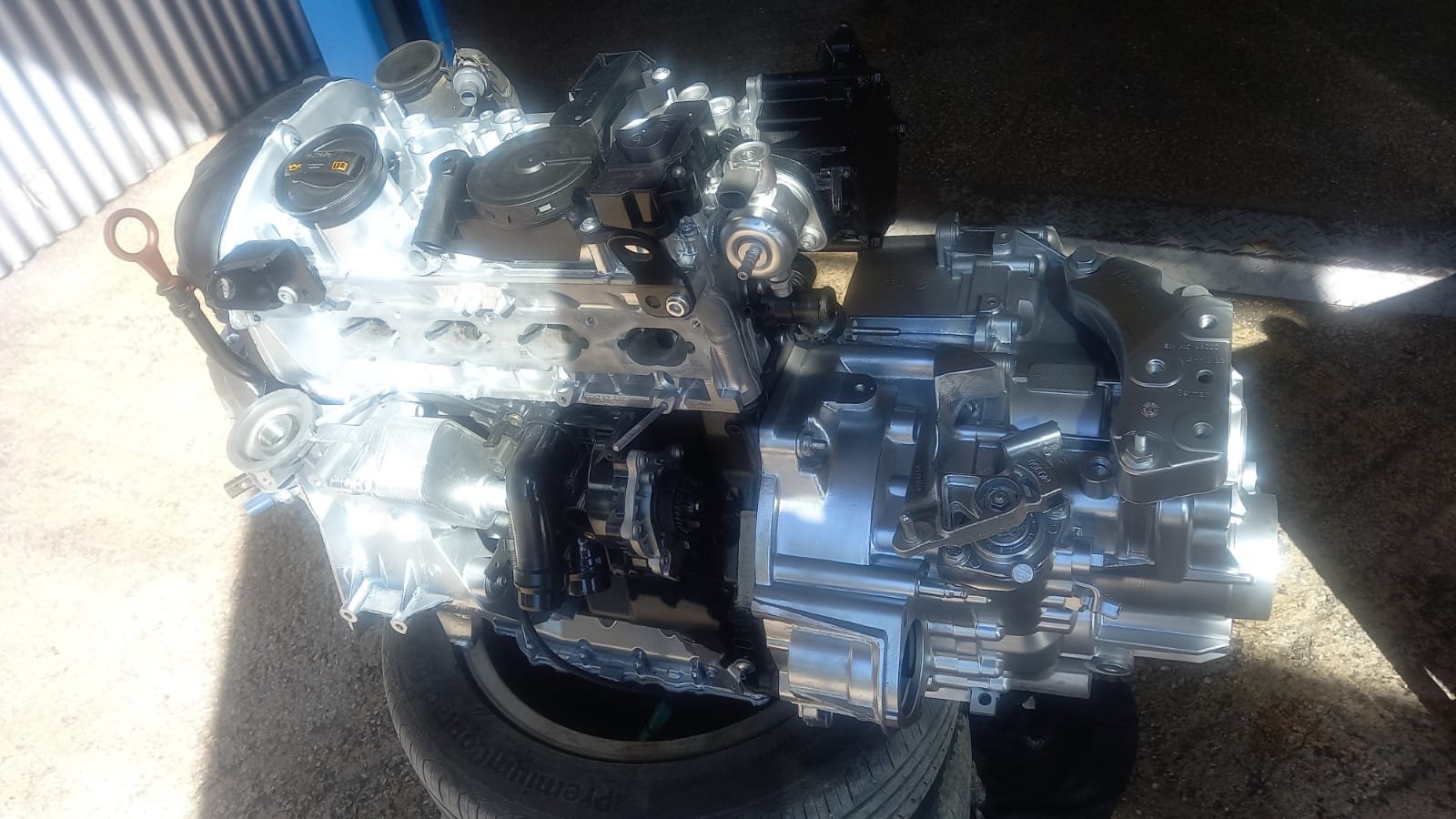
Greetings dear Skodians. A report on my 2010 1.8 TSI Scout. After 14 years and 200k km, (1 year on Shark Stage1, than the next 12y on Revo Stage2) time has come to clean its engine, as it started eating oil pretty badly. I will admit I have neglected the Scout all his life (in a sense of not caring for it, maintenance or abuse wise), been abused on bad off-roads, used to open up neighborhood roads from snow, carried tons of building materials for 2 homes i built, driven it twice to UK and back, each time 7700km round trip etc etc. The famous tensioner has been replaced by a recall from the dealer few years back (2019 i think). Surprisingly the only thing to ever fail c.7y ago, was the water pump that cracked, nothing else has gone wrong and it has never let me me down on the side of the road, only spending on it have been oil and filters when i remembered once a year maybe. Engine opened, obviously the crappy piston rings were totally clogged, inside totally coked like it has been running on coal, a cracked con rod, a failing loose turbo that not sure how it has not disintegrated totally and get sucked into the engine and cause major damage. New parts: - Piston rings and bearing inserts - Fuel/oil/water pump - Chain, tensioners and the whole kit, - Kept the turbo housing, but changed everything inside from some newer IHI model - New 312mm front disks/pads. - Changed all fluids, incl. Haldex, Gearbox etc, Detailed cleaning inside, 1st time in its life. Driving it for a week now, gently first 1k km, then a re-check, all is buttery smooth, back to stock map for now, so taking it easy, turbo spooling to 0.8-0.9 bar is fast, but not abusing it. Included some pics, cheers!




Important Information
Welcome to BRISKODA. Please note the following important links Terms of Use. We have a comprehensive Privacy Policy. We have placed cookies on your device to help make this website better. You can adjust your cookie settings, otherwise we'll assume you're okay to continue.