ryanjc83
Finding my way
-
Joined
-
Last visited
-
Very good point and thanks for the advice. The engine code is CEGA. So I have received the new water pump and connector that you kindly provided me the details for. I'm now at the point of soldering in the new wiring. However, I can not determine what colour of the original wiring, goes to the each pin on the pump. (3 wires). Does anyone have any advice, how I could determine this. Many thanks.
-
Mike, brilliant. Thanks for your help. I have a feeling there will be another question posted when I have to work out, which wires to go to which pins. Job for the new year.
-
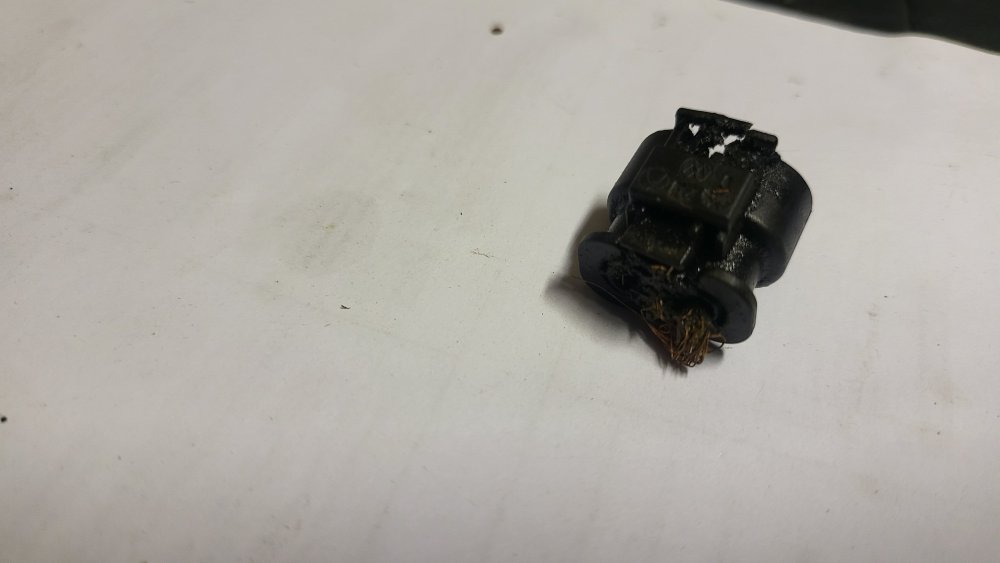
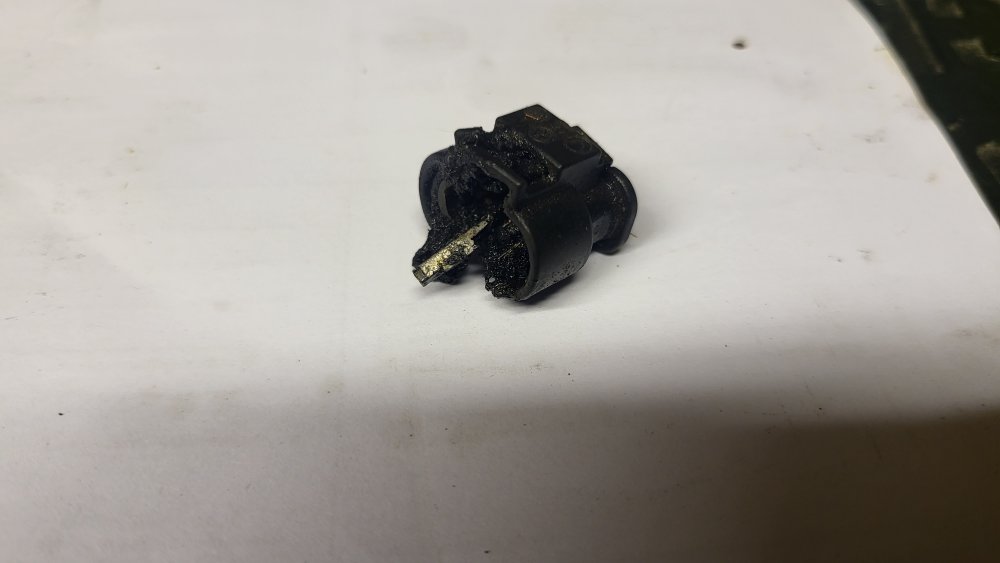
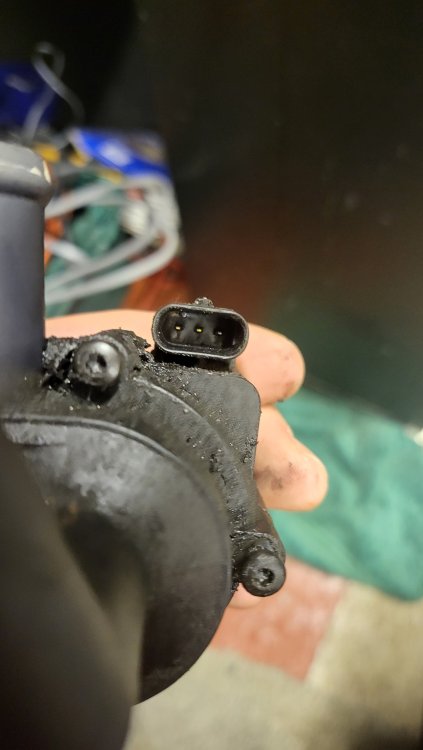
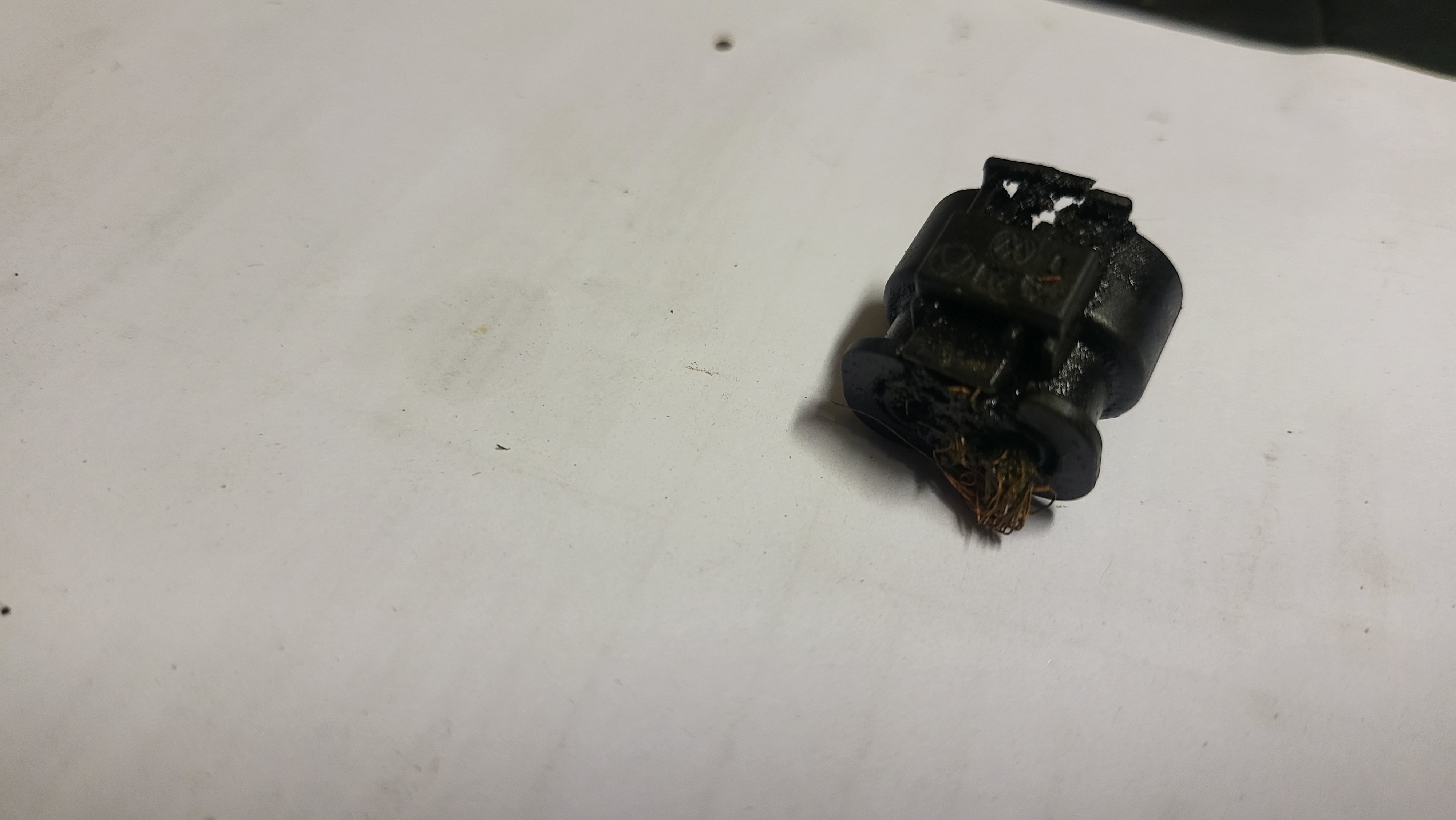
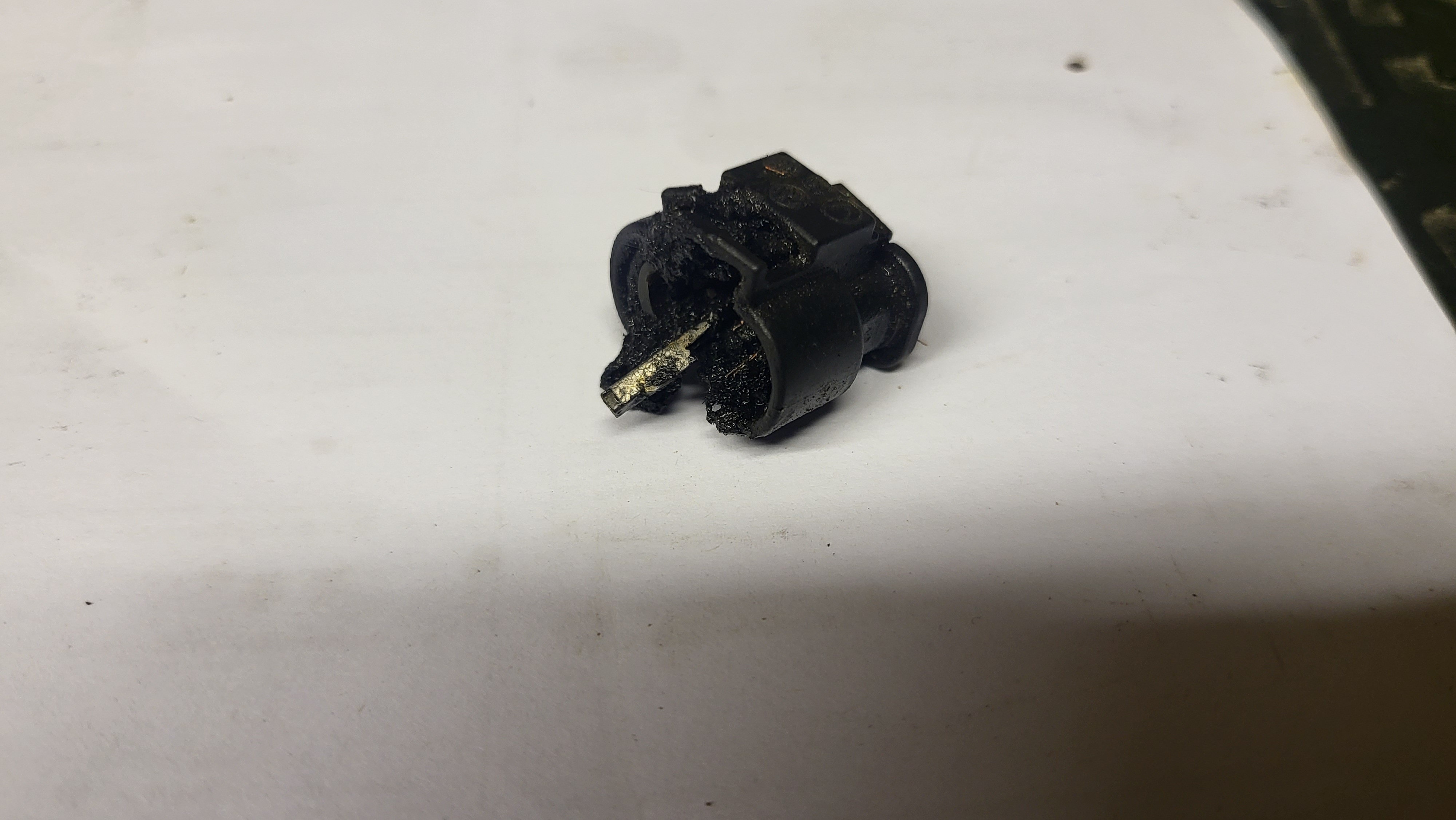
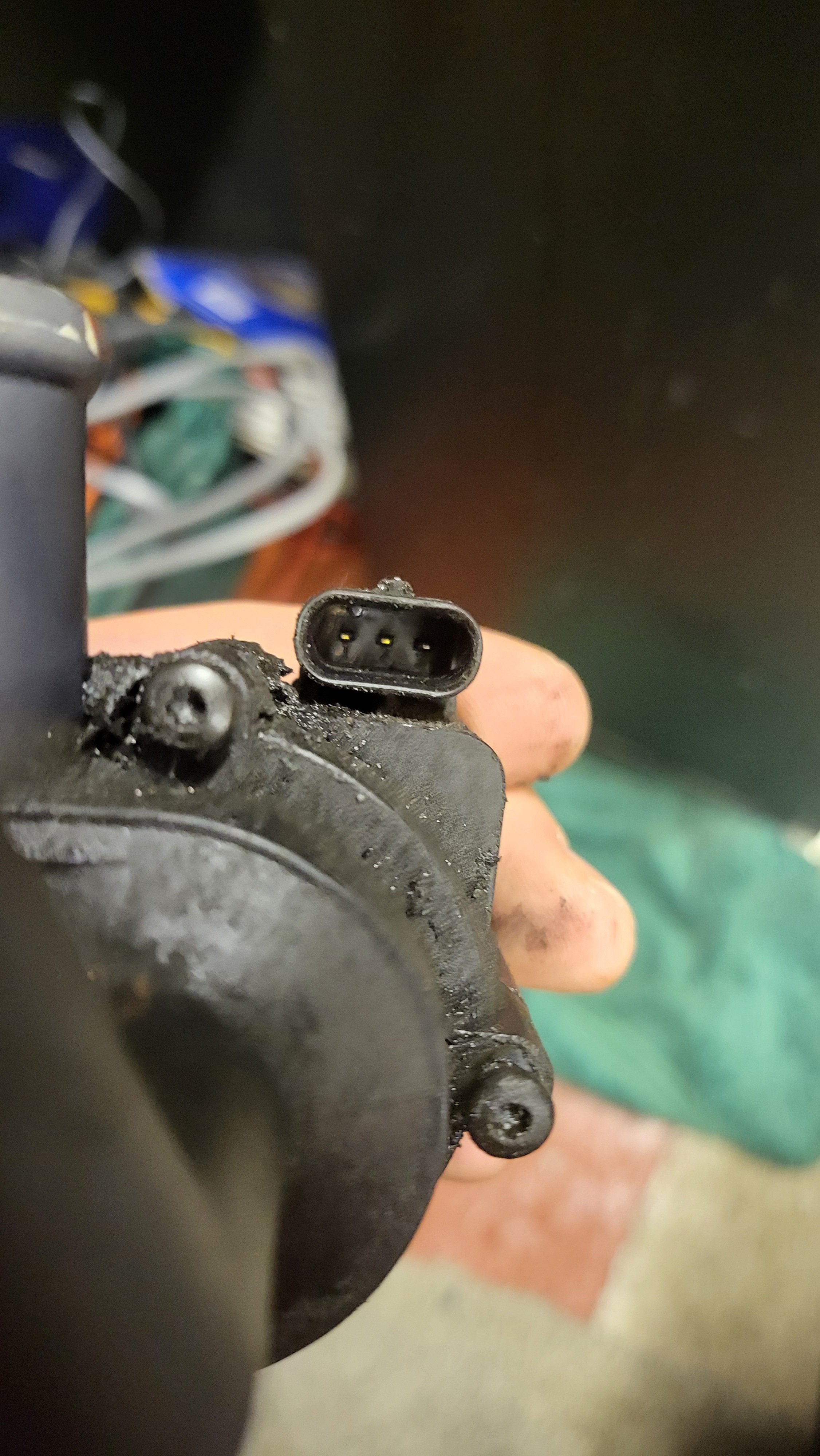
Merry Xmas everyone, so recently my trusty octavia stopped on the M5. At 230K miles I thought I'd had my luck with it. After recovery and some advice that the high pressure fuel pump had gone I did some investigation myself. I found that fuse 24 kept blowing when I turned on the ignition. So I started disconnecting all sensors and actuators to determine the specific fault. Unfortunately one of the last to be disconnected was the auxilary water pump. I noticed that the connector had seen some heat, possibly a short. I could not remove this so had to cut the cable to the auxilary water pump. The car now starts and runs, obviously with the EML on. I have managed to obtain a new auxiliary water pump. However, I'm having some issues obtaining a new connector. Can anyone assist me with obtaining one. I have added some pictures of the connector and the socket.