




tewebacca
Members
-
Joined
-
Last visited
-
-
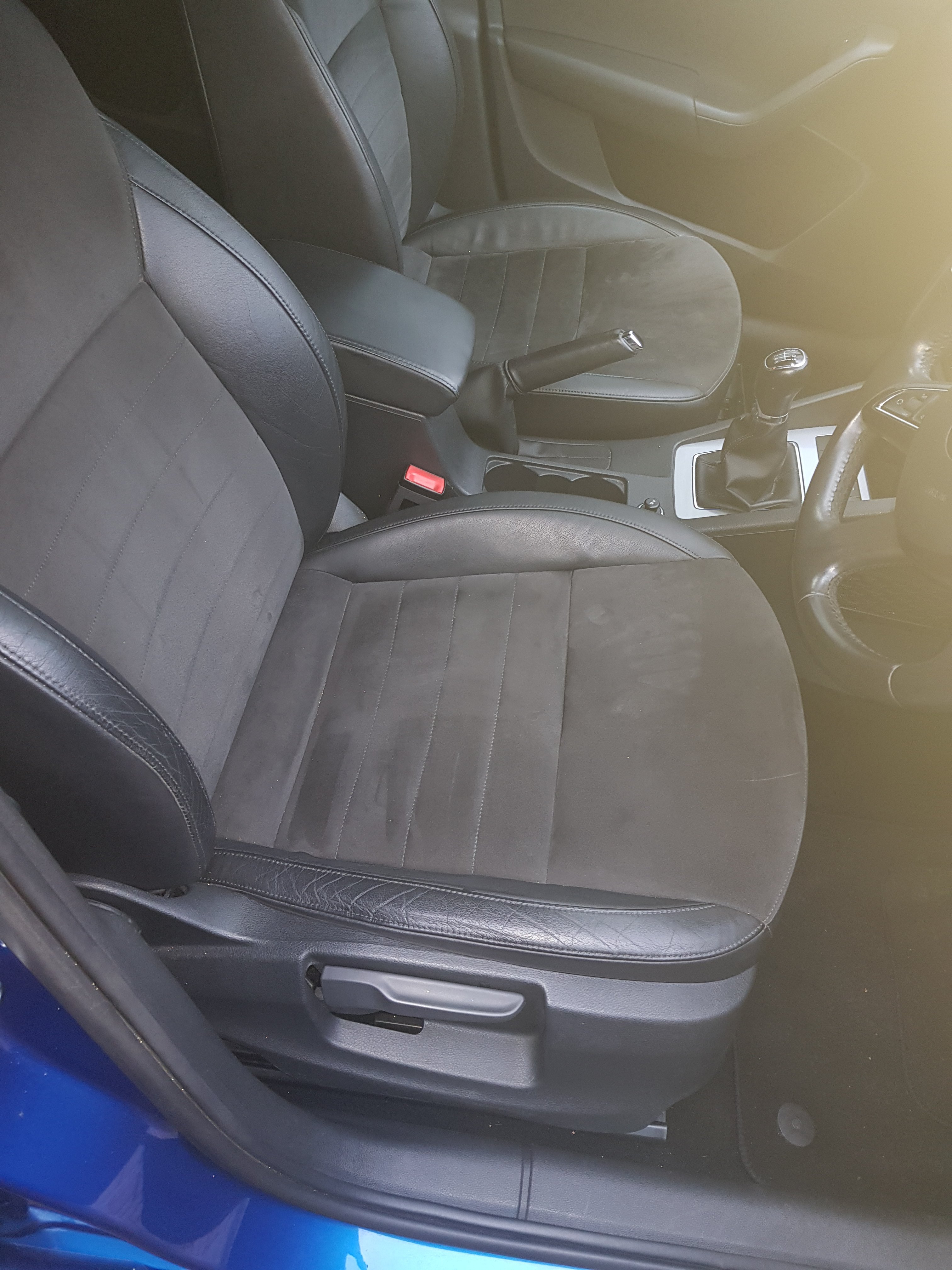
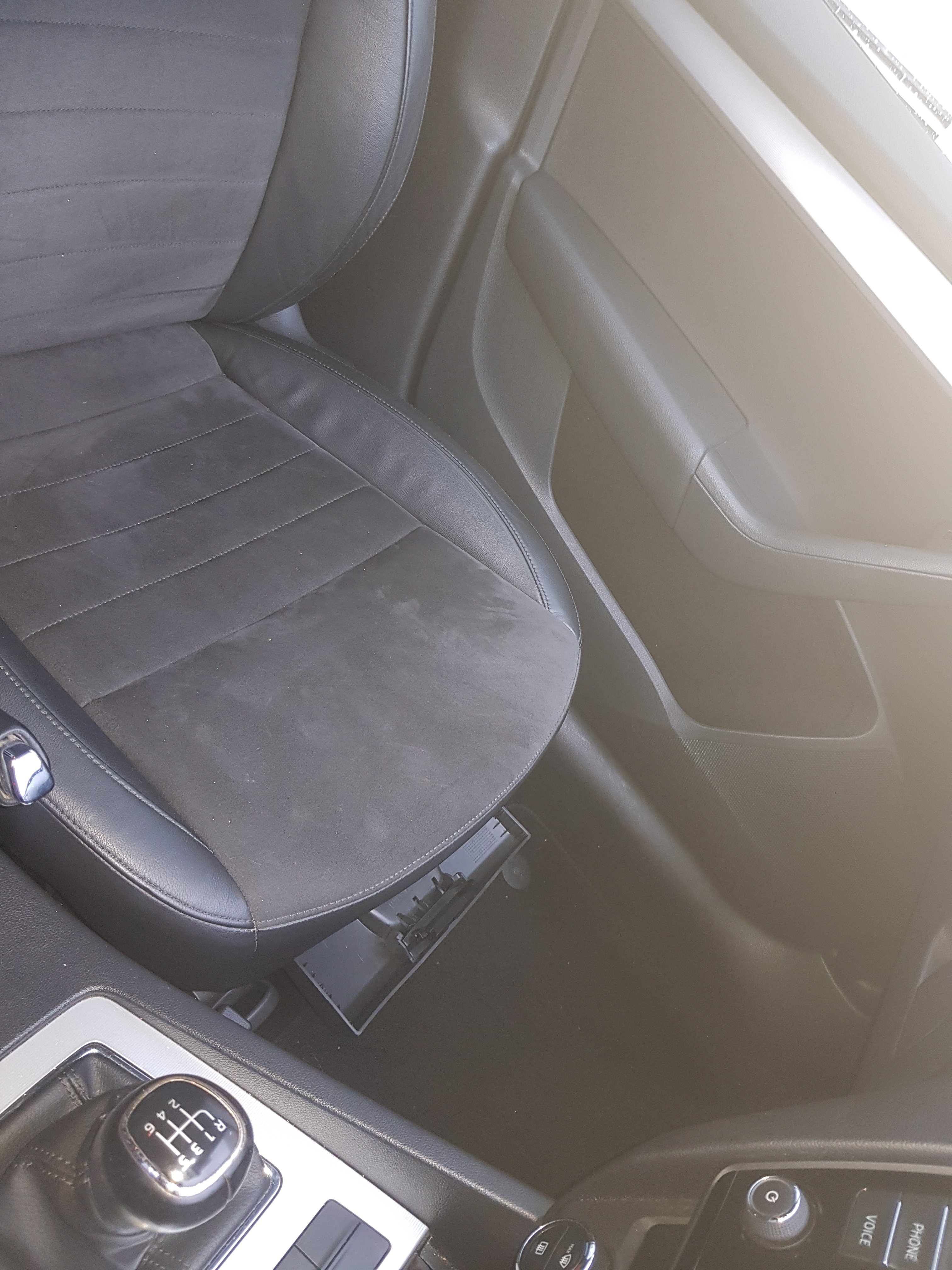
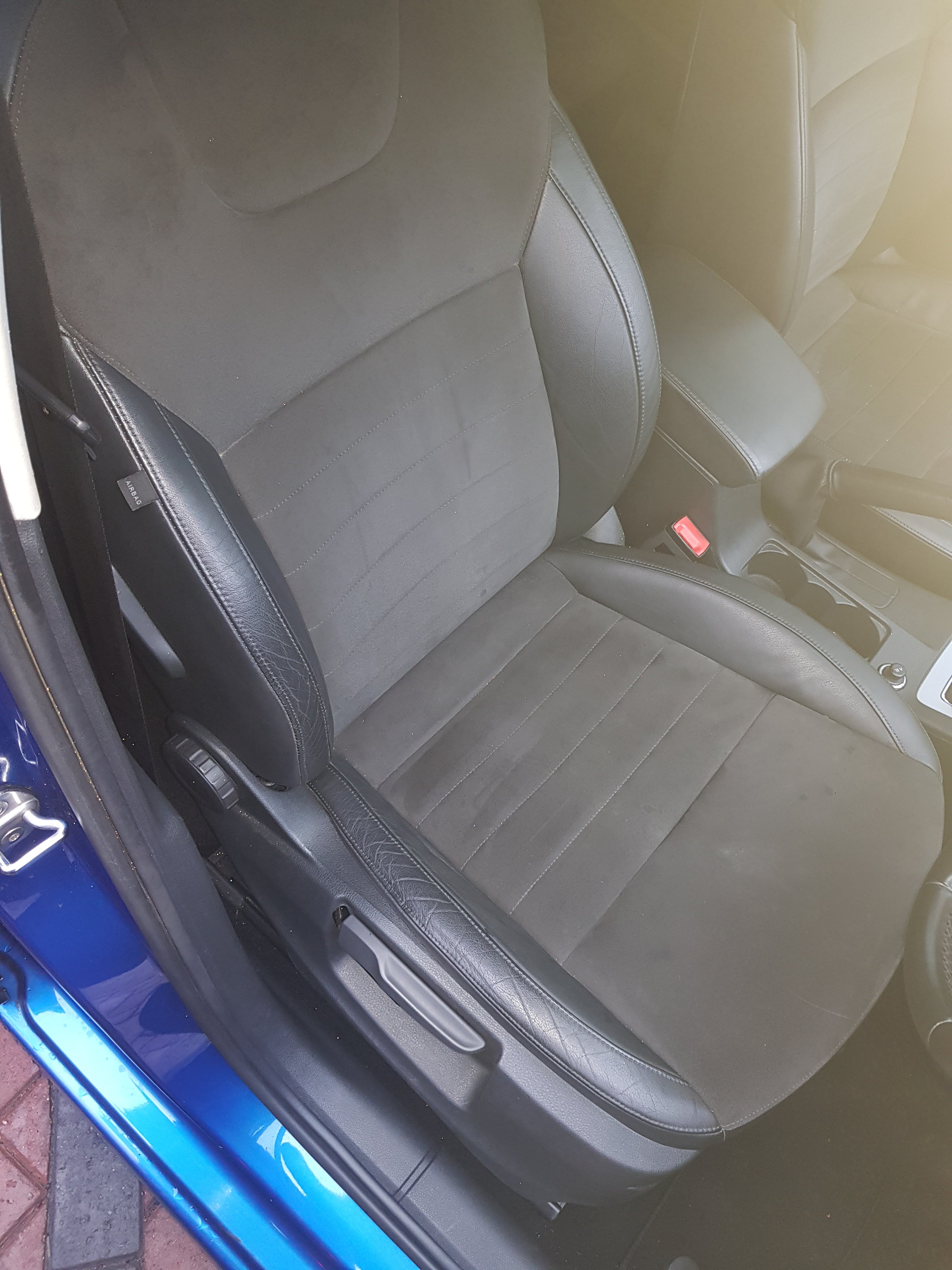
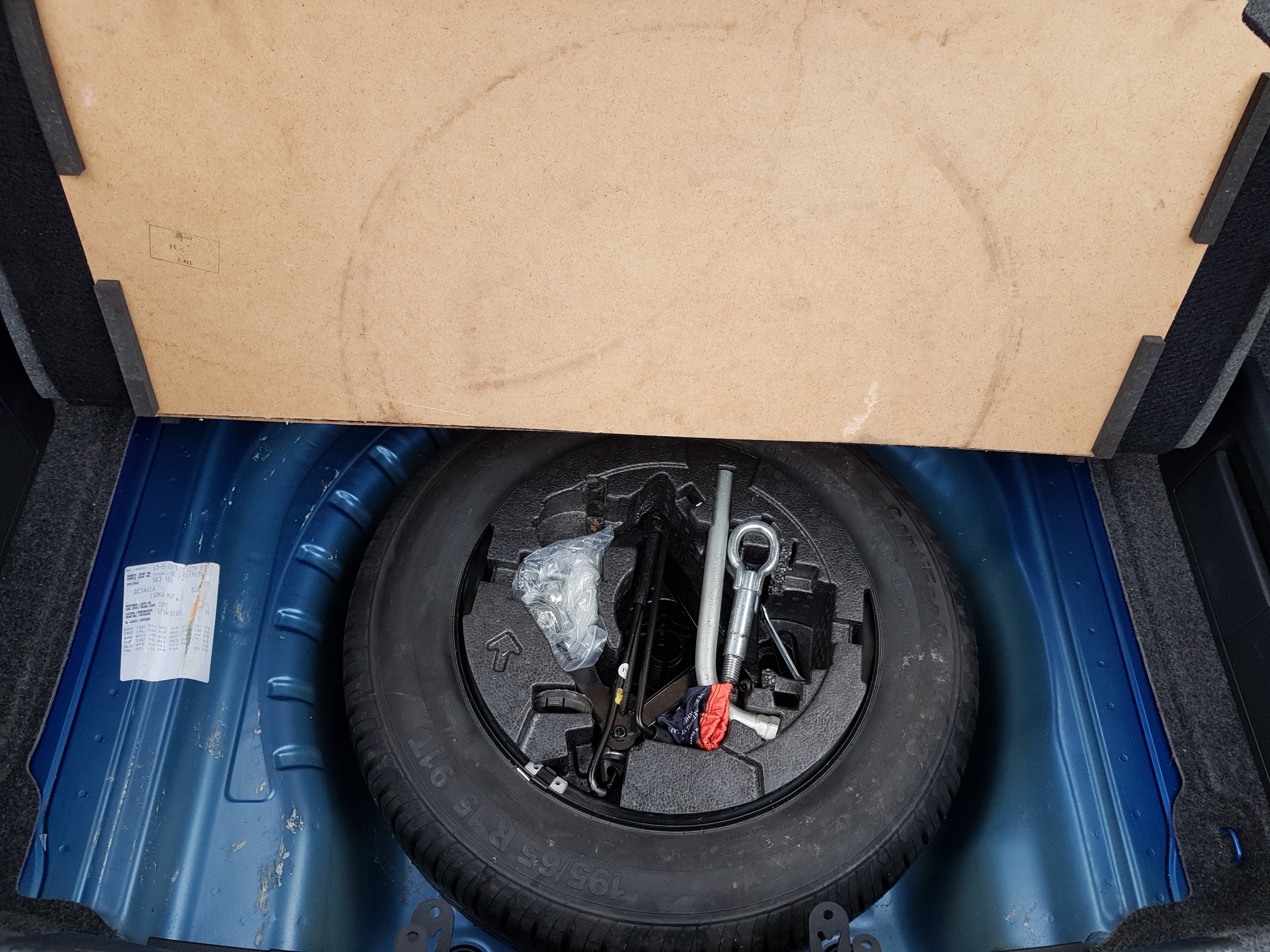
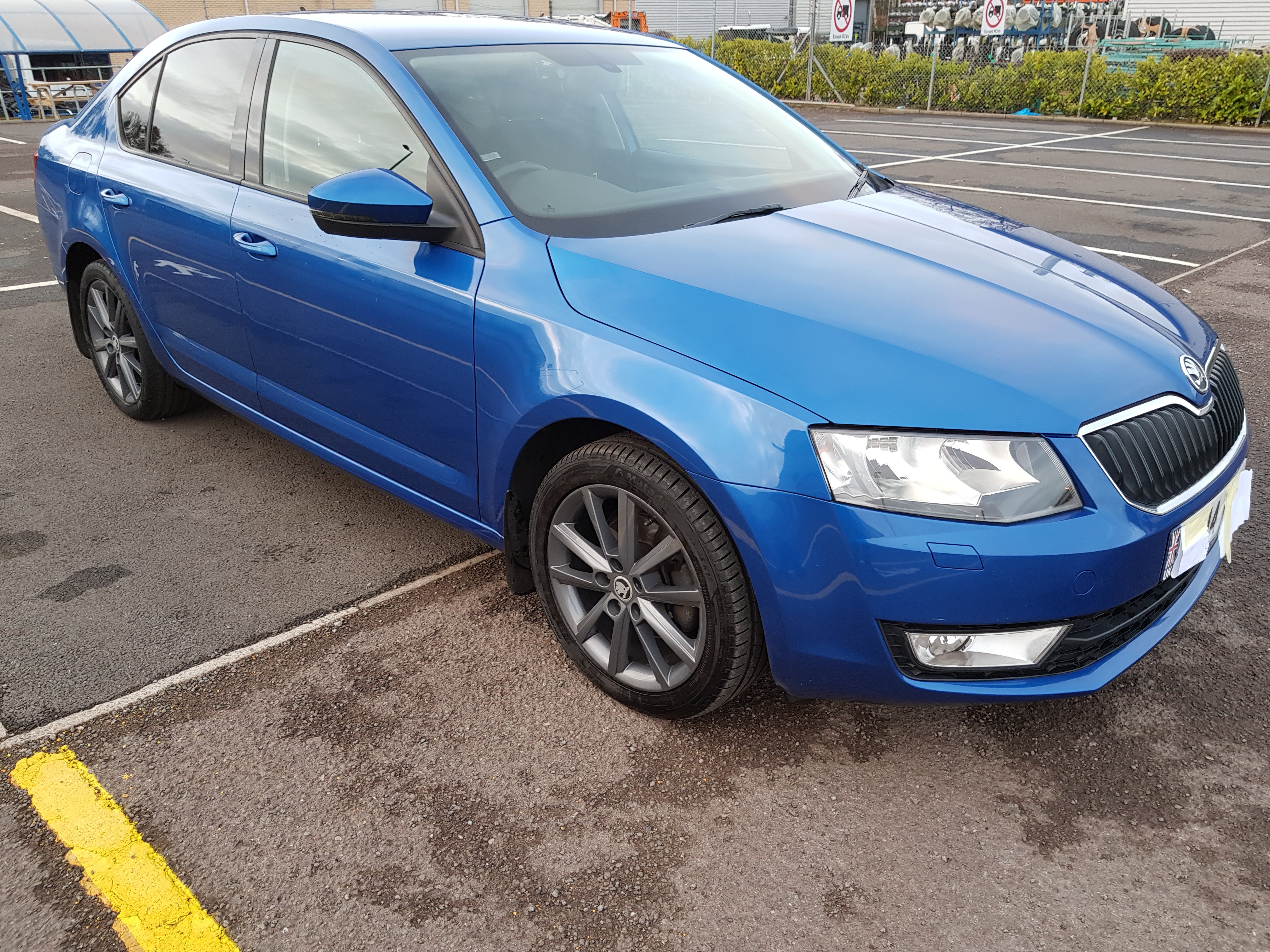
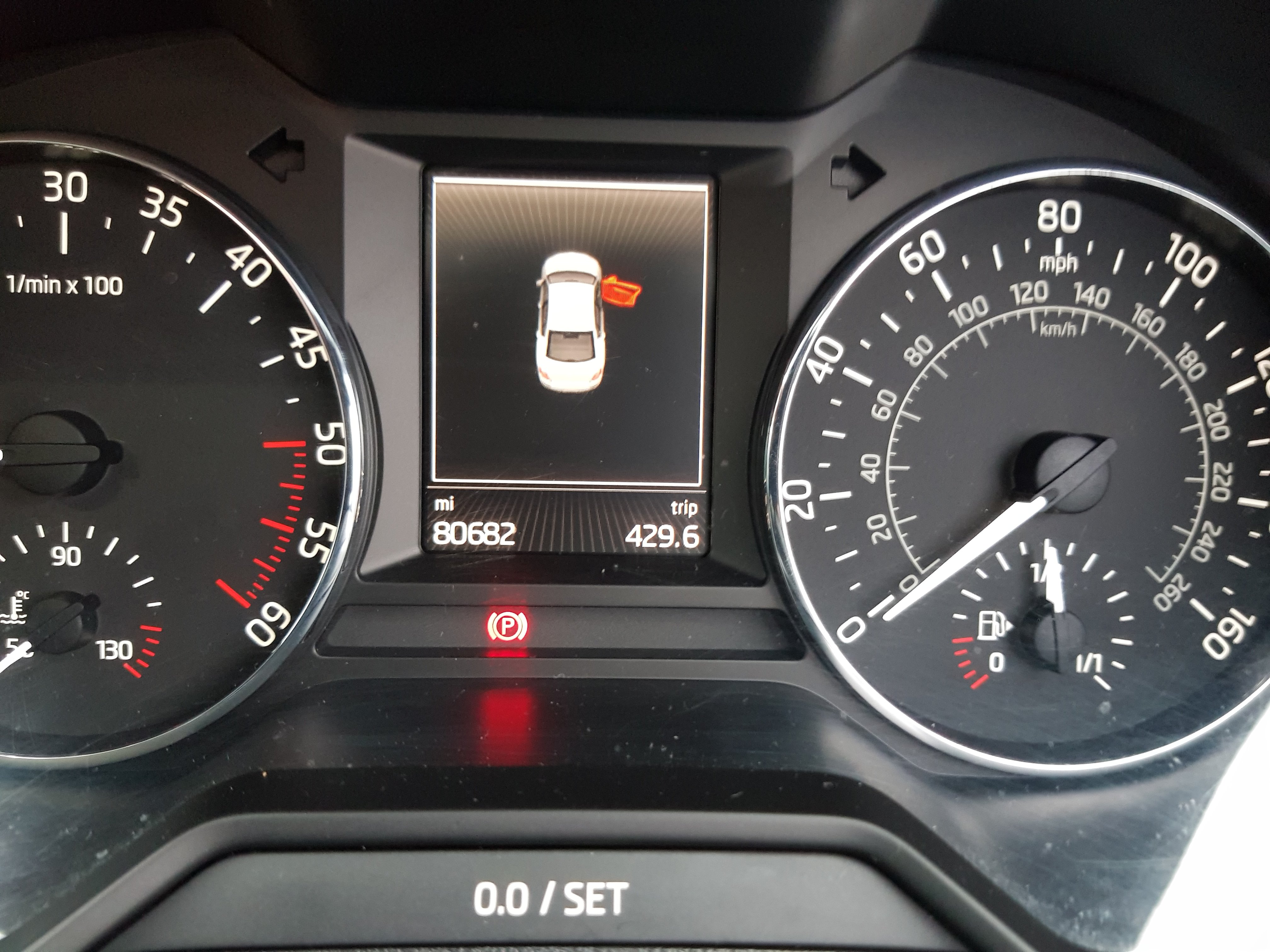
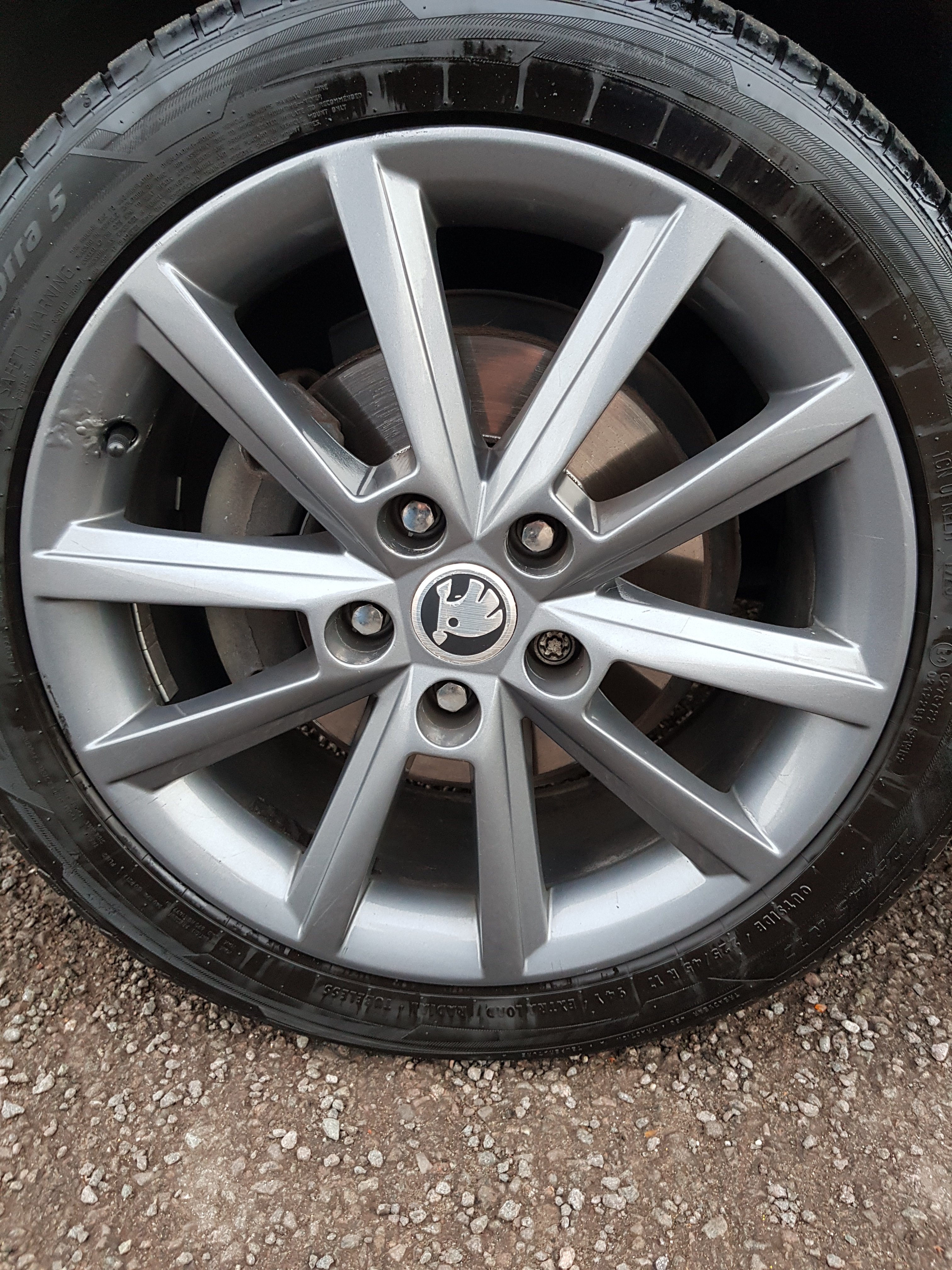
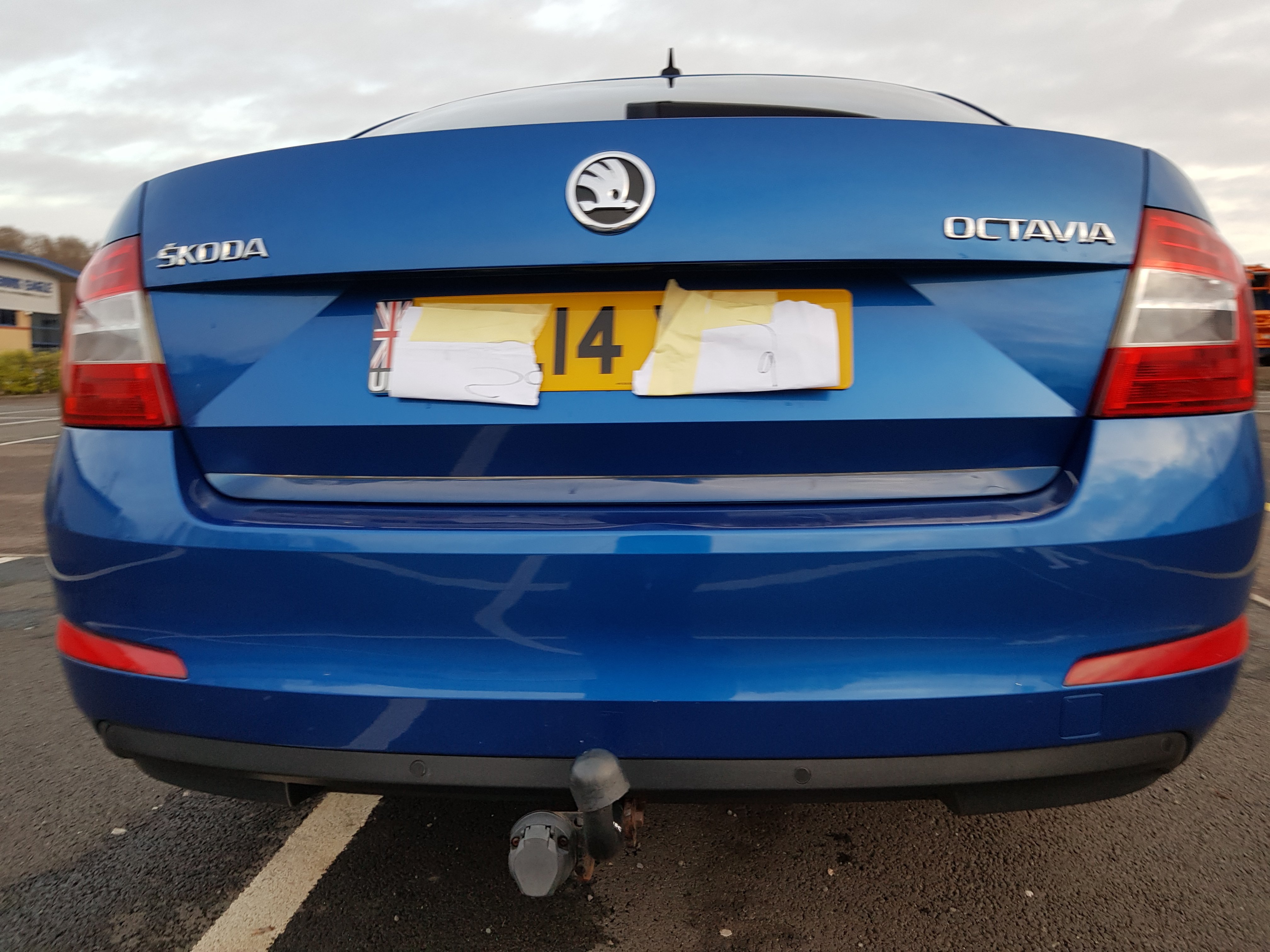
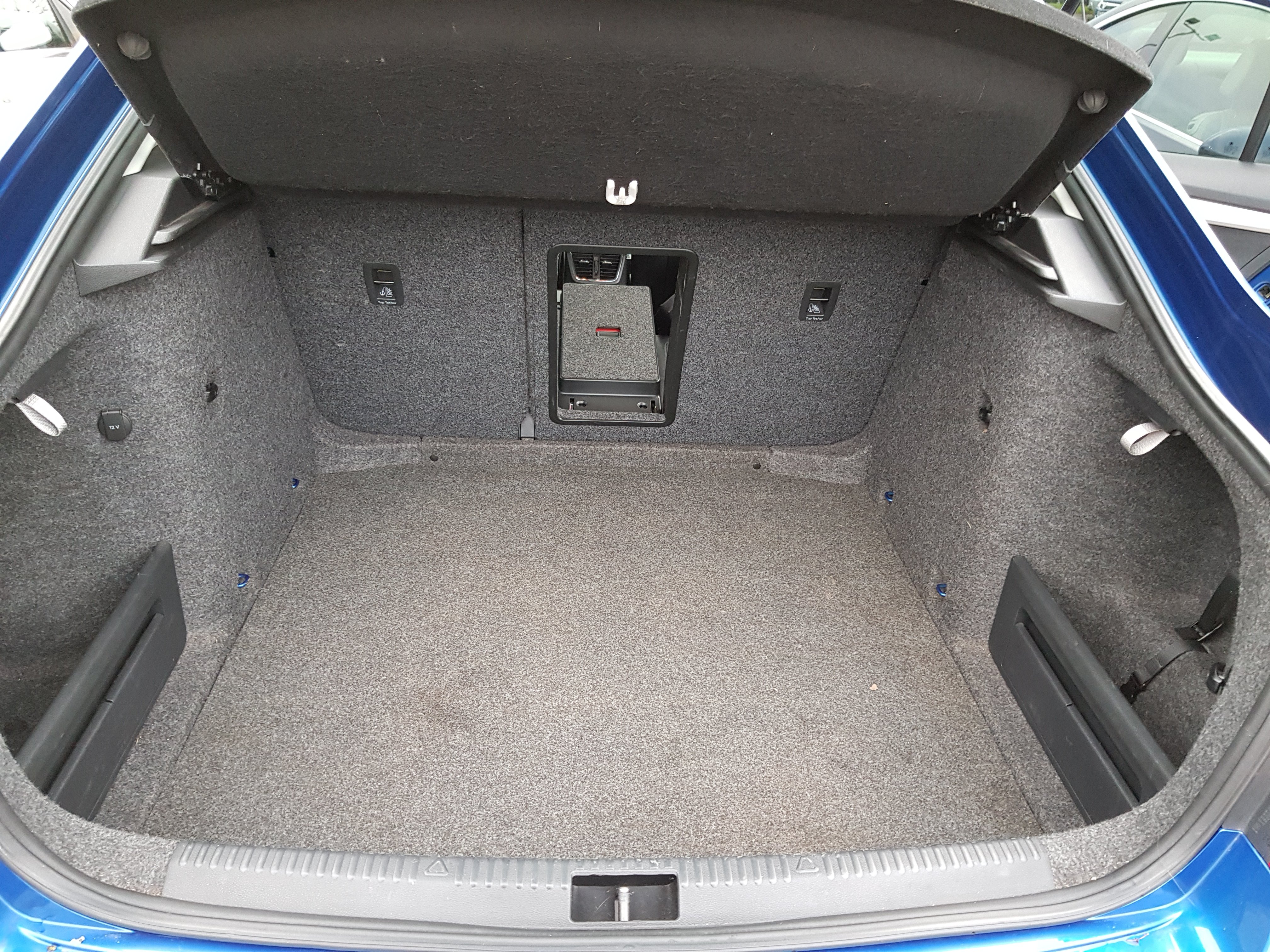
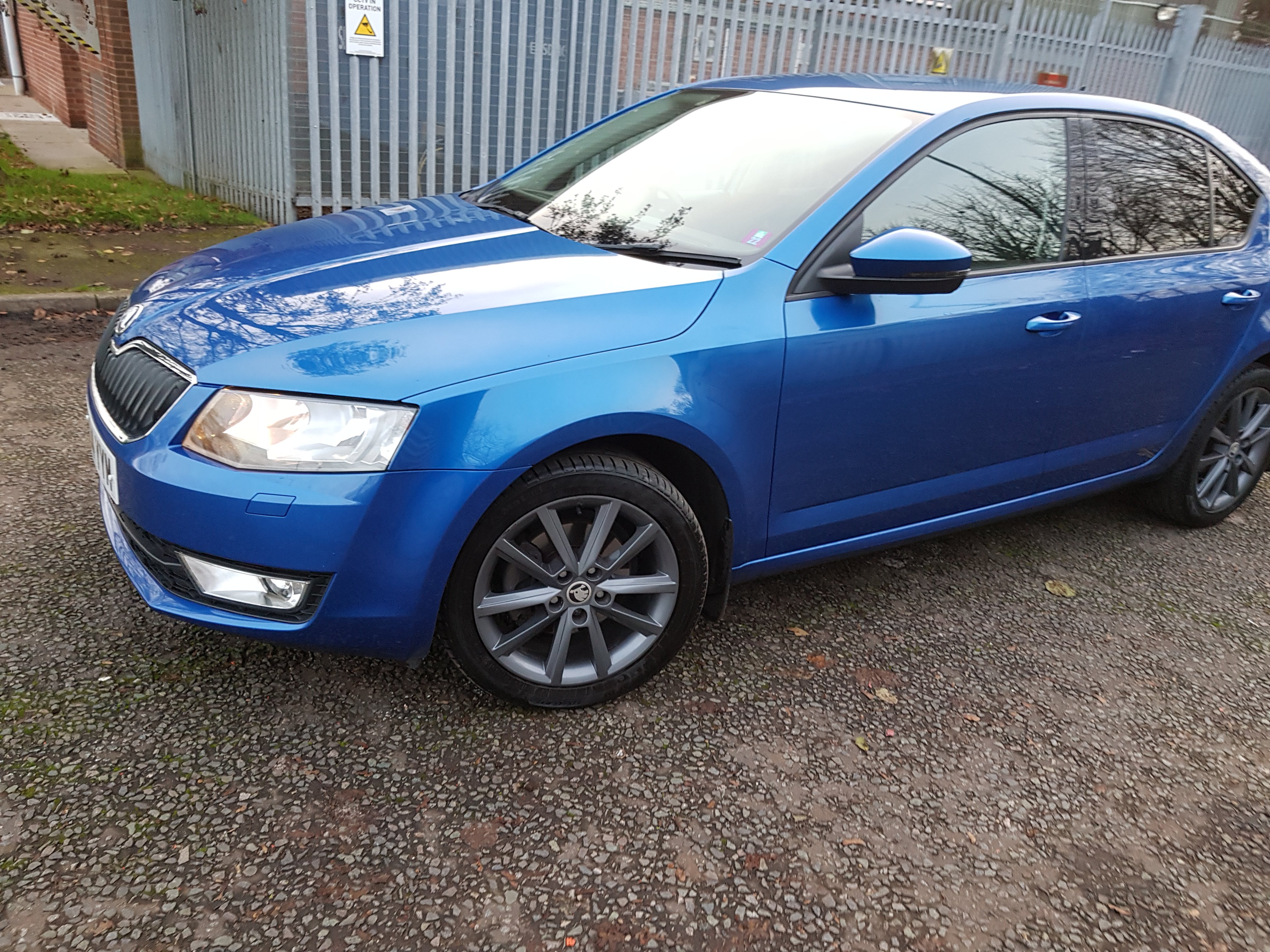
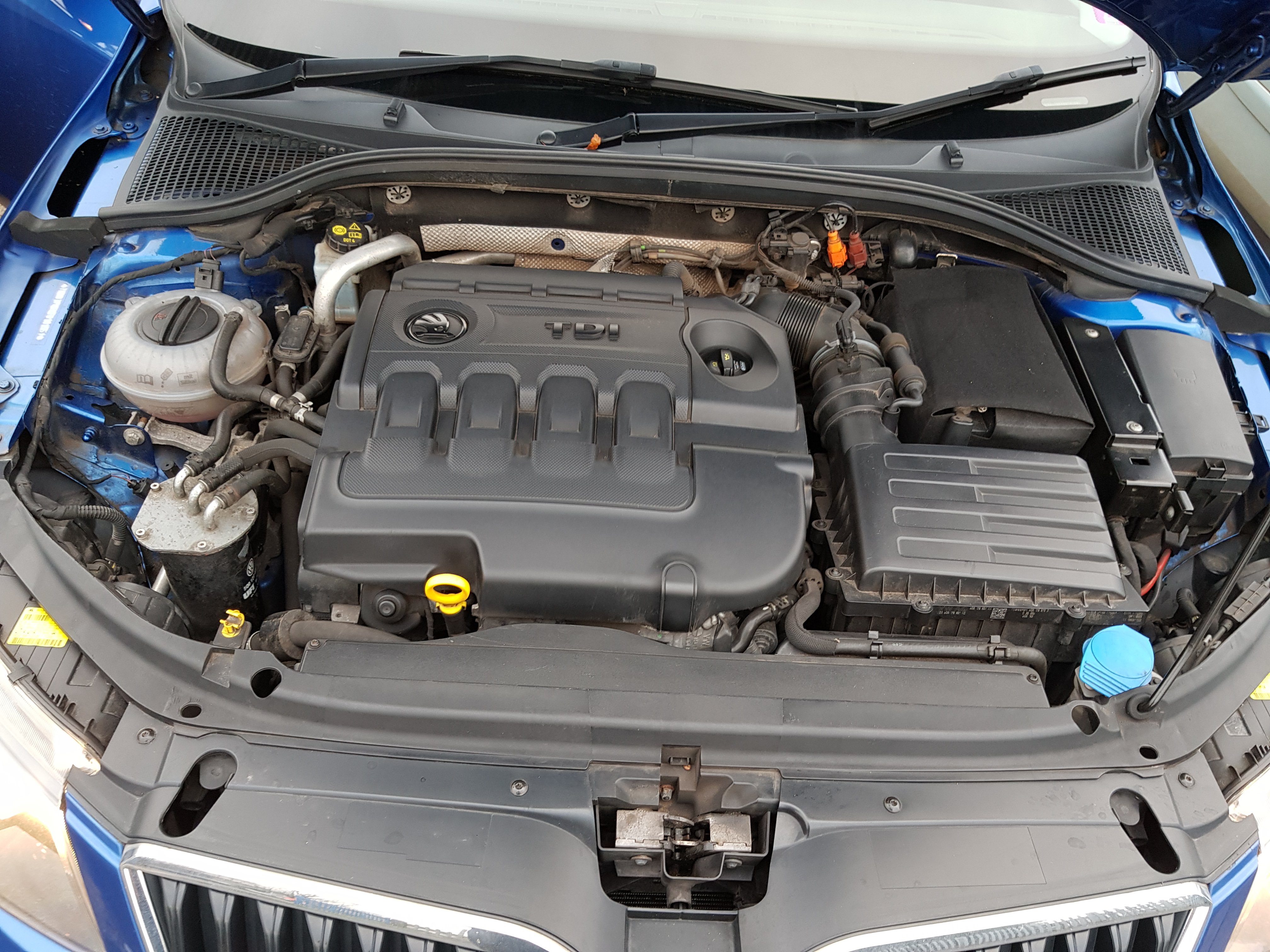
Hi All having tested later octavia same engine and power i think my car has been breathed on as it picks up a lot quicker i do not know the power but it was probably done before i had it that is why i brought it also cambelt and water pump done at 55000 miles before i brought it just found the reciept in back paperwork paulRace blue skoda octavia 2014 2.0 tdi elegance 81000 miles recent mot £20 tax very good condition 17 teron gunmetal wheels part leather alcantara trim all bills mots and receipts lots of paperwork since owned car some service history cruise control air con sat nave multimedia head unit rear tinted windows power steering electric windows space saver and all tools more photos if required towbar £6250 ono located in Warwickshire
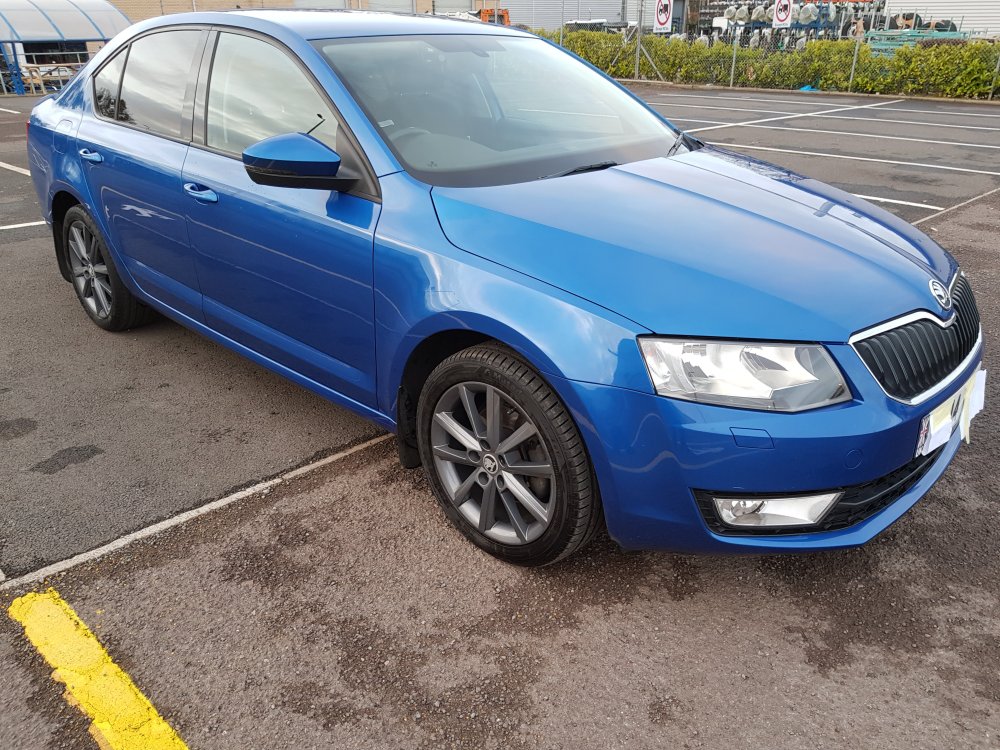
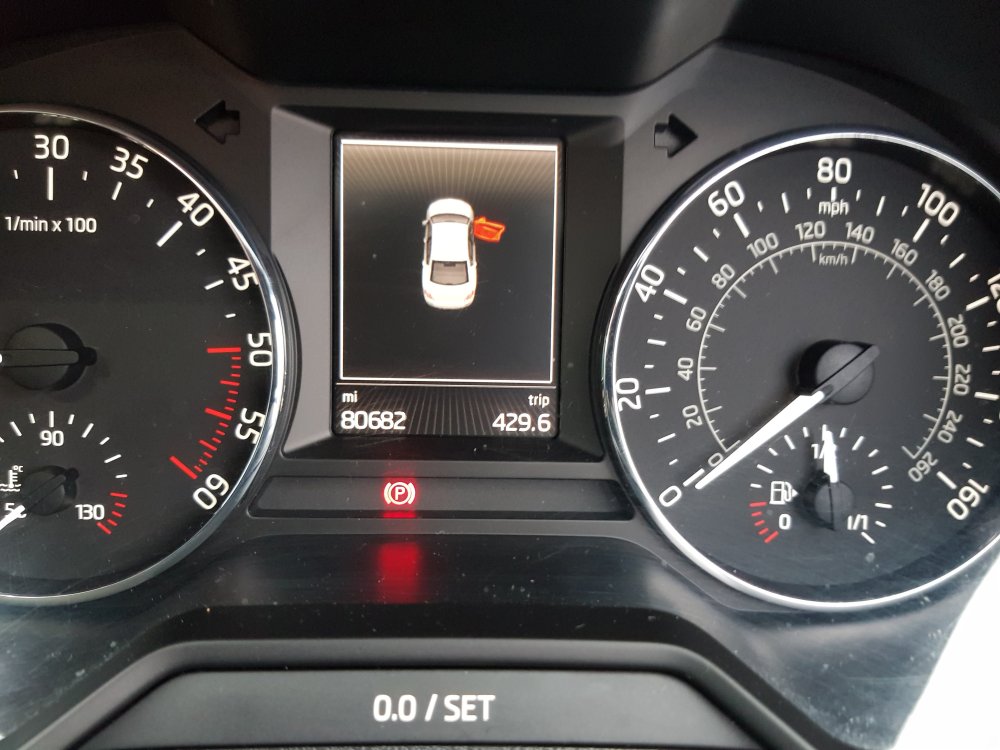
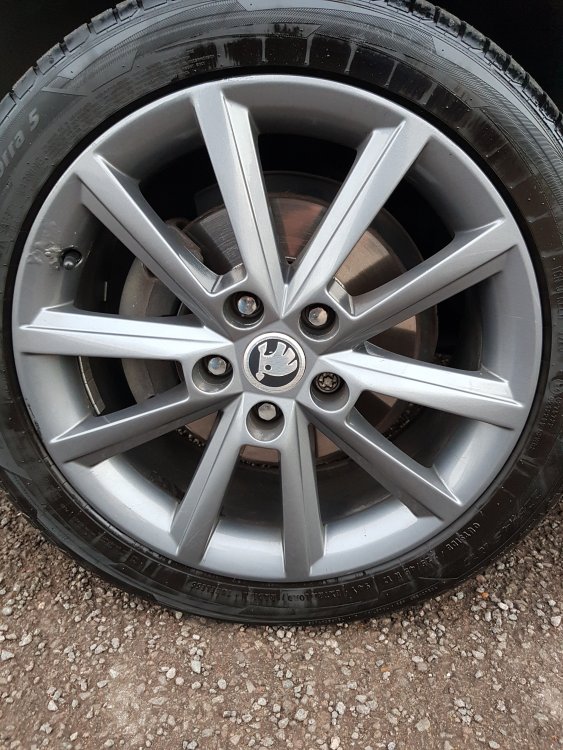
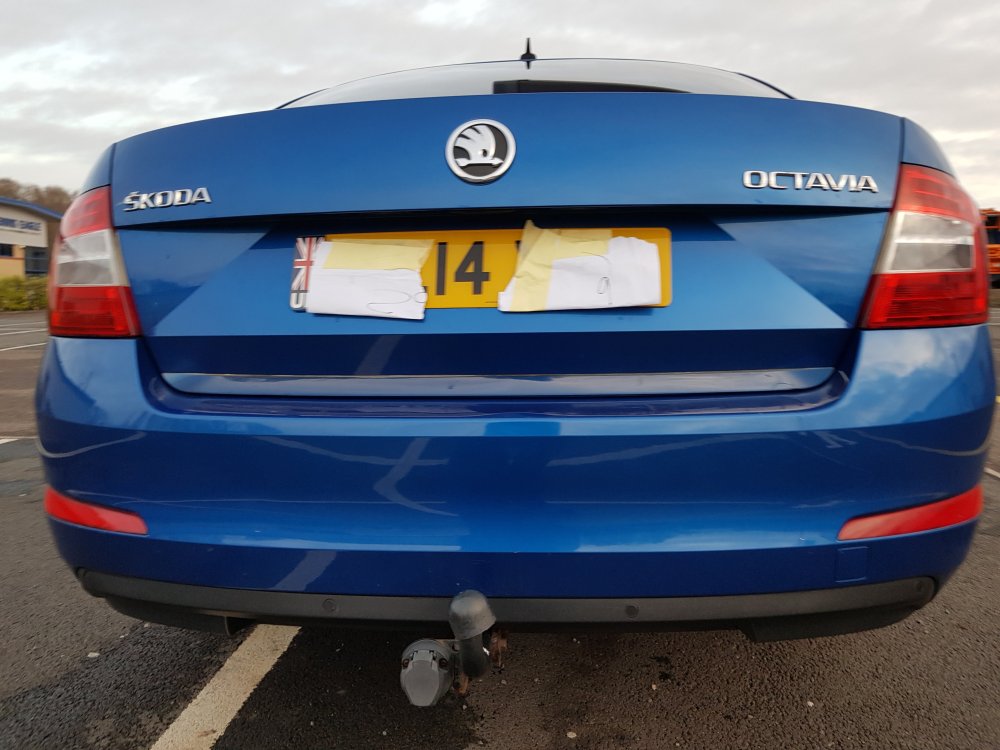
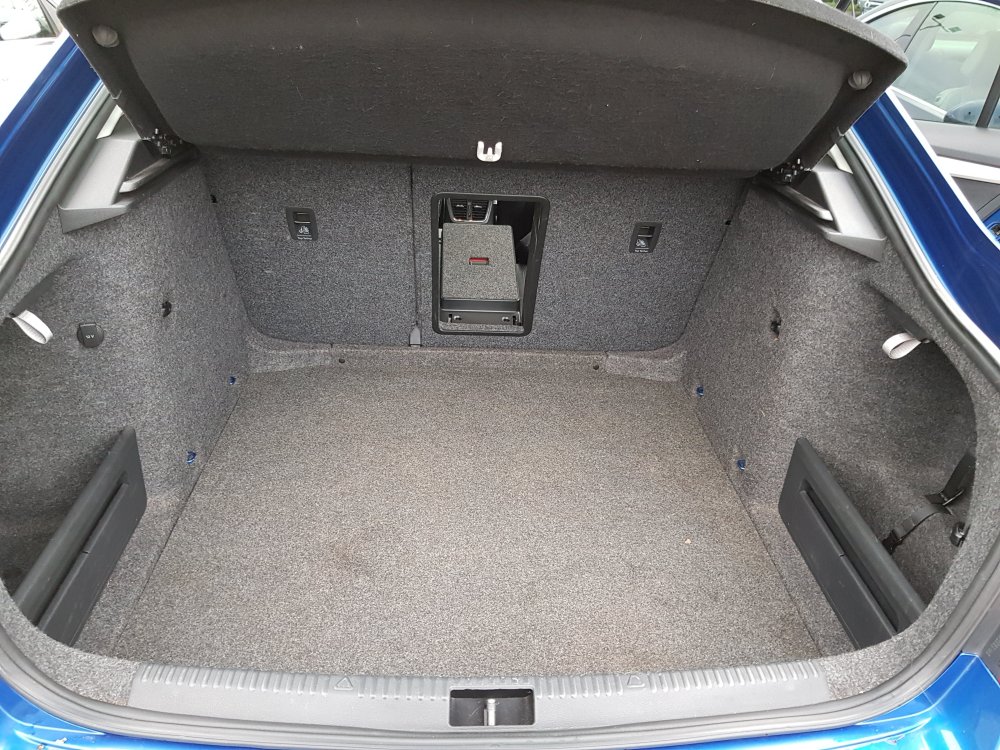
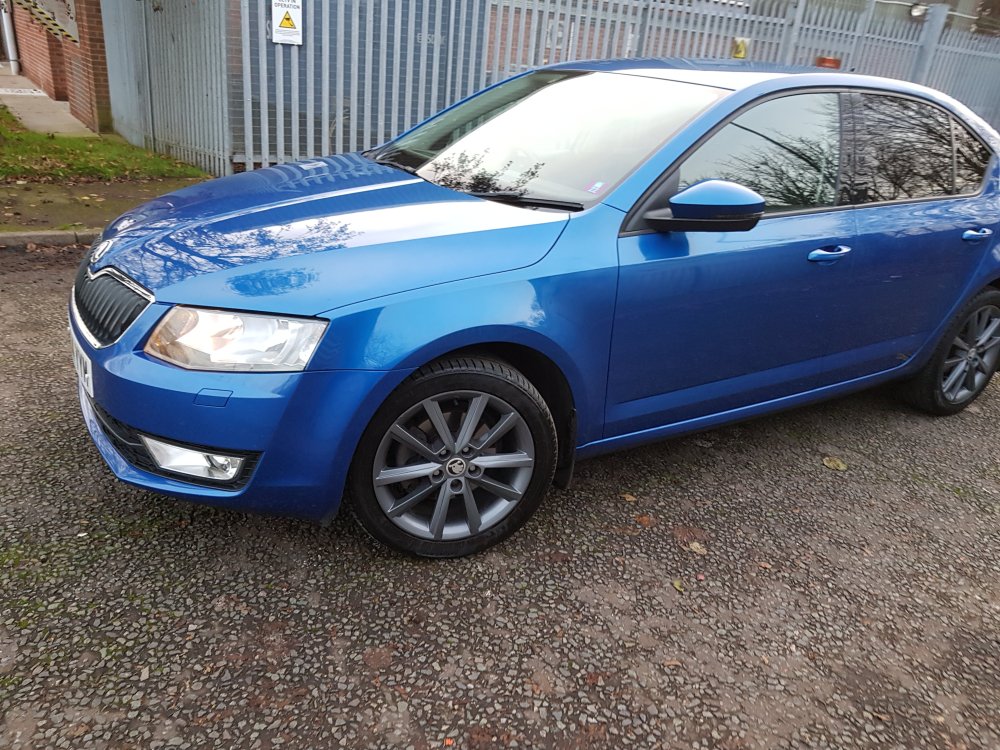
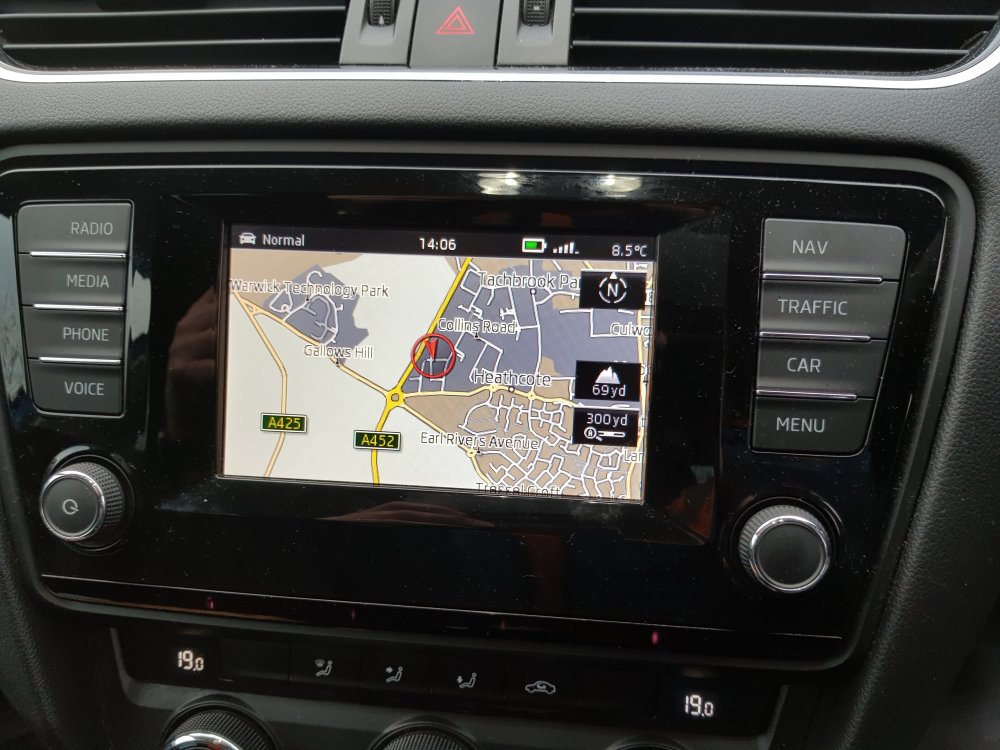
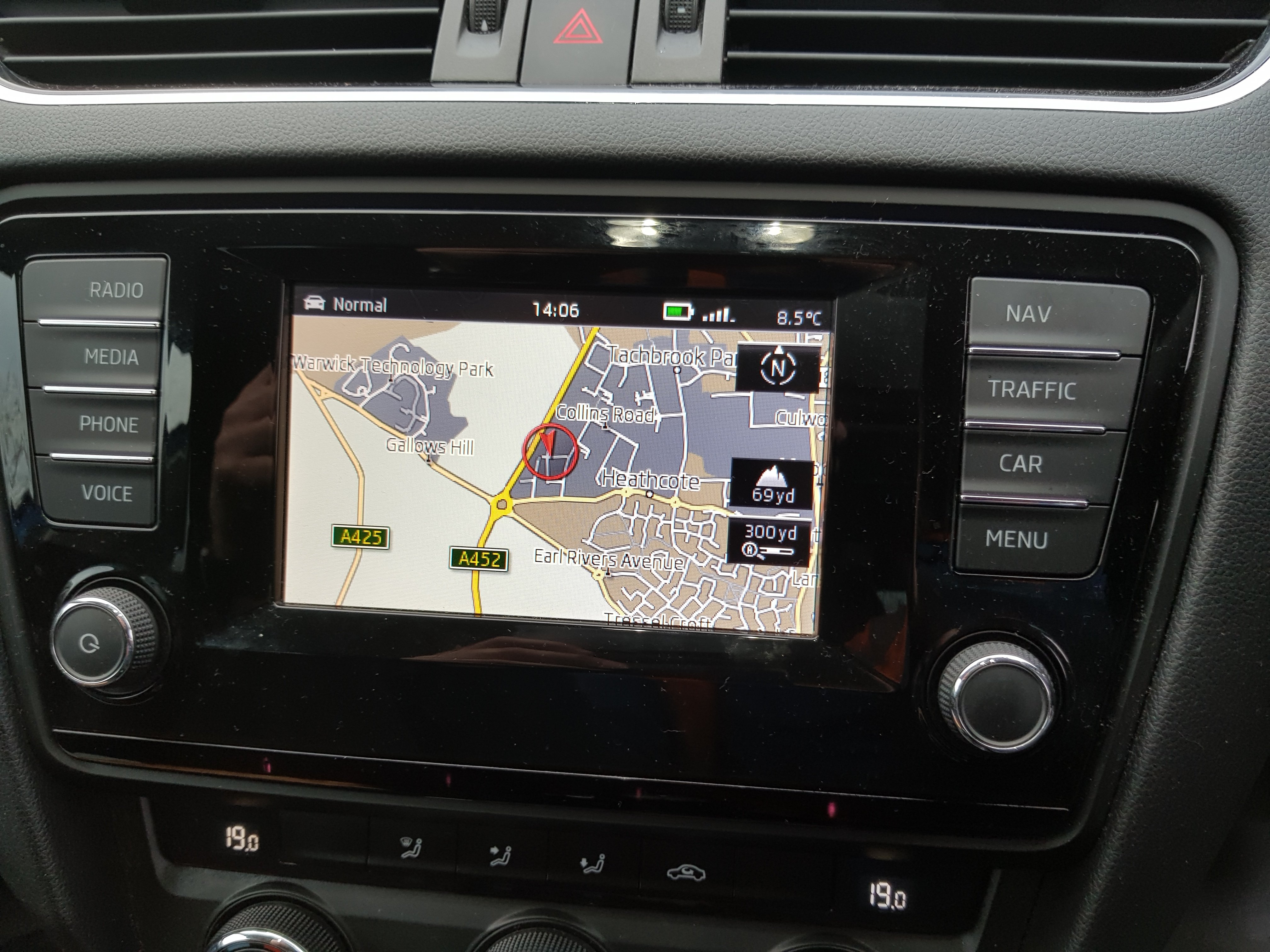
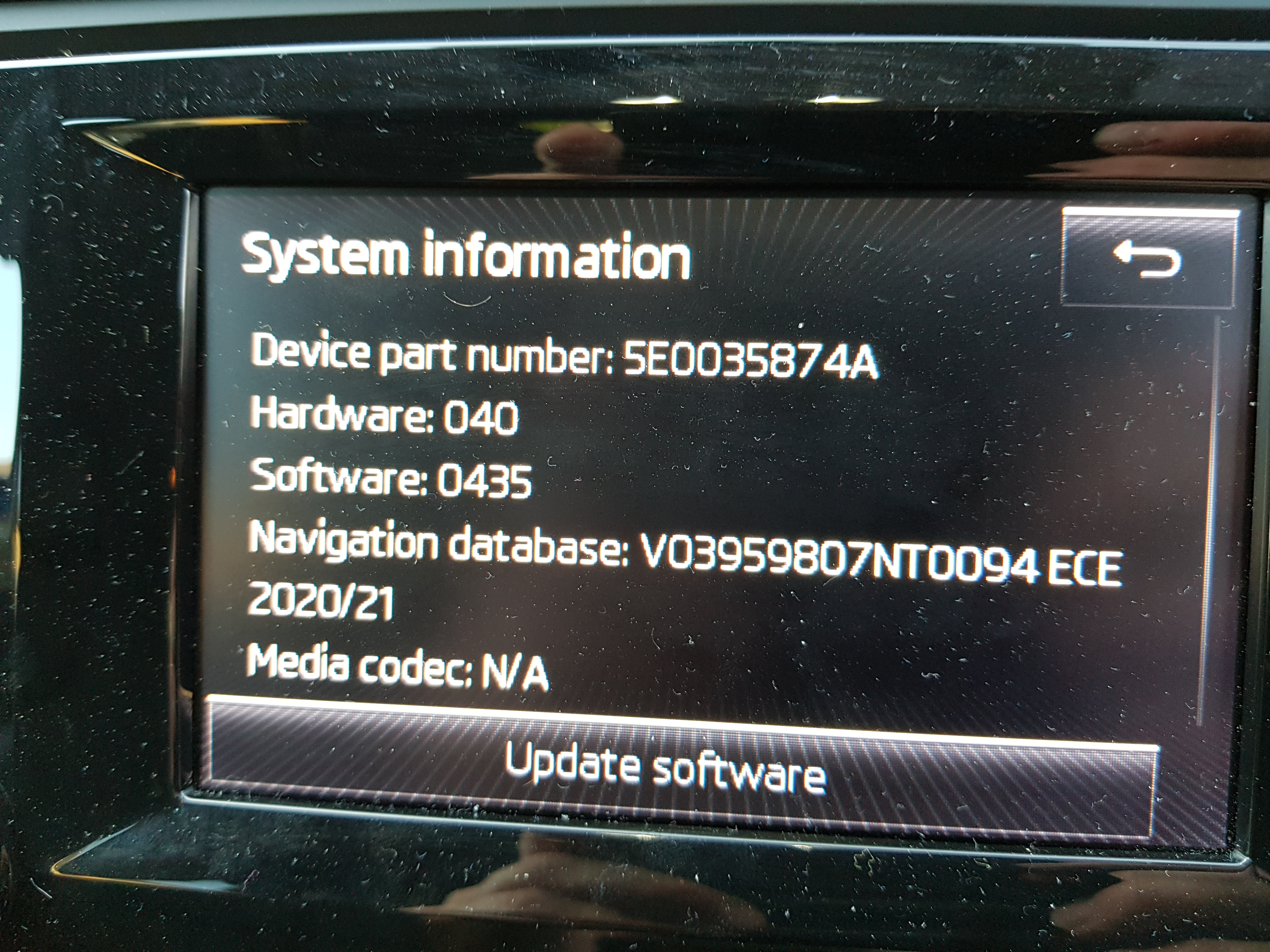
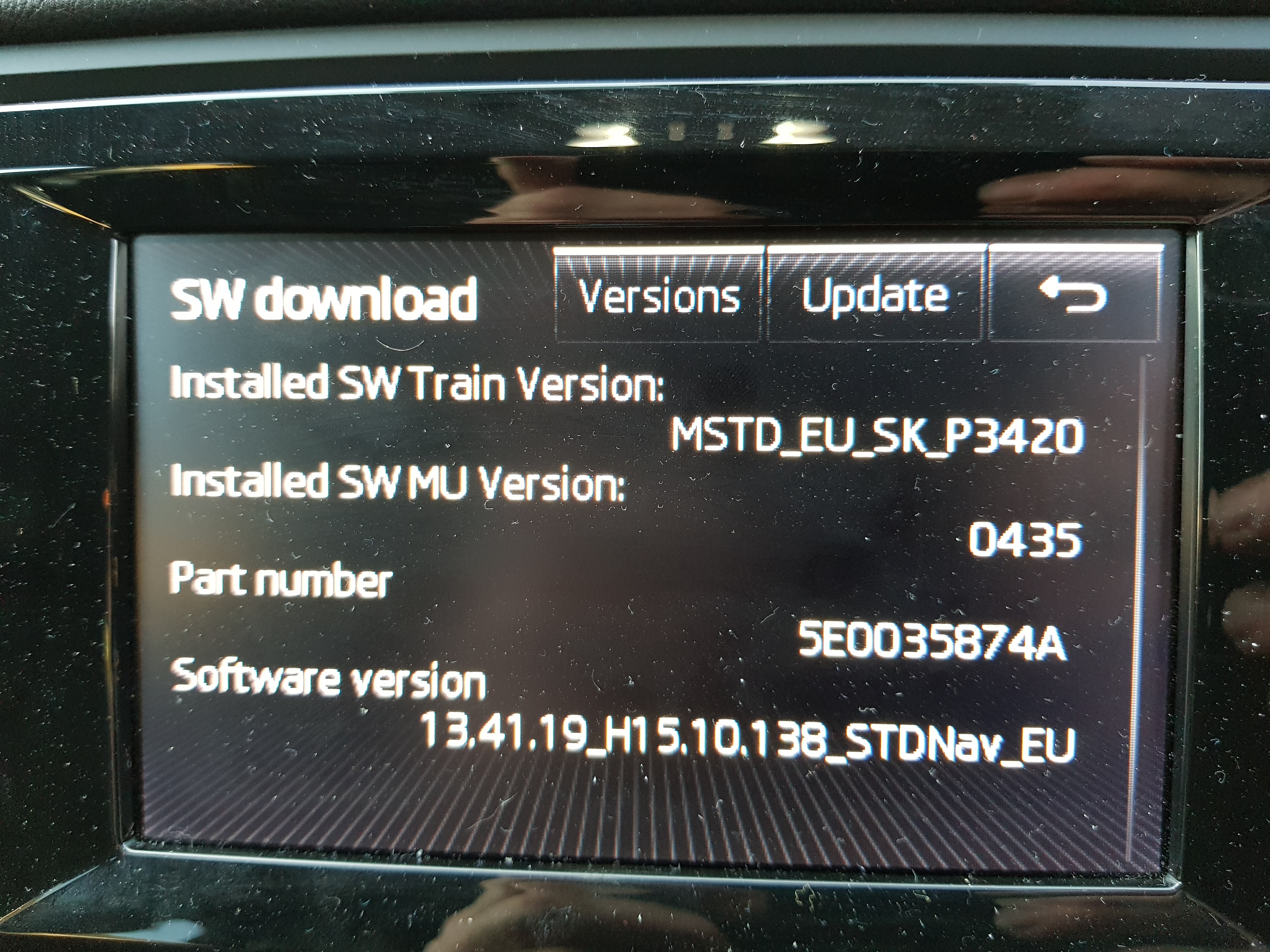
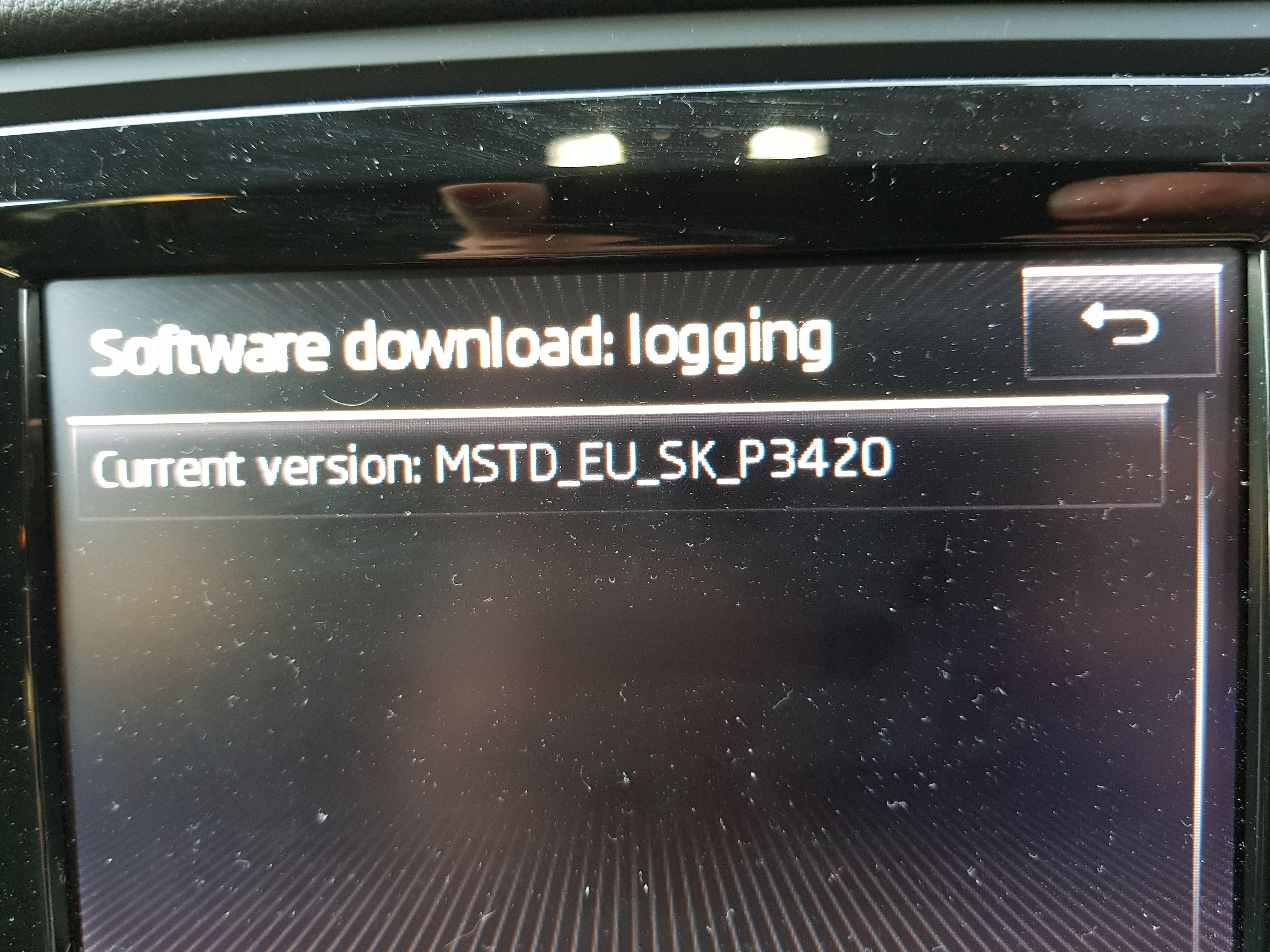
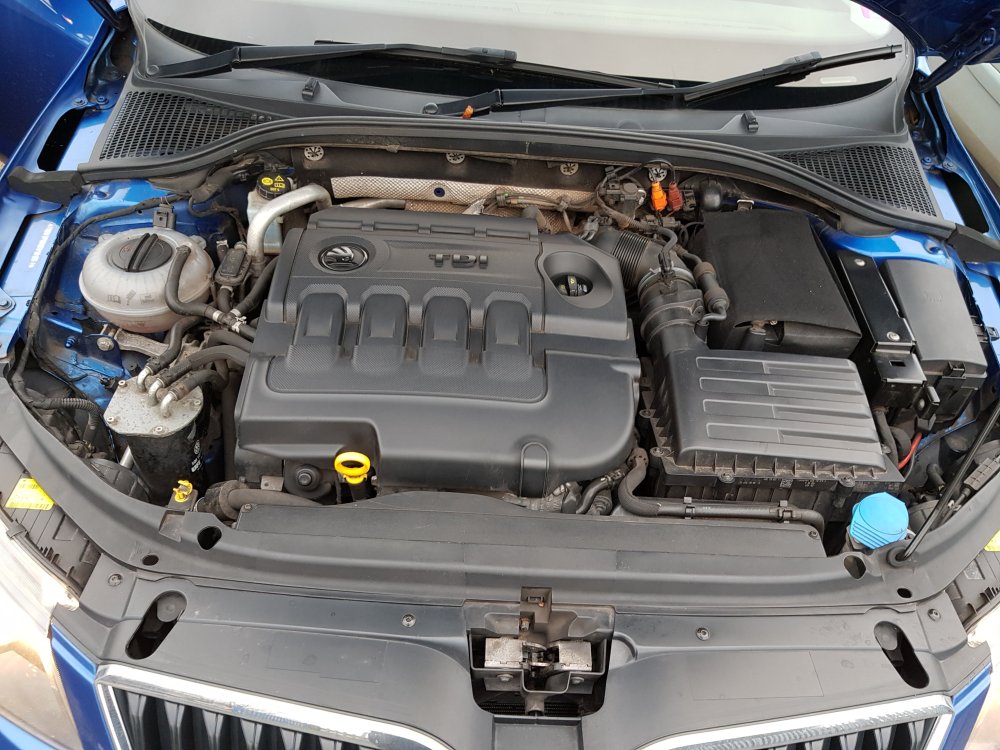 Hi is anyone near warwick /coventry area to do coding alterations on a octavia 3 2014 car pleaseHi Snapshots of system Hope this of use Thanks Tewbacca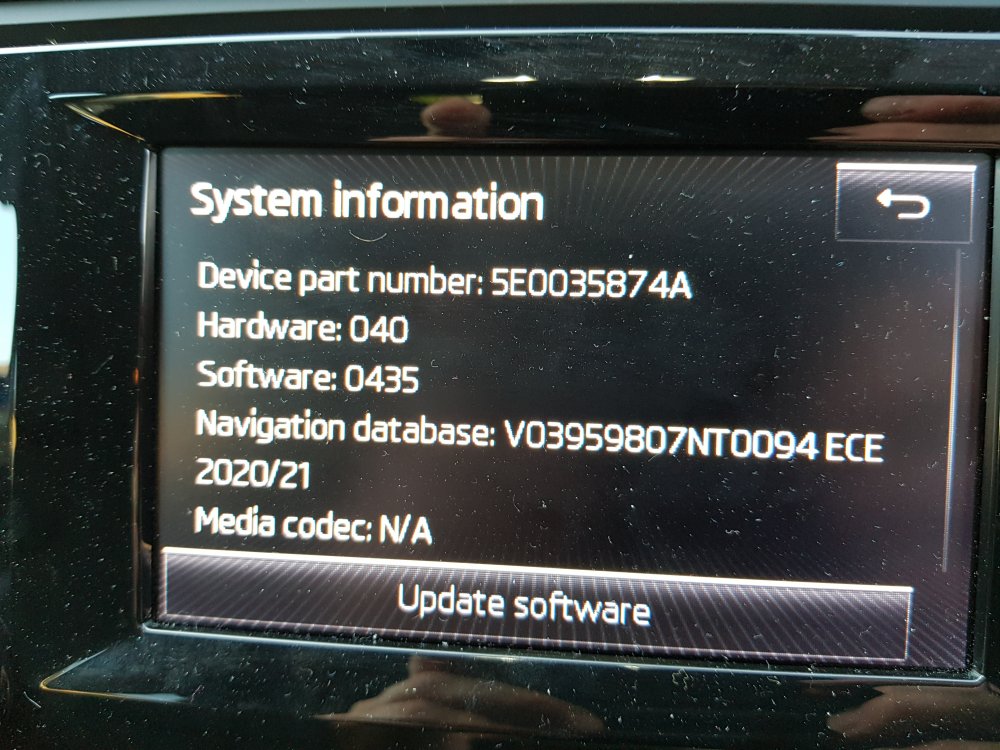
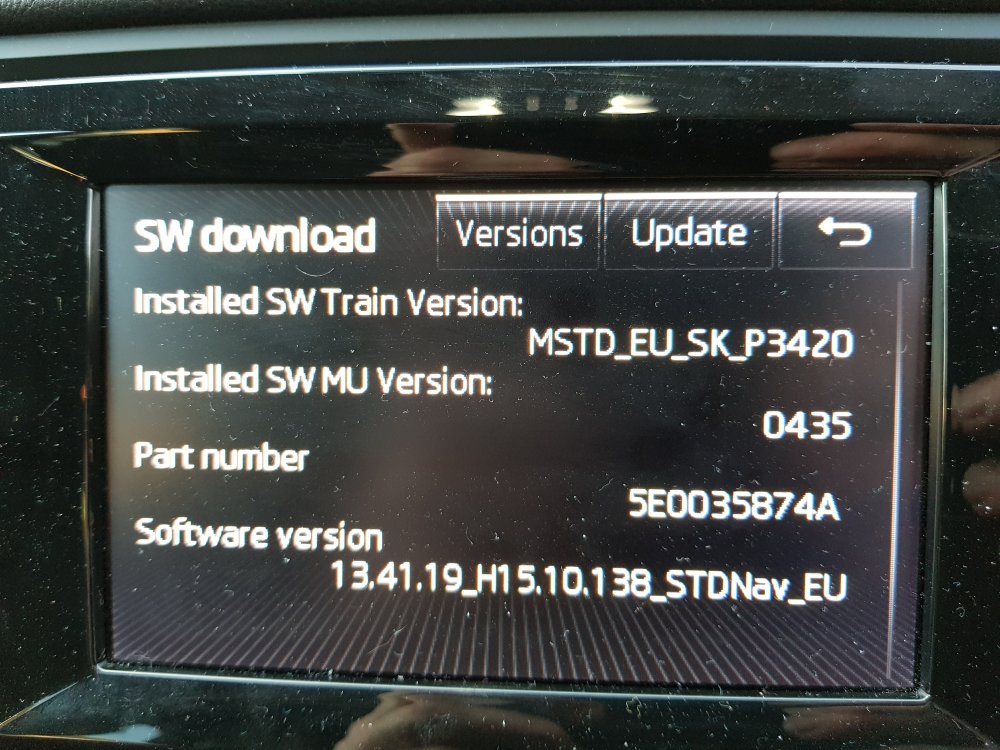
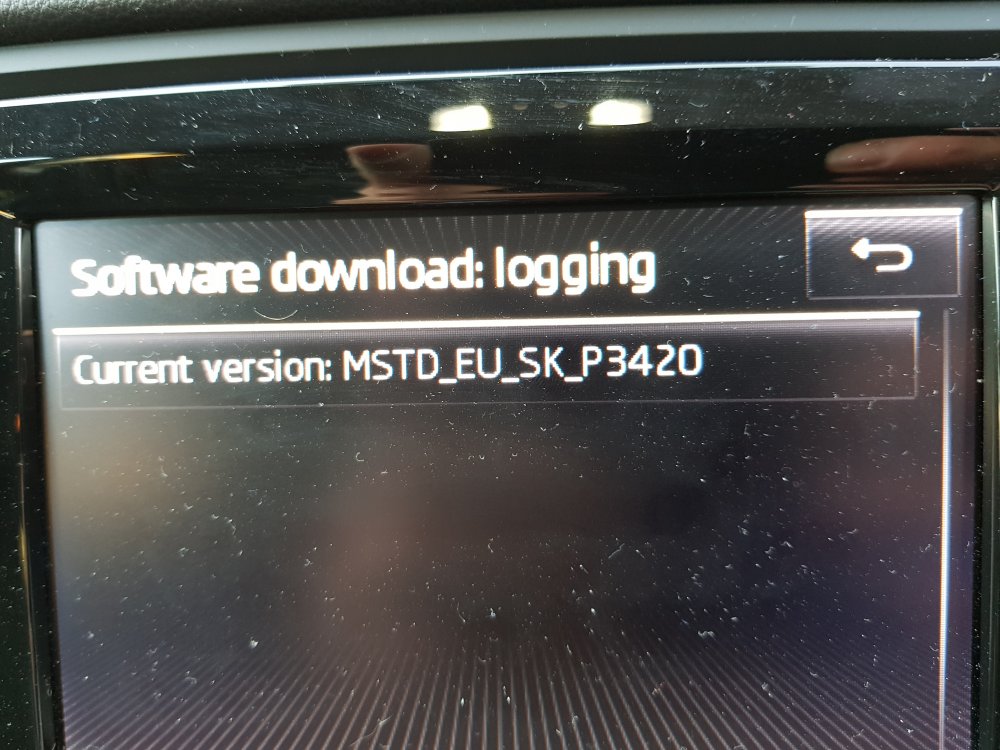 Hi i would like to update my admunsen mib 1 firmware as it is slow to open up and when changing to nav page i have been told to update the unit does anybody know how i can download new software or know a link i have an octavia 3 2014 thanks in advanceHI all my rear wash wipe screen wash is not working octavia 3 2014 jets ore all ok no water from pipe on rear hatch is there a one way valve in the system and where is it or is there a joiner in the line pump works when pressed and wiper works i have no leakage under the car anywhereHi my car is a hatchback sorry for not putting in postHI what roof bars can people recommend to fit octavia 3 2014 struggling to find something suitable thanks for your repliesi have no spoken route guidance messages on admunsen mib1 i have turned the voice up and nothing also done a reset is there a setting to turn this on even using voice commands do not work thanks for your replies
Important Information
Welcome to BRISKODA. Please note the following important links Terms of Use. We have a comprehensive Privacy Policy. We have placed cookies on your device to help make this website better. You can adjust your cookie settings, otherwise we'll assume you're okay to continue.