




ramz
Members
-
Joined
-
Last visited
-
Is partlink24.com the link Because I can’t seem to navigate to how to obtain access/pay for the info?
-
Thanks again Breezy Pete, I was wondering where you got the illustration and parts numbers, a catalogue like that would be very handy for me, is it an online source? Thanks
-
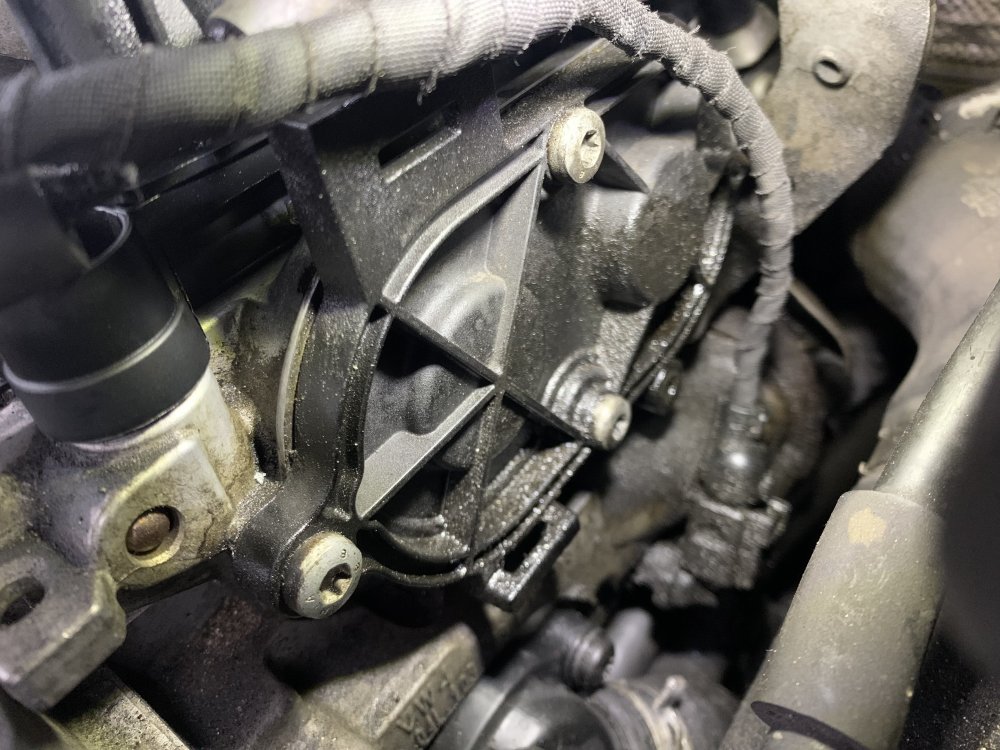
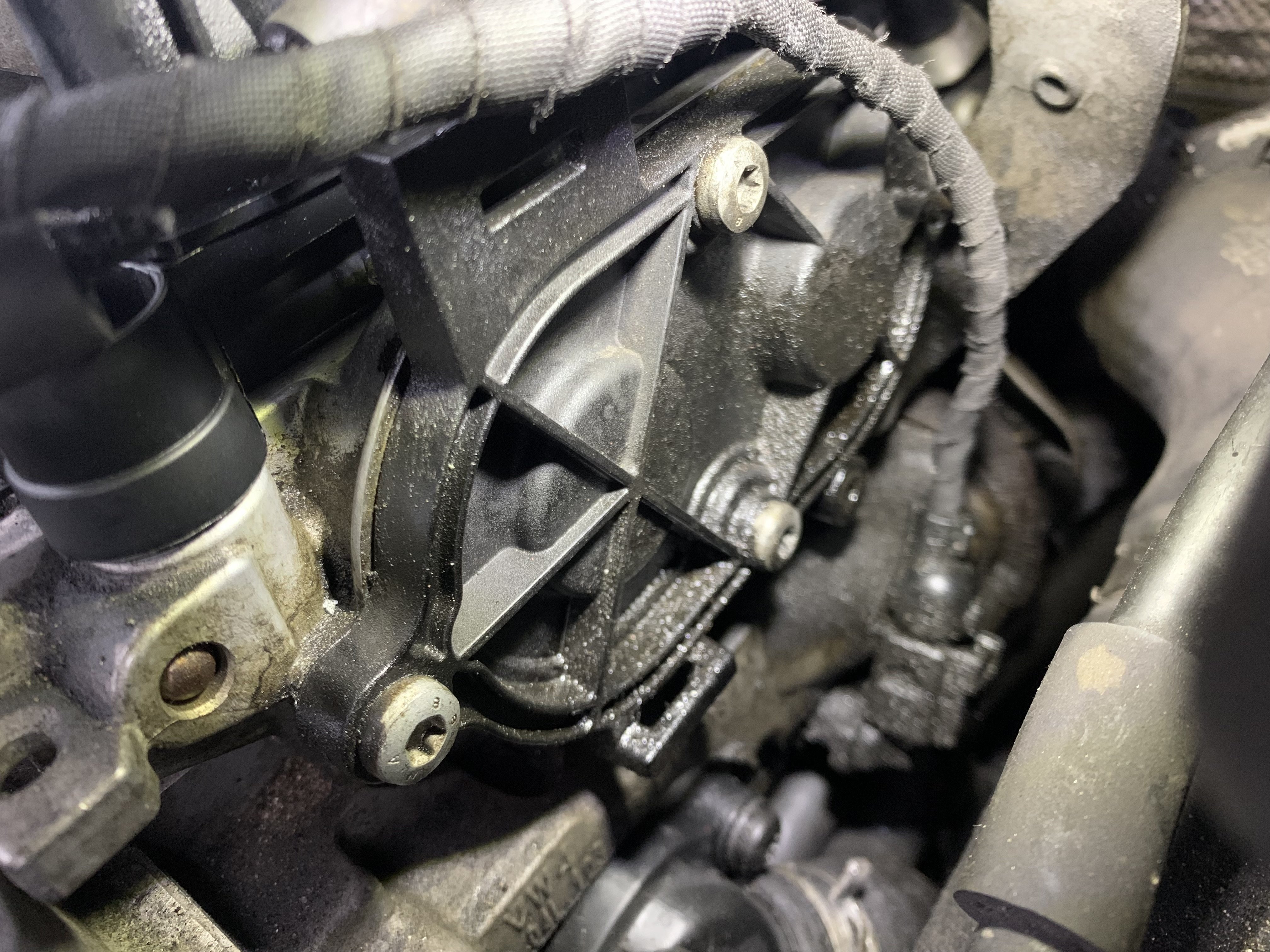
Fantastic thanks Breezy Pete, so it appears to be a cover for cam adjustment then
-
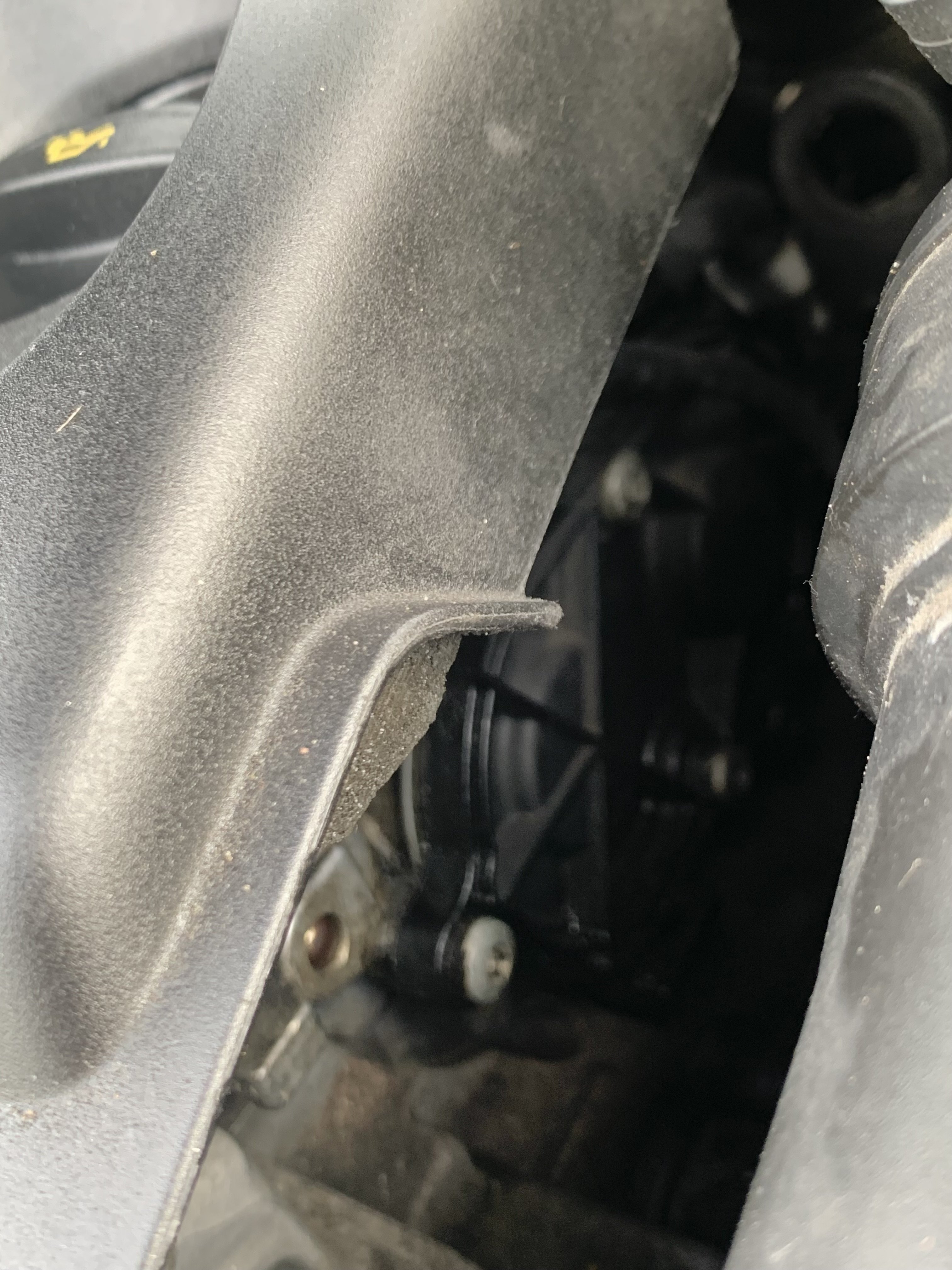
Another picture to try to show location
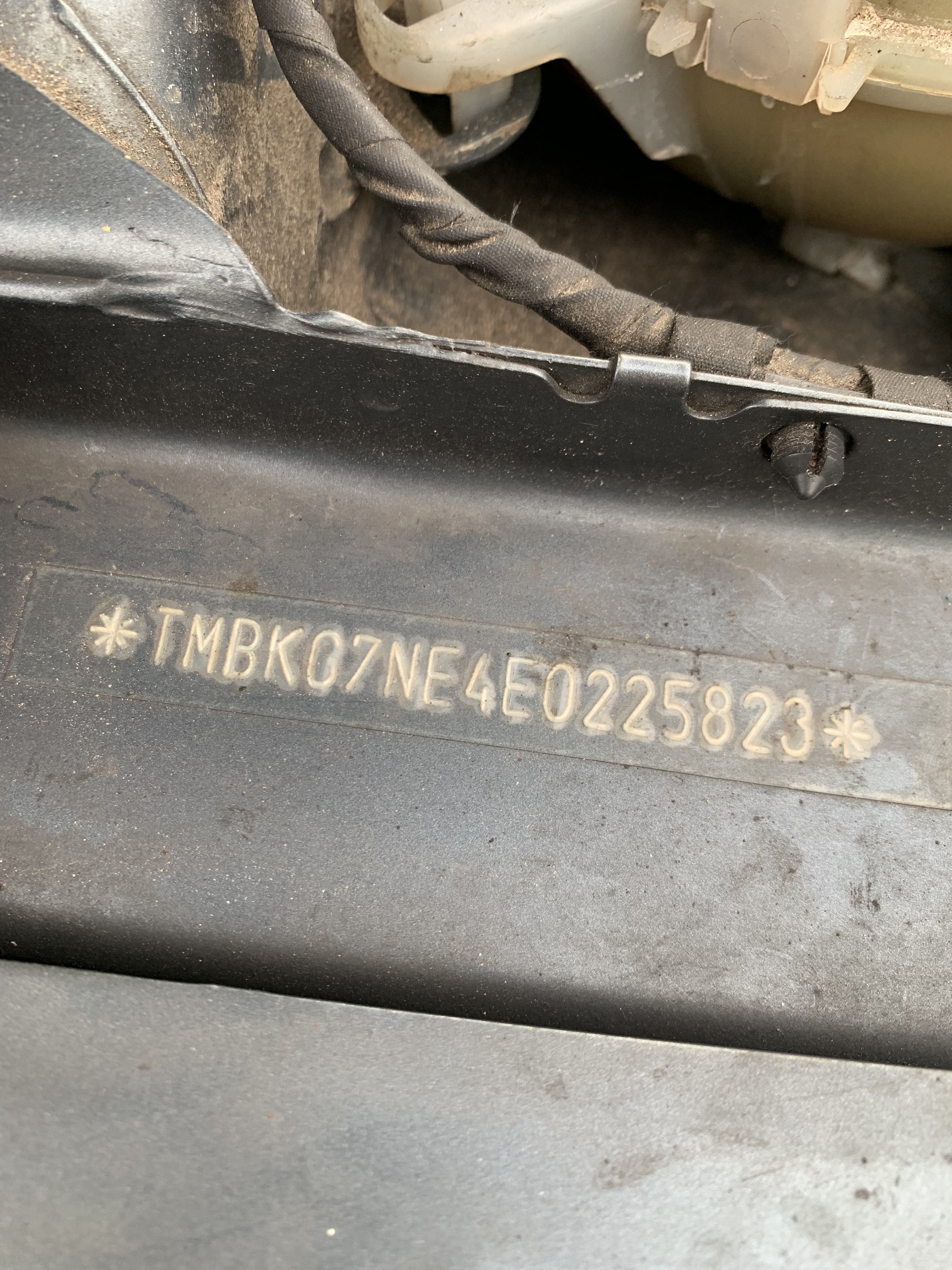
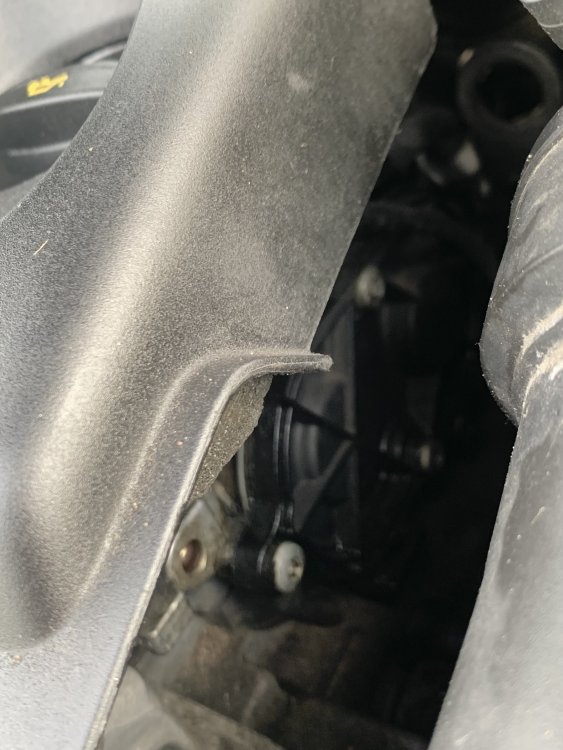 July 2014 first registrationDoes anyone know what this plastic cover is down the right hand side of the 2014, 1.6 diesel engine, it appears to leak oil so maybe I can get a new gasket/cover for it? Thanks in advance.
 BerkCo thanks but I’m not sure and it’s all back together nowUpdate, I got a coolant tester turkey baster thingy and connected a thin pipe and fed into fill hole and managed to suck another litre out, filled with 1and a half litres of new oil, just done test drive but the noise remains, maybe it takes a while for new oil to circulate or maybe it’s something else?Hi all, my 2014 Octavia iii 1.6 tdi has been making a howling noise at high speeds when pressing accelerate. My mechanic has suggested changing gear oil. The problem I have is only about a half of a litre is coming out of the drain plug and it only takes that amount to top it up, is there a secondary drain plug or something I am missing as I believe around 2 litres should drain. Car is jacked up now but I’m stuck what to do?.Hi all, my 2014 Octavia iii 1.6 tdi has been making a howling noise at high speeds when pressing accelerate. My mechanic has suggested changing gear oil. The problem I have is only about a half of a litre is coming out of the drain plug and it only takes that amount to top it up, is there a secondary drain plug or something I am missing as I believe around 2 litres should drain. Car is jacked up now but I’m stuck what to do?.

Important Information
Welcome to BRISKODA. Please note the following important links Terms of Use. We have a comprehensive Privacy Policy. We have placed cookies on your device to help make this website better. You can adjust your cookie settings, otherwise we'll assume you're okay to continue.